Top Pretatemplate Alternatives in 2026: 5 Picks Ranked
Pretatemplate alternatives in 2026: 5 tools with starting prices, free plans and limits. Compare costs and catches in one place. Current for November 2026.
- Editor's choice
 Adobe Photoshop
Advanced image editing and compositing
Starts atSee websiteVisit adobe.comFull review - Great alternativeVenngage
Business infographics from templates
Starts at$10 per monthVisit venngage.comFull review - Also consider
 Canva
All-around visual design for everyone
Starts atSee websiteVisit canva.comFull review
Direct answer
This list puts Adobe Photoshop first for advanced image editing and compositing. Listed starting prices: Venngage from $10 per month, Sketch from $12 per editor per month and Piktochart from $10 per member a month. If your case is different, Venngage suits business infographics from templates and Canva suits all-around visual design for everyone. Details, prices and limits for the rest of the 5 tools are below.
TL;DR:
- Top of the list is Adobe Photoshop, which targets advanced image editing and compositing.
- Piktochart is the one to check for Infographics, reports and presentations.
- Starting prices begin at $10 per month with Venngage.
- One limit worth knowing about Venngage: template-led instead of freeform.
- Free plans exist at 2 of 5 tools (Venngage, Piktochart).
Last checked November 2026. Prices and plan details were read from the vendors' own pages in November 2026; vendors change plans often, so confirm the current price on the vendor site before you buy.
Quick comparison
| Tool | Best for | Starts at | Free plan? | |
|---|---|---|---|---|
| Adobe Photoshop | Advanced image editing and compositing | See website | Not stated | Visit |
| Venngage | Business infographics from templates | $10 per month | Yes | Visit |
| Canva | All-around visual design for everyone | See website | Not stated | Visit |
 Sketch | Mac-based interface design and handoff | $12 per editor per month | Free trial | Visit |
 Piktochart | Infographics, reports and presentations | $10 per member a month | Yes | Visit |
Pretatemplate compared in detail
This LinkVetted guide covers 5 options for Pretatemplate. Each profile lists a starting price, free plan details, strengths and drawbacks, so you can drop poor fits quickly.
Adobe Photoshop targets advanced image editing and compositing. Beginners may find dedicated template tools quicker for everyday content. If your template work has grown into serious image editing, Photoshop is the specialized choice here.
In practice, turn to Photoshop when image quality and compositing matter more than speed, and pair it with a layout tool for finished designs. Its homepage emphasizes fast ways to build custom scenes, make complicated edits and combine images. No starting price is listed for Adobe Photoshop here; confirm pricing on the vendor site. As for free access: Not stated.
Points against: Not a template-first design tool.
- Deals with complicated composite scenes
- Deep image editing controls
- Needs more skill to use well
Venngage
Best for: Business infographics from templates
Where Venngage fits: business infographics from templates. Venngage presents itself as professional infographic software with a large template library made for firms. Its homepage positions it as an infographic maker of choice for professionals, which points to teams producing reports, explainers and internal communications.
It is a sensible swap for people who largely built infographic-style pages and want a business-oriented template catalog. Venngage is template-led, so highly custom or freeform layouts may feel constrained. It is not a product design or photo editing tool. Venngage starts at: $10 per month. Venngage offers a free plan.
Downsides: Less suited to product design work.
- Focused infographic toolset
- Designed for business communication
- Template-led instead of freeform
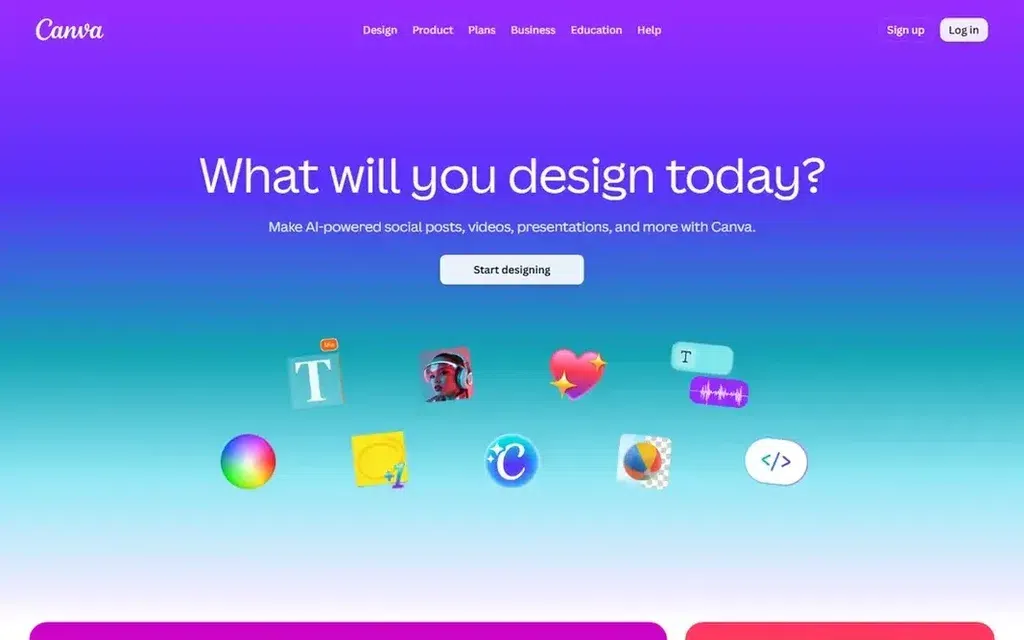
In short, Canva is for all-around visual design for everyone. Canva is an online graphic design tool built as a visual suite for everyone. Its homepage lists social media posts, presentations, posters, videos and logos among the things you can build, which makes it a natural landing spot for people leaving a template-based editor.
For everyday use, since it leans on templates and drag-and-drop editing, Canva provides less fine-grained control than dedicated design or interface tools. Pick something else if you need precise vector work, code-connected design files or advanced photo editing. This comparison lists no price for Canva; ask the vendor. On free options: Not stated.
Downsides: Template-driven results can look generic.
- Broad range of design types in one place
- Browser-based and beginner friendly
- Less precise control for complicated layouts
Where Sketch fits: Mac-based interface design and handoff. Sketch is a design, prototype, collaborate and handoff tool that describes itself as made by designers, for designers.
From a buyer's view, choose Sketch when your work is interface design on Apple hardware and you value a designer-centric toolset. Worth adding: for users moving from template editing into app or web design, Sketch provides a dedicated environment built around that craft. Sketch starts at: $12 per editor per month. On free options: Free trial.
Drawbacks to consider: Mac-only system.
- Prototype and handoff in one
- Design
- Not intended for infographics
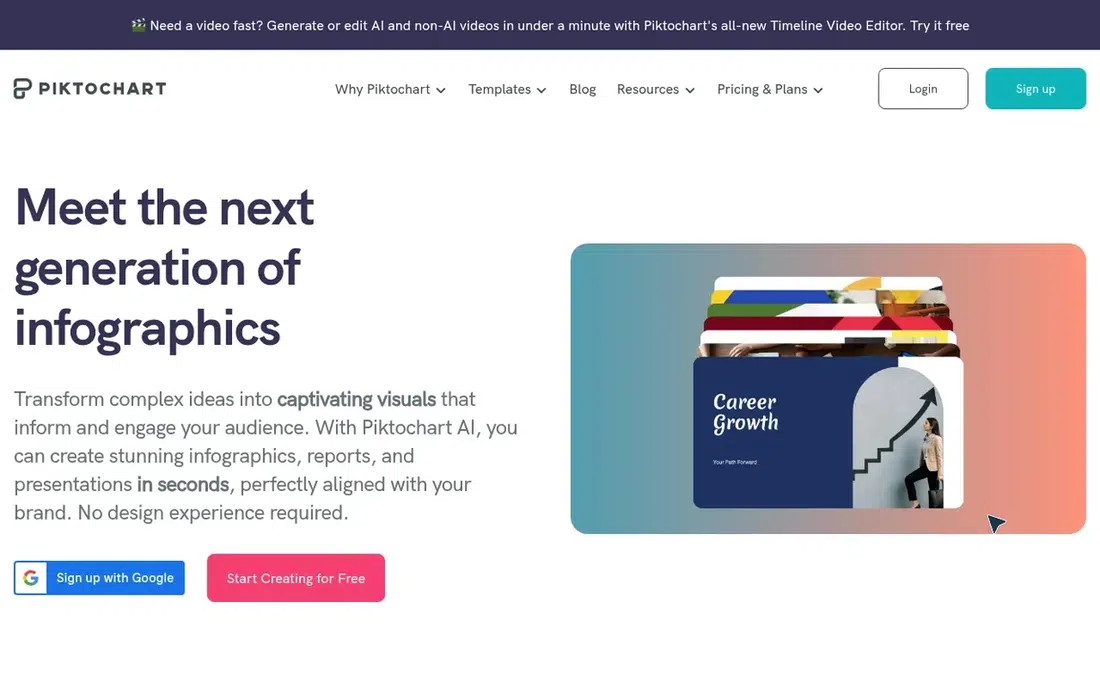
Piktochart works best for Infographics, reports and presentations. Piktochart is an infographic and AI design product. Its homepage flags Pikto AI Studio for creating designs, presentations, reports, ebooks and videos, and states that no design experience is needed.
For everyday use, Piktochart concentrates on infographics and content visuals instead of general graphic design or interface work. On top of that, for report and infographic projects, its guided approach keeps the workflow straightforward. Piktochart cost at the entry level: $10 per member per month. Piktochart offers a free plan.
Drawbacks to consider: Best results rely on template choices.
- Ebooks and videos
- No design experience required
- Narrower scope than full design suites
Selection criteria
Pre-purchase checklist
- Get a written quote from Adobe Photoshop and Canva; the list shows no starting price for them.
- Read the fine print on the free plans from Venngage and Piktochart; seat, project and feature caps differ.
- Use real work to test the free trial from Sketch, rather than a demo project.
- Read the limits listed for Adobe Photoshop first: needs more skill to use well.
- Map your must-have features to a specific Venngage plan before you compare prices.
- Verify that exporting from Adobe Photoshop is possible on your plan and covers all your records.
FAQ
How are the tools for Pretatemplate ordered?
Adobe Photoshop sits first and Piktochart last because the order follows typical fit for Pretatemplate, then price clarity and free access. It is a judgement call, so read each profile for fit and limits.
What is the cheapest option for Pretatemplate in this list?
On published monthly entry prices, Venngage is the lowest here at $10 per month. Entry price is only part of the cost, because seats, add-ons and billing terms can change the total.
Do these tools publish their prices?
Not all of them. Adobe Photoshop and Canva publish no starting price, so expect a quote request for those. The rest, Venngage included, show a starting price, though seats and billing terms still change the final cost.
Which alternative is a good match for infographics and reports?
For most readers this guide would start with Adobe Photoshop, built for advanced image editing and compositing. Venngage is the alternative for business infographics from templates, and Canva for all-around visual design for everyone. The right answer depends on budget and workflow.
Is Adobe Photoshop the right pick for everyone comparing Pretatemplate?
No single tool suits every team. Adobe Photoshop comes first because it fits advanced image editing and compositing, while Venngage suits business infographics from templates and Canva suits all-around visual design for everyone. Match the tool to your own size, budget and workflow before deciding.
Sources
- https://www.adobe.com/products/photoshop.html
- https://venngage.com
- https://www.canva.com
- https://www.sketch.com
- https://piktochart.com