Top Plus AI Alternatives in 2026: 5 Picks Ranked
Compare 5 picks for Plus AI alternatives, with prices, free plans and who each fits. Pitch opens the ranking for collaborative team presentations. No filler.
- Editor's choice
 Pitch
Collaborative team presentations
Starts at€10 a monthVisit pitch.comFull review - Great alternative
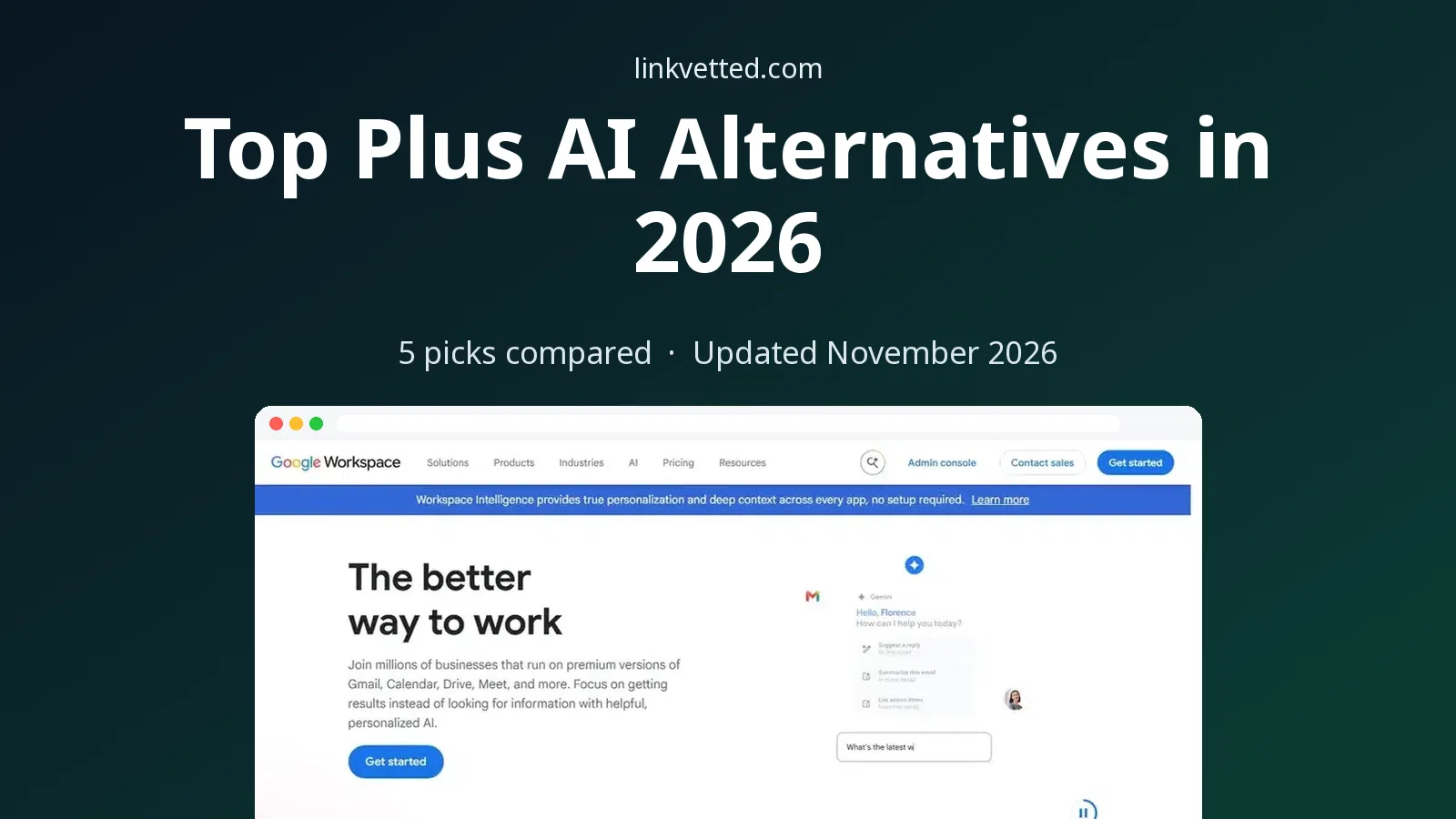
 Google Gemini
General AI assistance from Google
Starts atSee websiteVisit gemini.google.comFull review - Also consider
 Prezi
Interactive presentations with live audience input
Starts atSee websiteVisit prezi.comFull review
Direct answer
For collaborative team presentations, Pitch is where this list starts. Listed starting prices: Pitch from €10 a month and Beautiful.ai from $14.50 a month. Look at Google Gemini for general AI assistance from Google, and at Prezi for interactive presentations with live audience input. The full list of 5 tools follows, with prices and free plan facts.
TL;DR:
- Top of the list is Pitch, which targets collaborative team presentations.
- Just one of the 5 tools, Pitch, has a free plan.
- The lowest published monthly entry price here is $14.50 per month, from Beautiful.ai.
- The main caution on Prezi: different feel from standard slide decks.
Last checked November 2026. Prices and plan details were read from the vendors' own pages in November 2026; vendors change plans often, so confirm the current price on the vendor site before you buy.
Quick comparison
| Tool | Best for | Starts at | Free plan? | |
|---|---|---|---|---|
| Pitch | Collaborative team presentations | €10 a month | Yes | Visit |
| Google Gemini | General AI assistance from Google | See website | Not stated | Visit |
| Prezi | Interactive presentations with live audience input | See website | Not stated | Visit |
 Microsoft Copilot | AI help inside Microsoft apps | See website | Not stated | Visit |
 Beautiful.ai | On-brand decks for enterprise teams | $14.50 a month | Free trial | Visit |
Plus AI compared in detail
Short on time? The summary and table above give the quick view of 5 tools for Plus AI, and the profiles that follow give the detail behind each entry.
Pitch is designed for collaborative team presentations. Groups that present often and value collaboration over wide design features are the clearest fit.
Pitch centres on presentations, so it is not the tool for posters, social graphics or other design formats. On cost, Pitch starts like this: €10 per month. Free access exists with Pitch.
Where it falls short: Less handy for non-presentation design work.
- Built around team collaboration
- Supports creating and sharing decks
- Narrower scope than a full design suite
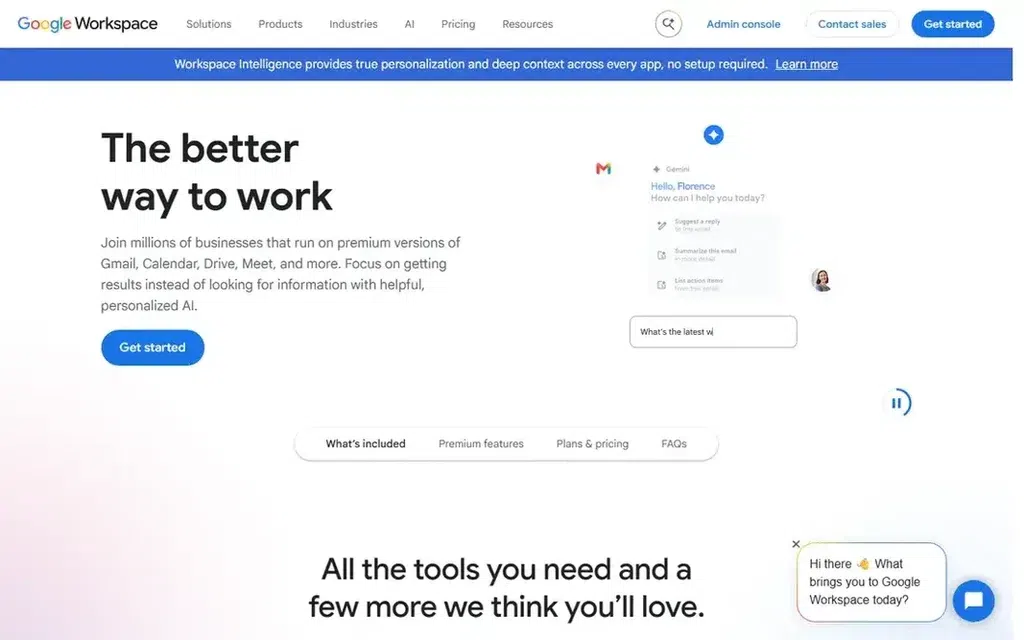
For general AI assistance from Google, Google Gemini is a natural candidate. Gemini is not designed for presentation design, so layout, branding and templates are not its focus.
Where it is weaker: Slide output needs manual polish.
For presentation work, it can help outline a talk, draft slide text or refine messaging before you build the deck in a design tool. In daily use, expect to move drafted content into a dedicated tool to finish the deck. Pricing for Google Gemini is not stated here, so ask the vendor for current figures. Free access: Not stated.
- Handy for drafting and ideation
- Suits into Google's wider product family
- Not a dedicated presentation design tool
Think of Prezi for interactive presentations with live audience input. Prezi is an interactive presentation product targeted at educators, trainers and teams.
It suits people who want audience engagement during and after a session instead of a static slide deck alone. This comparison lists no price for Prezi; ask the vendor. Free plan details: Not stated.
The main drawbacks: Different feel from standard slide decks.
- Interactive presentation format
- Live polls and quizzes from phones
- Niche fit outside training and teaching
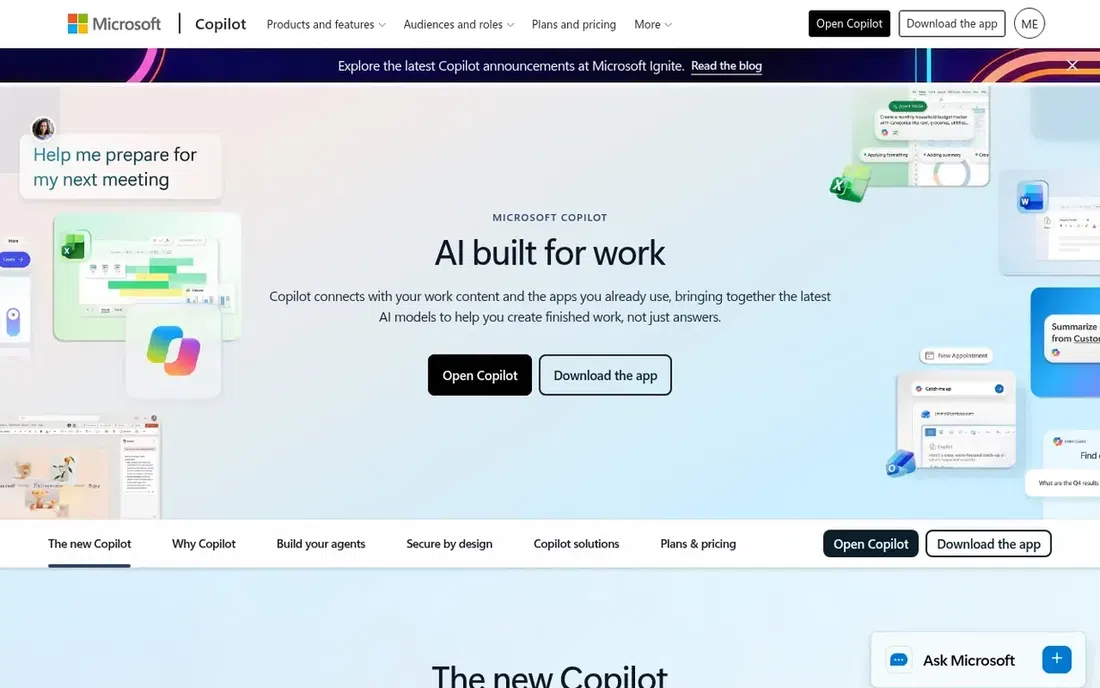
Choose Microsoft Copilot for AI help inside Microsoft apps. Teams outside the Microsoft ecosystem may get less from it.
The main drawbacks: Value relies on Microsoft ecosystem use.
On top of that, if your priority is a presentation-first tool with capable design templates, a dedicated system for example Beautiful.ai or Pitch may be a better fit. This comparison lists no price for Microsoft Copilot; ask the vendor. On free options: Not stated.
- Supplies access to leading AI models
- Works within apps you already use
- Presentation features are part of a broader tool
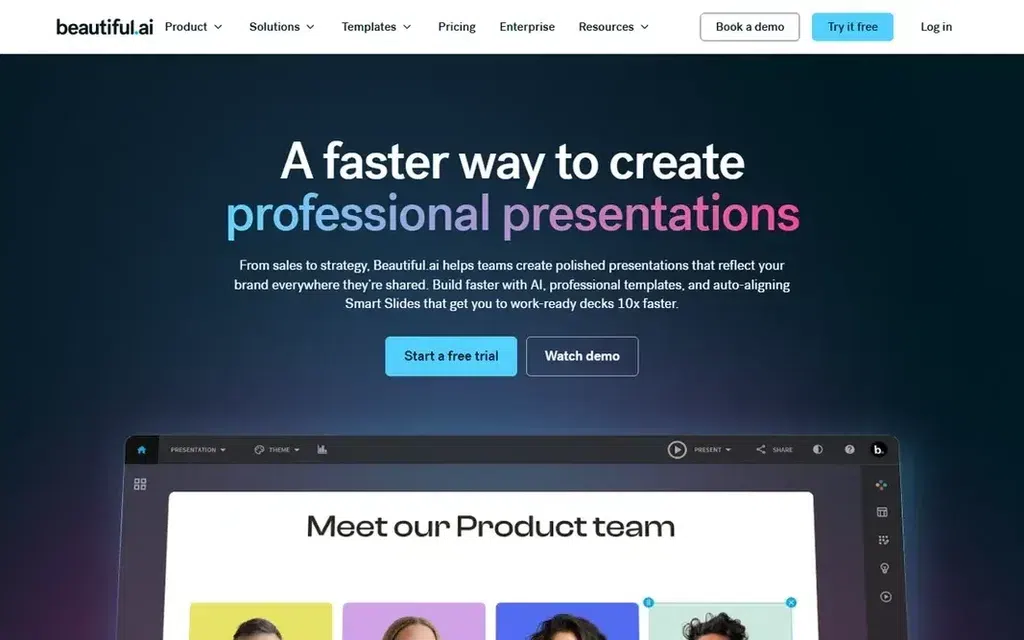
Beautiful.ai was built for on-brand decks for enterprise teams. Its homepage emphasizes keeping every deck on-brand and ready to share across an entire company, which makes it a fit for organizations that require consistency across plenty of presenters.
On top of that, the enterprise and brand-consistency focus means it may feel heavier than needed for someone making occasional personal slides. On cost, Beautiful.ai starts like this: $14.50 per month. Free options: Free trial.
The main drawbacks: Enterprise focus may not fit casual users.
- Design adjusts as you add content
- Designed for team-wide presentation use
- Less suited to highly custom layouts
How the list was put together
We compared the tools on published pricing, free plan or trial availability, feature coverage for Plus AI, and the limits each vendor documents. Treat prices as a snapshot: vendors change plans often, so check the vendor site for the figure that applies today. Order on the page follows fit for the typical buyer first, then price transparency and free access. Your own requirements should decide the final pick.
What to confirm before you sign up
- Get a written quote from Google Gemini, Prezi and Microsoft Copilot; the list shows no starting price for them.
- Test the free plan from Pitch against your real workload before relying on it.
- Run a trial of Beautiful.ai with real work before paying for a year; your own workflow is the best test.
- Read the limits listed for Pitch first: narrower scope than a full design suite.
- Ask Microsoft Copilot how an export works before you move any records in; an easy exit lowers the risk.
- The entry price of Prezi is only the starting point; model the full cost with seats and extras.
FAQ
What is the cheapest option for Plus AI in this list?
On published monthly entry prices, Beautiful.ai is the lowest here at $14.50 per month. Entry price is only part of the cost, because seats, add-ons and billing terms can change the total. For the full picture, the cards above cover all 5 entries of this Plus AI alternatives list, including price, free plan and limits.
Is Pitch the right pick for everyone comparing Plus AI?
No single tool suits every team. Pitch comes first because it fits collaborative team presentations, while Google Gemini suits general AI assistance from Google and Prezi suits interactive presentations with live audience input. Match the tool to your own size, budget and workflow before deciding.
Which choice is a good match for interactive or training presentations?
This list starts with Pitch, which fits collaborative team presentations. For other needs, Google Gemini is aimed at general AI assistance from Google, and Prezi at interactive presentations with live audience input. Check each tool's price and main limit first.
How are the tools for Plus AI ordered?
Pitch sits first and Beautiful.ai last because the order follows typical fit for Plus AI, then price clarity and free access. It is a judgement call, so read each profile for fit and limits.
Can I try these tools before paying?
Often, yes. Pitch has a free plan and Beautiful.ai offers a free trial. Use your own data and a real task during the test, and check what the free tier or trial limits before you rely on it. Prices, free plan details and limits for all 5 tools in this Plus AI alternatives roundup sit on the individual cards above.
Sources
- https://pitch.com
- https://gemini.google.com
- https://prezi.com
- https://www.microsoft.com/en-us/microsoft-365/copilot
- https://www.beautiful.ai