Which AI Code Generation Software Fits You? 6 Tools Compared
Shortlisting the best AI code generation software? 6 products compared on cost, free access and ideal buyer. Short, factual notes on every option. No filler.

- Editor's choice
 Tabnine
Regulated industries where code cannot leave the building
Starts atFrom $39 per user/month (Code Assistant, billed yearly)Visit tabnine.comFull review - Great alternative
 Claude Code
Terminal-first developers working in serious codebases
Starts atFrom $20 per month (Claude Pro, includes Claude Code)Visit claude.comFull review - Also consider
 Cursor
Professional developers who live in their editor all day
Starts atFrom $8 per month (Plus)Visit cursor.comFull review
TL;DR:
- The list opens with Tabnine, aimed at regulated industries where code cannot leave the building.
- Before buying Claude Code, weigh this: terminal-centric workflow is not for everyone.
- Sourcegraph Cody suits enterprises with codebases too large for other tools to comprehend.
- For the cheapest start, look at Cursor: From $8 per month.
- 4 of 6 tools offer a free plan: Claude Code, Cursor, GitHub Copilot, Replit.
Direct answer
If you need regulated industries where code cannot leave the building, Tabnine is the first tool to look at here. Claude Code fits terminal-first developers working in serious codebases; Cursor fits professional developers who live in their editor all day. The full list of 6 tools follows, with prices and free plan facts.
Quick comparison
| Tool | Best for | Starts at | Free plan? | |
|---|---|---|---|---|
| Tabnine | Regulated industries where code cannot leave the building | From $39 per user/month (Code Assistant, billed yearly) | No | Visit |
| Claude Code | Terminal-first developers working in serious codebases | From $20 per month (Claude Pro, includes Claude Code) | Yes | Visit |
| Cursor | Professional developers who live in their editor all day | From $8 per month (Plus) | Yes | Visit |
 GitHub Copilot | Developers who want the broadest integration with their existing workflow | From $10 per month (Pro) | Yes | Visit |
 Replit | Rapid prototyping and building in the browser | From $20 a month (Core) | Yes | Visit |
 Sourcegraph Cody | Enterprises with codebases too large for other tools to comprehend | See website | No | Visit |
The 6 tools in detail
This LinkVetted guide covers 6 options for AI code generation software. Each profile lists a starting price, free plan details, strengths and drawbacks, so you can drop poor fits quickly.
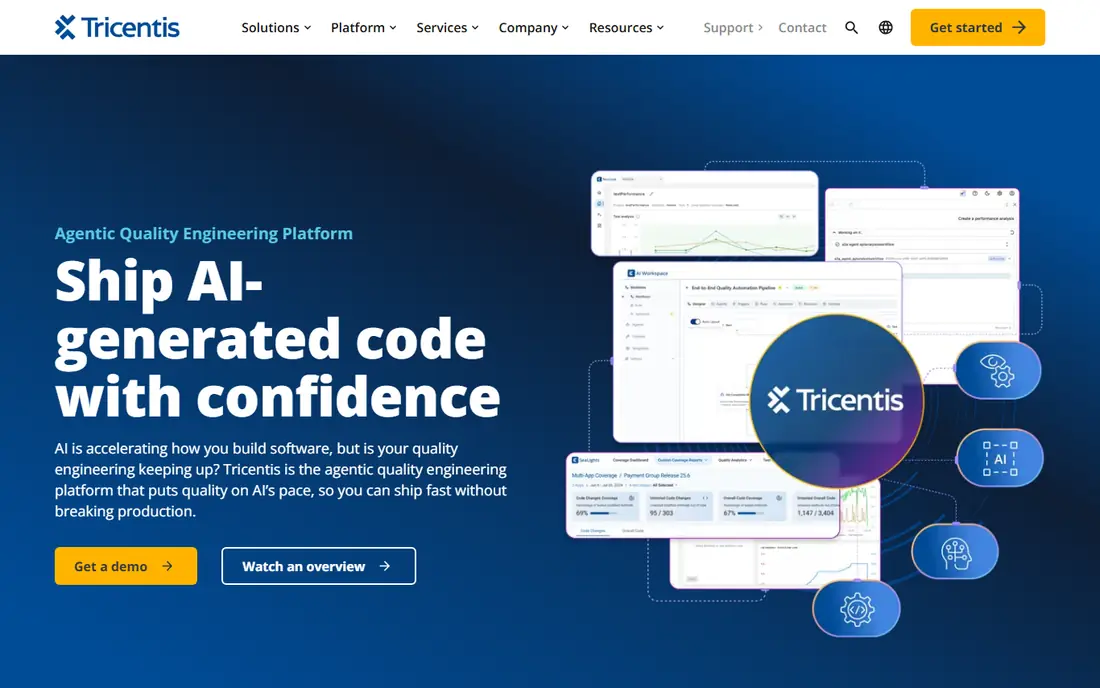
Where Tabnine fits: regulated industries where code cannot leave the building. Tabnine has been in the AI coding space since 2018, making it one of the longest-running assistants. It now operates as part of Tricentis.
Trade-offs to know: Free level was removed.
The Code Assistant plan is $39 per user per month billed yearly, the Agentic Platform is $59. A 14-day free trial is available on premium plans with no credit card. The premium only pays off if private deployment and compliance are non-negotiable; for general development teams, the less expensive tools do more. The company pivoted hard toward enterprise customers, removed its free level, and repositioned around data sovereignty: the Enterprise deployment can run the whole model stack on your own infrastructure, so no code ever leaves your network. In practice, stacked against Copilot Pro at $10 or Cursor from $8, Tabnine is the most costly seat here. The starting price for Tabnine: From $39 per user/month. Tabnine has no free plan.
Main advantages: Solid compliance certifications.
- On-prem and air-gapped deployment
- Private, VPC
- Agentic features trail Cursor and Copilot

Pick Claude Code if this describes you: terminal-first developers working in serious codebases. There is also API-based usage pricing.
Beyond that, the free level of Claude provides limited access. Some developers never embraced the IDE-does-everything philosophy, and Claude Code is made for them. Claude Code starts at: From $20 per month. A free plan is available with Claude Code.
Downsides: Terminal-centric workflow is not for everyone.
- Capable reasoning for complicated refactors
- Very large context window for big repositories
- Heavy usage pushes you toward the $100+ Max levels
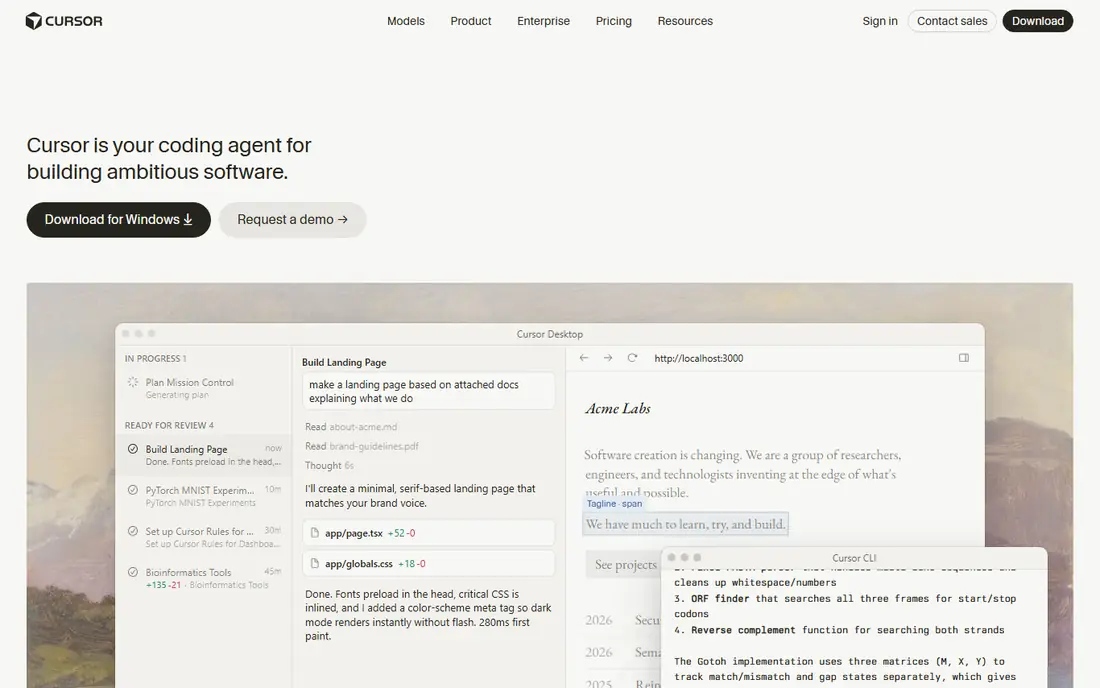
Cursor serves professional developers who live in their editor all day. Agent mode chews through multi-file edits, and you can choose which underlying model does the thinking, from OpenAI and Anthropic to Gemini and others.
Worth adding: the current pricing page displays a free level with restricted agent and chat requests, Plus at $8 a month as the introductory plan, Premium at $30, Super at $100 and Ultra at $200, with Teams from $30 per user a month. Cursor pricing: From $8 per month. Cursor includes a free tier.
Honest limits: Aggressive refactors need careful prompting.
- Choice of frontier models
- Forked from VS Code so extensions and keybindings carry over
- Usage is quota-based, so heavy months cost more
GitHub Copilot
Best for: Developers who want the broadest integration with their existing workflow
Think of GitHub Copilot for developers who want the broadest integration with their existing workflow. It is 2 p.m. On a Tuesday and you are staring at a half-written API handler. This is the exact moment GitHub Copilot was designed for.
Reasons to shortlist it: Agent mode takes care of multi-file tasks.
Honest limits: Premium models sit in higher levels.
Also, the free level hands you 2,000 completions per month, Pro costs $10 per month with unlimited completions. The tool lives in practically every editor that matters: VS Code, JetBrains IDEs, Vim, Neovim and the GitHub.com web editor. The one hard limit is architectural: your code goes to Microsoft and GitHub servers for processing. What you pay to start with GitHub Copilot: From $10 per month. Free access exists with GitHub Copilot.
- Vim and the GitHub web editor
- Free level with 2,000 completions a month
- Cloud-only with no self-hosted option
Replit is designed for rapid prototyping and building in the browser. Describe an app, and the Agent writes the code, sets up the database and deploys it, all in the browser.
In practice, users on a regular basis report spending well above the base plan once building gets serious. On top of that, Replit is very good for prototypes, MVPs, hackathons and learning. Price to start with Replit: From $20 per month. Free access exists with Replit.
Honest limits: Effort-based credit pricing makes costs unpredictable at scale.
- Free Starter level to try the Agent
- No local setup
- Not a daily driver for professional teams
Sourcegraph Cody
Best for: Enterprises with codebases too large for other tools to comprehend
For enterprises with codebases too large for other tools to comprehend, Sourcegraph Cody is a natural candidate. Cody is Sourcegraph's AI assistant, and its advantage is context. In daily use, if your codebase is genuinely enormous and your team already uses Sourcegraph, Cody is the natural choice.
What to check first: Agent features less mature than Cursor or Windsurf.
For organizations with giant monorepos, that is the entire ballgame. Beyond that, if not, the setup cost argues for starting with Copilot or Cursor. Sourcegraph Cody shows no starting price here, so confirm the cost on the vendor site. Sourcegraph Cody has no free tier.
- Strong on monorepos and multi-repo architectures
- Codebase-wide context from Sourcegraph's code graph
- No public pricing
How we chose
Pricing pages, product documentation and feature lists were the main sources, and every entry carries at least one honest drawback. Figures are shown as the vendors publish them. Billing terms, seat minimums and add-ons can change the real cost. The order reflects how well each tool fits the most common buying scenario for AI code generation software, then price clarity, then free plan access. It is a starting point, not a verdict.
What to check before you buy
- Ask Sourcegraph Cody for a written quote, since no starting price is shown.
- Read the fine print on the free plans from Claude Code, Cursor, GitHub Copilot and Replit; seat, project and feature caps differ.
- Read the limits listed for Tabnine first: highest per-seat price in this group.
- Involve the people who will use Sourcegraph Cody daily; a short pilot beats a long feature checklist.
- Work out what Replit costs with your real seat count, add-ons and usage, not just the entry price.
FAQ
Can I try these options before paying?
Often, yes. Claude Code, Cursor, GitHub Copilot and Replit have a free plan. Use your own data and a real task during the test, and check what the free tier or trial limits before you rely on it.
Do these tools publish their prices?
Not all of them. Sourcegraph Cody publishes no starting price, so expect a quote request for it. The rest, Tabnine included, show a starting price, though seats and billing terms still change the final cost.
How are the tools for AI code generation software ordered?
The order follows typical fit for AI code generation software, with Tabnine first and Sourcegraph Cody last, then price clarity and free access. It is editorial judgement, not a score, so another team could rank the tools differently.
How much should a team budget per developer?
For most teams, $10 to $20 per developer a month includes Copilot Pro, Cursor Plus or Q Developer Pro. Power users on usage-based plans can exceed those numbers, so measure one month of real usage on free levels before committing the team.
Is Tabnine the right pick for everyone comparing AI code generation software?
No single tool suits every team. Tabnine comes first because it fits regulated industries where code cannot leave the building, while Claude Code suits terminal-first developers working in serious codebases and Cursor suits professional developers who live in their editor all day. Match the tool to your own size, budget and workflow before deciding.
Do AI code generators replace developers?
No. They accelerate boilerplate, autocomplete and refactoring, but the March 2026 Stanford and MIT research showing 14.3 percent of AI-generated snippets contain security vulnerabilities is a reminder that generated code needs review.