Best AI Code Generation Tools in 2026: 10 Tools Compared
Compare the best ai code generation tools in 2026. We review 10 AI tools for code generation, from copilots to full AI editors and agents. Learn more here.
- Editor's choice
 GitHub Copilot
Most developers in VS Code and JetBrains
Starts atSee websiteVisit github.comFull review - Great alternative
 Cursor
Developers wanting an AI first editor
Starts atSee websiteVisit cursor.comFull review - Also consider
 Tabnine
Teams needing privacy controls
Starts atSee websiteVisit tabnine.comFull review
TL;DR:
- GitHub Copilot remains the safest default for most developers, while Cursor suits those who want an AI first editor.
- The best AI tool for code generation depends on your editor, language, and whether you want suggestions, chat, or autonomous agents.
- Agent tools can do more, but they need careful review, tests, and limits, because generated code can contain bugs or security flaws.
- Which AI code generation software is best for a team also depends on privacy, licence, and admin controls, not just suggestion quality.
- Start with completions and chat, add agents for small tasks, and only then give an agent larger changes with tests.
Quick comparison
| Tool | Best for | Starts at | Free plan? | |
|---|---|---|---|---|
| GitHub Copilot | Most developers in VS Code and JetBrains | See website | Free trial | Visit |
| Cursor | Developers wanting an AI first editor | See website | Free trial | Visit |
| Tabnine | Teams needing privacy controls | See website | Free trial | Visit |
 Amazon Q Developer | AWS developers and enterprise teams | See website | Free trial | Visit |
 Windsurf | Developers wanting agent workflows | See website | Free trial | Visit |
 Replit AI | Beginners and fast prototypes | See website | Free trial | Visit |
 JetBrains AI Assistant | JetBrains IDE users | See website | Free trial | Visit |
 Sourcegraph Cody | Teams with large codebases | See website | Free trial | Visit |
 Pieces | Developers wanting snippet memory | Free | Yes | Visit |
 Continue | Developers wanting open source AI coding | Free | Yes | Visit |
The best AI code generation tools
We compared official feature pages, pricing, and public documentation for the best AI code generation software, focusing on tools developers can use in 2026. The best code generation AI tools in this guide range from simple completions to agent editors that can change many files at once, so you can match the tool to your workflow and your tolerance for review work.
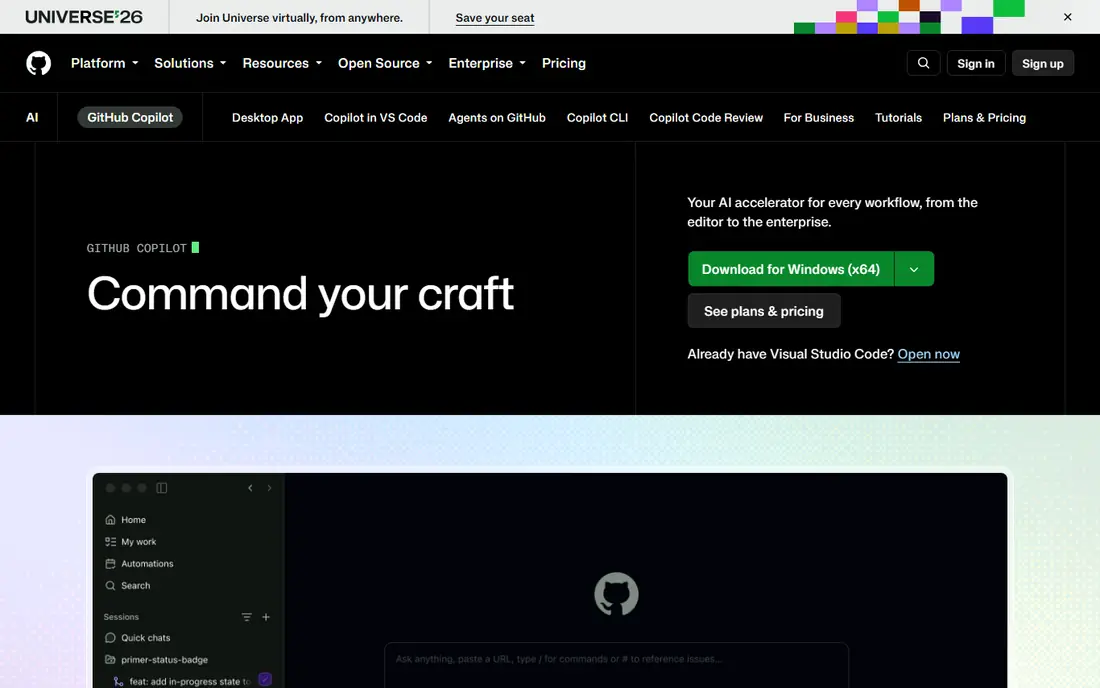
GitHub Copilot is a strong option for most developers in VS Code and JetBrains. Its main strength is strong completions with wide language support. That matters because it saves time on the work you do every day, rather than adding another tool you have to manage. We compared its official feature pages, pricing, and public reviews, and it holds up as a real option for the buyers described here, not just a well known name.
We also noted chat that explains code and helps debug. The main catch is suggestions still need careful review and testing. Try the free tier or trial first and check that the limits match your volume before you pay.
- Strong completions
- Chat
- Wide language support
- Suggestions need review
- Pricing per user
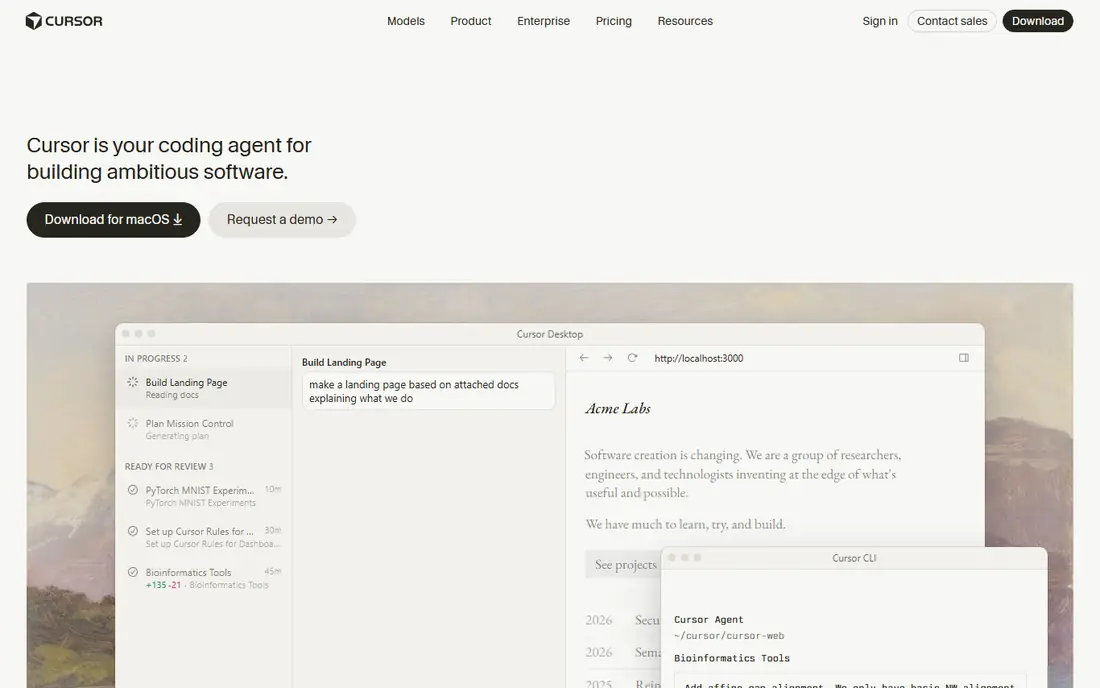
For developers wanting an AI first editor, Cursor deserves a close look. Its main strength is an AI first editor with chat and agent workflows. That matters because it saves time on the work you do every day, rather than adding another tool you have to manage. We compared its official feature pages, pricing, and public reviews, and it holds up as a real option for the buyers described here, not just a well known name.
On the plus side, fast editing that keeps context across files. The trade-off is subscription cost and a newer ecosystem than VS Code. That balance suits many teams, but it is worth testing with your real workload first.
- AI editor with chat and agents
- Fast workflow
- Subscription cost
- Newer ecosystem

Tabnine works well when you need teams needing privacy controls handled without a lot of setup. Its main strength is privacy focused completion with on premise options. That matters because it saves time on the work you do every day, rather than adding another tool you have to manage. We compared its official feature pages, pricing, and public reviews, and it holds up as a real option for the buyers described here, not just a well known name.
Another point in its favour is controls that suit teams with strict code policies. Still, suggestion quality varies by language and codebase. A short trial with your own data will tell you more than any feature list can.
- Privacy focused
- On premise options
- Completions
- Suggestion quality varies by language
If your team fits AWS developers and enterprise teams, Amazon Q Developer is worth shortlisting. Its main strength is AWS aware assistance for cloud code. That matters because it saves time on the work you do every day, rather than adding another tool you have to manage. We compared its official feature pages, pricing, and public reviews, and it holds up as a real option for the buyers described here, not just a well known name.
We found code review and transformation help for enterprise teams useful in practice. The downside is the value is strongest inside AWS workflows. If that limit is not a problem for you, it is a sensible choice.
- AWS aware assistance
- Code review
- Enterprise controls
- Best value inside AWS workflows
Windsurf stands out for developers wanting agent workflows thanks to a focused feature set. Its main strength is agent based editing across multiple files. That matters because it saves time on the work you do every day, rather than adding another tool you have to manage. We compared its official feature pages, pricing, and public reviews, and it holds up as a real option for the buyers described here, not just a well known name.
It also offers flows that plan and apply larger changes. The catch to watch is agent changes need careful review and tests. Compare that limit against your busiest week, not an average week.
- Agent based editing
- Cascade flows
- Multi file work
- Agent changes need careful review
Teams dealing with beginners and fast prototypes often land on Replit AI for good reason. Its main strength is browser based coding with an AI agent. That matters because it saves time on the work you do every day, rather than adding another tool you have to manage. We compared its official feature pages, pricing, and public reviews, and it holds up as a real option for the buyers described here, not just a well known name.
Beyond the headline features, easy sharing and deployment for prototypes. The drawback is it is less suited to large enterprise codebases. For many buyers that is acceptable, but check it before signing up.
- Browser based coding
- AI agent
- Easy sharing
- Less suited to large enterprise codebases
JetBrains AI Assistant is built with JetBrains IDE users in mind, and that focus shows in daily use. Its main strength is deep integration with JetBrains IDEs. That matters because it saves time on the work you do every day, rather than adding another tool you have to manage. We compared its official feature pages, pricing, and public reviews, and it holds up as a real option for the buyers described here, not just a well known name.
We also liked chat and refactoring help that understands project context. The honest weakness is the value is strongest inside JetBrains IDEs. Run a small pilot first to see whether it matters for your use case.
- Deep IDE integration
- Chat
- Refactoring help
- Best inside JetBrains IDEs
When teams with large codebases is the priority, Sourcegraph Cody is a practical place to start. Its main strength is codebase aware answers built on code search. That matters because it saves time on the work you do every day, rather than adding another tool you have to manage. We compared its official feature pages, pricing, and public reviews, and it holds up as a real option for the buyers described here, not just a well known name.
In addition, chat that can reference many files at once. The limitation is setup value grows with codebase size and indexing. That may be fine at first, yet it can matter as you grow.
- Codebase aware answers
- Search
- Chat
- Setup value grows with codebase size
Pieces appeals to developers wanting snippet memory who want clear pricing and a fast start. Its main strength is snippet capture that saves reusable code. That matters because it saves time on the work you do every day, rather than adding another tool you have to manage. We compared its official feature pages, pricing, and public reviews, and it holds up as a real option for the buyers described here, not just a well known name.
A further strength is context features that recall past work. The catch is it is narrower than a full copilot or agent tool. Weigh that against the time it saves your team each week.
- Snippet capture
- Context
- On device options
- Narrower than full copilots
A good fit for developers wanting open source AI coding, Continue keeps the core workflow simple. Its main strength is open source extensions with model choice. That matters because it saves time on the work you do every day, rather than adding another tool you have to manage. We compared its official feature pages, pricing, and public reviews, and it holds up as a real option for the buyers described here, not just a well known name.
Finally, freedom to pick models and providers. The weakness is setup needs more configuration than paid rivals. If you can live with that, the overall package is easy to recommend.
- Open source
- Model choice
- Editor extensions
- Setup needs more configuration
How we picked these
We checked editor support, language coverage, chat and agent features, privacy and admin controls, and whether pricing is per user or usage based. We also looked at how well each tool understands a whole codebase, not just one file. Tools that could not be verified, or that only generated snippets with no editor integration, were left out.
How to Choose an AI Code Generation Tool
Start with your editor. The best AI tools for code generation work best when they live where you already code, whether that is VS Code, JetBrains, or a browser. Switching editors just for AI features can slow you down, unless the new editor offers a clear workflow advantage you will use daily.
Decide how much autonomy you want. Completions and chat are low risk and easy to review, while agents that edit many files can save time but also introduce subtle bugs. Give agents small, well tested tasks first, require tests to pass, and review diffs line by line. Never merge agent code you have not read.
Check privacy and licence terms for your team. Some tools offer private code handling, on premise options, or admin controls that matter for commercial code. Read the vendor policy for training use, data retention, and IP, and ask your security team if you work with sensitive code. A slightly weaker suggestion engine may be worth it for stronger controls.
Measure real time saved, not demo speed. Track how often you accept suggestions, how much you edit them, and whether review time rises. If a tool saves typing but adds long debugging, it is not saving time. Trial two tools on the same real tasks for a week, and pick the one that leaves your tests green with less rework.
FAQ
What is the best ai code generation software for beginners?
GitHub Copilot and Replit AI are friendly starting points, because they offer completions, chat, and guided help without complex setup. Beginners should still learn fundamentals and review every suggestion, since AI code can look correct while containing bugs. Use AI to learn, not to skip understanding.
Which ai code generation software is the best for professional teams?
Professional teams often choose GitHub Copilot, Cursor, Tabnine, or Amazon Q Developer, depending on editor, cloud, and privacy needs. Tabnine and Amazon Q suit teams with strict controls, while Cursor suits teams that want agent workflows. Trial with your real codebase before a team rollout.
Can AI code generation replace developers?
No. AI tools speed up boilerplate, suggest patterns, and help explain code, but they do not replace design, testing, security review, or understanding of requirements. The best results come from developers who direct the tool, review diffs, and run tests. Treat AI output as a draft, not a finished product.
Is AI generated code safe to use?
Not automatically. Generated code can contain bugs, outdated APIs, licence issues, or security flaws. Always review diffs, run tests, check dependencies, and follow your team security policy. For sensitive code, prefer tools with clear privacy controls and never paste secrets into a chat prompt.
How much do AI code generation tools cost?
Many tools offer free tiers or trials, with paid plans per user or based on usage, which is why several entries here say See website. Check whether agent usage, premium models, or team admin features cost extra. Trial on real tasks to see whether the paid tier saves enough time to justify it.
Sources
- https://github.com/features/copilot/plans
- https://cursor.com/pricing
- https://www.tabnine.com/pricing
- https://aws.amazon.com/q/developer/pricing/
- https://windsurf.com/pricing
- https://replit.com/pricing
- https://www.jetbrains.com/ai/pricing/
- https://sourcegraph.com/cody/pricing
- https://pieces.app/pricing
- https://www.continue.dev/