Best Limble Alternatives for 2026 (5 Compared)
5 options for Limble alternatives, with entry costs, free tiers and the buyer each one serves. Every pick includes one clear drawback. Skim the table first.
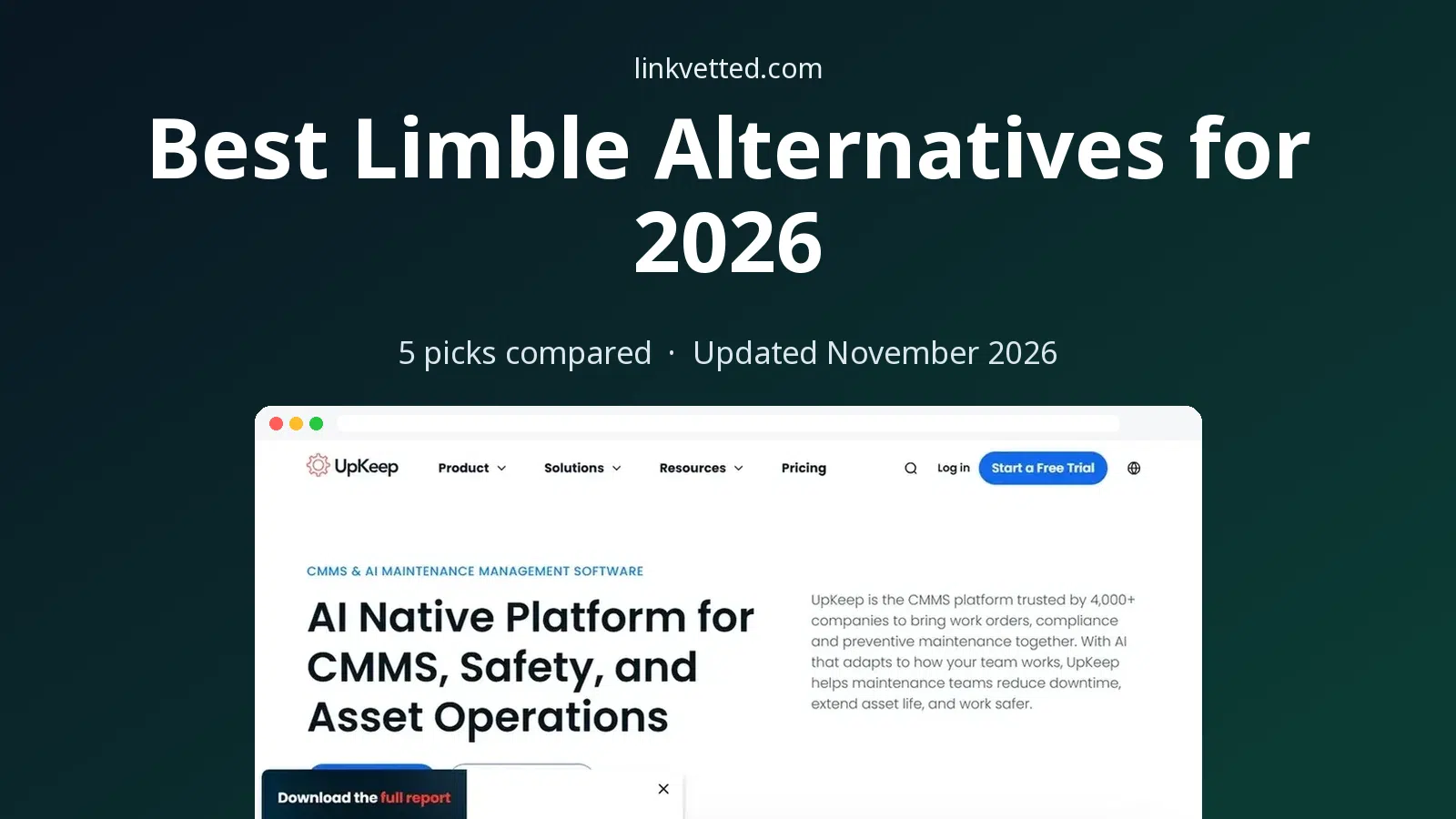
- Editor's choice
 UpKeep
Mobile maintenance team workflows
Starts at$24 per user a monthVisit upkeep.comFull review - Great alternativeMaintenance Connection
Work orders plus inventory tracking
Starts at$58 per user per monthVisit maintenanceconnection.comFull review - Also consider
 Fiix
Cloud CMMS with AI and integrations
Starts at$45 per user a monthVisit fiixsoftware.comFull review
Direct answer
UpKeep comes first here, mainly for mobile maintenance team workflows. Listed starting prices: UpKeep from $24 per user a month, Maintenance Connection from $58 per user per month and Fiix from $45 per user a month. If your case is different, Maintenance Connection suits work orders plus inventory tracking and Fiix suits cloud CMMS with AI and integrations. The other 2 tools in the list cover narrower or pricier cases.
TL;DR:
- UpKeep is the opening pick, best for mobile maintenance team workflows.
- One limit worth knowing about UpKeep: mobile focus may feel restricted for desk-heavy admin.
- For downtime reduction and equipment life, eMaint is worth a look.
- Just one of the 5 tools, Fiix, has a free plan.
Last checked November 2026. Prices and plan details were read from the vendors' own pages in November 2026; vendors change plans often, so confirm the current price on the vendor site before you buy.
Quick comparison
| Tool | Best for | Starts at | Free plan? | |
|---|---|---|---|---|
| UpKeep | Mobile maintenance team workflows | $24 per user a month | Free trial | Visit |
| Maintenance Connection | Work orders plus inventory tracking | $58 per user per month | Free trial | Visit |
| Fiix | Cloud CMMS with AI and integrations | $45 per user a month | Yes | Visit |
| Asset Essentials | Maintenance plus capital planning | See website | Not stated | Visit |
 eMaint | Downtime reduction and equipment life | See website | Not stated | Visit |
The 5 tools in detail
If you are comparing Limble, this page covers 5 tools in one place: what each is best for, what it costs to start, whether it has a free plan, and the main limit to know about.
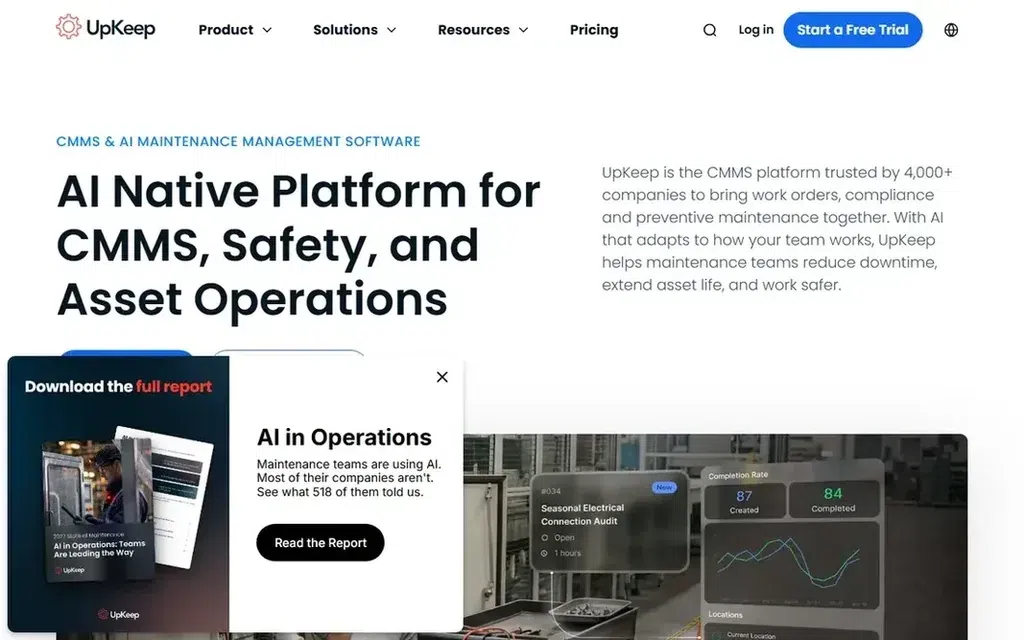
UpKeep was built for mobile maintenance team workflows. UpKeep presents itself as an AI-powered maintenance product, with a CMMS that helps maintenance teams run work orders, assets and preventive tasks efficiently from any device.
Honest limits: Advanced needs may need extras.
That device-agnostic approach suits field technicians and mobile crews who require to update work in progress without returning to a desk. UpKeep pricing: $24 per user per month. Free plan details: Free trial.
- Work order management from any device
- Asset and preventive task tracking
- Mobile focus may feel restricted for desk-heavy admin
Maintenance Connection
Best for: Work orders plus inventory tracking
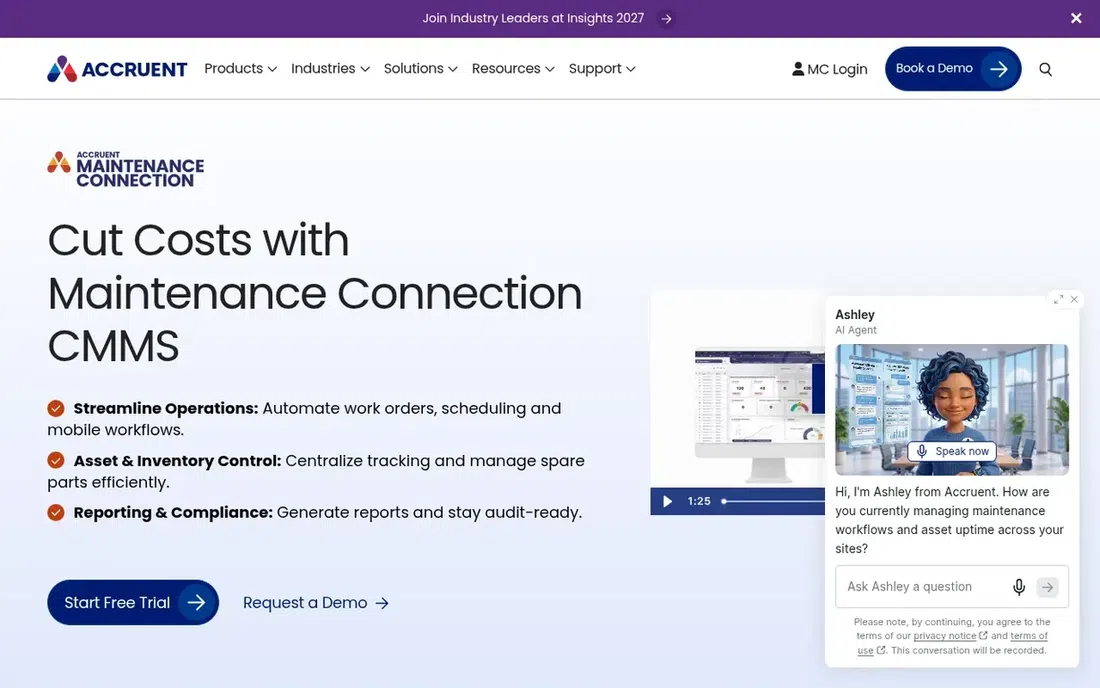
Where Maintenance Connection fits: work orders plus inventory tracking. Maintenance Connection is a complete CMMS and maintenance management software geared toward simplifying asset management.
If you want a lighter tool focused primarily on work orders, look at a more straightforward alternative. Maintenance Connection pricing: $58 per user per month. Free access: Free trial.
Trade-offs to know: Wide scope needs planning to adopt.
- Asset management focus
- Complete CMMS for maintenance management
- Interface may feel dense for new users
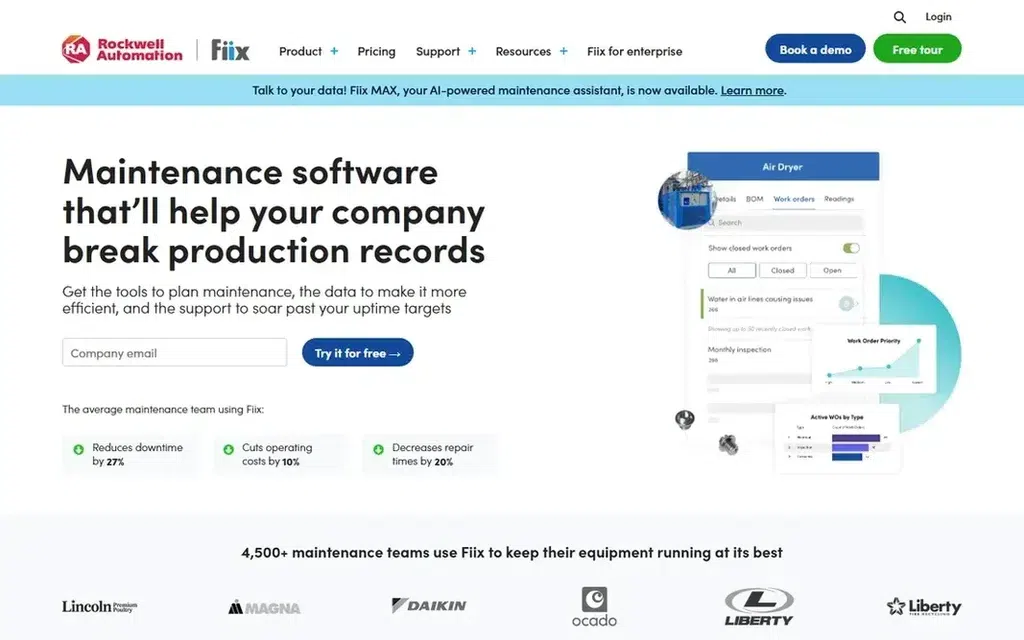
Fiix was built for cloud CMMS with AI and integrations. The breadth of integrations and AI features can mean more setup effort than a lean team expects, and smaller operations may not need all of it.
More specifically, if you want a minimal tool with only entry-level work order tracking, a more straightforward choice may suit you better. Fiix pricing: $45 per user per month. A free plan is available with Fiix.
Points against: Setup needs configuration time.
- Cloud-based maintenance planning
- Wide integration choices
- Feature depth may overwhelm small teams
Asset Essentials
Best for: Maintenance plus capital planning
Asset Essentials was built for Maintenance plus capital planning. Asset Essentials is part of Siemens asset management software, handling maintenance and work order tracking along with analytics and capital planning.
The main drawbacks: Broader product may exceed entry-level needs.
The wider asset management scope can be more than a team needs if the goal is just to replace a CMMS for daily work orders. In daily use, if capital planning is not on your roadmap, a narrower maintenance tool may be simpler to adopt. Asset Essentials does not show a starting price in this comparison, so check the vendor site for current pricing. Free options: Not stated.
- Asset management from Siemens
- Work order tracking and analytics
- Adoption needs workflow planning
eMaint targets downtime reduction and equipment life. eMaint is a computerized maintenance management system positioned around reducing downtime, increasing productivity and extending equipment lifespan.
Points against: Best value emerges with structured maintenance data.
In practice, teams without structured maintenance records may prefer to start with a more straightforward tool and grow into a fuller CMMS later. Getting downtime and lifespan benefits relies on maintaining decent equipment data, which takes discipline and training. Check the vendor site for eMaint pricing; none is listed in this comparison. As for free access: Not stated.
- Demo available to evaluate fit
- Productivity and equipment lifespan goals
- Feature set may need training
How we chose
Selection started from tools commonly considered for Limble, then narrowed to 5 that have clear pricing information or a clear quote process. Prices and plan limits come from vendor pages and can change, so confirm them on the vendor site before you buy. Order on the page follows fit for the typical buyer first, then price transparency and free access. Your own requirements should decide the final pick.
What to confirm before you sign up
- Get a written quote from Asset Essentials and eMaint; the list shows no starting price for them.
- Test the free plan from Fiix against your real workload before relying on it.
- Use real work to test the free trial from UpKeep and Maintenance Connection, rather than a demo project.
- Read the limits listed for UpKeep first: mobile focus may feel restricted for desk-heavy admin.
- Price eMaint for your actual team size; headline prices rarely include add-ons or overage.
- Get the contract term, renewal terms and any onboarding fees from Asset Essentials in writing.
FAQ
Is UpKeep the right pick for everyone comparing Limble?
No single tool suits every team. UpKeep comes first because it fits mobile maintenance team workflows, while Maintenance Connection suits work orders plus inventory tracking and Fiix suits cloud CMMS with AI and integrations. Match the tool to your own size, budget and workflow before deciding.
How are the tools for Limble ordered?
The order follows typical fit for Limble, with UpKeep first and eMaint last, then price clarity and free access. It is editorial judgement, not a score, so another team could rank the tools differently.
Do these tools publish their prices?
Not all of them. Asset Essentials and eMaint publish no starting price, so expect a quote request for those. The rest, UpKeep included, show a starting price, though seats and billing terms still change the final cost. Prices, free plan details and limits for all 5 tools in this Limble alternatives roundup sit on the individual cards above.
Which options for Limble have a free plan?
Fiix is the only tool in this list with a free plan. Free plans usually cap users, projects or features, so check the limits on the vendor page. Several others offer a trial instead. Each of the 5 options in this Limble alternatives guide has its own card above with the price, free plan and limits.
Sources
- https://upkeep.com
- https://www.maintenanceconnection.com
- https://www.fiixsoftware.com
- https://www.dudesolutions.com
- https://www.emaint.com