Best Linktree Alternatives in 2026: 9 Tools Compared
Compare the best Linktree alternatives for Instagram, business, and creators, with free plans, pricing, store features, and honest trade-offs for each pick.
- Editor's choice
 Beacons
Creators who sell, share, and collect emails
Starts atFreeVisit beacons.aiFull review - Great alternative
 Stan
Selling digital products from a bio link
Starts atSee websiteVisit stan.storeFull review - Also consider
 Carrd
Cheap, custom, fast link pages
Starts atSee websiteVisit carrd.coFull review
TL;DR:
- Beacons and Stan suit creators who want selling, email capture, and media in one link page.
- Carrd suits anyone who wants a fast, cheap, custom page without a monthly subscription.
- Taplink, Shorby, and Campsite suit small businesses that need many links, forms, and simple analytics.
- Linkin.bio by Later suits Instagram-first brands that want posts to link to products and pages.
- Milkshake and Bio Sites suit mobile-first users who want a simple page built on a phone.
Quick comparison
| Tool | Best for | Starts at | Free plan? | |
|---|---|---|---|---|
| Beacons | Creators who sell, share, and collect emails | Free | Yes | Visit |
| Stan | Selling digital products from a bio link | See website | Free trial | Visit |
| Carrd | Cheap, custom, fast link pages | See website | Yes | Visit |
 Taplink | Small business pages with forms and messengers | Free | Yes | Visit |
 Shorby | Many links with click tracking | Free | Yes | Visit |
 Campsite | Clean branded pages for creators and teams | Free | Yes | Visit |
 Linkin.bio by Later | Instagram posts that link to products | Free | Yes | Visit |
 Milkshake | Building a link page on your phone | Free | Yes | Visit |
 Bio Sites | Squarespace users who want a matching bio page | Free | Yes | Visit |
The best linktree alternatives
We compared free plans, design control, selling features, analytics, and ease of setup across link in bio tools available in October 2026. The best free Linktree alternatives give you a clean page, fast loading, and links that actually track clicks, without forcing a paid plan for basic use.
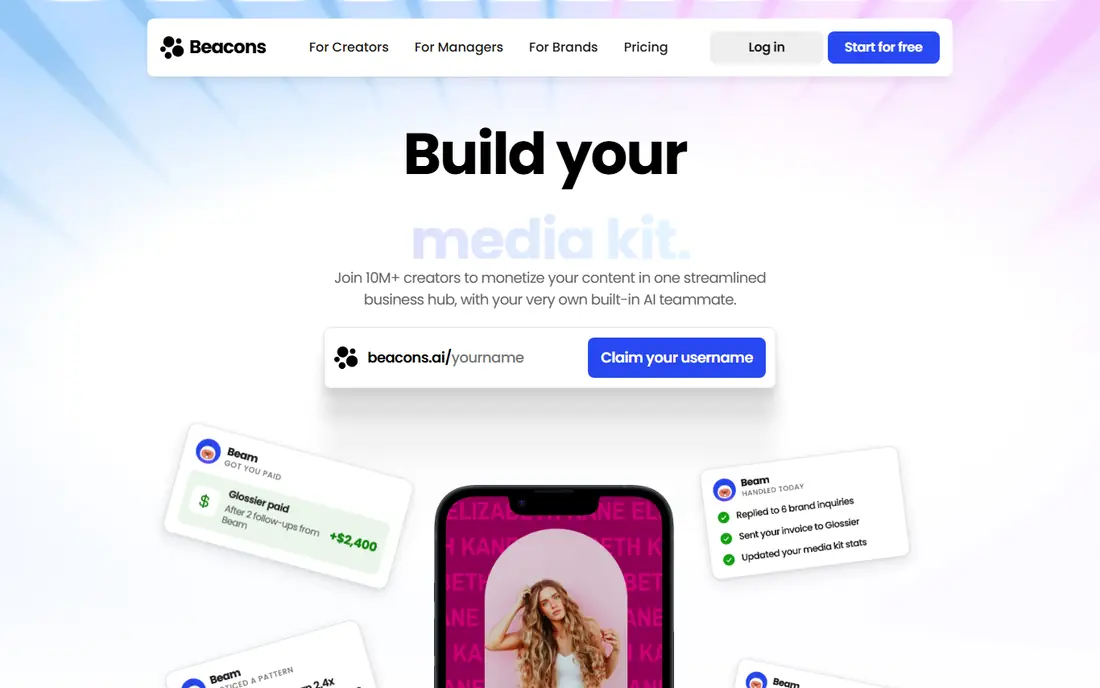
Beacons has grown into a full creator hub, not just a list of links. You can add a store, collect emails, embed videos, and link to social profiles on one page, which suits creators who sell courses, presets, or merch. The free plan covers much of that, and setup is fast even for first-time users.
The design can feel similar across pages unless you customize colors, fonts, and blocks. Paid plans add more store tools, deeper analytics, and fewer limits. For creators who want one link to handle selling and audience growth, Beacons is one of the strongest Linktree alternatives for Instagram and TikTok alike.
- Store, email capture, and media blocks in one page
- Strong free plan
- Good analytics
- Design options can feel templated
- Advanced store features need a paid plan
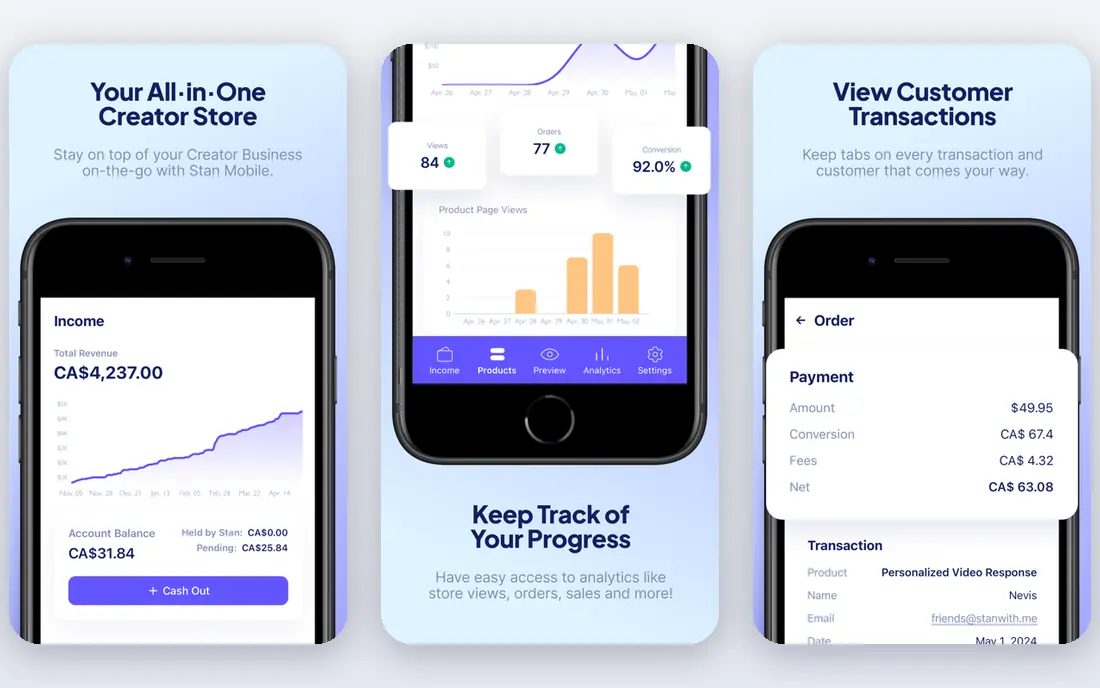
Stan is built for creators who sell, not just link. Digital products, courses, bookings, and email capture sit behind one storefront, with a checkout flow designed for mobile buyers. That focus makes Stan appealing to coaches, course sellers, and newsletter writers who want sales from a single bio link.
The trade-off is cost and scope. Stan has no permanent free plan, only a trial, and it is more tool than a simple link list needs. If you only need five links and no selling, a free tool will do. If your bio link is a sales page, Stan earns its price by keeping buyers on one page.
- Built for digital product sales
- Calendar booking and email capture
- Clean checkout flow
- No permanent free plan
- Less suited to simple link lists
- Price is higher than basic tools
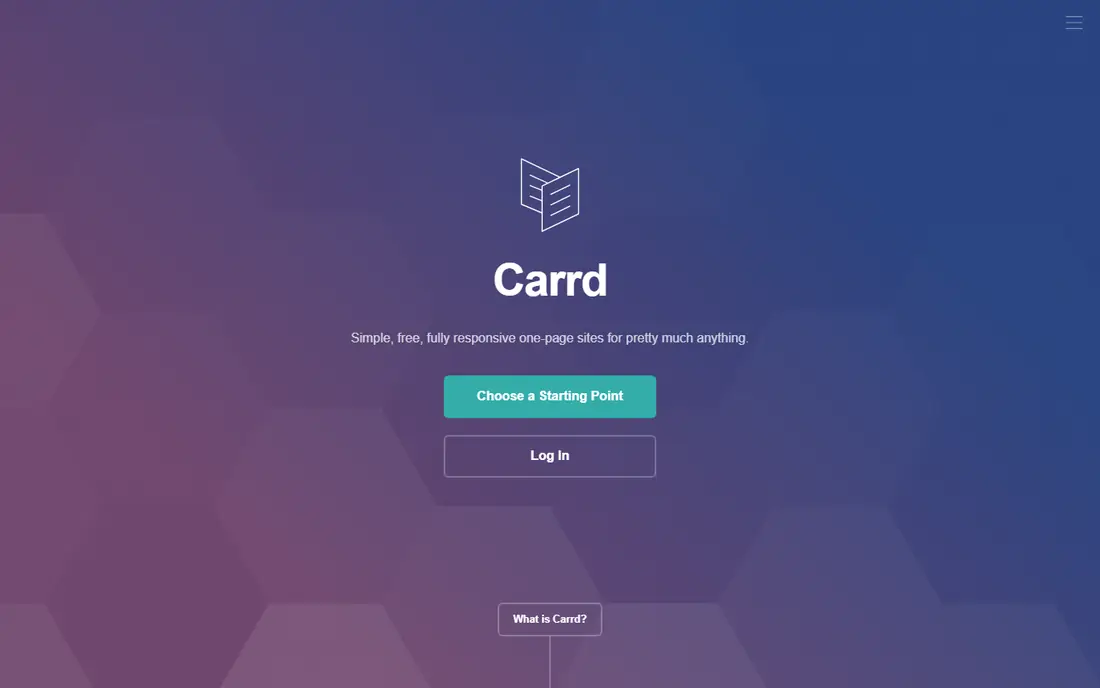
Carrd is the budget champion for readers who want control. You can build a custom link page with your own layout, fonts, colors, and sections, and Pro plans cost far less per year than most link tools charge per month. Pages load fast, which matters when followers tap from Instagram or TikTok.
Setup takes more work than Beacons or Milkshake, since Carrd is a general page builder, not a link-only template. There is no built-in store, and analytics are basic unless you add another tool. For a best free Linktree alternative with real design freedom, Carrd is hard to beat, especially for portfolios and business pages.
- Very low cost for Pro
- Full design control
- Fast-loading pages
- Needs more setup than templated tools
- No built-in store or deep analytics
Taplink suits small businesses that need more than links. You can add a contact form, WhatsApp or Telegram buttons, a simple catalog, and payment links on one page, which helps shops, salons, and local services turn profile visits into messages and orders. Templates are business-focused, and the free plan covers the basics.
The page can feel crowded if you add every block at once, so edit with care and keep the top links focused. Paid plans add deeper analytics, more design control, and removal of branding. For a link in bio alternative that acts like a mini website, Taplink is a practical pick.
- Forms, messenger buttons, and catalog blocks
- Good free plan
- Business-friendly templates
- Design can feel busy
- Advanced analytics need a paid plan
Shorby focuses on doing the core job well, which is managing many links in one place. You can add links, messenger buttons, and social icons, track clicks, and update links without changing the bio URL. That reliability suits bloggers, podcasters, and small brands with a changing list of articles, episodes, and offers.
Design options are simpler than Beacons or Carrd, and there is no full store for digital products. Free plans also carry limits on features and branding. Shorby is a good fit when you want a dependable, analytics-friendly link page and you do not need selling tools built in.
- Unlimited-style link management
- Messenger and social buttons
- Click analytics
- Free plan has limits
- Design is simpler than Beacons
- No full store
Campsite offers a clean, professional link page that suits creators, teams, and small brands. Layouts are tidy, branding controls are straightforward, and custom domains help a page feel like part of your site rather than a third-party tool. Teams can manage pages with shared controls, which helps agencies and multi-creator brands.
Selling is not the focus, so creators who need a store should look at Beacons or Stan instead. Advanced analytics and some design features also sit behind paid plans. For a simple, branded link page that looks good and loads fast, Campsite is a solid Linktree alternative for business use.
- Clean design
- Custom domain options
- Team and brand controls
- Selling features are limited
- Advanced analytics need a paid plan
Linkin.bio by Later solves a specific Instagram problem, which is linking individual posts to products, articles, or pages. Your Instagram grid becomes a clickable map, so followers can tap the post they saw and land on the right product. That makes it strong for shops, bloggers, and brands that post daily.
The standalone link page is less flexible than a general builder such as Carrd, and the best features sit inside paid Later plans for scheduling and analytics. If Instagram is your main channel and you already schedule posts, Linkin.bio is a natural fit. If you need a general bio page for many platforms, a broader tool may suit better.
- Turns Instagram grid into clickable links
- Strong scheduling tools
- Good for shops
- Best value inside Later plans
- Standalone link page is less flexible than Carrd
Milkshake is built for phone-first creators who want to make a link page in minutes. Cards for links, videos, and social profiles stack into a colorful page, and the whole builder works well on mobile. That speed suits TikTok and Instagram creators who manage everything from a phone and who dislike desktop builders.
The card style limits design freedom, and desktop editing is thinner than in Beacons or Carrd. Business features such as forms and stores are also limited. For a free, fast, mobile-built page, Milkshake is a friendly Linktree alternative, especially for new creators who want something live today.
- Phone-first builder with card layouts
- Free to start
- Easy sharing
- Desktop editing is limited
- Design is card-based
- Fewer business features
Bio Sites, from Squarespace, gives Squarespace users a bio page that matches their main site. Design is clean, setup is quick, and links, social profiles, and simple commerce blocks work without learning a new platform. For a business or portfolio that already runs on Squarespace, that consistency is a real benefit.
Outside Squarespace, the case is weaker, since selling and analytics are more basic than in Beacons or Stan. Template variety is also smaller. Bio Sites suits readers who want a tidy bio page that feels like an extension of their website, not a separate creator hub. Check current pricing on the vendor site for paid upgrades.
- Clean design that matches Squarespace sites
- Easy link and social blocks
- Free to start
- Best inside Squarespace ecosystem
- Selling features are basic
- Fewer templates than rivals
How we picked these
We compared official pricing pages, free-plan limits, design control, selling features, and analytics for link in bio tools available in October 2026. We favored tools with a real free plan or trial, a page that loads fast on mobile, and a clear use case, from selling to Instagram shopping to simple linking. We did not claim hands-on sales tests, and we based judgments on feature pages, pricing, and public user feedback.
How to choose a link in bio tool
Start with the action you want followers to take. If the goal is sales, pick a tool with a store and checkout. If the goal is reading, pick a clean link page with good analytics. If the goal is messages, pick a tool with forms and messenger buttons. One clear action beats ten unfocused links.
Keep the page short and fast
Put the most important link first, limit the page to five to eight links, and remove dead links each month. A long page slows decisions and hurts clicks, while a short page guides followers to the next step. Test the page on your own phone before you share it.
Track clicks before you pay
Use the free analytics in your chosen tool to see which links get clicks and which get ignored. That data tells you what to promote, what to rewrite, and what to remove. Pay for deeper analytics only when free data shows a real pattern you want to act on.
Match the page to your brand
Use your colors, logo, and tone where the tool allows, and keep the bio link consistent across Instagram, TikTok, and YouTube. A page that looks like your brand builds trust, while a generic page can feel like a detour. Custom domains help when you want the page to feel fully yours.
FAQ
What are the best free Linktree alternatives?
Beacons, Carrd, Taplink, Shorby, Campsite, Milkshake, and Bio Sites all offer free plans for basic link pages. Beacons offers the most creator features for free, while Carrd offers the most design control at low cost. Try two free pages and keep the one that loads fastest on your phone.
What is the best Linktree alternative for Instagram?
Beacons and Linkin.bio by Later lead for Instagram, with Beacons offering selling and email tools and Linkin.bio turning posts into clickable links. For Instagram shops, Linkin.bio helps followers find the exact product from a post. For creators who sell across platforms, Beacons is more flexible.
What is the best Linktree alternative for business?
Taplink and Campsite suit small businesses, with Taplink offering forms and messenger buttons and Campsite offering clean branding and team controls. Carrd also works for businesses that want a custom page at low cost. Choose based on whether you need messages, sales, or a simple branded page.
Can I use a custom domain with these tools?
Yes, many tools offer custom domains on paid plans, including Carrd, Campsite, and Beacons. Free plans usually use a tool subdomain, which is fine to start. A custom domain helps branding and trust, but it is not required for a link page to work well.
Do link in bio tools hurt Instagram reach?
No, using a bio link tool does not by itself hurt reach, and Instagram allows one bio link for most accounts. Keep the page fast, avoid misleading links, and follow platform rules for promotions. A slow or spammy page can hurt clicks, but that is a page quality issue, not a penalty for the tool itself.
How many links should a bio page have?
Five to eight links is a good range for most pages, with the top link carrying the current priority. More links can work for blogs and shops with many categories, but group them with headings and keep the page scannable. Review clicks monthly and remove links that no one taps.