Best IManage Work Alternatives for 2026 (5 Compared)
IManage Work alternatives, compared. 5 tools with published prices, free plans and limits. Trade-offs are spelled out for each entry. Narrow your shortlist.
- Editor's choice
 DocuWare
Document processing and workflow automation
Starts atSee websiteVisit start.docuware.comFull review - Great alternative
 M-Files
Documents organized in context
Starts at€65 per seat a monthVisit m-files.comFull review - Also consider
 Microsoft SharePoint
Organizations already in Microsoft 365
Starts atSee websiteVisit microsoft.comFull review
Direct answer
Our first pick is DocuWare, best for document processing and workflow automation. Listed starting prices: M-Files from €65 per seat a month. M-Files is better for documents organized in context, and Microsoft SharePoint is better for organizations already in Microsoft 365. The other 2 tools in the list cover narrower or pricier cases.
TL;DR:
- DocuWare is the opening pick, best for document processing and workflow automation.
- For DocuWare, Microsoft SharePoint, Box and NetDocuments, you have to request a quote because no starting price is shown.
- Box comes with a trade-off: not tailored to legal matter workflows.
- NetDocuments suits legal businesses and legal departments.
Last checked November 2026. Prices and plan details were read from the vendors' own pages in November 2026; vendors change plans often, so confirm the current price on the vendor site before you buy.
Quick comparison
| Tool | Best for | Starts at | Free plan? | |
|---|---|---|---|---|
| DocuWare | Document processing and workflow automation | See website | Not stated | Visit |
| M-Files | Documents organized in context | €65 per seat a month | Not stated | Visit |
| Microsoft SharePoint | Organizations already in Microsoft 365 | See website | Not stated | Visit |
 Box | External collaboration and workflow automation | See website | Not stated | Visit |
 NetDocuments | Legal businesses and legal departments | See website | Not stated | Visit |
The full iManage Work list
LinkVetted put together this guide to iManage Work for readers who want a clear shortlist without reading every vendor page. It compares 5 tools on starting price, free plans, who each one suits and where each one falls short.
Where DocuWare fits: document processing and workflow automation. Expect to map processes before automating them.
It is a practical choice for operations-focused teams instead of legal matter management. DocuWare shows no starting price here, so confirm the cost on the vendor site. As for free access: Not stated.
Drawbacks to consider: Less emphasis on legal email management.
- Focus on document processing
- Targets improved handling of business documents
- Process design still needed
M-Files is built with documents organized in context in mind. Consider M-Files when organizing documents by context and automating related workflows is the core goal.
Honest limits: Metadata discipline is required.
For everyday use, M-Files is an AI-powered document management system that helps organize documents in context, automate workflows and cut risk. Teams wanting a more straightforward shared content system may prefer Box or SharePoint. What you pay to start with M-Files: €65 per seat per month. Free plan details: Not stated.
- Workflow automation included
- Organizes documents by context instead of folders
- Context-based model takes adjustment

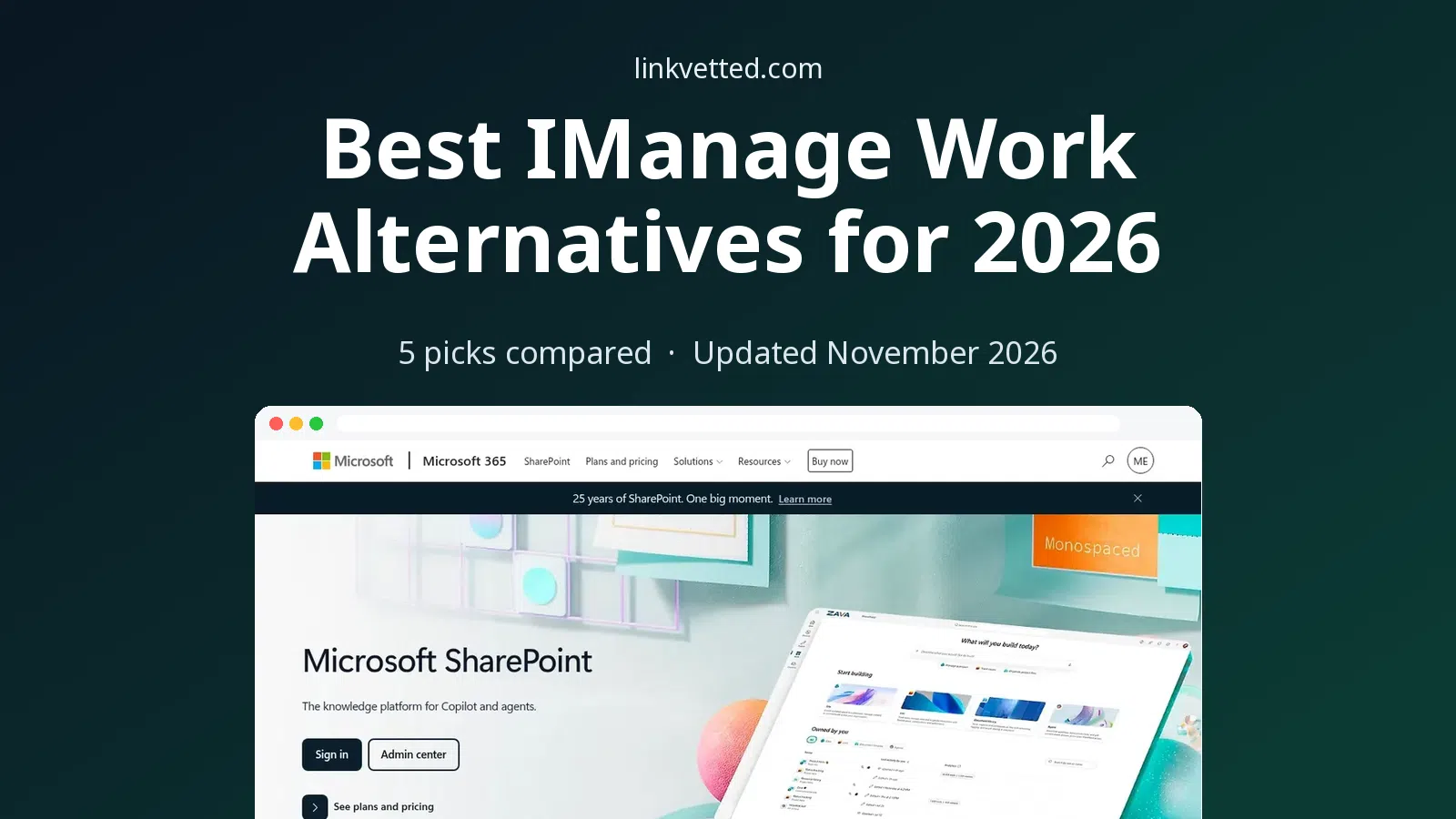
For organizations already in Microsoft 365, Microsoft SharePoint is a natural candidate. Its homepage describes creating, sharing and governing trusted knowledge, with collaboration, communication, automation and AI experiences across Microsoft 365.
Worth adding: SharePoint is broad and adaptable, which means governance and information architecture need deliberate planning to avoid sprawl. In practice, teams wanting a tightly scoped document management product with less configuration may prefer M-Files or DocuWare. No starting price is listed for Microsoft SharePoint here; confirm pricing on the vendor site. Trial and free access: Not stated.
Where it shines: Collaboration. Trade-offs to know: Can grow complicated without planning.
- Communication and automation in one place
- Governance for trusted knowledge
- Governance needs deliberate setup
Choose Box for external collaboration and workflow automation. Box is general-purpose, so legal teams needing matter-centric email and document handling may find NetDocuments a closer fit.
The main drawbacks: Not tailored to legal matter workflows.
Organizations with strict enterprise records requirements should confirm how governance maps to their policies. Box is an AI-powered content management, workflow and collaboration system. No starting price is listed for Box here; confirm pricing on the vendor site. As for free access: Not stated.
- Internal and external collaboration
- Workflow automation on one system
- Deep records needs may need additional planning
Think of NetDocuments for legal businesses and legal departments. It suits organizations whose core need is managing matter-related documents and email together, particularly legal teams that want a purpose-built system instead of a general content system.
What NetDocuments does well: Positioned for secure.
NetDocuments does not show a starting price in this comparison, so check the vendor site for current pricing. Free options: Not stated. Limits to weigh: Not a general-purpose content suite.
- Document and email management in one product
- Built around legal workflows
- Legal focus may be narrow for other industries
How the list was put together
Pre-purchase checklist
- Ask DocuWare, Microsoft SharePoint, Box and NetDocuments for a written quote, since no starting price is shown.
- Before choosing DocuWare, weigh its main limit: less emphasis on legal email management.
- Total up the real monthly cost of DocuWare, including add-ons, extra users and usage-based fees.
- A short pilot of Box with your real workflow tells you more than a feature table.
- Before rolling out NetDocuments, verify the integrations your workflow depends on.
FAQ
Can I try these tools before paying?
Not by default. None of the tools, from DocuWare to NetDocuments, lists a free plan or a free trial here, so ask each vendor for a demo before committing.
What should I check before switching from iManage Work?
Confirm how each tool takes care of email and documents together, how permissions and retention are controlled, and how much configuration and administration the system needs. Also verify integrations with your existing systems and how external sharing is governed.
Does any tool for iManage Work here have a free plan?
A permanent free plan is not offered by DocuWare, NetDocuments or the other tools here. Plan a short evaluation period instead.
What is the best iManage Work alternative for law businesses?
DocuWare is the pick this page puts first, mainly for document processing and workflow automation. If your situation differs, M-Files suits documents organized in context, and Microsoft SharePoint suits organizations already in Microsoft 365. Compare price and limits before you decide.
Do these tools publish their prices?
Not all of them. DocuWare, Microsoft SharePoint, Box and NetDocuments publish no starting price, so expect a quote request for those. The rest, M-Files included, show a starting price, though seats and billing terms still change the final cost.
How are the tools for iManage Work ordered?
DocuWare sits first and NetDocuments last because the order follows typical fit for iManage Work, then price clarity and free access. It is a judgement call, so read each profile for fit and limits.
Sources
- https://start.docuware.com
- https://www.m-files.com
- https://www.microsoft.com/en-us/microsoft-365/sharepoint/collaboration
- https://www.box.com
- https://www.netdocuments.com