Best Hybrid Workload Automation Software (2026): 6 Picks Checked on Vendor Pages
Shortlisting the best hybrid workload automation software? 6 products compared on cost, free access and ideal buyer. Short verdicts, no fluff. No filler.
- Editor's choiceTidal Workload Automation
Enterprise job scheduling
Starts atSee websiteVisit tidalsoftware.comFull review - Great alternativeJAMS Job Scheduler
Centralized cross-platform scheduling
Starts at$833 per monthVisit jamsscheduler.comFull review - Also considerIBM Workload Automation
Analytics-driven workload management
Starts atSee websiteVisit ibm.comFull review
Direct answer
Start with Tidal Workload Automation if you need enterprise job scheduling. Listed starting prices: JAMS Job Scheduler from $833 per month. JAMS Job Scheduler fits centralized cross-platform scheduling; IBM Workload Automation fits analytics-driven workload management. Details, prices and limits for the rest of the 6 tools are below.
TL;DR:
- Top of the list is Tidal Workload Automation, which targets enterprise job scheduling.
- For the cheapest start, look at JAMS Job Scheduler: $833 per month.
- A permanent free plan is missing from all 6 tools, Tidal Workload Automation and ActiveBatch included; plan for a trial or a premium start.
- What to know about IBM Workload Automation first: may be complex to deploy.
- For rapid automation and orchestration, ActiveBatch is worth a look.
Last checked November 2026. Prices and plan details were read from the vendors' own pages in November 2026; vendors change plans often, so confirm the current price on the vendor site before you buy.
Quick comparison
| Tool | Best for | Starts at | Free plan? | |
|---|---|---|---|---|
| Tidal Workload Automation | Enterprise job scheduling | See website | Not stated | Visit |
| JAMS Job Scheduler | Centralized cross-platform scheduling | $833 per month | Free trial | Visit |
| IBM Workload Automation | Analytics-driven workload management | See website | Not stated | Visit |
| Control-M | End-to-end workflow orchestration | See website | Not stated | Visit |
| Redwood RunMyJobs | AI-powered orchestration | See website | Not stated | Visit |
| ActiveBatch | Rapid automation and orchestration | See website | Not stated | Visit |
The 6 tools in detail
Choosing hybrid workload automation software usually comes down to price, fit and limits. This LinkVetted guide sets 6 tools side by side on those three points, with the facts kept short and checkable.
Tidal Workload Automation
Best for: Enterprise job scheduling
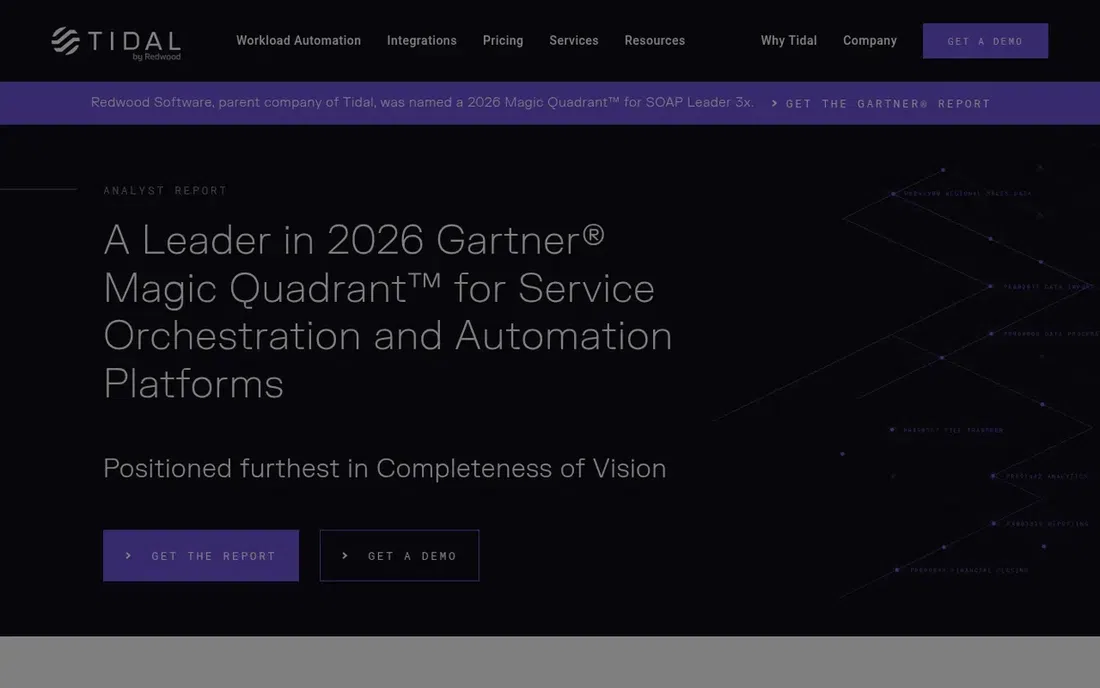
Think of Tidal Workload Automation for enterprise job scheduling. Tidal Workload Automation, offered by Redwood, provides enterprise-class automation for job scheduling and workflow orchestration across applications, systems, and infrastructure.
Limits to weigh: May have a steep ramp-up time.
It is a good match for enterprises with established scheduling practices and a need for cross-platform orchestration. Pricing for Tidal Workload Automation is not stated here, so ask the vendor for current figures. On free options: Not stated.
- Cross-system orchestration
- Enterprise-class automation
- Needs planning for complicated environments
JAMS Job Scheduler
Best for: Centralized cross-platform scheduling
In short, JAMS Job Scheduler is for centralized cross-platform scheduling. JAMS may lack some of the advanced AI-driven features found in newer systems, and migrating from existing schedulers can need effort.
Where it is weaker: Can need migration effort.
As for the details, otherwise, JAMS provides a practical path to centralized scheduling. The starting price for JAMS Job Scheduler: $833 per month. Free access: Free trial.
- Replaces fragmented schedulers
- Centralized console
- May lack some advanced AI features
IBM Workload Automation
Best for: Analytics-driven workload management
Choose IBM Workload Automation for analytics-driven workload management. IBM Workload Automation is an analytics-fueled option that can simplify your workload management. It is aimed at enterprises that want to apply analytics to optimize scheduling and orchestration across hybrid environments.
Where it falls short: Needs analytics expertise.
Also, consider more straightforward alternatives if you need fast deployment and minimal overhead. As for the details, IBM Workload Automation may be complicated to deploy and needs analytics expertise to completely use. No starting price is listed for IBM Workload Automation here; confirm pricing on the vendor site. Free plan details: Not stated.
- Simplifies workload management
- Analytics-fueled
- May be complicated to deploy
Control-M
Best for: End-to-end workflow orchestration
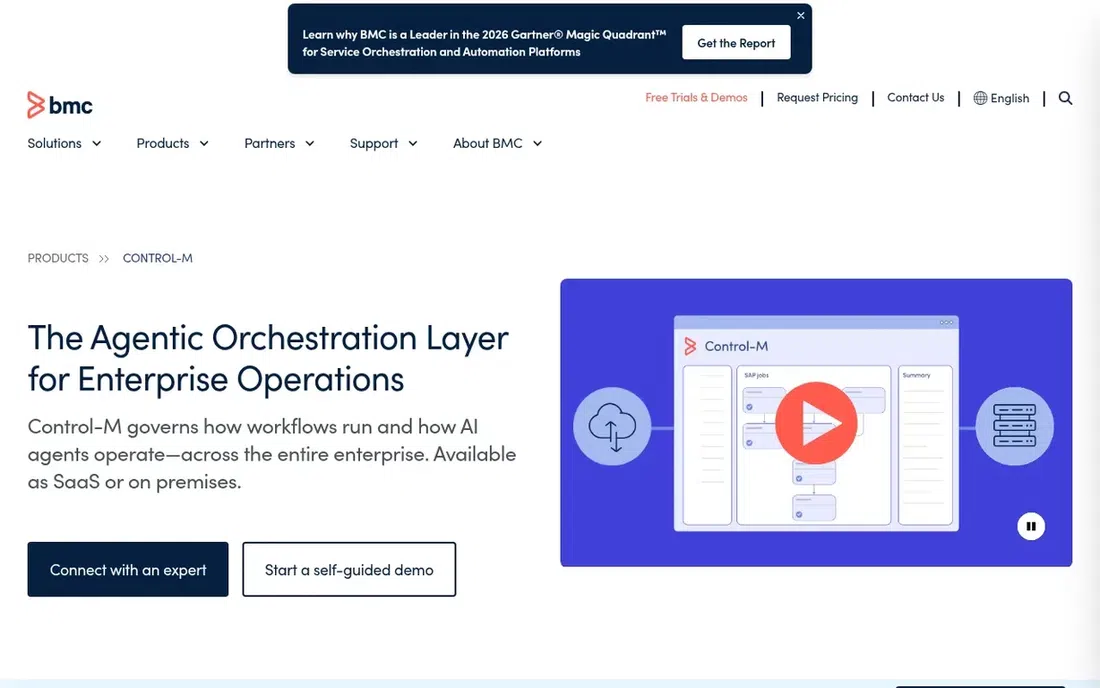
In short, Control-M is for end-to-end workflow orchestration. Control-M is a workflow orchestration system from BMC Software that eases data and application workflows. It aims to cut failure rates, boost SLAs, and accelerate application deployment.
Limits to weigh: Can be complicated to set up.
Consider alternatives if you need quicker time to value or have restricted operations resources. More specifically, smaller teams or those with more straightforward scheduling needs might find lighter tools simpler to adopt. This comparison lists no price for Control-M; ask the vendor. Free options: Not stated.
- Eases data and application workflows
- Cuts failure rates
- May need dedicated administration
Redwood RunMyJobs
Best for: AI-powered orchestration
Think of Redwood RunMyJobs for AI-powered orchestration. If you are not ready for AI-driven automation, a traditional scheduler might be a better starting point.
It suits organizations looking to use AI for workflow automation and move toward self-managing operations. Pricing for Redwood RunMyJobs is not stated here, so ask the vendor for current figures. Free access: Not stated.
What to check first: Needs understanding of AI orchestration.
- AI-driven automation
- Brings together AI agents and workflows
- May be complicated for straightforward needs
ActiveBatch
Best for: Rapid automation and orchestration
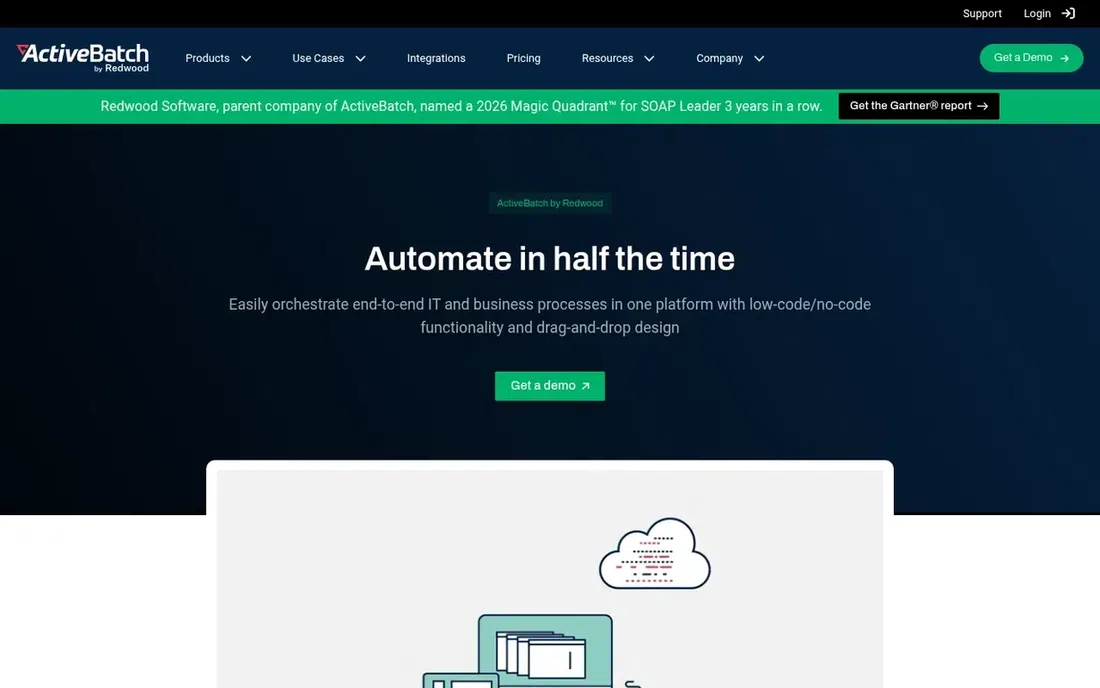
ActiveBatch makes the most sense for rapid automation and orchestration. If your needs are restricted to entry-level batch scheduling, a more straightforward tool might be more appropriate.
Honest limits: Can be overkill for entry-level scheduling.
In practice, evaluate whether its rapid automation capabilities align with your process complexity. ActiveBatch may need training to use advanced features, and it can be more than needed for straightforward job scheduling. No starting price is listed for ActiveBatch here; confirm pricing on the vendor site. Free access: Not stated.
- Orchestrate end-to-end processes
- Automate in half the time
- May need training for advanced use
How these tools were picked
We compared the tools on published pricing, free plan or trial availability, feature coverage for hybrid workload automation software, and the limits each vendor documents. Where a price is missing, the vendor does not list one publicly or ties it to a quote. Always confirm before budgeting. We ordered the tools by general fit, then by how clearly pricing is shown, then by free access. A buyer with unusual needs may reorder them.
What to confirm before you sign up
- Ask Tidal Workload Automation, IBM Workload Automation, Control-M and others for a written quote, since no starting price is shown.
- Take the trial from JAMS Job Scheduler and push a live task through it before you pay.
- Read the limits listed for Tidal Workload Automation first: may have a steep ramp-up time.
- A short pilot of Control-M with your real workflow tells you more than a feature table.
- See whether ActiveBatch offers onboarding or training, and whether it is included in the price.
FAQ
How are the tools for hybrid workload automation software ordered?
The order follows typical fit for hybrid workload automation software, with Tidal Workload Automation first and ActiveBatch last, then price clarity and free access. It is editorial judgement, not a score, so another team could rank the tools differently.
Does any tool for hybrid workload automation software here have a free plan?
A permanent free plan is not offered by Tidal Workload Automation, ActiveBatch or the other tools here. JAMS Job Scheduler offer a trial. Plan a short evaluation period instead.
What role does AI play in workload automation?
AI can enhance workload automation by predicting failures, optimizing schedules, and enabling autonomous operations. Tools like Redwood RunMyJobs and IBM Workload Automation incorporate AI and analytics to boost reliability and efficiency.
What is hybrid workload automation software?
Hybrid workload automation software coordinates and schedules jobs and workflows across on-premises, cloud, and hybrid environments. It helps automate complicated processes, handle dependencies, and boost operational efficiency.
Is Tidal Workload Automation the right pick for everyone comparing hybrid workload automation software?
No single tool suits every team. Tidal Workload Automation comes first because it fits enterprise job scheduling, while JAMS Job Scheduler suits centralized cross-platform scheduling and IBM Workload Automation suits analytics-driven workload management. Match the tool to your own size, budget and workflow before deciding.
Can these tools plug into cloud services?
Plenty of hybrid workload automation tools support cloud integrations, but capabilities vary. In daily use, for instance, JAMS explicitly supports cloud scheduling, whereas others may offer broader integration choices.
Sources
- https://www.tidalsoftware.com
- https://www.jamsscheduler.com
- https://www.ibm.com/products/workload-automation
- https://www.bmc.com/it-solutions/control-m.html
- https://www.redwood.com
- https://www.advsyscon.com/en-us/activebatch