5 Hertz Alternatives Worth Switching To in 2026
Hertz alternatives in 2026: 5 contenders with entry costs and free tiers. Our number one: Zoho FSM, for end-to-end field operations automation. Plain facts.
- Editor's choiceZoho FSM
End-to-end field operations automation
Starts atSee websiteVisit zoho.comFull review - Great alternative
 Jobber
Small home and commercial service firms
Starts atSee websiteVisit getjobber.comFull review - Also considerMicrosoft Dynamics 365 Field Service
Scheduling and service automation in one system
Starts atSee websiteVisit microsoft.comFull review
Direct answer
Zoho FSM comes first here, mainly for end-to-end field operations automation. Listed starting prices: Housecall Pro from $59 a month. If your case is different, Jobber suits small home and commercial service firms and Microsoft Dynamics 365 Field Service suits scheduling and service automation in one product. The remaining 2 options are covered below with prices and limits.
TL;DR:
- The list opens with Zoho FSM, aimed at end-to-end field operations automation.
- Before buying Jobber, weigh this: centred on service firms rather than large enterprises.
- Starting prices begin at $59 per month with Housecall Pro.
- A permanent free plan is missing from all 5 tools, Zoho FSM and ServiceTitan included; plan for a trial or a premium start.
- ServiceTitan suits home and commercial trade contractors.
Last checked November 2026. Prices and plan details were read from the vendors' own pages in November 2026; vendors change plans often, so confirm the current price on the vendor site before you buy.
Quick comparison
| Tool | Best for | Starts at | Free plan? | |
|---|---|---|---|---|
| Zoho FSM | End-to-end field operations automation | See website | Free trial | Visit |
| Jobber | Small home and commercial service firms | See website | Not stated | Visit |
| Microsoft Dynamics 365 Field Service | Scheduling and service automation in one system | See website | Not stated | Visit |
 Housecall Pro | Home service companies managing field teams | $59 a month | Free trial | Visit |
 ServiceTitan | Home and commercial trade contractors | See website | Free trial | Visit |
Hertz profiles
If you are comparing Hertz, this page covers 5 tools in one place: what each is best for, what it costs to start, whether it has a free plan, and the main limit to know about.
Zoho FSM
Best for: End-to-end field operations automation
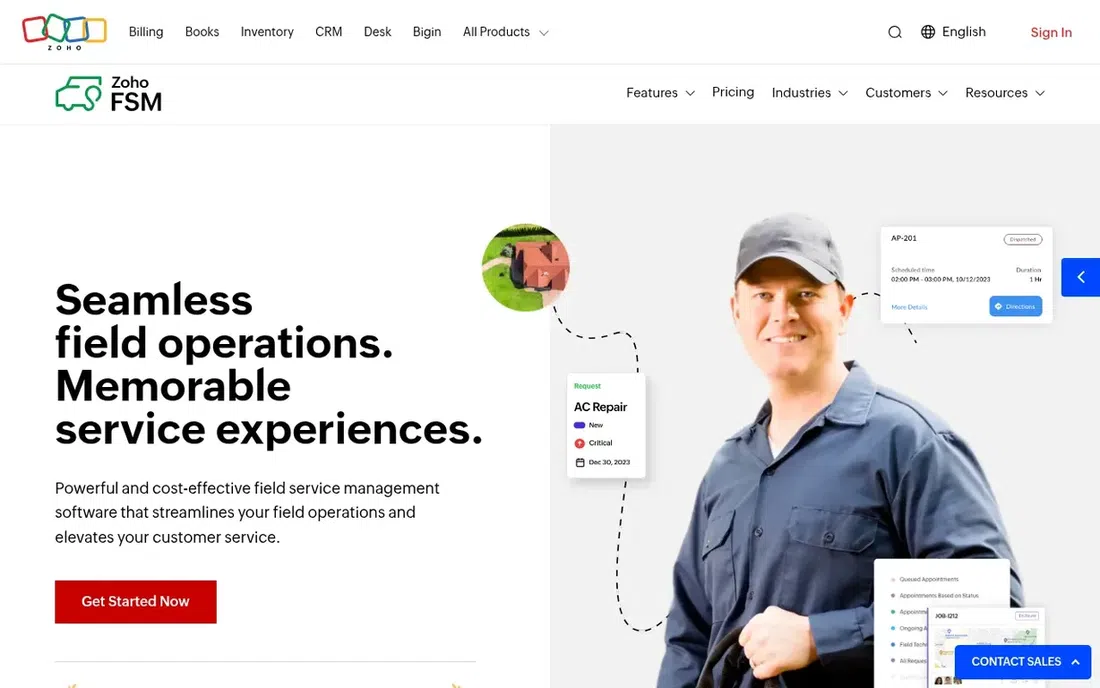
Zoho FSM serves end-to-end field operations automation. Zoho FSM is described as an end-to-end field service management product that automates the whole spectrum of field operations.
Companies that chiefly need quoting and invoicing for small residential jobs may find a home service app more direct. In daily use, choose Zoho FSM when end-to-end field operations coverage is the priority. Pricing for Zoho FSM is not stated here, so ask the vendor for current figures. As for free access: Free trial.
Points against: Less centred on simple invoicing workflows.
- Suits teams already in the Zoho ecosystem
- Single product for field service
- Wide automation may need configuration
Choose Jobber for small home and commercial service firms. Jobber is home and commercial service software that organizes a service business by letting you quote, schedule, invoice and get premium in one place. Its easy-to-use app supports sales, operations and customer service.
Limits to weigh: May not handle complicated enterprise workflows.
Best features of Jobber: schedule and invoice in one place. Beyond that, enterprises needing deep system integration should look at broader choices. Also, pick Jobber when simplicity and daily quoting and scheduling matter most. This comparison lists no price for Jobber; ask the vendor. Free plan details: Not stated.
- Quote
- Powers sales
- Focused on service businesses instead of large enterprises
Microsoft Dynamics 365 Field Service
Best for: Scheduling and service automation in one system
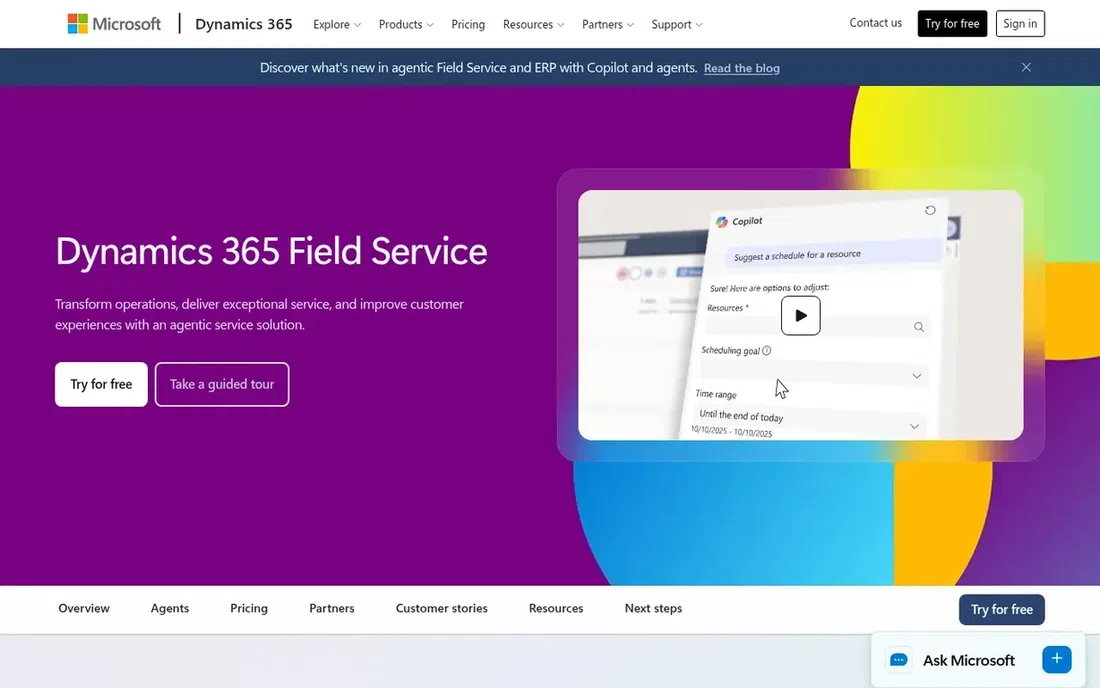
Where Microsoft Dynamics 365 Field Service fits: scheduling and service automation in one system. Microsoft Dynamics 365 Field Service is field service management software built around AI-driven self-service scheduling, live data, automatic service reminders and more. For everyday use, if you chiefly need fast quoting and invoicing for a small crew, a lighter home service tool may be the better fit.
Where it is weaker: Setup can need planning.
Teams handling complicated work orders and customer self-service benefit most. It also rewards planning during setup. No starting price is listed for Microsoft Dynamics 365 Field Service here; confirm pricing on the vendor site. Free options: Not stated.
- Live operational data
- AI-driven self-service scheduling
- Wide system may be more than small teams need
Housecall Pro makes the most sense for home service firms managing field teams. Housecall Pro is home services business management software positioned for home service companies and the field service professionals who work in them.
From a buyer's view, teams wanting deep product customization should compare the bigger options. For everyday use, since it targets home service companies, organizations with complicated multi-site or enterprise workflows may need something broader. What you pay to start with Housecall Pro: $59 per month. As for free access: Free trial.
What to check first: May not suit complex multi-site operations.
- Aimed at home service firms
- Positioned for field service professionals
- Pitched at home services instead of general enterprises
ServiceTitan works best for home and commercial trade contractors. Its focus on trade contractors means companies outside that space may find it a poor match.
Beyond that, very small teams may also prefer a lighter tool for entry-level scheduling and invoicing. No starting price is listed for ServiceTitan here; confirm pricing on the vendor site. Trial and free access: Free trial.
Where it is weaker: May be more than very small teams need.
- All-in-one software for contractors
- Made for the trades
- Focused specifically on trade contractors
Our selection method
Before you commit
- Ask Zoho FSM, Jobber, Microsoft Dynamics 365 Field Service and ServiceTitan for a written quote, since no starting price is shown.
- Use real work to test the free trial from Zoho FSM, Housecall Pro and ServiceTitan, rather than a demo project.
- Read the limits listed for Zoho FSM first: wide automation may need configuration.
- Check whether Microsoft Dynamics 365 Field Service bills monthly or annually, and what cancelling early costs.
- The entry price of ServiceTitan is only the starting point; model the full cost with seats and extras.
FAQ
Which choice fits small home service firms?
Jobber and Housecall Pro are geared toward home service firms and emphasize quoting, scheduling and invoicing in one place. Compare both on the specific jobs you manage.
Is Zoho FSM the right pick for everyone comparing Hertz?
No single tool suits every team. Zoho FSM comes first because it fits end-to-end field operations automation, while Jobber suits small home and commercial service businesses and Microsoft Dynamics 365 Field Service suits scheduling and service automation in one platform. Match the tool to your own size, budget and workflow before deciding.
Does any tool for Hertz here have a free plan?
A permanent free plan is not offered by Zoho FSM, ServiceTitan or the other tools here. Zoho FSM, Housecall Pro, ServiceTitan offer a trial. Plan a short evaluation period instead.
Can I try these tools before paying?
Often, yes. Zoho FSM, Housecall Pro and ServiceTitan offer a free trial. Use your own data and a real task during the test, and check what the free tier or trial limits before you rely on it. For the full picture, the cards above cover all 5 entries of this Hertz alternatives list, including price, free plan and limits.
Do these tools publish their prices?
Not all of them. Zoho FSM, Jobber, Microsoft Dynamics 365 Field Service and ServiceTitan publish no starting price, so expect a quote request for those. The rest, Housecall Pro included, show a starting price, though seats and billing terms still change the final cost.
Sources
- https://www.zoho.com/fsm
- https://www.getjobber.com
- https://www.microsoft.com/en-us/dynamics-365/products/field-service
- https://www.housecallpro.com
- https://www.servicetitan.com