5 HotSchedules Alternatives Worth Switching To in 2026
Shortlisting HotSchedules alternatives? 5 products compared on cost, free access and ideal buyer. Pros and cons for every tool. Last reviewed November 2026.
- Editor's choice
 Sling
Straightforward shift scheduling and communication
Starts at$1.70 per user per monthVisit getsling.comFull review - Great alternative
 Homebase
Small firms managing hourly teams
Starts at$30 per location per monthVisit joinhomebase.comFull review - Also consider
 Connecteam
Frontline teams needing communication
Starts at$29 a monthVisit connecteam.comFull review
Direct answer
If you need straightforward shift scheduling and communication, Sling is the first tool to look at here. Listed starting prices: Sling from $1.70 per user per month, Homebase from $30 per location per month and Connecteam from $29 a month. Look at Homebase for small firms managing hourly teams, and at Connecteam for frontline teams needing communication. All 5 tools are compared below on price, free plan and limits.
TL;DR:
- Top of the list is Sling, which targets straightforward shift scheduling and communication.
- Only 3 of the 5 tools have a free plan (Sling, Homebase, Connecteam), so check the caps.
- One limit worth knowing about Sling: restricted payroll or HR features.
- For straightforward scheduling and time tracking, When I Work is worth a look.
- Sling is the lowest-priced starter here at $1.70 per user per month.
Last checked November 2026. Prices and plan details were read from the vendors' own pages in November 2026; vendors change plans often, so confirm the current price on the vendor site before you buy.
Quick comparison
| Tool | Best for | Starts at | Free plan? | |
|---|---|---|---|---|
| Sling | Straightforward shift scheduling and communication | $1.70 per user per month | Yes | Visit |
| Homebase | Small firms managing hourly teams | $30 per location per month | Yes | Visit |
| Connecteam | Frontline teams needing communication | $29 a month | Yes | Visit |
 Deputy | Scheduling with HR and payroll | $5 per user per month | Free trial | Visit |
 When I Work | Straightforward scheduling and time tracking | $2.50 per user a month | Free trial | Visit |
Tool-by-tool breakdown
LinkVetted compared 5 HotSchedules. The goal is a practical shortlist: published prices, free plan facts, best-fit use cases and honest limits for every entry.
Think of Sling for straightforward shift scheduling and communication. Sling is an employee shift scheduling and planning software that helps firms run shifts and communicate with employees. It centres on simplicity and straightforward scheduling.
Beyond that, the tool suits teams that require a straightforward way to organize shifts and keep everyone informed without additional complexity. In practice, choose Sling when your main requirement is straightforward scheduling and team communication. The starting price for Sling: $1.70 per user per month. Sling has a free plan.
Limits to weigh: May not scale for complicated operations.
- Easy shift planning and communication
- Approachable interface
- Restricted payroll or HR features
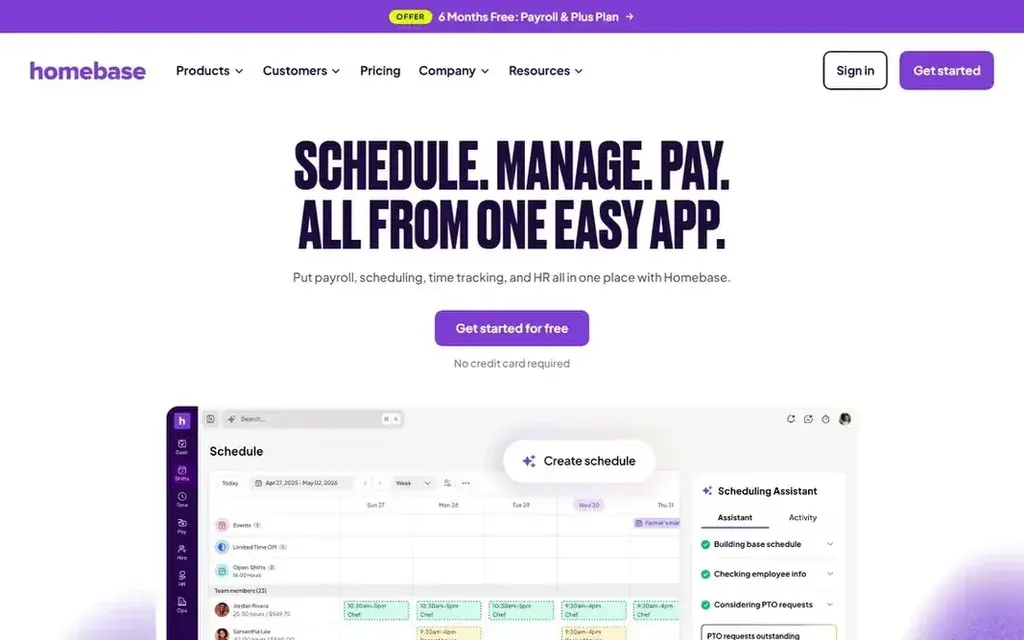
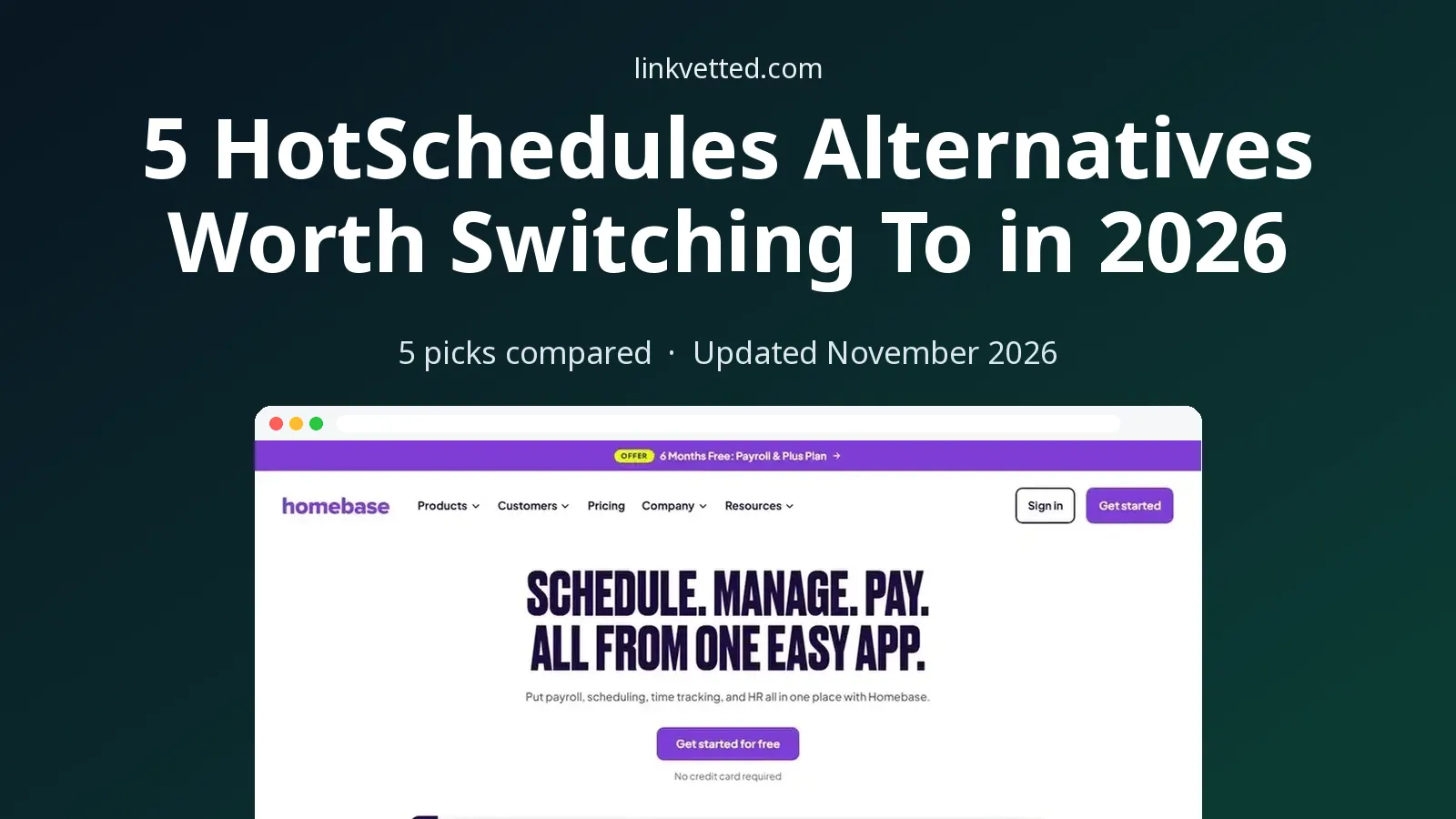
Homebase is designed for small firms managing hourly teams. Pick Homebase if you are a small business wanting an integrated scheduling and payroll option.
Firms that require advanced labor forecasting might look at Deputy instead. On top of that, Homebase may not offer the depth required by bigger organizations with complicated scheduling rules. Homebase cost at the entry level: $30 per location per month. You can start on Homebase without paying.
Where it is weaker: May lack advanced features for bigger enterprises.
- Time clocks, payroll
- Made for small firms
- Payroll features might not suit all business types
Think of Connecteam for frontline teams needing communication. The app is intended to replace scattered tools and provide managers full clarity and control over their workforce.
The main drawbacks: May be overkill for straightforward scheduling.
More specifically, smaller teams may find Sling more straightforward to start with. For everyday use, consider Connecteam when you need a single app to handle communication and scheduling for frontline staff. On cost, Connecteam starts like this: $29 per month. Connecteam has a free plan.
- Merges scheduling
- Built for frontline teams
- Feature set could need a learning curve
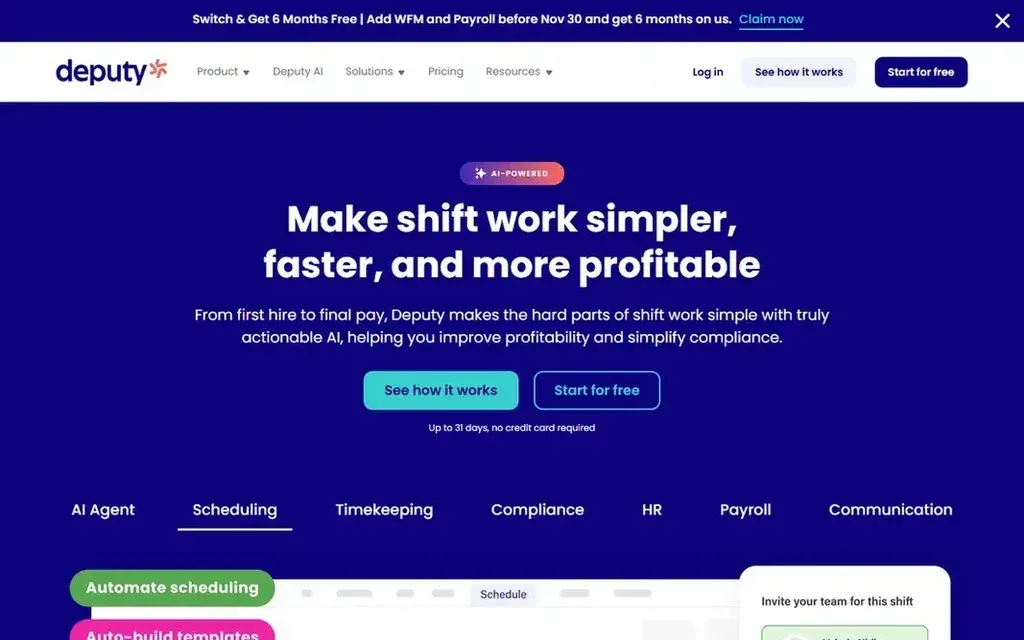
Deputy is aimed squarely at scheduling with HR and payroll. It is made for firms that want to combine scheduling with broader workforce management tools.
For everyday use, Deputy's wider feature set may be more than a small team needs for entry-level scheduling. Entry price for Deputy: $5 per user per month. Free access: Free trial.
What to check first: Feature set could overwhelm simple scheduling needs.
- Supplies AI labor forecasting
- Comes with HR and payroll features
- May be more complicated for small teams
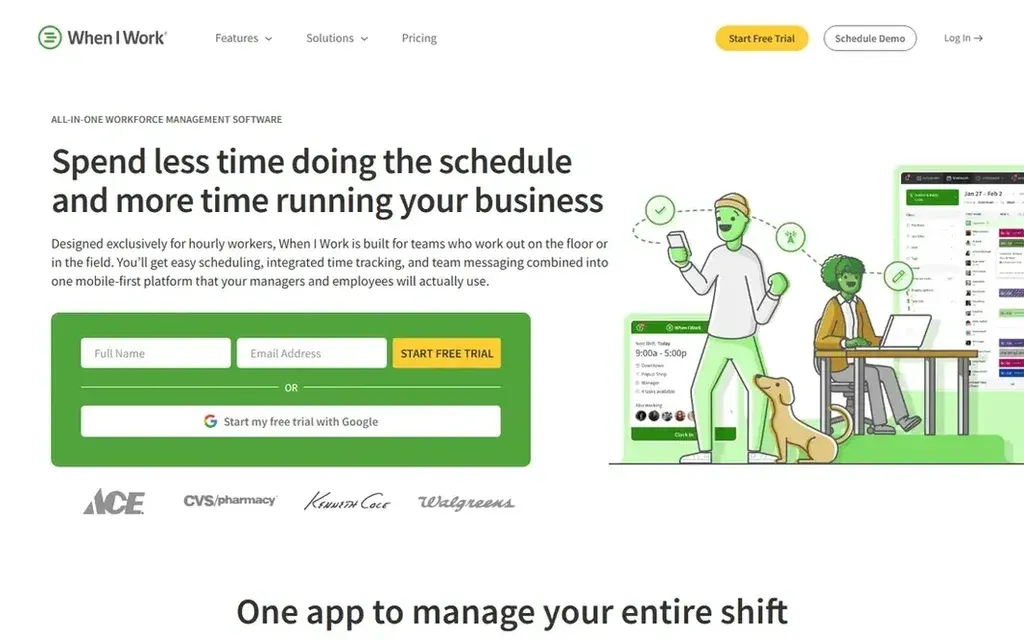
In short, When I Work is for straightforward scheduling and time tracking. When I Work may not be the best fit if you need integrated payroll or deep HR functionality. When I Work is an employee scheduling and management app that lets you schedule shifts, track time, and message your team from one place.
It is made for firms that want a clean, easy-to-use tool without lots of additional complexity. In practice, consider When I Work when scheduling and time tracking are your primary needs. Entry price for When I Work: $2.50 per user per month. On free options: Free trial.
Trade-offs to know: Restricted payroll features.
- Straightforward app for employees and managers
- Time tracking, messaging
- May lack advanced HR tools
What went into this list
A buyer's checklist
- Check the vendor page for the current price: Sling starts at $1.70 per user per month here, and seats or billing terms can move it.
- Look at free plan limits closely: Sling, Homebase and Connecteam have one, and the caps decide whether it is usable for real work.
- Take the trial from Deputy and When I Work and push a live task through it before you pay.
- Before choosing Sling, weigh its main limit: restricted payroll or HR features.
- Check the support hours and onboarding help Connecteam offers; smaller vendors vary a lot here.
- Work out what Deputy costs with your real seat count, add-ons and usage, not just the entry price.
FAQ
Is Sling the right pick for everyone comparing HotSchedules?
No single tool suits every team. Sling comes first because it fits simple shift scheduling and communication, while Homebase suits small businesses managing hourly teams and Connecteam suits frontline teams needing communication. Match the tool to your own size, budget and workflow before deciding.
Do these tools publish their prices?
Yes. Every tool from Sling to When I Work shows a starting price, though seats, add-ons and billing terms still change the final cost.
Can I try these tools before paying?
Often, yes. Sling, Homebase and Connecteam have a free plan and Deputy and When I Work offer a free trial. Use your own data and a real task during the test, and check what the free tier or trial limits before you rely on it.
Can I use these tools for free?
Some tools may offer restricted plans or trial periods, but details vary. Check each vendor's site for current choices and any restrictions.
Which tool is a good match for restaurant scheduling?
Sling comes first here and is built for straightforward shift scheduling and communication. Buyers with other needs may prefer Homebase (for small companies managing hourly teams) or Connecteam (for frontline teams needing communication). Compare costs and limits first.
Which HotSchedules have a free plan?
On this list, Sling, Homebase and Connecteam include a free plan. Caps on seats, usage or features are common, so test the free plan against your real workload. Several others offer a trial instead.
Sources
- https://getsling.com
- https://www.joinhomebase.com
- https://connecteam.com
- https://www.deputy.com
- https://wheniwork.com