5 IKEA Kreativ Alternatives Worth Switching To in 2026
IKEA Kreativ alternatives in 2026: 5 tools with starting prices, free plans and limits. Each listing flags where it falls short. Narrow your shortlist.
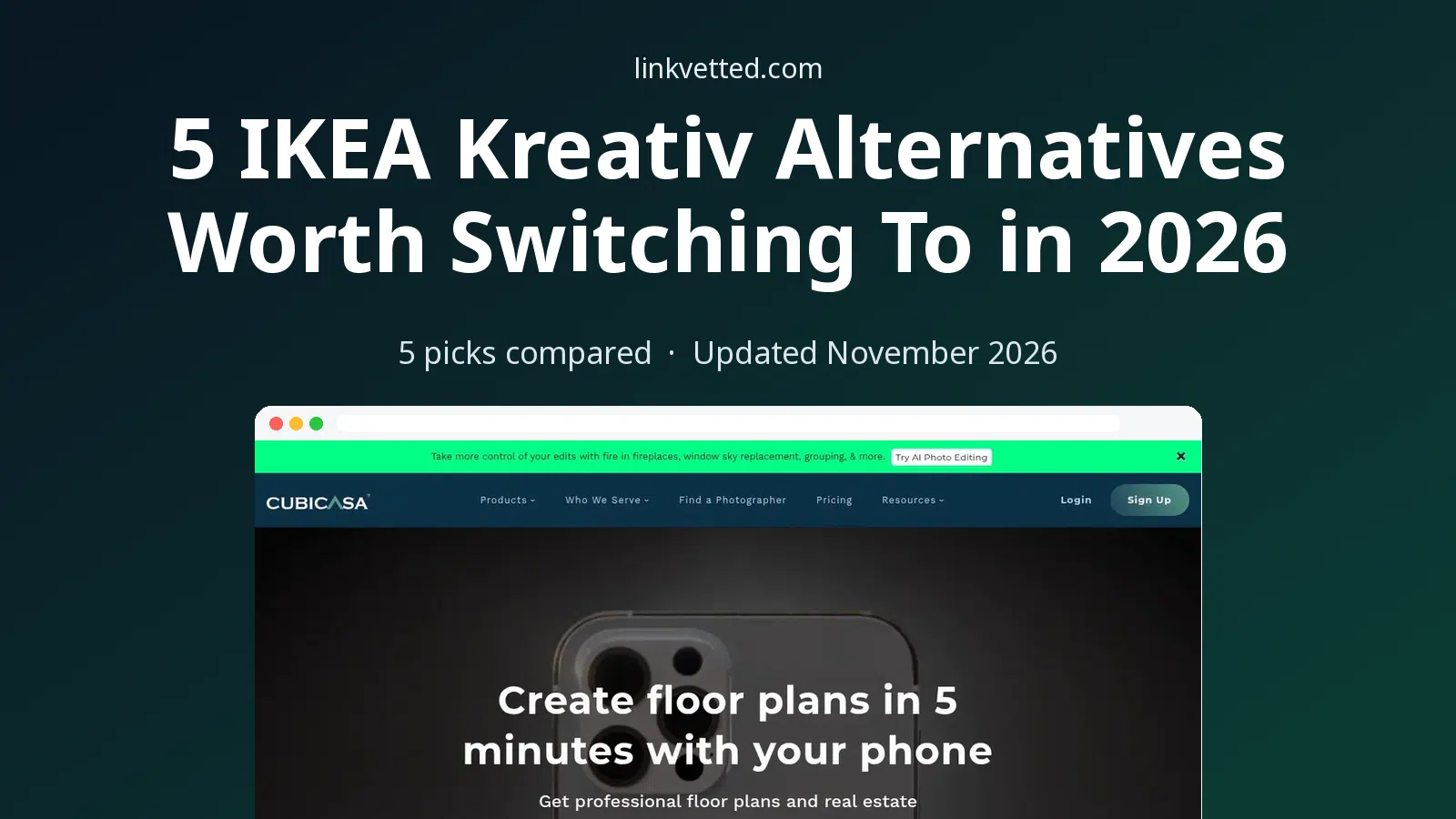
- Editor's choiceCubiCasa
Quick smartphone floor plans
Starts atSee websiteVisit cubi.casaFull review - Great alternative
 RoomSketcher
In-depth 2D and 3D plans
Starts at$12 a monthVisit roomsketcher.comFull review - Also considerMatterport
Immersive 3D capture and sharing
Starts atSee websiteVisit matterport.comFull review
Direct answer
This list puts CubiCasa first for quick smartphone floor plans. Listed starting prices: RoomSketcher from $12 a month and Planner 5D from $19.99 per month. Look at RoomSketcher for in-depth 2D and 3D plans, and at Matterport for Immersive 3D capture and sharing. The remaining 2 options are covered below with prices and limits.
TL;DR:
- The list opens with CubiCasa, aimed at quick smartphone floor plans.
- For the cheapest start, look at RoomSketcher: $12 per month.
- Only 2 of the 5 tools have a free plan (RoomSketcher, Planner 5D), so check the caps.
- For professional residential design work, Chief Architect is worth a look.
- Check the limits for RoomSketcher before you commit: less about camera scanning.
Last checked November 2026. Prices and plan details were read from the vendors' own pages in November 2026; vendors change plans often, so confirm the current price on the vendor site before you buy.
Quick comparison
| Tool | Best for | Starts at | Free plan? | |
|---|---|---|---|---|
| CubiCasa | Quick smartphone floor plans | See website | Free trial | Visit |
| RoomSketcher | In-depth 2D and 3D plans | $12 a month | Yes | Visit |
| Matterport | Immersive 3D capture and sharing | See website | Not stated | Visit |
 Planner 5D | Approachable 2D and 3D home design | $19.99 per month | Yes | Visit |
 Chief Architect | Professional residential design work | See website | Not stated | Visit |
IKEA Kreativ profiles
Short on time? The summary and table above give the quick view of 5 tools for IKEA Kreativ, and the profiles that follow give the detail behind each entry.
CubiCasa
Best for: Quick smartphone floor plans
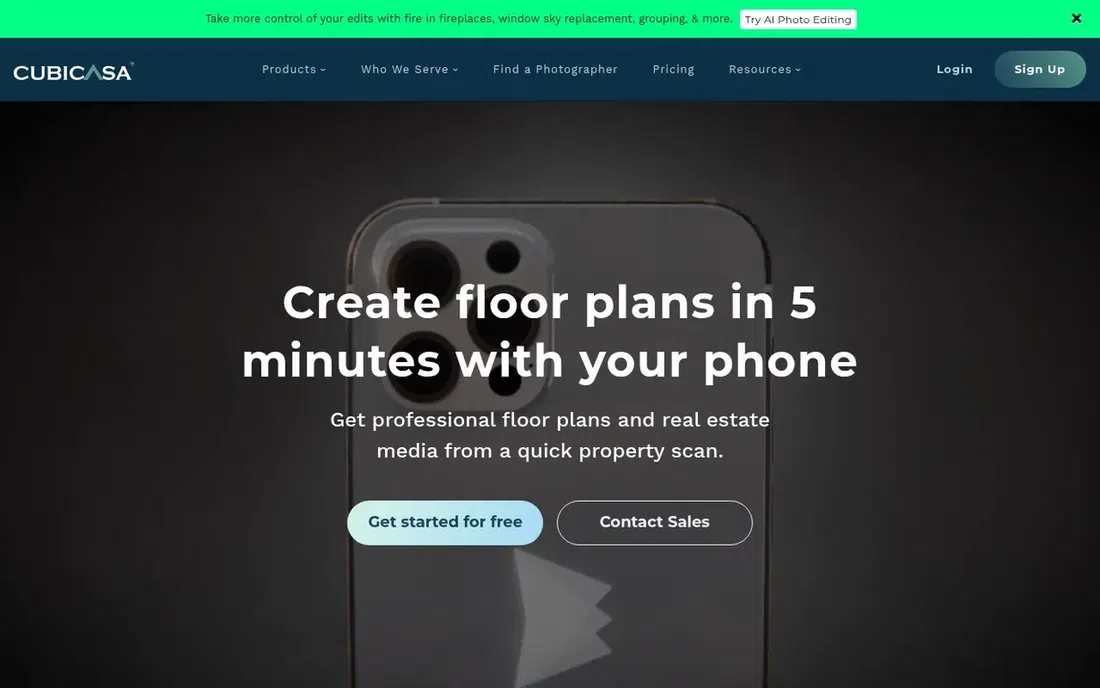
CubiCasa is a good fit for quick smartphone floor plans. CubiCasa is a floor plan creator for iPhone and Android that uses a straightforward smartphone scan to produce accurate 2D and 3D floor plans. It does well as a starting point before furnishing or redesigning a space.
Its strength is plan capture instead of rich interior visualization, so it is not the place for elaborate 3D styling. Choose a dedicated home design tool when decorating and layout experimentation matter more than plan accuracy. No starting price is listed for CubiCasa here; confirm pricing on the vendor site. As for free access: Free trial.
Trade-offs to know: Output leans toward floor plans.
- IOS and Android app
- Scan with a phone
- Restricted furniture design depth
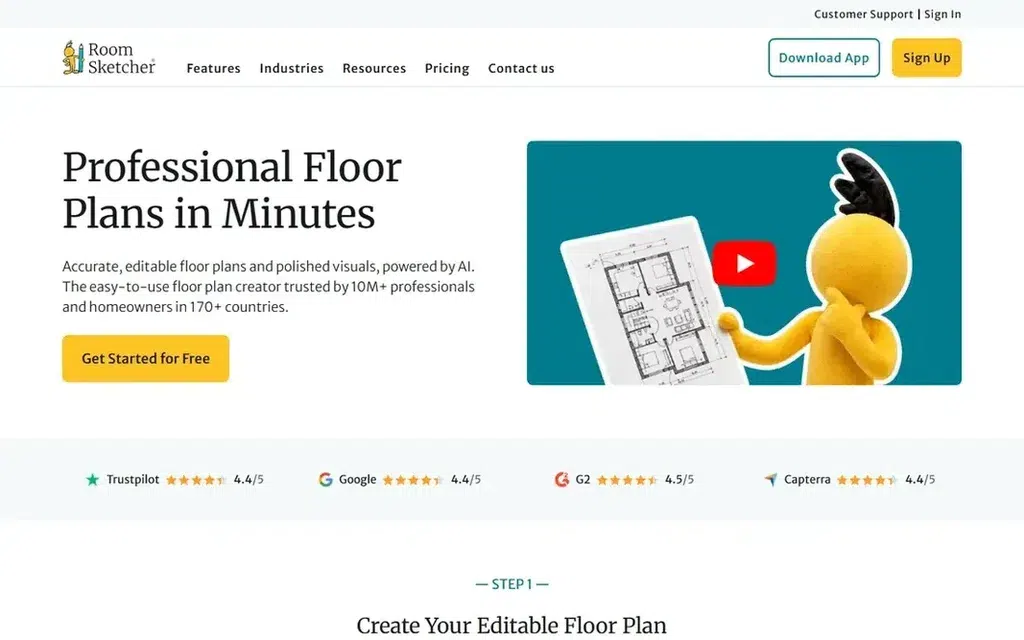
Choose RoomSketcher for in-depth 2D and 3D plans. RoomSketcher presents itself as a simple way to build, edit and visualize in-depth 2D and 3D floor plans. It is a practical alternative when you want plan-first work rather than a scan-first experience.
It is not built around capturing an existing room with a phone camera, so you may have to enter measurements yourself. If instant scanning is essential, a scan-focused tool will save time. What you pay to start with RoomSketcher: $12 per month. You can start on RoomSketcher without paying.
Where it falls short: Design depth varies by task.
Best features of RoomSketcher: Build and edit floor plans.
- 2D and 3D visualization
- Straightforward plan workflow
- Less about camera scanning
Matterport
Best for: Immersive 3D capture and sharing
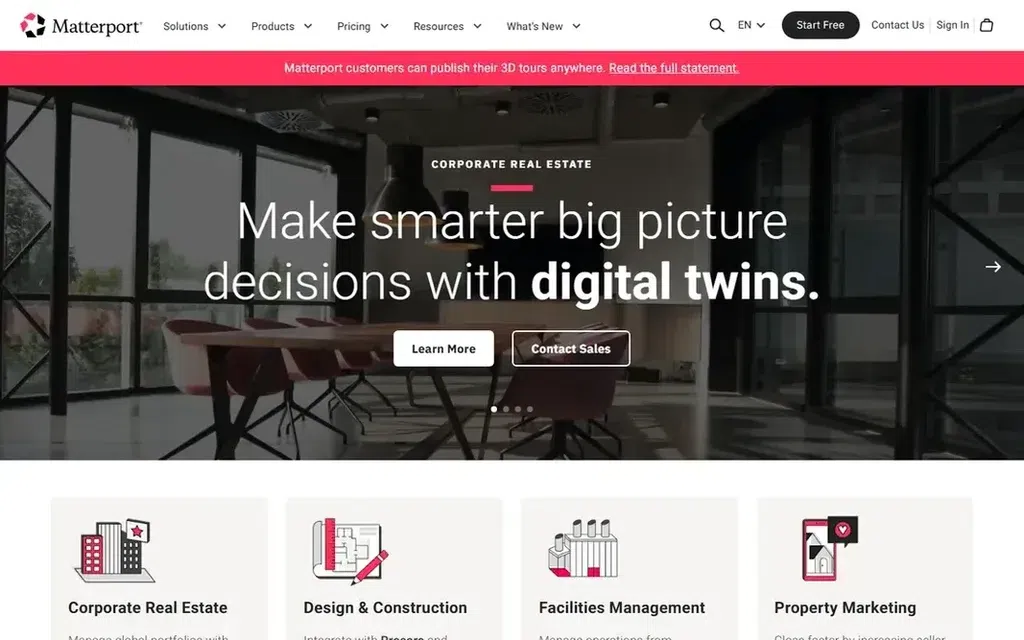
Think of Matterport for Immersive 3D capture and sharing. Since the workflow centers on capture hardware and detailed spatial data, it is heavier than a casual room redesign tool.
The main drawbacks: Less centred on furniture planning.
If your goal is just rearranging furniture or sketching a plan, a lighter design app may be the better choice. Matterport does not show a starting price in this comparison, so check the vendor site for current pricing. On free options: Not stated.
- Share and collaborate in 3D
- 4K print quality photos
- Hardware can be part of the workflow
Planner 5D was built for approachable 2D and 3D home design. Since it opens from a blank design instead of a scan of your actual room, matching existing spaces takes manual effort.
On cost, Planner 5D starts like this: $19.99 per month. Planner 5D offers a free plan.
Trade-offs to know: Large projects need care.
- Easy-to-use interface
- 2D and 3D house design
- Not a scanning tool
For professional residential design work, Chief Architect is a natural candidate. Casual users wanting a fast room refresh may prefer a more straightforward design app.
Watch-outs: More than casual users need.
Check the vendor site for Chief Architect pricing; none is listed in this comparison. Trial and free access: Not stated.
- Designed for residential design
- Professional-grade toolset
- Steeper ramp-up time
What went into this list
We compared the tools on published pricing, free plan or trial availability, feature coverage for IKEA Kreativ, and the limits each vendor documents. Prices and plan limits come from vendor pages and can change, so confirm them on the vendor site before you buy. Order on the page follows fit for the typical buyer first, then price transparency and free access. Your own requirements should decide the final pick.
Questions to settle before buying
- Ask CubiCasa, Matterport and Chief Architect for a written quote, since no starting price is shown.
- Check what the free option really includes: RoomSketcher and Planner 5D offer a free plan, and usage caps differ.
- Use real work to test the free trial from CubiCasa, rather than a demo project.
- Read the limits listed for CubiCasa first: output leans toward floor plans.
- Read the plan comparison for CubiCasa carefully; key features often start on a higher tier.
- Work out what Planner 5D costs with your real seat count, add-ons and usage, not just the entry price.
FAQ
Which options for IKEA Kreativ have a free plan?
RoomSketcher and Planner 5D offer a free plan in this list. Free plans usually cap users, projects or features, so check the limits on the vendor page. One other tool offers a trial instead.
How are the tools for IKEA Kreativ ordered?
CubiCasa sits first and Chief Architect last because the order follows typical fit for IKEA Kreativ, then price clarity and free access. It is a judgement call, so read each profile for fit and limits.
Is CubiCasa the right pick for everyone comparing IKEA Kreativ?
No single tool suits every team. CubiCasa comes first because it fits fast smartphone floor plans, while RoomSketcher suits detailed 2D and 3D plans and Matterport suits Immersive 3D capture and sharing. Match the tool to your own size, budget and workflow before deciding.
What is the cheapest option for IKEA Kreativ in this list?
On published monthly entry prices, RoomSketcher is the lowest here at $12 per month. Entry price is only part of the cost, because seats, add-ons and billing terms can change the total. For the full picture, the cards above cover all 5 entries of this IKEA Kreativ alternatives list, including price, free plan and limits.
Sources
- https://www.cubi.casa
- https://www.roomsketcher.com
- https://matterport.com
- https://planner5d.com
- https://www.chiefarchitect.com