5 Fotor Alternatives Worth Switching To in 2026
Fotor alternatives, compared. 5 tools with published prices, free plans and limits. Every pick gets a straight assessment. Last reviewed November 2026.
- Editor's choice
 PicMonkey
Straightforward photo editing and design templates
Starts atSee websiteVisit picmonkey.comFull review - Great alternativeSnapfish
Printed photo gifts and books
Starts atSee websiteVisit snapfish.comFull review - Also consider
 Pixlr
Browser editing with AI generation
Starts at$2.49 a monthVisit pixlr.comFull review
Direct answer
If you need straightforward photo editing and design templates, PicMonkey is the first tool to look at here. Listed starting prices: Pixlr from $2.49 a month. Snapfish fits printed photo gifts and books; Pixlr fits browser editing with AI generation. Prices, free plans and limits for all 5 tools follow.
TL;DR:
- Number one here is PicMonkey, a fit for straightforward photo editing and design templates.
- For advanced, layer-based image editing, Adobe Photoshop is worth a look.
- Pixlr is the lowest-priced starter here at $2.49 per month.
- Before buying Canva, weigh this: less precise than pro photo editors.
- A permanent free plan is missing from all 5 tools, PicMonkey and Adobe Photoshop included; plan for a trial or a premium start.
Last checked November 2026. Prices and plan details were read from the vendors' own pages in November 2026; vendors change plans often, so confirm the current price on the vendor site before you buy.
Quick comparison
| Tool | Best for | Starts at | Free plan? | |
|---|---|---|---|---|
| PicMonkey | Straightforward photo editing and design templates | See website | Free trial | Visit |
| Snapfish | Printed photo gifts and books | See website | Not stated | Visit |
| Pixlr | Browser editing with AI generation | $2.49 a month | Not stated | Visit |
 Canva | Template-driven design and social graphics | See website | Not stated | Visit |
 Adobe Photoshop | Advanced, layer-based image editing | See website | Not stated | Visit |
Fotor compared in detail
If you are comparing Fotor, this page covers 5 tools in one place: what each is best for, what it costs to start, whether it has a free plan, and the main limit to know about.
PicMonkey is designed for straightforward photo editing and design templates. It does not match dedicated professional editors for complicated retouching, and template-driven design can limit unusual layouts.
Downsides: Less depth than pro editors.
Choose PicMonkey for fast branded content, and pick a deeper editor when precise image work is central. No starting price is listed for PicMonkey here; confirm pricing on the vendor site. Free access: Free trial.
Strengths: Logos.
- Social graphics and handles
- Photo editing plus design templates
- Template-led workflow may feel restrictive
Snapfish
Best for: Printed photo gifts and books
Pick Snapfish if this describes you: printed photo gifts and books. Snapfish concentrates on personalized gifts, cards, home decor, photo books and prints. From a buyer's view, the design tools exist to support ordering printed items, so the workflow moves from choosing a product to placing photos and finishing the layout.
If your goal is social media graphics or in-depth retouching, Snapfish is the wrong fit. It is best viewed as a print and gifting service with light design support, and digital-first editors should be chosen for image work instead. Snapfish does not show a starting price in this comparison, so check the vendor site for current pricing. Trial and free access: Not stated.
Trade-offs to know: Not a general design suite.
- Photo books and prints in one place
- Design tools tied to physical products
- Editing is secondary to ordering prints
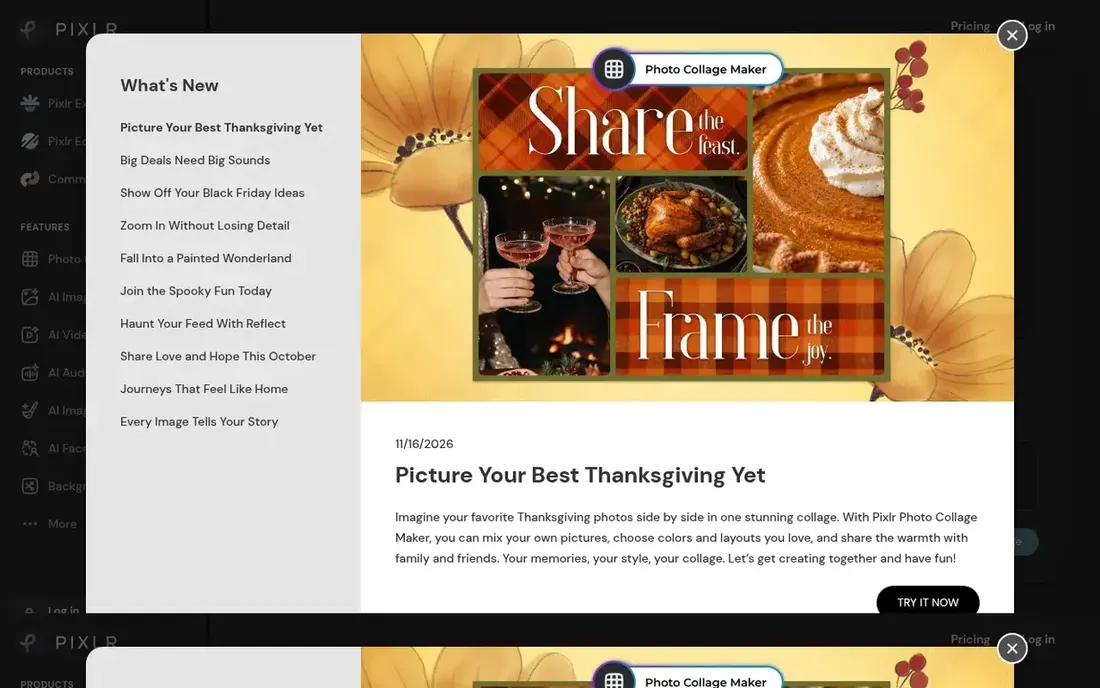
Pixlr is a good fit for browser editing with AI generation. Pixlr is an online AI photo editor and image generator that runs entirely in the browser.
Since everything runs online, performance relies on your connection and device. The starting price for Pixlr: $2.49 per month. On free options: Not stated.
What to check first: Browser performance relies on connection.
- No install needed
- AI image and video generation tools
- Interface can feel busy for beginners
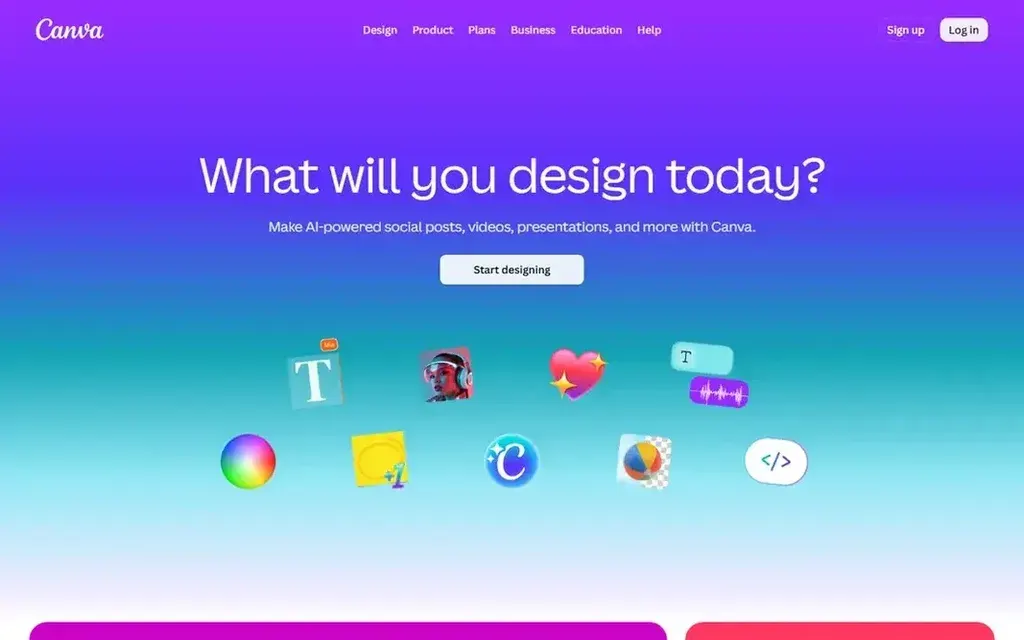
Where Canva fits: template-driven design and social graphics. Choose it when speed and templates matter more than fine control, and look to a full editor when precise image manipulation is the core task.
Where Canva stands out: Browser-based with wide format support.
Also, for pixel-level retouching, masking or color work, Canva can feel restricted next to dedicated photo software. Canva is an online visual suite built around templates for social posts, presentations, posters, videos and logos. No starting price is listed for Canva here; confirm pricing on the vendor site. Free options: Not stated.
Limits to weigh: Less precise than pro photo editors.
- Large template and asset library
- Posters and video
- Advanced controls sit behind deeper menus
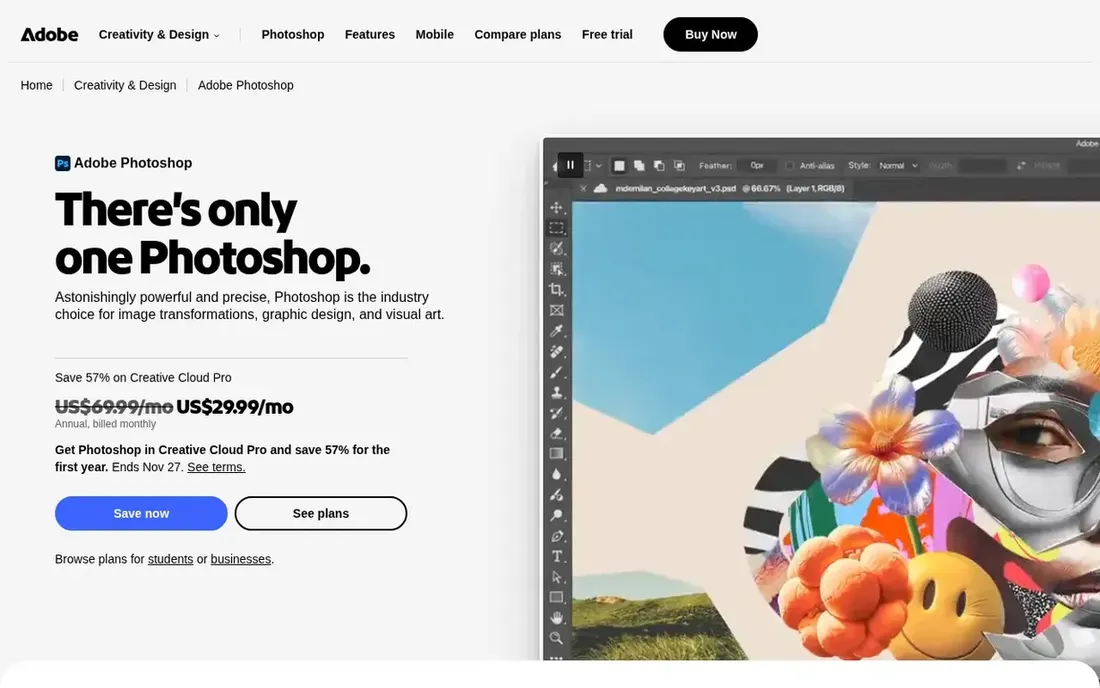
Adobe Photoshop is designed for advanced, layer-based image editing. Adobe Photoshop is the reference tool for serious photo editing, combining images, building custom scenes and making complicated adjustments.
It is offered as an online app and a mobile app, so work can move across devices. Beyond that, pick something template-based when the goal is quick layout, and choose Photoshop when image quality and precise editing are the priority. No starting price is listed for Adobe Photoshop here; confirm pricing on the vendor site. As for free access: Not stated.
Downsides: Overkill for straightforward template graphics.
- Deals with complicated multi-image scenes
- Deep editing and compositing tools
- Steeper ramp-up time
Selection criteria
Before you commit
- Get a written quote from PicMonkey, Snapfish, Canva and Adobe Photoshop; the list shows no starting price for them.
- Take the trial from PicMonkey and push a live task through it before you pay.
- Read the limits listed for PicMonkey first: less depth than pro editors.
- Run a one or two week pilot of Canva with the people who will use it every day.
- Add up seats, add-ons and usage charges for Snapfish before comparing it with cheaper entries.
FAQ
Is PicMonkey the right pick for everyone comparing Fotor?
No single tool suits every team. PicMonkey comes first because it fits simple photo editing and design templates, while Snapfish suits printed photo gifts and books and Pixlr suits browser editing with AI generation. Match the tool to your own size, budget and workflow before deciding.
What is the best Fotor alternative for beginners?
Start with PicMonkey if you need straightforward photo editing and design templates. Snapfish is the better match for printed photo gifts and books, and Pixlr for browser editing with AI generation. The best choice depends on budget, team size and workflow.
How are the tools for Fotor ordered?
The order follows typical fit for Fotor, with PicMonkey first and Adobe Photoshop last, then price clarity and free access. It is editorial judgement, not a score, so another team could rank the tools differently.
Does any tool for Fotor here have a free plan?
A permanent free plan is not offered by PicMonkey, Adobe Photoshop or the other tools here. PicMonkey offer a trial. Plan a short evaluation period instead.
Can I try these tools before paying?
Often, yes. PicMonkey offers a free trial. Use your own data and a real task during the test, and check what the free tier or trial limits before you rely on it.
Sources
- https://www.picmonkey.com
- https://www.snapfish.com
- https://pixlr.com
- https://www.canva.com
- https://www.adobe.com/products/photoshop.html