5 HelloSign Alternatives Worth Switching To in 2026
Shortlisting HelloSign alternatives? 5 products compared on cost, free access and ideal buyer. Short, factual notes on every option. See the full list.
- Editor's choice
 Dropbox Sign
Signing close to Dropbox file storage
Starts atSee websiteVisit dropbox.comFull review - Great alternative
 OneSpan Sign
Security-focused agreement workflows
Starts atSee websiteVisit onespan.comFull review - Also consider
 Adobe Acrobat Sign
Teams already using Adobe document tools
Starts atSee websiteVisit adobe.comFull review
Direct answer
Dropbox Sign leads the list, best for signing close to Dropbox file storage. Listed starting prices: DocuSign from $45 per user a month. Look at OneSpan Sign for security-focused agreement workflows, and at Adobe Acrobat Sign for teams already using Adobe document tools. Prices, free plans and limits for all 5 tools follow.
TL;DR:
- Dropbox Sign takes the first slot, best suited to signing close to Dropbox file storage.
- Zoho Sign fits companies inside the Zoho ecosystem.
- Before buying Adobe Acrobat Sign, weigh this: best value assumes Adobe familiarity.
- A permanent free plan is missing from all 5 tools, Dropbox Sign and Zoho Sign included; plan for a trial or a premium start.
- The lowest published monthly entry price here is $45 per user per month, from DocuSign.
Last checked November 2026. Prices and plan details were read from the vendors' own pages in November 2026; vendors change plans often, so confirm the current price on the vendor site before you buy.
Quick comparison
| Tool | Best for | Starts at | Free plan? | |
|---|---|---|---|---|
| Dropbox Sign | Signing close to Dropbox file storage | See website | Not stated | Visit |
| OneSpan Sign | Security-focused agreement workflows | See website | Not stated | Visit |
| Adobe Acrobat Sign | Teams already using Adobe document tools | See website | Not stated | Visit |
 DocuSign | Wide agreement management beyond signing | $45 per user a month | Not stated | Visit |
 Zoho Sign | Companies inside the Zoho ecosystem | See website | Not stated | Visit |
Tool-by-tool breakdown
LinkVetted compared 5 tools for HelloSign. The goal is a practical shortlist: published prices, free plan facts, best-fit use cases and honest limits for every entry.
Where Dropbox Sign fits: signing close to Dropbox file storage. Dropbox Sign helps teams prepare, send, sign and track agreements with legally binding eSignatures. Its appeal is most solid inside Dropbox-centered workflows; teams using other storage systems may not gain the same convenience.
Points against: Most handy if you depend on Dropbox.
For everyday use, pick Dropbox Sign when straightforward signing tied to Dropbox files is the priority. If you need deep agreement management or heavy customization, other choices here go further. Pricing for Dropbox Sign is not stated here, so ask the vendor for current figures. On free options: Not stated.
Upsides: Suits Dropbox-centered file workflows.
- Prepare, send
- Legally binding eSignatures
- Less appealing outside that ecosystem
OneSpan Sign serves security-focused agreement workflows. It suits organizations where verifying signer identity and controlling agreement workflows matter, for example regulated or high-trust signing processes that require more than an entry-level signature request.
In daily use, if identity assurance and automation are not priorities, a leaner tool may be simpler to adopt; choose OneSpan Sign when secure, controlled agreement workflows lead your requirements. No starting price is listed for OneSpan Sign here; confirm pricing on the vendor site. Free access: Not stated.
Where it falls short: May be more than straightforward signing needs.
- Automation and smart forms
- Identity assurance features
- Wide feature set needs planning
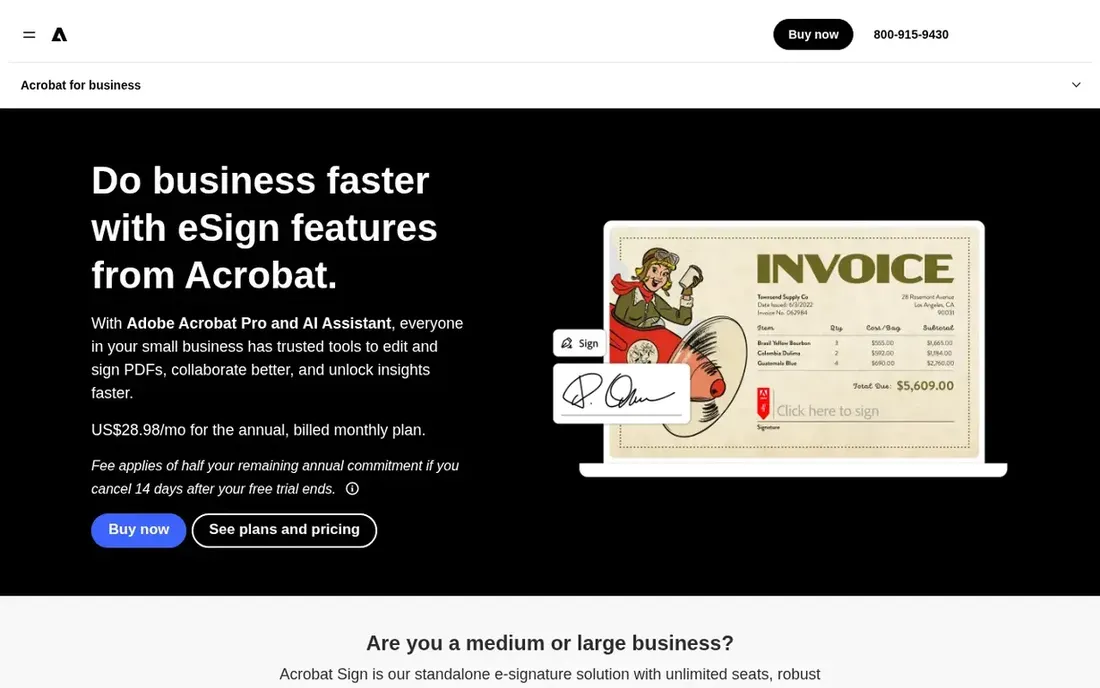
Adobe Acrobat Sign is designed for teams already using Adobe document tools. It suits organizations that already work within Adobe's document ecosystem and want signing to sit alongside PDF-centric processes, notably where forms and payments are part of the same agreement flow.
Downsides: Best value assumes Adobe familiarity.
Pricing for Adobe Acrobat Sign is not stated here, so ask the vendor for current figures. As for free access: Not stated.
- Can accept signatures on a website
- Signing tied to Adobe document workflows
- Breadth of choices needs setup care
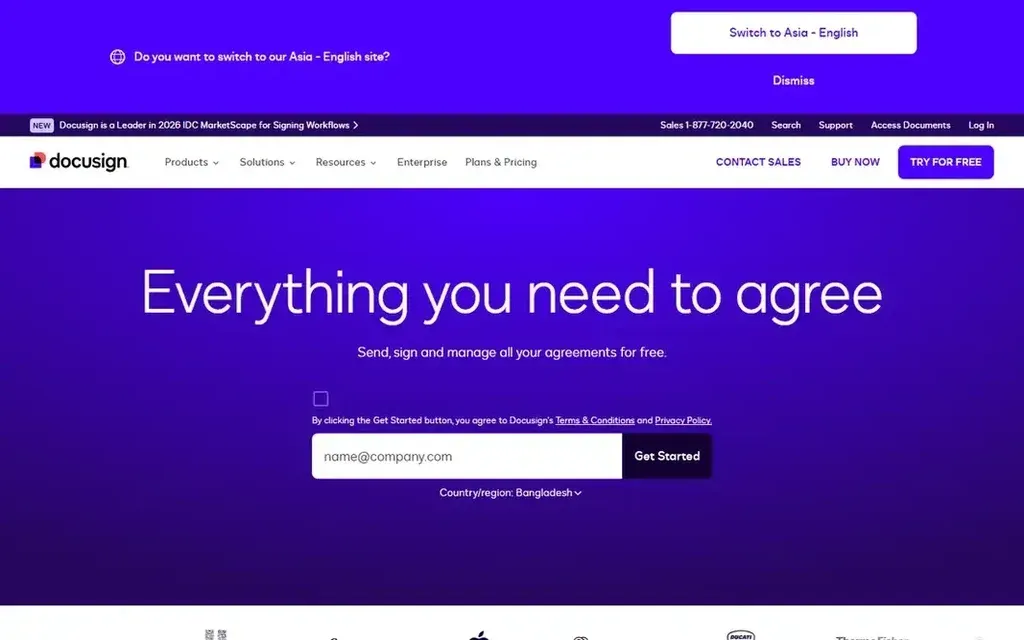
In short, DocuSign is for wide agreement management beyond signing. Since the platform spans agreement management along with signing, smaller teams with entry-level send-and-sign needs may find more capability than they need.
Starting cost for DocuSign: $45 per user per month. Free options: Not stated.
Where it is weaker: Feature depth may overwhelm straightforward needs.
- Widely recognized product
- Merges eSignature with agreement management
- Configuration can take time to learn
Zoho Sign makes the most sense for firms inside the Zoho ecosystem. Zoho Sign is a digital signature option for firms, offering online document signing and automatic paperwork workflows to collect signatures securely. Its advantages are clearest for teams invested in Zoho, whereas others may weigh integration fit carefully.
Points against: Most solid fit within Zoho.
Choose Zoho Sign when secure, straightforward document signing within a familiar business software stack is the goal. In daily use, organizations needing deep identity assurance or deep agreement management may prefer another choice here. This comparison lists no price for Zoho Sign; ask the vendor. Trial and free access: Not stated.
- Secure signature collection
- Digital signature document workflows
- Workflow depth varies by need
How these tools were picked
Things to verify first
- Ask Dropbox Sign, OneSpan Sign, Adobe Acrobat Sign and Zoho Sign for a written quote, since no starting price is shown.
- Read the limits listed for Dropbox Sign first: most handy if you rely on Dropbox.
- Check the integration list for Adobe Acrobat Sign against the tools you run today, and note which ones need a higher plan.
- Compare total cost, not headline price: for Dropbox Sign, add extra seats, add-ons and any usage-based charges.
- Look at the help docs and support options for OneSpan Sign before you commit.
FAQ
What should I look for in a HelloSign alternative?
Focus on how you send and route documents, which storage and business tools you need signing to link with, and how much identity verification your agreements need.
Do these tools publish their prices?
Not all of them. Dropbox Sign, OneSpan Sign, Adobe Acrobat Sign and Zoho Sign publish no starting price, so expect a quote request for those. The rest, DocuSign included, show a starting price, though seats and billing terms still change the final cost.
How are the tools for HelloSign ordered?
The order follows typical fit for HelloSign, with Dropbox Sign first and Zoho Sign last, then price clarity and free access. It is editorial judgement, not a score, so another team could rank the tools differently.
Is Dropbox Sign the right pick for everyone comparing HelloSign?
No single tool suits every team. Dropbox Sign comes first because it fits signing close to Dropbox file storage, while OneSpan Sign suits security-focused agreement workflows and Adobe Acrobat Sign suits teams already using Adobe document tools. Match the tool to your own size, budget and workflow before deciding.
Does any tool for HelloSign here have a free plan?
No tool in this list, Dropbox Sign and Zoho Sign included, has a permanent free plan. Trials and quotes are the usual route, so plan a short evaluation period.
Sources
- https://www.dropbox.com/sign
- https://www.onespan.com/products/esignature
- https://www.adobe.com/sign.html
- https://www.docusign.com
- https://www.zoho.com/sign