5 Genially Alternatives Worth Switching To in 2026
Shortlisting Genially alternatives? 5 products compared on cost, free access and ideal buyer. Honest caveats for every entry. Pricing and limits included.
- Editor's choicePowtoon
Branded business video and presentations
Starts at$8 a monthVisit powtoon.comFull review - Great alternative
 Animaker
Beginner-friendly animated video
Starts at$10 a monthVisit animaker.comFull review - Also consider
 Vyond
Business video in varied visual styles
Starts at$58 a monthVisit vyond.comFull review
Direct answer
Our first pick is Powtoon, best for branded business video and presentations. Listed starting prices: Powtoon from $8 a month, Animaker from $10 a month and Vyond from $58 a month. Animaker fits beginner-friendly animated video; Vyond fits business video in varied visual styles. All 5 tools are compared below on price, free plan and limits.
TL;DR:
- This list starts with Powtoon, which is built for branded business video and presentations.
- One limit worth knowing about Animaker: animation focus limits other content types.
- A free plan is available from 2 of the 5 tools: Powtoon, Piktochart.
- Piktochart fits Infographics, reports and data visuals.
Last checked November 2026. Prices and plan details were read from the vendors' own pages in November 2026; vendors change plans often, so confirm the current price on the vendor site before you buy.
Quick comparison
| Tool | Best for | Starts at | Free plan? | |
|---|---|---|---|---|
| Powtoon | Branded business video and presentations | $8 a month | Yes | Visit |
| Animaker | Beginner-friendly animated video | $10 a month | Free trial | Visit |
| Vyond | Business video in varied visual styles | $58 a month | Free trial | Visit |
 Canva | Wide visual design across formats | See website | Not stated | Visit |
 Piktochart | Infographics, reports and data visuals | $10 per member a month | Yes | Visit |
Genially profiles
LinkVetted compared 5 tools for Genially. The goal is a practical shortlist: published prices, free plan facts, best-fit use cases and honest limits for every entry.
Powtoon
Best for: Branded business video and presentations
Think of Powtoon for branded business video and presentations. Documented features contain doc-to-video, AI avatars, text-to-speech and AI translation, which makes it a reasonable fit for teams that require explainer or training video without a production crew.
In daily use, Powtoon is oriented toward video and presentation output. So it is not the natural choice for interactive web content or data-heavy infographics. On cost, Powtoon starts like this: $8 per month. A free plan is available with Powtoon.
Where it is weaker: Less handy for static infographics.
- AI avatars and translation choices
- Aimed at business-ready branded output
- Video-first instead of general design
Where Animaker fits: beginner-friendly animated video. Animaker describes itself as an online animation maker for beginners and pros, centred on creating animated videos in minutes.
The tool is built around animation, so interactive presentations, reports and static infographics fall outside its core scope. On cost, Animaker starts like this: $10 per month. As for free access: Free trial.
Drawbacks to consider: Animation focus limits other content types.
- Accessible entry point for beginners
- Online animation maker for varied skill levels
- Not aimed at live presentations
Where Vyond fits: business video in varied visual styles. As a video product, Vyond does not include interactive presentations, infographics or social graphics.
It fits organizations that require consistent internal or external video communication, like training and explainer content, and that want a guided creation process instead of manual animation work. Vyond pricing: $58 per month. Free access: Free trial.
What to check first: Not a general graphic design suite.
- Video creation in plenty of styles
- AI-assisted creation workflow
- Centred on video instead of presentations
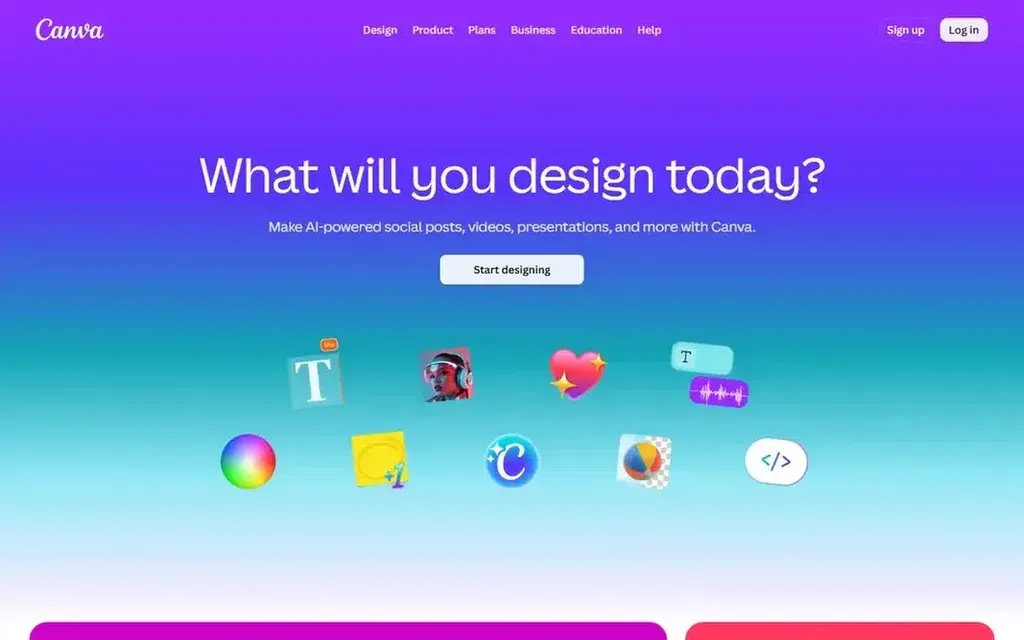
Think of Canva for wide visual design across formats. Canva presents itself as a visual suite for everyone, built around an online graphic design tool for social posts, presentations, posters, videos, logos and more. It performs well when speed and template variety matter more than custom interactive behavior.
Honest limits: Advanced control can feel constrained.
If your priority is clickable interactive content or live polls during a session, a dedicated presentation system is the better fit. Since it spans so numerous formats, Canva is less specialized for branching interactive experiences or live audience participation. Canva shows no starting price here, so confirm the cost on the vendor site. Free access: Not stated.
- Works for non-designers
- Social posts and video
- Interactivity is limited compared to dedicated presentation tools
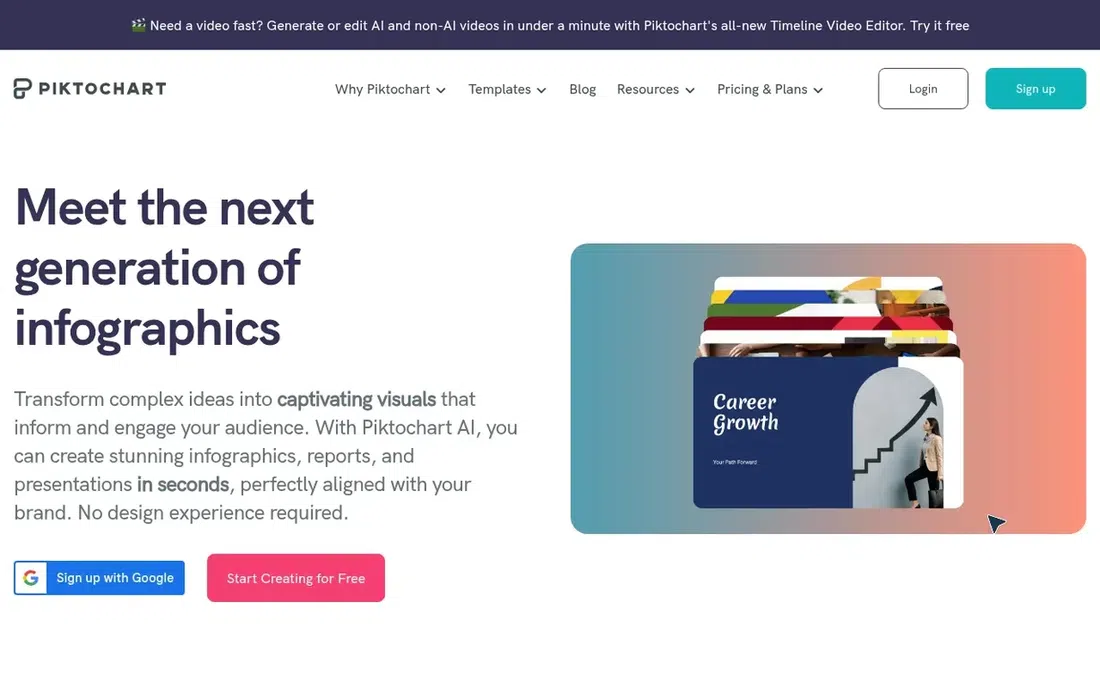
Piktochart is a good fit for Infographics, reports and data visuals. Piktochart positions itself around infographic tools and an AI design system, with a studio for creating designs, presentations, reports, ebooks and videos.
Where it falls short: Less suited to live interactive sessions.
Upsides: AI-assisted infographic creation. Worth adding: the platform's strength is static and document-style visuals, so live audience interaction and advanced animation are not its focus. Piktochart starts at: $10 per member per month. You can start on Piktochart without paying.
- Supports presentations
- Reports and ebooks
- Video is a secondary output
What went into this list
LinkVetted looked at what each vendor publishes: pricing, plan limits, feature coverage for Genially and stated drawbacks. No hands-on testing is claimed. Where a price is missing, the vendor does not list one publicly or ties it to a quote. Always confirm before budgeting. The order reflects how well each tool fits the most common buying scenario for Genially, then price clarity, then free plan access. It is a starting point, not a verdict.
Pre-purchase checklist
- Get a written quote from Canva; the list shows no starting price for them.
- Look at free plan limits closely: Powtoon and Piktochart have one, and the caps decide whether it is usable for real work.
- Use real work to test the free trial from Animaker and Vyond, rather than a demo project.
- Read the limits listed for Powtoon first: video-first instead of general design.
- Add up seats, add-ons and usage charges for Animaker before comparing it with cheaper entries.
- Map your must-have features to a specific Powtoon plan before you compare prices.
FAQ
What is the best Genially alternative for interactive presentations?
Start with Powtoon if you need branded business video and presentations. Animaker is the better match for beginner-friendly animated video, and Vyond for business video in varied visual styles. The best choice depends on budget, team size and workflow.
Which options for Genially have a free plan?
Powtoon and Piktochart offer a free plan in this list. Free plans usually cap users, projects or features, so check the limits on the vendor page. Several others offer a trial instead.
What is the cheapest option for Genially in this list?
On published monthly entry prices, Powtoon is the lowest here at $8 per month. Entry price is only part of the cost, because seats, add-ons and billing terms can change the total. Prices, free plan details and limits for all 5 tools in this Genially alternatives roundup sit on the individual cards above.
Can I try these tools before paying?
Often, yes. Powtoon and Piktochart have a free plan and Animaker and Vyond offer a free trial. Use your own data and a real task during the test, and check what the free tier or trial limits before you rely on it.
Which alternative is a good match for infographics and reports?
The first pick on this list is Powtoon, because it suits branded business video and presentations. Animaker is better for beginner-friendly animated video, and Vyond for business video in varied visual styles. Check price and limits against your own needs before choosing.
Do these tools publish their prices?
Not all of them. Canva publishes no starting price, so expect a quote request for it. The rest, Powtoon included, show a starting price, though seats and billing terms still change the final cost.
Sources
- https://www.powtoon.com
- https://www.animaker.com
- https://www.vyond.com
- https://www.canva.com
- https://piktochart.com