Best Field Service Operations Best Practices (2026): 6 Picks Checked on Vendor Pages
Compare 6 field service operations best practices, with prices, free plans and who each fits. Costs and caveats sit beside each pick. Checked this month.
- Editor's choice
 Kickserv
Jobs, customers, and payments
Starts at$60 per monthVisit kickserv.comFull review - Great alternative
 Housecall Pro
Home service business management
Starts at$59 a monthVisit housecallpro.comFull review - Also consider
 FieldEdge
Tracking customers and dispatches
Starts atSee websiteVisit fieldedge.comFull review
Direct answer
Kickserv comes first here, mainly for jobs, customers, and payments. Listed starting prices: Kickserv from $60 per month and Housecall Pro from $59 a month. For a different need, Housecall Pro covers home service business management and FieldEdge covers tracking customers and dispatches. The full list of 6 tools follows, with prices and free plan facts.
TL;DR:
- Kickserv sits first on this list: jobs, customers, and payments.
- ServiceMax suits asset-centric equipment uptime.
- None of the 6 tools, from Kickserv to ServiceMax, has a free plan, so budget for a subscription or use a trial.
- The lowest published monthly entry price here is $59 per month, from Housecall Pro.
Last checked November 2026. Prices and plan details were read from the vendors' own pages in November 2026; vendors change plans often, so confirm the current price on the vendor site before you buy.
Quick comparison
| Tool | Best for | Starts at | Free plan? | |
|---|---|---|---|---|
| Kickserv | Jobs, customers, and payments | $60 per month | Free trial | Visit |
| Housecall Pro | Home service business management | $59 a month | Free trial | Visit |
| FieldEdge | Tracking customers and dispatches | See website | No | Visit |
 Jobber | Small teams quoting and scheduling | See website | Not stated | Visit |
 ServiceTitan | Home and commercial contractors | See website | Free trial | Visit |
| ServiceMax | Asset-centric equipment uptime | See website | Not stated | Visit |
The full field service operations best practices list
LinkVetted compared 6 field service operations best practices. The goal is a practical shortlist: published prices, free plan facts, best-fit use cases and honest limits for every entry.
In short, Kickserv is for jobs, customers, and payments. Kickserv is field service management software that supplies management of jobs, customers, communication, and payments for home service firms.
Limits to weigh: Narrower scope than large products.
On top of that, teams centred on keeping jobs, messages, and payments organized are the intended users. Worth adding: home service orientation also limits reach into other industries. On cost, Kickserv starts like this: $60 per month. Free plan details: Free trial.
- Communication tools
- Payment handling included
- Home service orientation
Where Housecall Pro fits: home service business management. Housecall Pro is presented as a software option for home service firms, with a following among field service professionals. From a buyer's view, consider Housecall Pro when home service management is the core need instead of a side requirement.
What to check first: Home service focus limits other industries.
Firms serving residential and light commercial customers are the intended audience. Its home service orientation means organizations in other sectors may find the fit less direct. Entry price for Housecall Pro: $59 per month. Free access: Free trial.
- Management software focus
- Widely used among field service professionals
- Feature breadth may exceed tiny teams
FieldEdge is a good fit for tracking customers and dispatches. Evaluating FieldEdge involves requesting a demo, so buyers should plan time for that step before deciding.
Points against: Demo request required to evaluate.
Companies wanting instant self-serve setup may prefer a different route. No starting price is listed for FieldEdge here; confirm pricing on the vendor site. FieldEdge does not include a free plan.
- Service history records
- Tracks customers and dispatches
- Concentrated on service tracking workflows
Think of Jobber for small teams quoting and scheduling. Jobber describes its home and commercial service software as a way to organize a service business, letting teams quote, schedule, invoice, and get premium in one place.
Watch-outs: Concentrated on smaller service operations.
Main advantages: invoice in one place.
Its easy-to-use app powers sales, operations, and customer service, making it a fit for smaller service businesses that want core workflows together without heavy setup. Worth adding: bigger contractor operations commonly look at broader systems. Jobber shows no starting price here, so confirm the cost on the vendor site. On free options: Not stated.
- Easy-to-use app
- Quote, schedule
- Less suited to complicated asset servicing
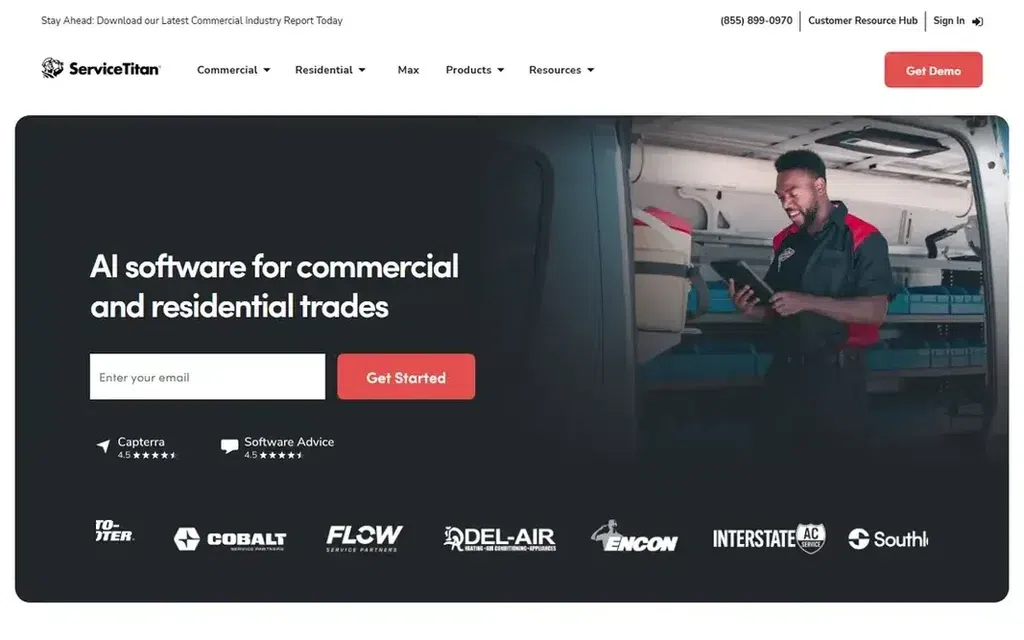
ServiceTitan makes the most sense for home and commercial contractors. Teams juggling dispatch, continuing jobs, and customer records in the trades are the clearest fit.
Drawbacks to consider: Wide scope may overwhelm very small teams.
In practice, if your work is largely straightforward scheduling and invoicing, a lighter tool may be simpler to adopt. ServiceTitan does not show a starting price in this comparison, so check the vendor site for current pricing. Trial and free access: Free trial.
- All-in-one contractor software
- Made for home and commercial trades
- Contractor-specific focus
ServiceMax
Best for: Asset-centric equipment uptime
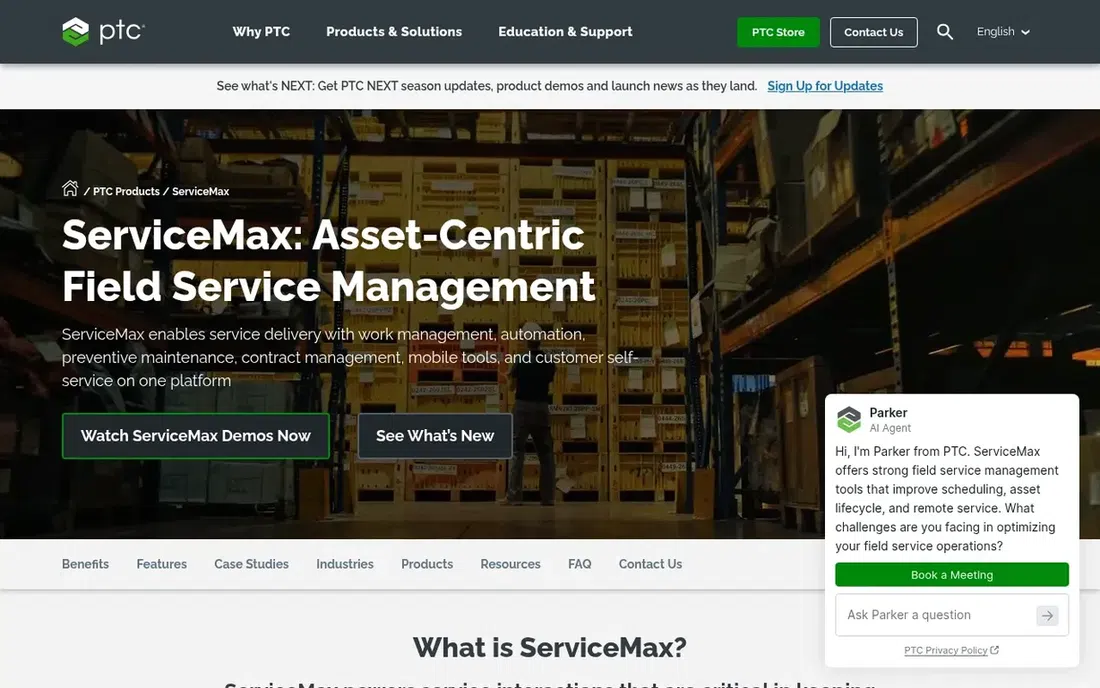
ServiceMax serves asset-centric equipment uptime. ServiceMax is presented as asset-centric field service management software from PTC, pitched at improving technician productivity, simplifying operational efficiency, and boosting equipment uptime.
Drawbacks to consider: Asset focus may not suit straightforward home service work.
ServiceMax shows no starting price here, so confirm the cost on the vendor site. On free options: Not stated.
- Asset-centric field service focus
- Cloud-based management
- Geared toward equipment-oriented operations
What went into this list
LinkVetted looked at what each vendor publishes: pricing, plan limits, feature coverage for field service operations best practices and stated drawbacks. No hands-on testing is claimed. Prices and plan limits come from vendor pages and can change, so confirm them on the vendor site before you buy. The ranking is editorial: typical fit first, then clear pricing, then free access. If your needs are unusual, read the profiles rather than relying on position.
Pre-purchase checklist
- Get a written quote from FieldEdge, Jobber, ServiceTitan and ServiceMax; the list shows no starting price for them.
- Run a trial of Kickserv, Housecall Pro and ServiceTitan with real work before paying for a year; your own workflow is the best test.
- Read the limits listed for Kickserv first: narrower scope than large products.
- Before you load data into ServiceMax, check what an export looks like and who can run it.
- Look at the help docs and support options for Housecall Pro before you commit.
FAQ
Do these tools publish their prices?
Not all of them. FieldEdge, Jobber, ServiceTitan and ServiceMax publish no starting price, so expect a quote request for those. The rest, Kickserv included, show a starting price, though seats and billing terms still change the final cost.
Can I try these tools before paying?
Often, yes. Kickserv, Housecall Pro and ServiceTitan offer a free trial. Use your own data and a real task during the test, and check what the free tier or trial limits before you rely on it. Each of the 6 options in this field service operations best practices guide has its own card above with the price, free plan and limits.
What is the cheapest option for field service operations best practices in this list?
On published monthly entry prices, Housecall Pro is the lowest here at $59 per month. Entry price is only part of the cost, because seats, add-ons and billing terms can change the total. All 6 picks in this field service operations best practices comparison list a starting price, free plan details and the main limits on their cards above.
Does any tool for field service operations best practices here have a free plan?
No tool in this list, Kickserv and ServiceMax included, has a permanent free plan. Kickserv, Housecall Pro, ServiceTitan offer a trial. Trials and quotes are the usual route, so plan a short evaluation period.
What should field service operations best practices include?
Kickserv comes first here and is built for jobs, customers, and payments. Buyers with other needs may prefer Housecall Pro (for home service business management) or FieldEdge (for tracking customers and dispatches). Compare costs and limits first.
Sources
- https://www.kickserv.com
- https://www.housecallpro.com
- https://www.fieldedge.com
- https://getjobber.com
- https://www.servicetitan.com
- https://www.servicemax.com