Choosing Software for Managing Field Operations in 2026: 6 Options Compared
6 best software for managing field operations, compared on pricing, free plans and best-fit use. Strengths and gaps are listed per tool. Costs up front.
- Editor's choice
 Housecall Pro
Home service firms managing jobs and payments
Starts at$59 a monthVisit housecallpro.comFull review - Great alternativeMicrosoft Dynamics 365 Field Service
Teams wanting scheduling with automation
Starts atSee websiteVisit microsoft.comFull review - Also consider
 Kickserv
Home service firms wanting straightforward job management
Starts at$60 per monthVisit kickserv.comFull review
Direct answer
For home service firms managing jobs and payments, Housecall Pro is where this list starts. Listed starting prices: Housecall Pro from $59 a month and Kickserv from $60 per month. Microsoft Dynamics 365 Field Service fits teams wanting scheduling with automation; Kickserv fits home service firms wanting straightforward job management. All 6 tools are compared below on price, free plan and limits.
TL;DR:
- Number one here is Housecall Pro, a fit for home service firms managing jobs and payments.
- The lowest published monthly entry price here is $59 per month, from Housecall Pro.
- A fair warning about Microsoft Dynamics 365 Field Service: configuration effort can be significant.
- Neither Housecall Pro nor Jobber, nor any of the other 4 tools, has a permanent free plan; trials and quotes are the norm.
- Jobber is the one to check for small service teams organizing quotes and payments.
Last checked November 2026. Prices and plan details were read from the vendors' own pages in November 2026; vendors change plans often, so confirm the current price on the vendor site before you buy.
Quick comparison
| Tool | Best for | Starts at | Free plan? | |
|---|---|---|---|---|
| Housecall Pro | Home service firms managing jobs and payments | $59 a month | Free trial | Visit |
| Microsoft Dynamics 365 Field Service | Teams wanting scheduling with automation | See website | Not stated | Visit |
| Kickserv | Home service firms wanting straightforward job management | $60 per month | Free trial | Visit |
| ServiceMax | Asset-centric maintenance and equipment uptime | See website | Not stated | Visit |
 ServiceTitan | Trade contractors running service and projects | See website | Free trial | Visit |
 Jobber | Small service teams organizing quotes and payments | See website | Not stated | Visit |
Software for Managing Field Operations profiles
LinkVetted compared 6 software for managing field operations. The goal is a practical shortlist: published prices, free plan facts, best-fit use cases and honest limits for every entry.
Housecall Pro is aimed squarely at home service companies managing jobs and payments. If asset maintenance drives your work, ServiceMax is the more targeted choice.
What to check first: Feature depth varies by business size.
Housecall Pro is home services business management software geared toward home service companies, handling jobs, customers and payments. Its home services orientation means organizations in other sectors should look elsewhere, and very large operations may need deeper configuration. Price to start with Housecall Pro: $59 per month. Free plan details: Free trial.
- Payment handling included
- Job and customer management
- Home services focus limits other sectors
Microsoft Dynamics 365 Field Service
Best for: Teams wanting scheduling with automation
Microsoft Dynamics 365 Field Service serves teams wanting scheduling with automation. Microsoft Dynamics 365 Field Service is field service management software that flags AI-driven self-service scheduling, live data and automatic service reminders.
It suits organizations already comfortable in the Microsoft ecosystem that want scheduling and service workflows connected to broader business data. This comparison lists no price for Microsoft Dynamics 365 Field Service; ask the vendor. On free options: Not stated.
Honest limits: May need implementation support.
- Suits Microsoft-oriented organizations
- Live data and automatic service reminders
- Configuration effort can be significant
Kickserv serves home service companies wanting straightforward job management. Kickserv is field service management software that supplies management of jobs, customers, communication and payments for home service firms.
Honest limits: Narrower scope than enterprise systems.
Its scope is narrower than enterprise-grade systems, so expanding firms with complicated needs may hit limits. In practice, if you require asset-centric maintenance or deep automation, evaluate ServiceMax or Dynamics 365 Field Service instead. What you pay to start with Kickserv: $60 per month. Free plan details: Free trial.
- Centred on home service firms
- Runs jobs and customers
- Restricted fit outside home services
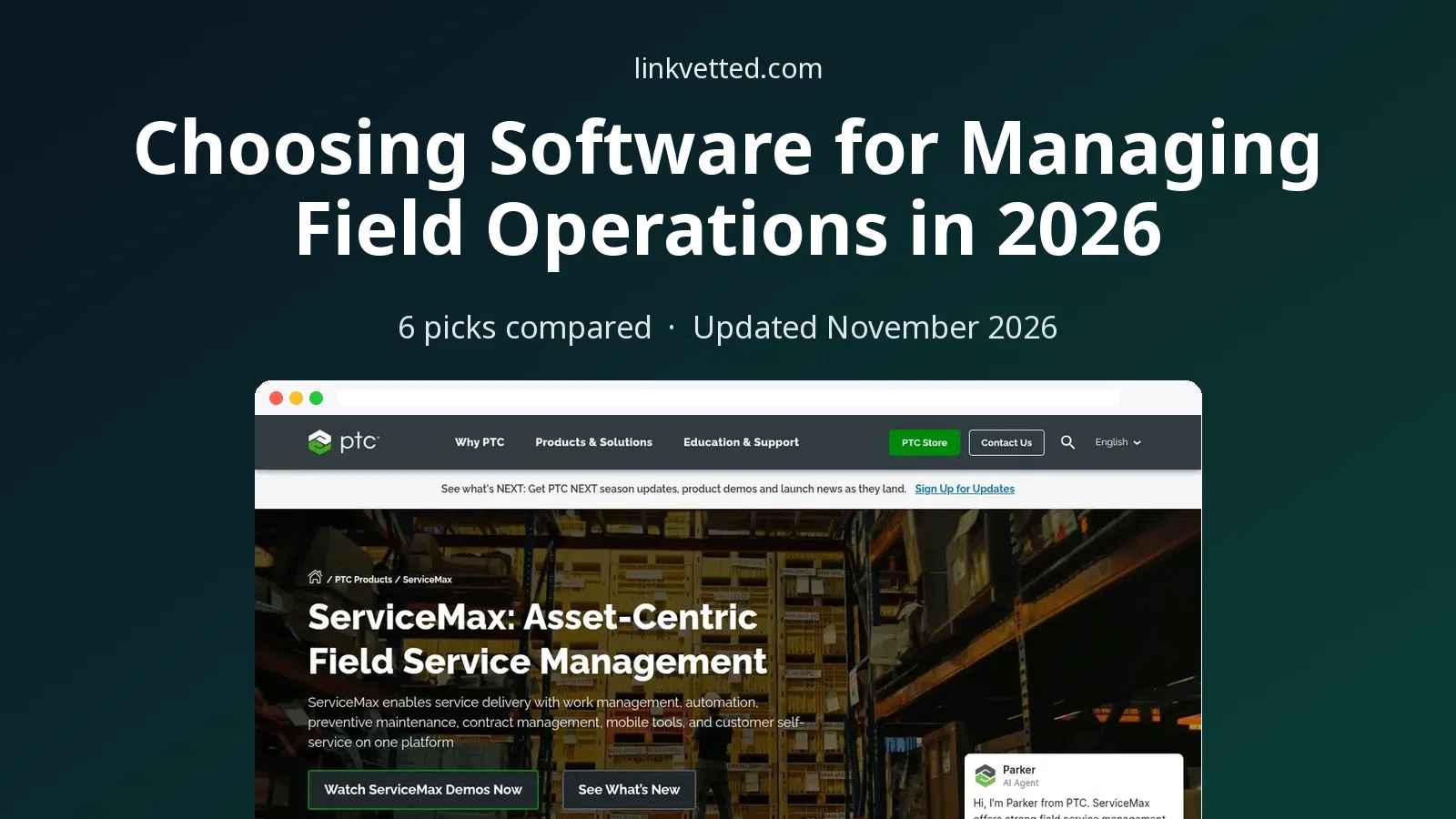
ServiceMax
Best for: Asset-centric maintenance and equipment uptime
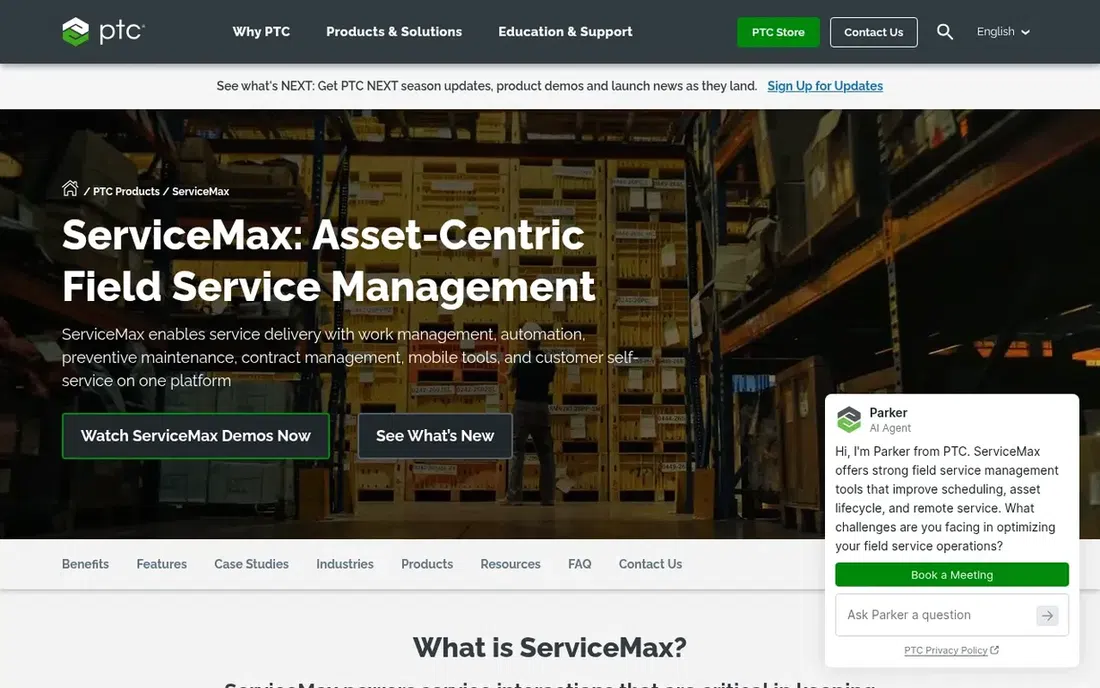
ServiceMax targets asset-centric maintenance and equipment uptime. Since it is asset-centric, home service companies concentrated on routine jobs may find it more than they need.
ServiceMax shows no starting price here, so confirm the cost on the vendor site. As for free access: Not stated.
Where it falls short: Narrower fit for general home services.
- Focus on equipment uptime
- Aims to boost technician productivity
- Asset focus may add complexity for straightforward jobs
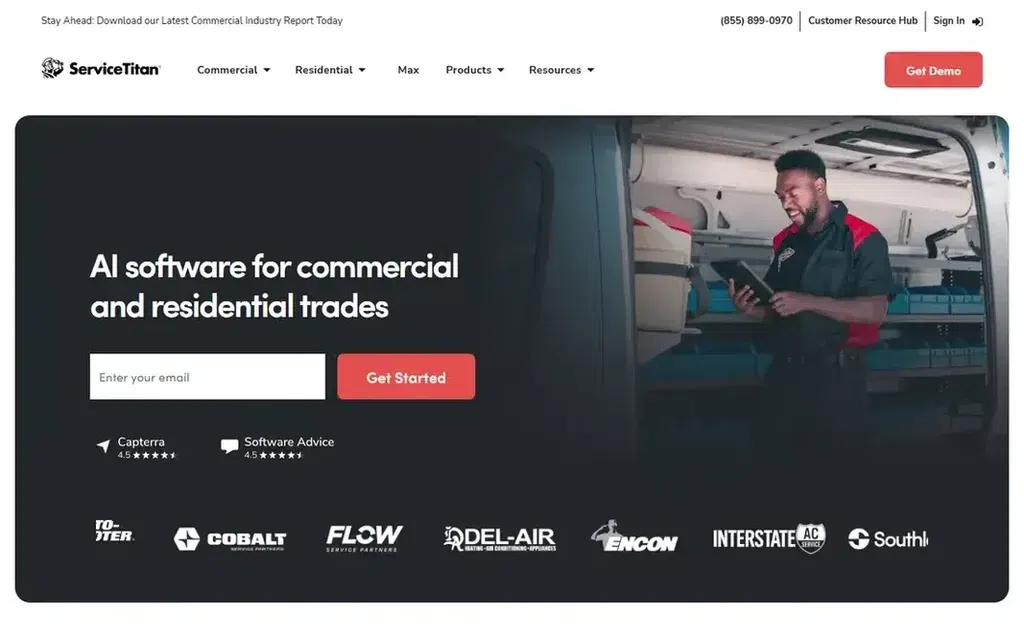
ServiceTitan is designed for trade contractors running service and projects. If you primarily need straightforward quoting and invoicing, a lighter choice like Jobber or Kickserv may be a better fit.
Pricing for ServiceTitan is not stated here, so ask the vendor for current figures. Free plan details: Free trial.
Honest limits: Trade-specific focus limits other industries.
- All-in-one operational scope
- Handles service visits and construction projects
- Wide product may feel heavy for small teams
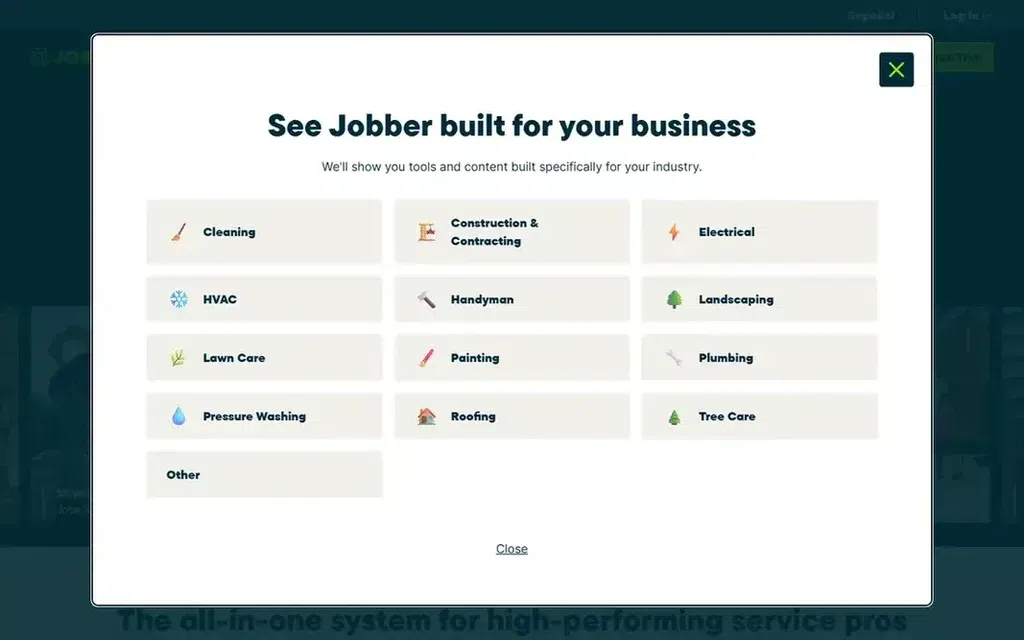
Jobber makes the most sense for small service teams organizing quotes and payments. Teams with heavy equipment maintenance or asset-uptime demands may need a more specialized system like ServiceMax.
Downsides: Contractor focus narrows broader use.
For everyday use, bigger contractors with complicated project accounting might also outgrow a more straightforward tool, so confirm depth of features before committing. No starting price is listed for Jobber here; confirm pricing on the vendor site. As for free access: Not stated.
- Operations and customer service
- Powers sales
- Less suited to complicated asset maintenance
How we chose
What to confirm before you sign up
- Ask Microsoft Dynamics 365 Field Service, ServiceMax, ServiceTitan and Jobber for a written quote, since no starting price is shown.
- Use real work to test the free trial from Housecall Pro, Kickserv and ServiceTitan, rather than a demo project.
- Before choosing Housecall Pro, weigh its main limit: home services focus limits other sectors.
- Check the integration list for Microsoft Dynamics 365 Field Service against the tools you run today, and note which ones need a higher plan.
- Check how data leaves Kickserv: formats, limits and whether exports are available on every plan.
FAQ
Does any tool for software for managing field operations here have a free plan?
No tool in this list, Housecall Pro and Jobber included, has a permanent free plan. Housecall Pro, Kickserv, ServiceTitan offer a trial. Trials and quotes are the usual route, so plan a short evaluation period.
What is the difference between asset-centric and job-centric field service software?
Asset-centric tools for example ServiceMax focus on equipment history and uptime. Job-centric tools for example Jobber and Kickserv organize work around customers, jobs and payments, which fits routine service firms.
Should I choose a system tied to a broader ecosystem?
Microsoft Dynamics 365 Field Service fits organizations already using Microsoft tools and wanting connected data and automatic reminders. Others may prefer a dedicated contractor app with less configuration effort.
Do these tools publish their prices?
Not all of them. Microsoft Dynamics 365 Field Service, ServiceMax, ServiceTitan and Jobber publish no starting price, so expect a quote request for those. The rest, Housecall Pro included, show a starting price, though seats and billing terms still change the final cost.
Can I try these tools before paying?
Often, yes. Housecall Pro, Kickserv and ServiceTitan offer a free trial. Use your own data and a real task during the test, and check what the free tier or trial limits before you rely on it. Each of the 6 options in this software for managing field operations guide has its own card above with the price, free plan and limits.
What is the cheapest option for software for managing field operations in this list?
On published monthly entry prices, Housecall Pro is the lowest here at $59 per month. Entry price is only part of the cost, because seats, add-ons and billing terms can change the total. All 6 picks in this software for managing field operations comparison list a starting price, free plan details and the main limits on their cards above.
Sources
- https://www.housecallpro.com
- https://www.microsoft.com/en-us/dynamics-365/products/field-service
- https://www.kickserv.com
- https://www.servicemax.com
- https://www.servicetitan.com
- https://getjobber.com