The 6 Best Software for Managing Construction RFIs in 2026, Ranked
Compare 6 picks for the top software for managing construction RFIs, with prices, free plans and who each fits. Cost notes and weak points included. Start here.
- Editor's choiceKahua
Owners and agencies managing capital programs
Starts atPricing on requestVisit kahua.comFull review - Great alternativeTrimble Viewpoint Team
Contractors linking RFIs to job costing
Starts atPricing on requestVisit viewpoint.comFull review - Also consider
 Autodesk Construction Cloud
Design-led teams collaborating on RFIs
Starts atPricing on requestVisit construction.autodesk.comFull review
Direct answer
Our first pick is Kahua, best for owners and agencies managing capital programs. If your case is different, Trimble Viewpoint Team suits contractors linking RFIs to job costing and Autodesk Construction Cloud suits design-led teams collaborating on RFIs. Details and limits for the rest of the 6 tools are below. None of these vendors publish plan prices, so pricing is on request for every option.
TL;DR:
- Top of the list is Kahua, which targets owners and agencies managing capital programs.
- Kahua, Procore and the 4 others all sell by quote; expect sales conversations before you see a price.
- Neither Kahua nor Procore, nor any of the other 4 tools, has a permanent free plan; trials and quotes are the norm.
- Check the limits for Oracle Aconex before you commit: can feel formal for small projects.
Last checked November 2026. Pricing on request: vendors did not publish plan prices when this guide was last checked (November 2026), so ask each vendor for a written quote.
Quick comparison
| Tool | Best for | Starts at | Free plan? | |
|---|---|---|---|---|
| Kahua | Owners and agencies managing capital programs | Pricing on request | Not stated | Visit |
| Trimble Viewpoint Team | Contractors linking RFIs to job costing | Pricing on request | Not stated | Visit |
| Autodesk Construction Cloud | Design-led teams collaborating on RFIs | Pricing on request | Not stated | Visit |
 Oracle Aconex | Document-heavy project records and RFIs | Pricing on request | Not stated | Visit |
 Newforma | Centralizing AEC project information | Pricing on request | Not stated | Visit |
 Procore | Connected site and office RFI tracking | Pricing on request | Not stated | Visit |
Every option for software for managing construction RFIs explained
If you are comparing software for managing construction RFIs, this page covers 6 tools in one place: what each is best for, what it costs to start, whether it has a free plan, and the main limit to know about.
Kahua
Best for: Owners and agencies managing capital programs
Where Kahua fits: owners and agencies managing capital programs. RFIs fit into program-level oversight, which helps owners see open questions across numerous projects instead of one job at a time. Program-level configuration can take effort before teams see value.
Drawbacks to consider: Demo request required to evaluate.
Evaluation starts with a demo request, so buyers should plan time for a guided walkthrough. As for the details, single-project contractors may prefer a lighter choice with quicker setup. Kahua shows no starting price here, so confirm the cost on the vendor site. Trial and free access: Not stated. What users get: GCs and agencies.
- Made for owners
- Aligns teams across programs
- Program-level setup can take time
Trimble Viewpoint Team
Best for: Contractors linking RFIs to job costing
Trimble Viewpoint Team is built with contractors linking RFIs to job costing in mind. The product leans toward ERP and business management, so RFI handling is one piece of a bigger system instead of the entire story.
What to check first: RFIs are one part of a wider ERP focus.
For everyday use, contractors with an established finance stack should check overlap before adopting. No starting price is listed for Trimble Viewpoint Team here; confirm pricing on the vendor site. As for free access: Not stated.
Main advantages: Links projects.
- Made for contractors
- Simplifies workflows and reporting
- May overlap with existing finance systems
Autodesk Construction Cloud
Best for: Design-led teams collaborating on RFIs
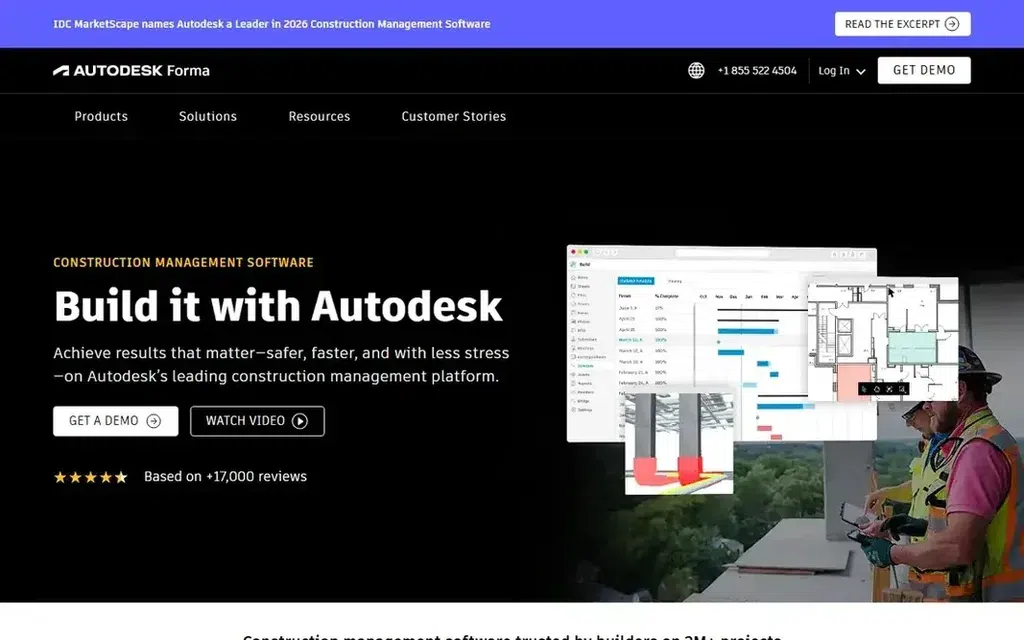
Autodesk Construction Cloud is built with design-led teams collaborating on RFIs in mind. Smaller contractors without design coordination needs may prefer a more straightforward RFI tool.
RFIs link naturally to design models and project documents, which helps teams trace a question back to the drawing or model that prompted it. For everyday use, the experience is most solid when your team already lives in the Autodesk ecosystem, and mixing in other design systems can add friction. Autodesk Construction Cloud does not show a starting price in this comparison, so check the vendor site for current pricing. On free options: Not stated.
Downsides: Best value for Autodesk-centered workflows.
- Supports on-time delivery goals
- Secure team collaboration
- Feature depth varies by module
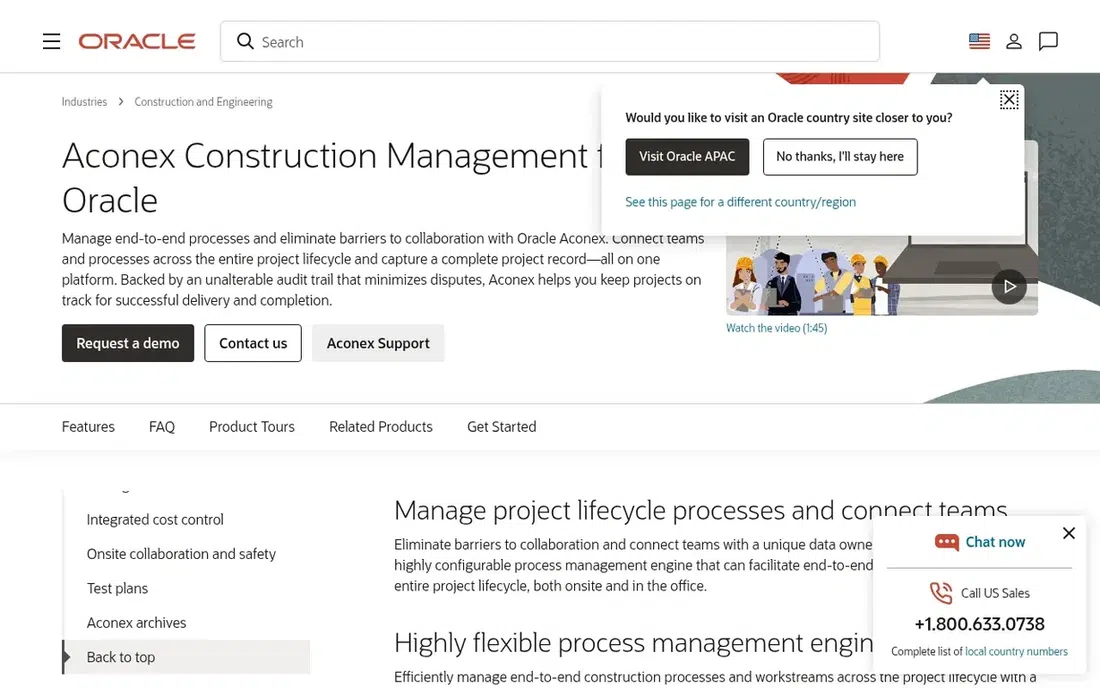
For document-heavy project records and RFIs, Oracle Aconex is a natural candidate. Teams need process discipline to get the most from it.
Watch-outs: Can feel formal for small projects.
Beyond that, the structured approach can feel heavy on smaller or fast-moving jobs where light RFI tracking is enough. This comparison lists no price for Oracle Aconex; ask the vendor. On free options: Not stated.
- Solid document control focus
- Complete project record
- Setup demands process discipline
Newforma targets Centralizing AEC project information. It fits architecture, engineering and construction businesses that struggle with scattered project information.
Downsides: Depends on organized source data.
Results rely on teams filing information consistently. No starting price is listed for Newforma here; confirm pricing on the vendor site. Free access: Not stated.
- AEC-focused visibility
- Links conversations to projects
- Not a full construction management suite
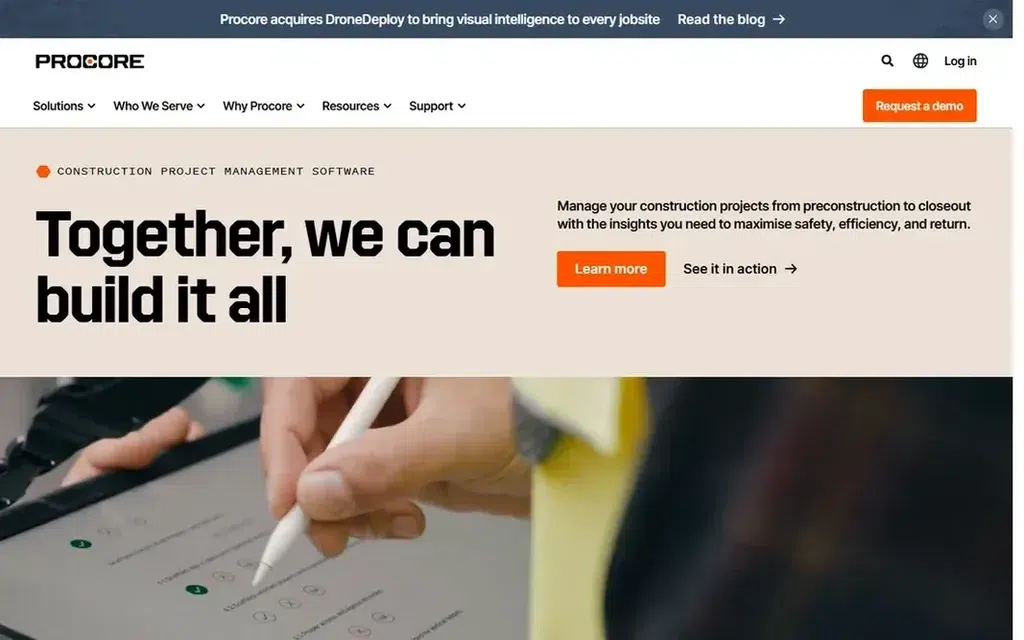
Pick Procore if this describes you: connected site and office RFI tracking. Procore is a construction management system that links the site and the office, giving teams live visibility to deliver quality projects on time.
As for the details, the system is wide, which means setup and rollout need planning and staff training. Check the vendor site for Procore pricing; none is listed in this comparison. On free options: Not stated.
Points against: Full product may exceed small-team needs.
- Wide construction management scope
- Live project visibility
- Configuration takes planning
Our selection method
Before you commit
- Confirm the entry price with every vendor: no tool from Kahua to Procore shows a fixed starting price.
- Read the limits listed for Kahua first: demo request required to evaluate.
- Ask the daily users to test Oracle Aconex on a live task before you roll it out to everyone.
- Test how quickly Newforma answers a pre-sales question; it hints at how support will feel later.
- Price Procore for your actual team size; headline prices rarely include add-ons or overage.
FAQ
Does any tool for software for managing construction RFIs here have a free plan?
A permanent free plan is not offered by Kahua, Procore or the other tools here. Plan a short evaluation period instead.
Is Kahua the right pick for everyone comparing software for managing construction RFIs?
No single tool suits every team. Kahua comes first because it fits owners and agencies managing capital programs, while Trimble Viewpoint Team suits contractors linking RFIs to job costing and Autodesk Construction Cloud suits design-led teams collaborating on RFIs. Match the tool to your own size, budget and workflow before deciding.
How are the tools for software for managing construction RFIs ordered?
The order follows typical fit for software for managing construction RFIs, with Kahua first and Procore last, then price clarity and free access. It is editorial judgement, not a score, so another team could rank the tools differently.
Can RFI software replace email for project communication?
It can cut reliance on email by keeping questions and answers in a tracked system. Teams still need clear rules about where communication happens.
Can I try these tools before paying?
Not by default. None of the tools, from Kahua to Procore, lists a free plan or a free trial here, so ask each vendor for a demo before committing.
Sources
- https://www.kahua.com
- https://www.viewpoint.com
- https://construction.autodesk.com
- https://www.oracle.com/construction-engineering/aconex
- https://www.newforma.com
- https://www.procore.com