Top Design.com Alternatives in 2026: 5 Picks Ranked
Shortlisting Design.com alternatives? 5 products compared on cost, free access and ideal buyer. Plus the drawbacks of each tool. Budget notes included.
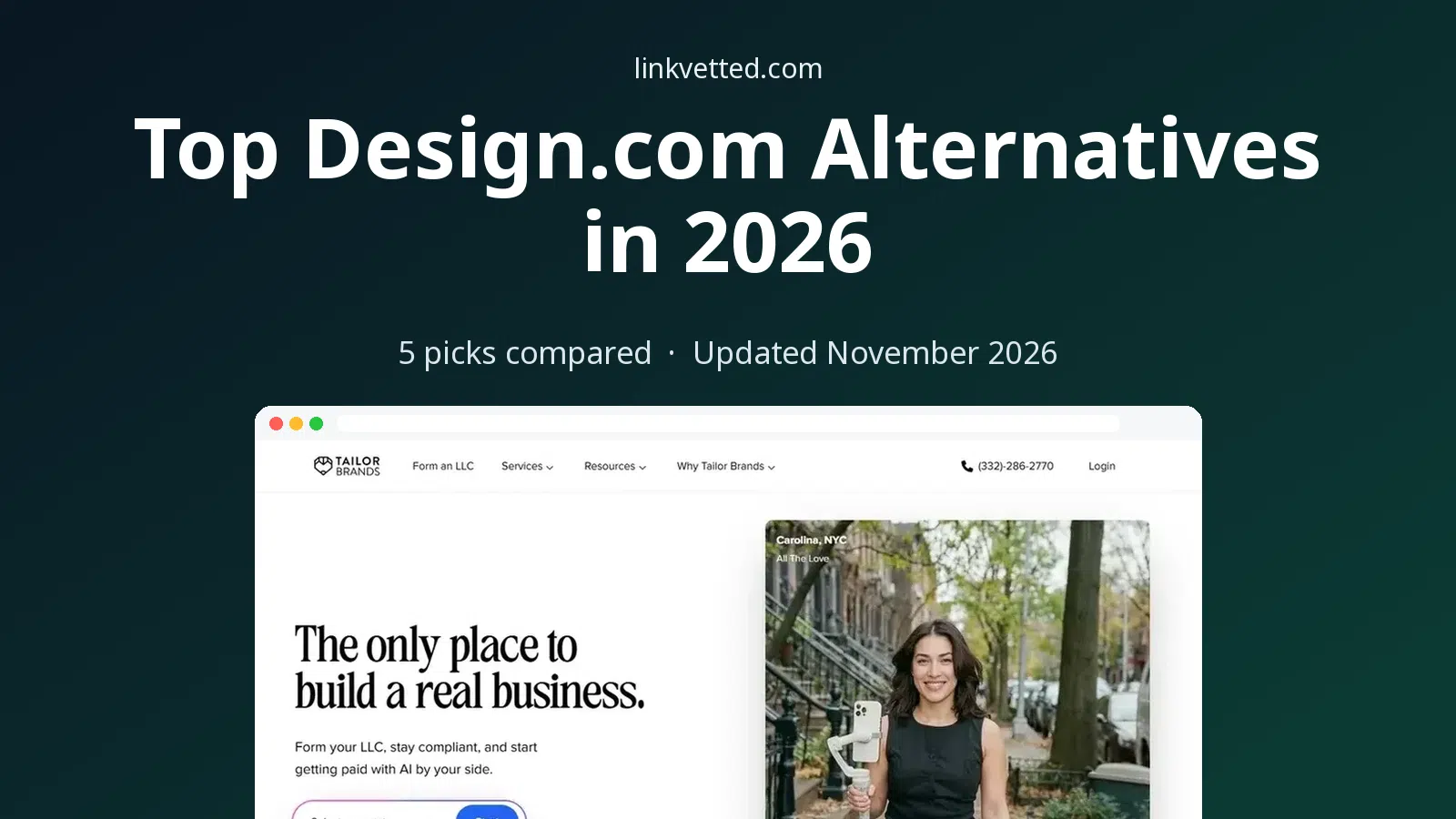
- Editor's choice
 Tailor Brands
Guided business setup and branding
Starts at$199 per yearVisit tailorbrands.comFull review - Great alternative
 LogoMakr
Original logos with vector files
Starts at$29 one-timeVisit logomakr.comFull review - Also consider
 Canva
All-around visual design work
Starts atSee websiteVisit canva.comFull review
Direct answer
Start with Tailor Brands if you need guided business setup and branding. Listed starting prices: Tailor Brands from $199 per year, LogoMakr from $29 one-time and Hatchful from $19 a month. Look at LogoMakr for original logos with vector files, and at Canva for all-around visual design work. The full list of 5 tools follows, with prices and free plan facts.
TL;DR:
- Tailor Brands takes the first slot, best suited to guided business setup and branding.
- Just one of the 5 tools, Tailor Brands, has a free plan.
- Hatchful suits fast AI-generated logos.
- The cheapest monthly starting price in the list is $19 per month, offered by Hatchful.
- One limit worth knowing about Tailor Brands: less handy if you only need a fast graphic.
Last checked November 2026. Prices and plan details were read from the vendors' own pages in November 2026; vendors change plans often, so confirm the current price on the vendor site before you buy.
Quick comparison
| Tool | Best for | Starts at | Free plan? | |
|---|---|---|---|---|
| Tailor Brands | Guided business setup and branding | $199 per year | Yes | Visit |
| LogoMakr | Original logos with vector files | $29 one-time | No | Visit |
| Canva | All-around visual design work | See website | Not stated | Visit |
 Fiverr | Hiring freelance design help | See website | Not stated | Visit |
 Hatchful | Quick AI-generated logos | $19 a month | Free trial | Visit |
The full Design.com list
Choosing Design.com usually comes down to price, fit and limits. This LinkVetted guide sets 5 tools side by side on those three points, with the facts kept short and checkable.
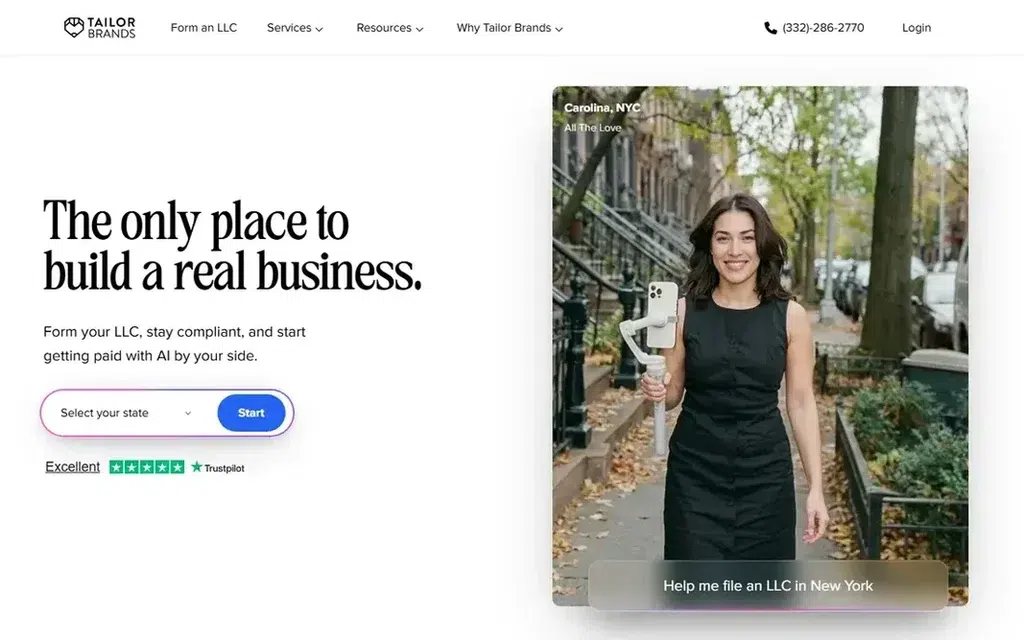
Think of Tailor Brands for guided business setup and branding. The guided nature means less fine-grained design control than open editors, and the system is broader than numerous people need. If your goal is just to produce a single graphic or logo file, a lighter design tool may be more straightforward.
In daily use, Tailor Brands presents itself as a guided business building product, handling setup and management alongside branding tools. It can serve as a starting point for a new venture. Tailor Brands starts at: $199 per year. A free plan is available with Tailor Brands.
Drawbacks to consider: Design control is more constrained.
- Extends beyond design into business management
- Guided flow for building a brand
- Less handy if you only need a fast graphic
LogoMakr is designed for original logos with vector files. It fits owners who care about scalable, print-friendly logo assets and want to build the mark themselves instead of pick from templates.
Price to start with LogoMakr: $29 one-time. LogoMakr does not include a free plan.
Limits to weigh: Concentrated on logos instead of full campaigns.
- Print-ready file support
- Canvas editor plus AI logo choices
- Needs some judgment to get a refined result
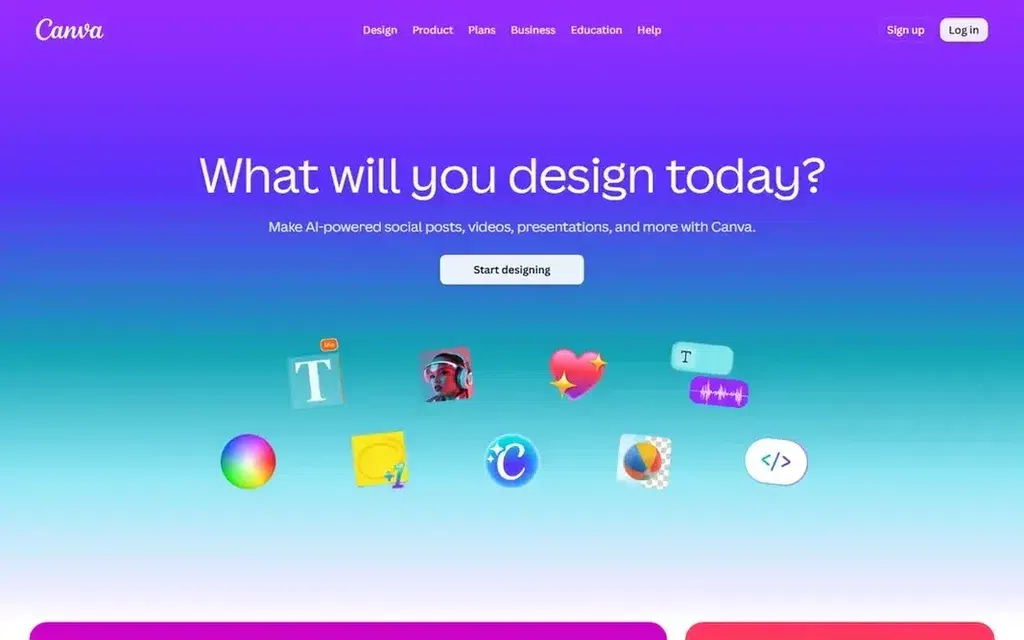
Canva serves all-around visual design work. It suits people who want a single tool for everyday design instead of a logo-only generator.
It does well for small teams producing regular content across formats. This comparison lists no price for Canva; ask the vendor. Free access: Not stated.
Strengths: Spans social posts, presentations, posters.
Watch-outs: Feature depth varies by what you need.
- Works for both solo users and teams
- Browser-based with a wide template and asset library
- Less centred on guided brand building
Fiverr was built for hiring freelance design help. It suits people who would rather have a person produce the logo or brand assets than use a self-service generator, and who want to compare approaches before committing.
Drawbacks to consider: You coordinate with individual sellers.
If you prefer instant, self-serve results with no back-and-forth, a design tool is the more direct route. No starting price is listed for Fiverr here; confirm pricing on the vendor site. Free options: Not stated.
- Access to a broad set of freelance services
- Spans design plus adjacent tasks
- Results rely on the freelancer you choose
Hatchful makes the most sense for quick AI-generated logos. If you need a wider set of design assets alongside a logo, a broader visual suite includes more ground.
Honest limits: Restricted to logo creation.
Price to start with Hatchful: $19 per month. Free plan details: Free trial. Where Hatchful stands out: Straightforward.
- Focused workflow
- High-resolution output stated by the vendor
- Fewer supporting design formats
How the list was put together
Things to verify first
- Get a written quote from Canva and Fiverr; the list shows no starting price for them.
- Look at the free plan from Tailor Brands closely: its caps decide whether it is usable for real work.
- Take the trial from Hatchful and push a live task through it before you pay.
- Read the limits listed for Tailor Brands first: less handy if you only need a fast graphic.
- Confirm the exact Tailor Brands plan that includes your must-have features.
- Check whether Fiverr bills monthly or annually, and what cancelling early costs.
FAQ
What is the cheapest option for Design.com in this list?
On published monthly entry prices, Hatchful is the lowest here at $19 per month. Entry price is only part of the cost, because seats, add-ons and billing terms can change the total. All 5 picks in this Design.com alternatives comparison list a starting price, free plan details and the main limits on their cards above.
What is the best Design.com alternative for most people?
Tailor Brands comes first here and is built for guided business setup and branding. Buyers with other needs may prefer LogoMakr (for original logos with vector files) or Canva (for all-around visual design work). Compare costs and limits first.
Which options for Design.com have a free plan?
Tailor Brands is the only tool in this list with a free plan. Free plans usually cap users, projects or features, so check the limits on the vendor page. One other tool offers a trial instead. For the full picture, the cards above cover all 5 entries of this Design.com alternatives list, including price, free plan and limits.
Should I use a logo generator or hire a freelancer?
A logo generator for example Hatchful or LogoMakr hands you fast, self-serve results you control straight. Also, Fiverr makes sense when you want custom work from a person and are willing to review portfolios and communicate requirements.
How are the tools for Design.com ordered?
The order follows typical fit for Design.com, with Tailor Brands first and Hatchful last, then price clarity and free access. It is editorial judgement, not a score, so another team could rank the tools differently.
Is Tailor Brands the right pick for everyone comparing Design.com?
No single tool suits every team. Tailor Brands comes first because it fits guided business setup and branding, while LogoMakr suits original logos with vector files and Canva suits all-around visual design work. Match the tool to your own size, budget and workflow before deciding.
Sources
- https://www.tailorbrands.com
- https://logomakr.com
- https://www.canva.com
- https://www.fiverr.com
- https://hatchful.shopify.com