Top Corona Renderer Alternatives in 2026: 5 Picks Ranked
Shortlisting Corona Renderer alternatives? 5 products compared on cost, free access and ideal buyer. Each listing flags where it falls short. Details below.
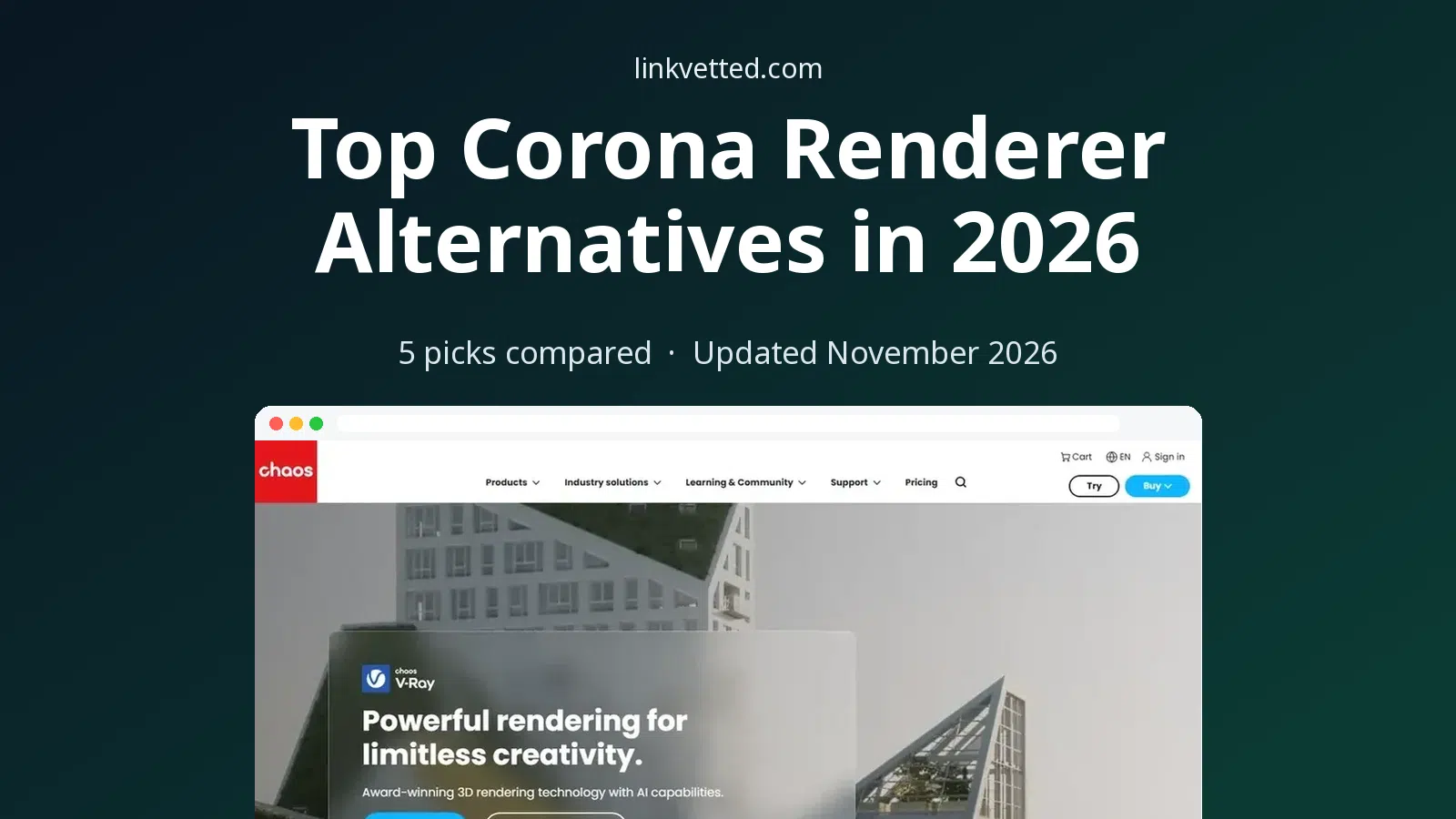
- Editor's choice
 KeyShot
Product design and live visualization
Starts at$7.92 a monthVisit keyshot.comFull review - Great alternative
 Lumion
Architectural live visualization
Starts at$96 named user a monthVisit lumion.comFull review - Also consider
 V-Ray
Wide product photorealistic rendering
Starts atSee websiteVisit chaos.comFull review
Direct answer
If you need product design and live visualization, KeyShot is the first tool to look at here. Listed starting prices: KeyShot from $7.92 a month and Lumion from $96 named user a month. Lumion fits architectural real-time visualization; V-Ray fits wide product photorealistic rendering. All 5 tools are compared below on price, free plan and limits.
TL;DR:
- KeyShot sits first on this list: product design and live visualization.
- Starting prices begin at $7.92 per month with KeyShot.
- KeyShot, Octane Render and the 3 others all need a premium plan or a trial, since no free plan is listed.
- Before buying Lumion, weigh this: narrower fit outside architecture.
- Octane Render suits quick GPU unbiased rendering.
Last checked November 2026. Prices and plan details were read from the vendors' own pages in November 2026; vendors change plans often, so confirm the current price on the vendor site before you buy.
Quick comparison
| Tool | Best for | Starts at | Free plan? | |
|---|---|---|---|---|
| KeyShot | Product design and live visualization | $7.92 a month | Free trial | Visit |
| Lumion | Architectural live visualization | $96 named user a month | Free trial | Visit |
| V-Ray | Wide product photorealistic rendering | See website | Not stated | Visit |
| Arnold | Predictable Monte Carlo ray tracing | See website | Not stated | Visit |
| Octane Render | Quick GPU unbiased rendering | See website | Not stated | Visit |
5 options for Corona Renderer in detail
LinkVetted compared 5 tools for Corona Renderer. The goal is a practical shortlist: published prices, free plan facts, best-fit use cases and honest limits for every entry.
Where KeyShot fits: product design and live visualization. If you need a general-purpose production renderer across plenty of host applications, compare V-Ray or Arnold first. Real-time quality also relies on scene complexity.
In practice, KeyShot is 3D rendering and visualization software with live technology geared toward product design firms, supporting collaboration from concept through product launch. Its focus is product visualization, so architectural or effects-heavy work may be better served elsewhere. Starting cost for KeyShot: $7.92 per month. On free options: Free trial.
What to check first: Less oriented to architectural scenes.
- Supports collaboration from concept to launch
- Live rendering focus
- Live quality relies on scene complexity
Lumion is built with architectural live visualization in mind. It suits architectural practices that want quick visual communication without deep renderer configuration, which is a different priority from Corona Renderer's production rendering focus.
The starting price for Lumion: $96 named user per month. Free access: Free trial.
Honest limits: Narrower fit outside architecture.
- Live rendering workflow
- Emphasis on speed and ease
- Live approach trades some adaptability

V-Ray is designed for wide product photorealistic rendering. V-Ray is a 3D rendering plugin from Chaos that runs inside widely used design systems for example 3ds Max, SketchUp, Rhino, Maya and Blender.
It centres on photorealistic results and suits studios that move between multiple host applications and want one consistent renderer. V-Ray does not show a starting price in this comparison, so check the vendor site for current pricing. Free plan details: Not stated.
Downsides: Plugin setup varies by host application.
- Widely documented feature set
- Works across plenty of widely used design systems
- Large feature set can take time to learn
Arnold
Best for: Predictable Monte Carlo ray tracing
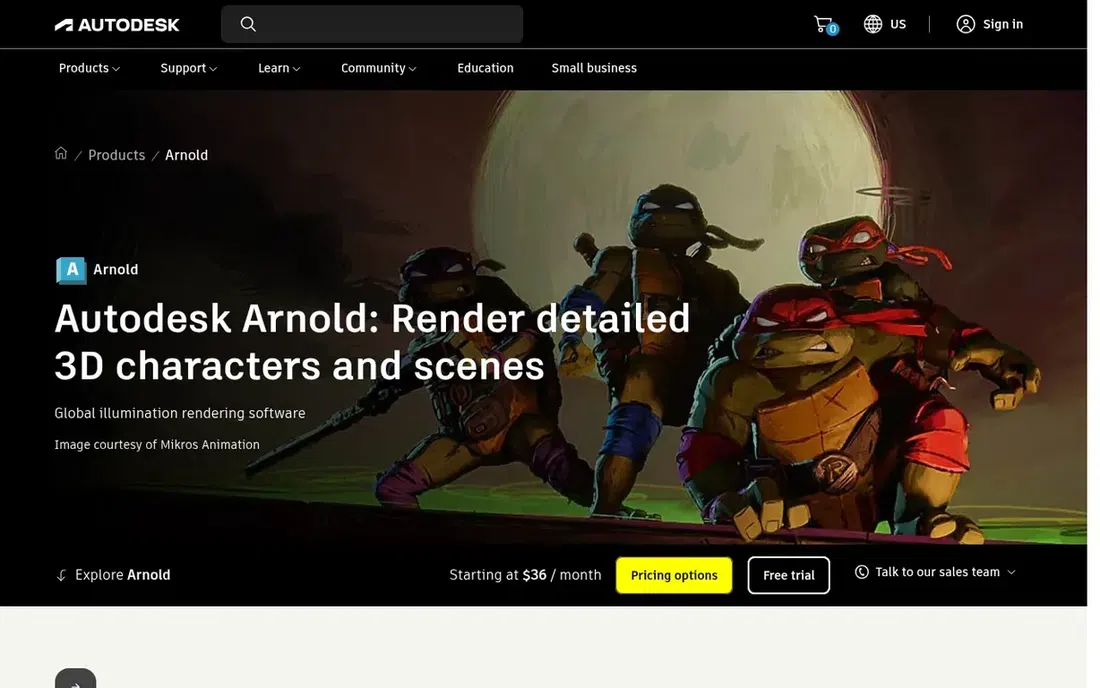
Arnold works best for predictable Monte Carlo ray tracing. Arnold is Autodesk's advanced Monte Carlo ray tracing renderer, built for predictable results across complicated scenes.
This comparison lists no price for Arnold; ask the vendor. As for free access: Not stated.
Watch-outs: Ray tracing can be demanding on hardware. Best features of Arnold: consistent results.
- Available through Autodesk
- Advanced Monte Carlo ray tracing
- Tied closely to Autodesk workflows
Octane Render
Best for: Quick GPU unbiased rendering
Pick Octane Render if this describes you: quick GPU unbiased rendering. Octane Render from OTOY is described as a GPU-accelerated, unbiased and physically correct renderer, with speed as a central selling point.
It fits artists who want fast, physically based GPU rendering and are comfortable tuning samples and settings. Check the vendor site for Octane Render pricing; none is listed in this comparison. On free options: Not stated.
Points against: Needs capable GPU hardware.
- Solid focus on speed
- Unbiased
- Unbiased rendering can be noisy at low settings
How we built this list
We compared the tools on published pricing, free plan or trial availability, feature coverage for Corona Renderer, and the limits each vendor documents. Prices and plan limits come from vendor pages and can change, so confirm them on the vendor site before you buy. The ranking is editorial: typical fit first, then clear pricing, then free access. If your needs are unusual, read the profiles rather than relying on position.
What to check before you buy
- Ask V-Ray, Arnold and Octane Render for a written quote, since no starting price is shown.
- Use real work to test the free trial from KeyShot and Lumion, rather than a demo project.
- Read the limits listed for KeyShot first: less oriented to architectural scenes.
- List the apps you already depend on and check that Lumion supports each one on the plan you would buy.
- Before you load data into V-Ray, check what an export looks like and who can run it.
FAQ
How are the tools for Corona Renderer ordered?
KeyShot sits first and Octane Render last because the order follows typical fit for Corona Renderer, then price clarity and free access. It is a judgement call, so read each profile for fit and limits.
Should I choose Arnold or V-Ray as a replacement?
Arnold is a solid fit if you work inside Autodesk pipelines and value predictable Monte Carlo ray tracing. V-Ray is more versatile across host applications, so pick based on your software environment and how much system adaptability you need.
Which Corona Renderer alternative works across the most systems?
That makes it a practical choice for studios that move between multiple host applications.
Can I try these tools before paying?
Often, yes. KeyShot and Lumion offer a free trial. Use your own data and a real task during the test, and check what the free tier or trial limits before you rely on it. Prices, free plan details and limits for all 5 tools in this Corona Renderer alternatives roundup sit on the individual cards above.
Does any tool for Corona Renderer here have a free plan?
A permanent free plan is not offered by KeyShot, Octane Render or the other tools here. KeyShot, Lumion offer a trial. Plan a short evaluation period instead.
Do these tools publish their prices?
Not all of them. V-Ray, Arnold and Octane Render publish no starting price, so expect a quote request for those. The rest, KeyShot included, show a starting price, though seats and billing terms still change the final cost.
Sources
- https://www.keyshot.com
- https://lumion.com
- https://www.chaos.com/vray
- https://www.autodesk.com/products/arnold
- https://home.otoy.com/render/octane-render