Best Collaborator Pro Alternatives for 2026 (5 Compared)
A practical look at Collaborator Pro alternatives for blogger and publisher outreach, based on vendor documentation and public sources, with limits noted.
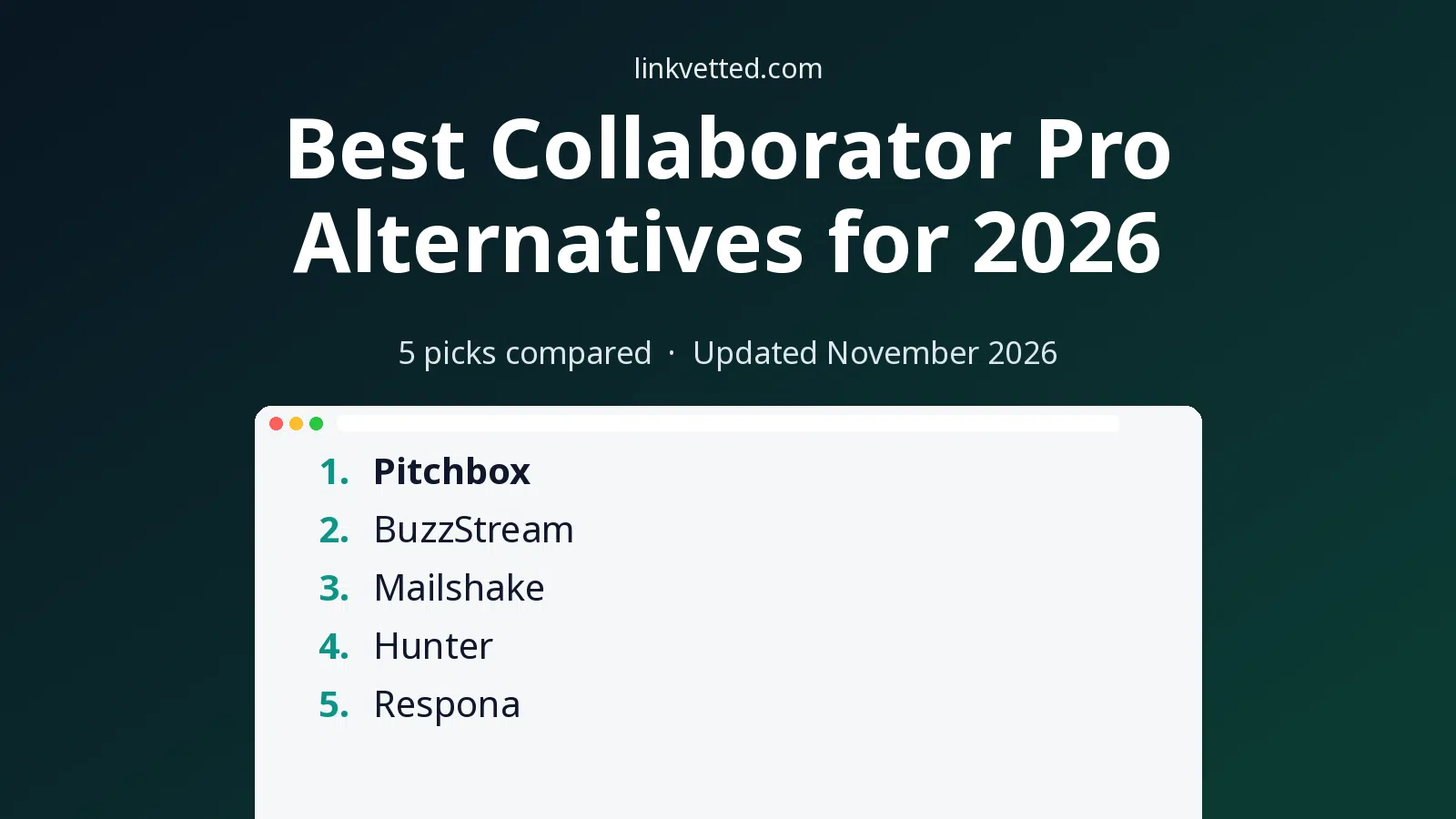
- Editor's choice
 Pitchbox
Agencies running recurring outreach campaigns
Starts atSee websiteVisit pitchbox.comFull review - Great alternative
 BuzzStream
Teams tracking many contacts over time
Starts atSee websiteVisit buzzstream.comFull review - Also consider
 Mailshake
Gmail-based cold email and follow-ups
Starts atSee websiteVisit mailshake.comFull review
Direct answer
My first pick is Pitchbox, because it is built around prospecting, outreach sequences and campaign reporting in one place. BuzzStream suits teams that want a shared CRM-style record of every contact, and Gmail-based senders may prefer Mailshake for simpler cold email. People look for Collaborator Pro alternatives because they want clearer public documentation, different pricing structures, or a vendor they can verify before committing a campaign to it.
TL;DR:
- Most outreach tools differ mainly in how they store contact history, not in the emails they can send.
- A tool that fits one campaign type can be a poor fit for another, so match the workflow before the feature list.
- Check whether reply handling and bounce handling are included, because they decide how much manual cleanup you face.
- Vendor documentation is the most reliable source for current features, since product pages change often.
- Treat any outreach tool as a process aid, not a way to skip list quality and relevance checks.
Last checked November 2026. Plan prices are not quoted in this guide because they change often; see each vendor's own pricing page for current figures before you buy.
Quick comparison
| Tool | Best for | Starts at | Free plan? | |
|---|---|---|---|---|
| Pitchbox | Agencies running recurring outreach campaigns | See website | Not stated | Visit |
| BuzzStream | Teams tracking many contacts over time | See website | Free trial | Visit |
| Mailshake | Gmail-based cold email and follow-ups | See website | Free trial | Visit |
 Hunter | Finding and verifying email addresses | See website | Free plan | Visit |
 Respona | Link building campaigns with structured steps | See website | Not stated | Visit |
The best Collaborator Pro alternatives compared
I compared these tools from vendor documentation and public sources rather than hands-on tests. That means I describe what each vendor says it does and where the documented limits sit. I did not run campaigns in any of them, so treat the notes as a starting point for your own trial. The list covers outreach platforms, a prospecting tool and a link building tool, because people searching for Collaborator Pro alternatives usually want one of those three jobs done well.
Pitchbox is an outreach platform aimed at agencies and in-house teams that run link building and digital PR campaigns repeatedly. It combines prospect search, contact management and email sequences, so a campaign lives in one system rather than across a spreadsheet and an inbox. That structure helps when several people touch the same campaign and need a shared view of who was contacted and when.
For anyone replacing Collaborator Pro, the useful part is the campaign model. You build a prospect list, attach a sequence, and track replies inside the tool. Because the vendor documents the workflow publicly, you can read the sequence and reporting pages before you sign up and judge whether your process maps onto it. If your outreach is mostly one-off emails, the structure may be more than you need.
The main limit is that Pitchbox expects you to bring or build your own prospect list, and the setup work is real. Small teams sending a handful of emails a month will likely find it heavy. Skip it if you want a tool that works well on day one with no configuration.
- Campaign and sequence management in one place
- reporting built around outreach activity
- supports prospecting and contact records
- Setup effort before the first campaign
- pricing not published on the homepage
BuzzStream is a web-based outreach and CRM tool that has been around for a long time. Its core idea is the contact record: every prospect has a page showing emails sent, replies, notes and relationship history. For link building and blogger outreach, that history matters because the same site often gets contacted again months later.
As a Collaborator Pro alternative, BuzzStream is the option to look at when your problem is memory rather than sending. If two people on a team have emailed the same blogger, the shared record shows it. The vendor publishes help documentation on list building and outreach, so you can check how the workflow fits before committing. It also supports importing lists, which helps when moving from another tool.
The trade-off is that the product feels older than some competitors, and the interface takes getting used to. Teams that only need a simple sender will find it more than they need. It suits people who value the record over the polish.
- Contact records keep a history of every interaction
- list building tools included
- team collaboration on shared lists
- Interface can feel dated
- some features depend on the plan
Mailshake is a sales engagement tool that marketers also use for outreach. It sends from your own email account and manages sequences, so a first email and its follow-ups run on a schedule without manual sending. For people who mainly want to stop copying and pasting follow-ups, that is the core value.
The reason it appears in a Collaborator Pro alternatives list is the sending workflow. If your outreach is email-first and you already have a list, Mailshake handles the sequence and stops follow-ups when someone replies. The vendor documents setup and sending limits publicly, which helps you judge whether your volume fits. It is less useful for finding prospects in the first place.
The limit is prospecting. Mailshake does not try to be a link database, so you still need a source of contacts and a way to verify them. Skip it if you want discovery and outreach in one product, or if your team does not use Gmail or Google Workspace.
- Works from your existing email account
- follow-up sequences are straightforward
- reply detection built in
- Weaker prospect discovery
- less suited to large link building databases
Hunter is an email finding and verification tool. You give it a domain and it returns addresses it has found publicly, along with a confidence signal. It also verifies addresses so you can drop risky ones before sending. For outreach, that solves the step before the email: knowing who to contact.
As a Collaborator Pro alternative, Hunter covers only part of the job. It is useful when your main gap is contact data rather than campaign management. Many teams pair it with a sender, which is a reasonable setup if you already have a process. The vendor publishes documentation on its search and verification features, so the scope is easy to check.
Do not expect Hunter to manage sequences or track replies. It is a data tool, and it works best as one part of a stack. If you want a single product that does everything, look elsewhere.
- Domain search returns public email patterns
- verification reduces bounce risk
- simple interface
- Not a full outreach platform
- results depend on what is publicly available
Respona is an outreach tool focused on link building. It combines prospect search with campaign steps, so you can find pages, identify contacts and run a sequence from one place. The product is positioned around earning links rather than general cold email, which makes it a closer match for people who used Collaborator Pro for link building.
The workflow is the reason to consider it. Campaigns are organised around steps, and the tool tracks where each prospect sits. That helps when a campaign has several touches and you need to see who is waiting on a reply. The vendor documents the main features on its site, so read those pages against your own process.
The limit is the size of the public knowledge base. There are fewer third-party guides than for older tools, so you rely more on the vendor's own documentation and a trial. Skip it if you need a broad sales engagement platform rather than a link building tool.
- Built around link building workflow
- prospect search included
- campaign steps are visible
- Smaller ecosystem of public guides
- pricing not shown on the homepage
How I chose
I built this list from vendor documentation and public sources, not from hands-on testing. For each tool I read the official site, the feature pages and the help documentation where it was available, then noted what the vendor says the product does and where the documented limits sit. I did not run campaigns, send emails or measure results in any of them, so nothing here is a performance claim.
The selection criteria were fit, transparency and limits. Fit means the tool does a job that someone leaving Collaborator Pro would actually need, whether that is sending, contact records or prospecting. Transparency means the vendor publishes enough detail to judge the product before buying. Limits matter because every tool has them, and a guide that hides them is less useful than one that names them. Where a vendor does not publish pricing, I say so rather than guess.
What to check before you buy
- Confirm whether the tool sends from your own mailbox or its own infrastructure, since that affects deliverability setup.
- Check how replies and bounces are handled, and whether follow-ups stop automatically.
- Ask whether contact history is shared across the team or tied to individual accounts.
- Read the vendor's documentation on importing and exporting lists, so you are not locked in.
- Check whether prospect search is included or sold as a separate add-on.
- Confirm the current feature set on the vendor site, because plan details change between visits.
FAQ
Why do people look for Collaborator Pro alternatives?
People usually want a vendor with clearer public documentation, a different pricing model, or features the current tool does not cover, such as built-in prospect search or shared contact records. Others are consolidating tools and want outreach and prospecting in one place. The reasons vary, so the right alternative depends on which gap you are trying to close.
Is Collaborator Pro still available?
I cannot confirm its current status from public sources, which is one reason this guide focuses on alternatives rather than a direct comparison. Check the vendor's own site before making a decision. If the product page is unavailable, treat that as a signal to evaluate other options and to export any data you still need access to.
Can I replace an outreach tool with a spreadsheet and my inbox?
For very small volumes, yes. A spreadsheet plus your normal email client can handle a short campaign. The problems appear when several people contact the same site, when follow-ups need to stop on reply, or when you need a record of past contact. At that point a dedicated tool saves time and reduces duplicate emails.
Do these tools guarantee links or coverage?
No. Outreach tools help you find contacts, send emails and track replies. Whether a site links to you or covers your story depends on relevance, the pitch and the publisher's own decisions. Any tool that promises guaranteed links should be treated with caution, and no vendor can control another site's editorial choices.
How long should I trial a tool before choosing?
Give yourself enough time to run one real campaign end to end, including list import, sending, a reply and a follow-up. That usually means a couple of weeks rather than a single afternoon. Check the trial terms first, since some vendors limit sends or features during a trial, and note what you would need to export if you walk away.
Sources
- https://www.pitchbox.com
- https://www.buzzstream.com
- https://mailshake.com
- https://hunter.io
- https://respona.com