WordPress Developers Software for Enterprise in 2026: The 6 Best Options Side by Side
Best WordPress developers software for enterprise: 6 tools compared on price, free plans and fit. Plain-spoken summaries throughout. Updated November 2026.
- Editor's choice
 Liquid Web
Dependable managed hosting infrastructure
Starts atSee websiteVisit liquidweb.comFull review - Great alternative
 Kinsta
Enterprise-grade managed WordPress speed
Starts at$17.50 a monthVisit kinsta.comFull review - Also consider
 Cloudways
Managed cloud hosting adaptability
Starts at$20 a monthVisit cloudways.comFull review
Direct answer
If you need dependable managed hosting infrastructure, Liquid Web is the first tool to look at here. Listed starting prices: Kinsta from $17.50 a month, Cloudways from $20 a month and WP Engine from $28.00 per month. Look at Kinsta for enterprise-grade managed WordPress speed, and at Cloudways for managed cloud hosting adaptability. All 6 tools are compared below on price, free plan and limits.
TL;DR:
- Liquid Web is the opening pick, best for steady managed hosting infrastructure.
- A permanent free plan is missing from all 6 tools, Liquid Web and Pantheon included; plan for a trial or a premium start.
- Check the limits for WordPress VIP before you commit: geared toward large organizations.
- Pantheon is the one to check for WebOps across several frameworks.
- Kinsta is the lowest-priced starter here at $17.50 per month.
Last checked November 2026. Prices and plan details were read from the vendors' own pages in November 2026; vendors change plans often, so confirm the current price on the vendor site before you buy.
Quick comparison
| Tool | Best for | Starts at | Free plan? | |
|---|---|---|---|---|
| Liquid Web | Dependable managed hosting infrastructure | See website | Not stated | Visit |
| Kinsta | Enterprise-grade managed WordPress speed | $17.50 a month | Free trial | Visit |
| Cloudways | Managed cloud hosting adaptability | $20 a month | Free trial | Visit |
 WordPress VIP | Large enterprises needing managed compliance | See website | Not stated | Visit |
 WP Engine | Managed WordPress hosting with support | $28.00 per month | Not stated | Visit |
 Pantheon | WebOps across several frameworks | See website | Not stated | Visit |
Our 6 picks for WordPress developers software for enterprise
LinkVetted compared 6 tools for WordPress developers software for enterprise. The goal is a practical shortlist: published prices, free plan facts, best-fit use cases and honest limits for every entry.
Liquid Web is built with dependable managed hosting infrastructure in mind. Organizations wanting managed WordPress governance from day one may prefer WordPress VIP or WP Engine. Beyond that, Liquid Web gives hosting options aimed at uptime, performance and security, spanning dedicated servers, managed hosting and compliant infrastructure.
Limits to weigh: Enterprise WordPress tooling varies.
Its homepage emphasizes reliability and scalability, which fits organizations that require dependable infrastructure and are comfortable managing their application stack on top. In daily use, Liquid Web is not positioned as a WordPress-only enterprise platform, so WordPress-specific tooling and workflows should be confirmed straight. Pricing for Liquid Web is not stated here, so ask the vendor for current figures. Free plan details: Not stated.
- Managed hosting and dedicated servers
- Focus on uptime and performance
- Not WordPress-specific
Kinsta is designed for enterprise-grade managed WordPress speed. Kinsta presents itself as managed hosting for WordPress with an emphasis on enterprise-grade speed, security and support. Its homepage flags recognition on a software review product, though specific claims should be checked with the vendor.
What Kinsta does well: Managed WordPress hosting.
On top of that, Kinsta is WordPress-focused, so organizations running other frameworks may need extra systems. In practice, enterprises with strict compliance or multi-site governance needs should confirm capabilities straight. Price to start with Kinsta: $17.50 per month. As for free access: Free trial. Drawbacks to consider: WordPress-focused only.
- Emphasis on speed and security
- Support highlighted on homepage
- Enterprise fit should be verified
Cloudways is built with managed cloud hosting adaptability in mind. Cloudways supplies a managed cloud hosting product meant to ease server management. Its homepage positions it around helping firms run websites on cloud infrastructure without handling server administration straight.
Cloudways emphasizes managed cloud hosting usually instead of enterprise WordPress governance specifically. If you need a WordPress-centric enterprise system, WordPress VIP or WP Engine may align better. On cost, Cloudways starts like this: $20 per month. Free access: Free trial.
Where it falls short: Enterprise governance should be checked.
- Simplified server management
- Suited to varied workloads
- Broader cloud focus

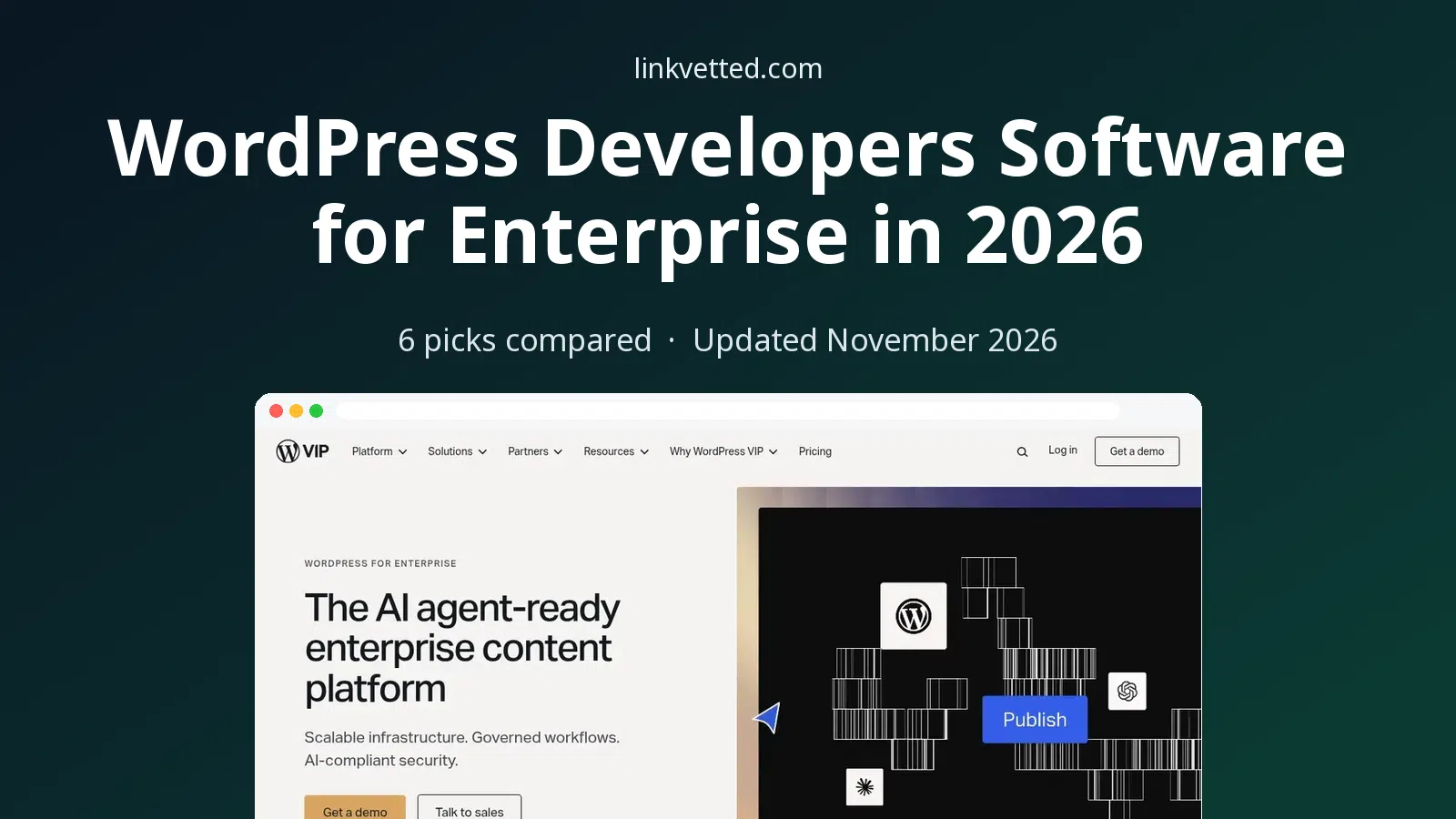
Pick WordPress VIP if this describes you: large enterprises needing managed compliance. WordPress VIP is an enterprise content product built around managed WordPress. Its homepage flags a high uptime commitment alongside FedRAMP authorization and SOC 2 Type 2 certification, which matters to organizations with strict security and compliance requirements.
Watch-outs: Less suited to small sites.
In daily use, organizations seeking more straightforward managed hosting or broader multi-framework workflows may prefer WP Engine or Pantheon. Also, confirm current system details and fit straight with the vendor before deciding. WordPress VIP does not show a starting price in this comparison, so check the vendor site for current pricing. On free options: Not stated.
- Capable uptime commitment
- Enterprise managed WordPress system
- Targeted at large organizations
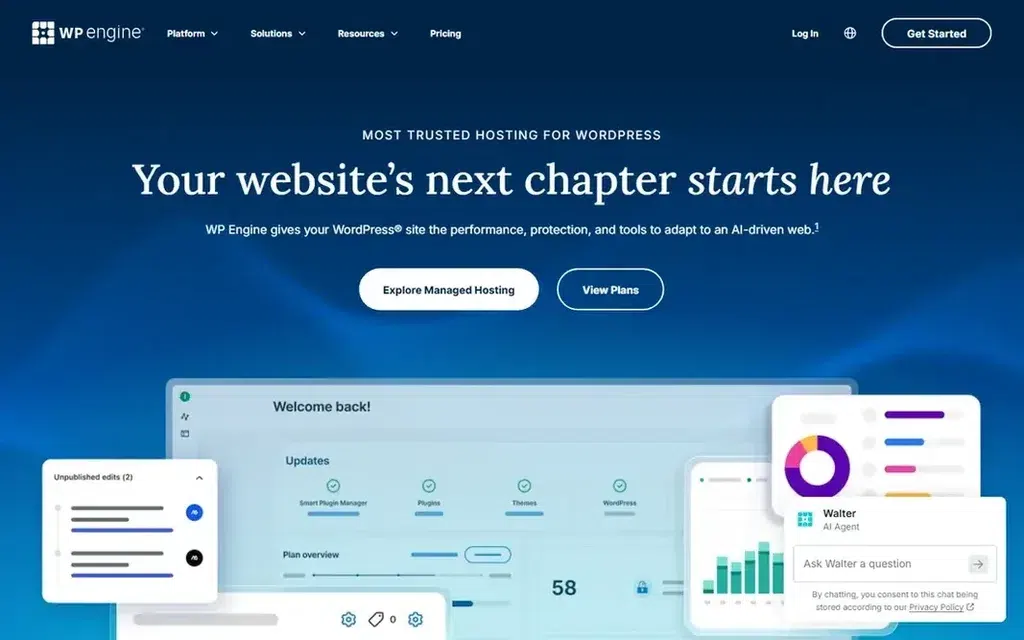
WP Engine was built for managed WordPress hosting with support. WP Engine is a website hosting product centered on managed WordPress.
For everyday use, WP Engine concentrates on WordPress, so teams running several frameworks may need a broader product. Entry price for WP Engine: $28.00 per month. Trial and free access: Not stated.
Where it falls short: Enterprise compliance needs vary.
- Managed WordPress hosting focus
- Round-the-clock support
- Centered on WordPress only

Pantheon is built with WebOps across several frameworks in mind. Evaluate the product against your development workflow and framework mix before committing.
Where it falls short: Broader scope needs evaluation.
Pantheon is a WebOps system made for WordPress, Drupal and Next.js. Check the vendor site for Pantheon pricing; none is listed in this comparison. Free options: Not stated.
- WebOps workflow focus
- Drupal and Next.js
- Not WordPress-only
How we built this list
What to check before you buy
- Ask Liquid Web, WordPress VIP and Pantheon for a written quote, since no starting price is shown.
- Take the trial from Kinsta and Cloudways and push a live task through it before you pay.
- Before choosing Liquid Web, weigh its main limit: not WordPress-specific.
- Compare total cost, not headline price: for Liquid Web, add extra seats, add-ons and any usage-based charges.
- Confirm you can export your data from Pantheon, so leaving later does not mean losing records.
FAQ
Should enterprises choose a WordPress-only host or a multi-framework platform?
A WordPress-focused host like WP Engine or Kinsta eases operations if WordPress is your only stack. Systems for example Pantheon support WordPress alongside Drupal and Next.js, which helps teams with mixed frameworks standardize workflows.
Is Liquid Web the right pick for everyone comparing WordPress developers software for enterprise?
No single tool suits every team. Liquid Web comes first because it fits reliable managed hosting infrastructure, while Kinsta suits enterprise-grade managed WordPress speed and Cloudways suits managed cloud hosting flexibility. Match the tool to your own size, budget and workflow before deciding.
Can I try these tools before paying?
Often, yes. Kinsta and Cloudways offer a free trial. Use your own data and a real task during the test, and check what the free tier or trial limits before you rely on it. All 6 picks in this WordPress developers software for enterprise comparison list a starting price, free plan details and the main limits on their cards above.
How are the tools for WordPress developers software for enterprise ordered?
Liquid Web sits first and Pantheon last because the order follows typical fit for WordPress developers software for enterprise, then price clarity and free access. It is a judgement call, so read each profile for fit and limits.
What is the cheapest option for WordPress developers software for enterprise in this list?
On published monthly entry prices, Kinsta is the lowest here at $17.50 per month. Entry price is only part of the cost, because seats, add-ons and billing terms can change the total. For the full picture, the cards above cover all 6 entries of this WordPress developers software for enterprise list, including price, free plan and limits.
What should enterprises confirm before signing?
Check compliance certifications, uptime commitments, support terms, migration paths and how security and backups are handled. Comparing stated limits across shortlisted products helps avoid surprises after launch.
Sources
- https://www.liquidweb.com
- https://kinsta.com
- https://www.cloudways.com
- https://wpvip.com
- https://wpengine.com
- https://pantheon.io