6 WFM Software for Education Worth Shortlisting in 2026
Best WFM software for education: 6 contenders ranked by fit, with entry costs and free tiers. Where a tool struggles is spelled out. Reviewed in November 2026.
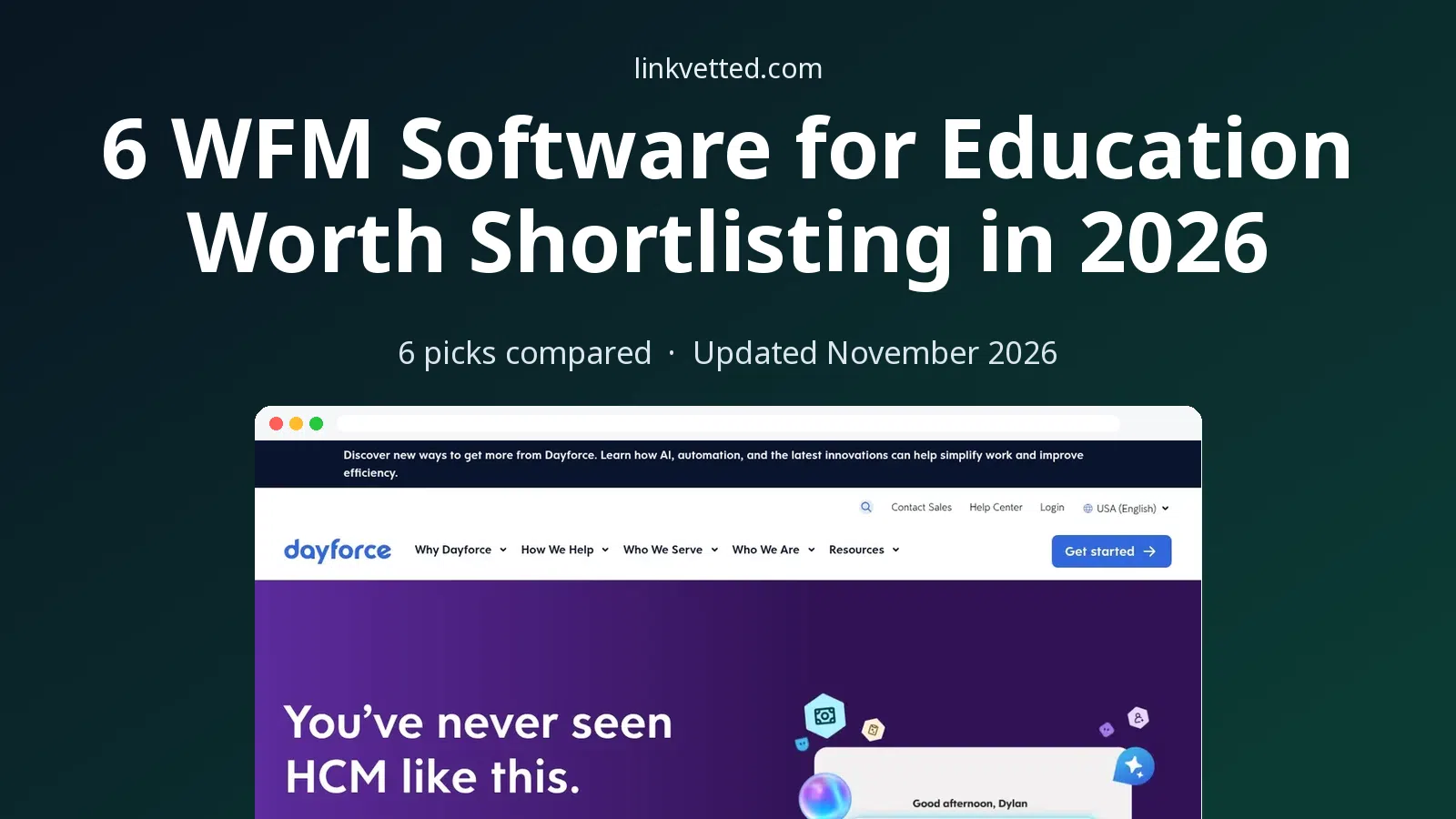
- Editor's choice
 Shiftboard
Customers following the UKG acquisition
Starts atSee websiteVisit shiftboard.comFull review - Great alternative
 When I Work
Quick shift scheduling and team messaging
Starts at$2.50 per user a monthVisit wheniwork.comFull review - Also consider
 Deputy
Straightforward scheduling with labor forecasting
Starts at$5 per user per monthVisit deputy.comFull review
Direct answer
Start with Shiftboard if you need customers following the UKG acquisition. Listed starting prices: When I Work from $2.50 per user a month, Deputy from $5 per user per month and Planday from £2.99. If your case is different, When I Work suits quick shift scheduling and team messaging and Deputy suits straightforward scheduling with labor forecasting. The other 3 tools in the list cover narrower or pricier cases.
TL;DR:
- Shiftboard takes the first slot, best suited to customers following the UKG acquisition.
- Neither Shiftboard nor Kronos, nor any of the other 4 tools, has a permanent free plan; trials and quotes are the norm.
- For workforce intelligence and time management, Kronos is worth a look.
- When I Work is the lowest-priced starter here at $2.50 per user per month.
Last checked November 2026. Prices and plan details were read from the vendors' own pages in November 2026; vendors change plans often, so confirm the current price on the vendor site before you buy.
Quick comparison
| Tool | Best for | Starts at | Free plan? | |
|---|---|---|---|---|
| Shiftboard | Customers following the UKG acquisition | See website | Not stated | Visit |
| When I Work | Quick shift scheduling and team messaging | $2.50 per user a month | Free trial | Visit |
| Deputy | Straightforward scheduling with labor forecasting | $5 per user per month | Free trial | Visit |
 Dayforce | Unified payroll, HR and workforce management | See website | Not stated | Visit |
 Planday | Scheduling, time tracking and team communication | £2.99 | Free trial | Visit |
| Kronos | Workforce intelligence and time management | See website | Not stated | Visit |
6 options for WFM software for education in detail
If you are comparing WFM software for education, this page covers 6 tools in one place: what each is best for, what it costs to start, whether it has a free plan, and the main limit to know about.
Shiftboard is built with customers following the UKG acquisition in mind. Shiftboard's page now serves existing customers with support, login links and next steps following UKG's acquisition of Shiftboard. It is most relevant to current customers planning their path forward instead of first-time buyers.
Since the page is oriented to existing customers, teams evaluating workforce management from scratch will get little product detail here and should speak with UKG about current offerings. Schools wanting a straightforward standalone scheduler may prefer a dedicated tool. Shiftboard shows no starting price here, so confirm the cost on the vendor site. Trial and free access: Not stated.
Where it is weaker: New-buyer information is restricted on this page.
- Support and login resources for existing customers
- Now part of the UKG portfolio
- Evaluation needs contacting UKG straight
When I Work serves quick shift scheduling and team messaging. Complicated union rules or multi-site pay policies should be checked against its capabilities.
What When I Work does well: Schedule shifts.
Honest limits: Payroll depth may be restricted for complicated needs.
The product centers on scheduling and time instead of a complete HR and payroll platform, so institutions needing consolidated HR records may pair it with other systems. The starting price for When I Work: $2.50 per user per month. As for free access: Free trial.
- Mobile-friendly team communication
- Track time and message in one app
- Narrower than full HR suites
Deputy makes the most sense for straightforward scheduling with labor forecasting. Deputy provides employee scheduling, HR, AI labor forecasting and payroll software in an easy-to-use package.
Points against: Less suited to full HCM consolidation.
The forecasting angle helps teams plan coverage around busy periods in the academic calendar. Very large, multi-campus districts with complicated HR rules should confirm depth before committing. Deputy starts at: $5 per user per month. Free plan details: Free trial.
- AI labor forecasting included
- HR and payroll features alongside scheduling
- Advanced needs may need extras
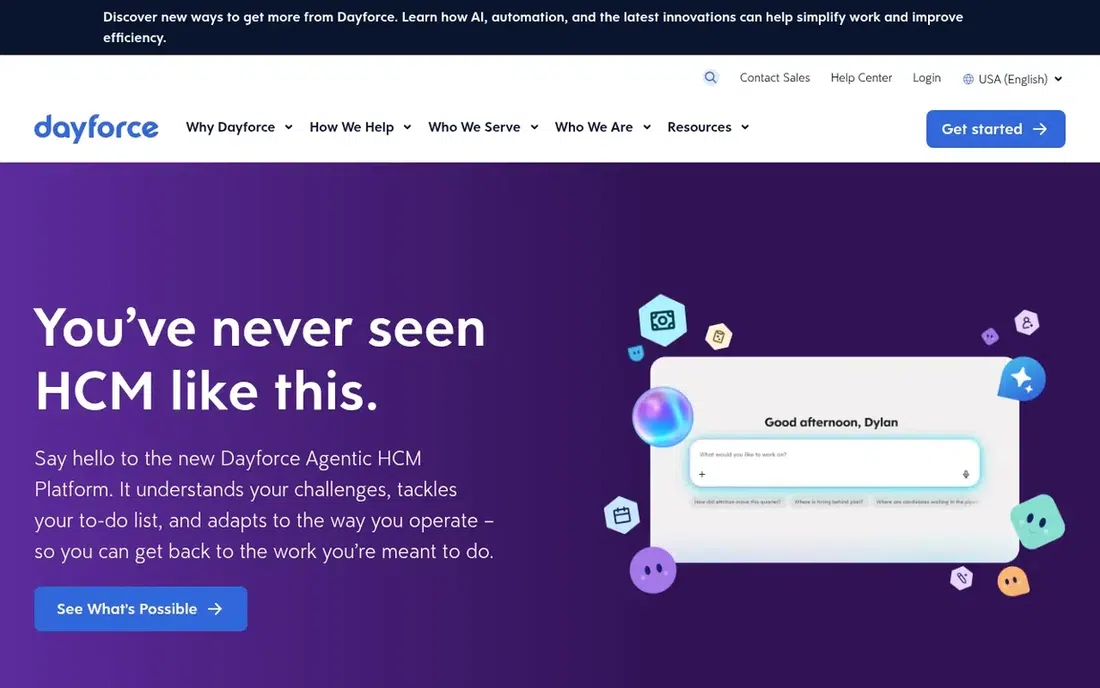
Dayforce is built with unified payroll, HR and workforce management in mind. Teams that chiefly need shift scheduling and time tracking, without consolidated payroll and HR, may prefer a lighter choice.
Where it is weaker: Broad suite may exceed small school needs.
No starting price is listed for Dayforce here; confirm pricing on the vendor site. On free options: Not stated.
Reasons to shortlist it: benefits and talent in one system.
- Payroll, HR
- Workforce management included alongside core HR
- Setup effort grows with configuration
Where Planday fits: scheduling, time tracking and team communication. Planday leans toward scheduling and time instead of a complete payroll and HR system, so institutions with consolidated HCM needs may link it to other tools.
In practice, very complicated pay rules should be validated before rollout. Planday pricing: £2.99. Free access: Free trial.
Where it is weaker: Fit relies on shift-based staffing patterns.
- Time tracking and communication combined
- Staff management in one system
- Less emphasis on full payroll and HR
Kronos
Best for: Workforce intelligence and time management
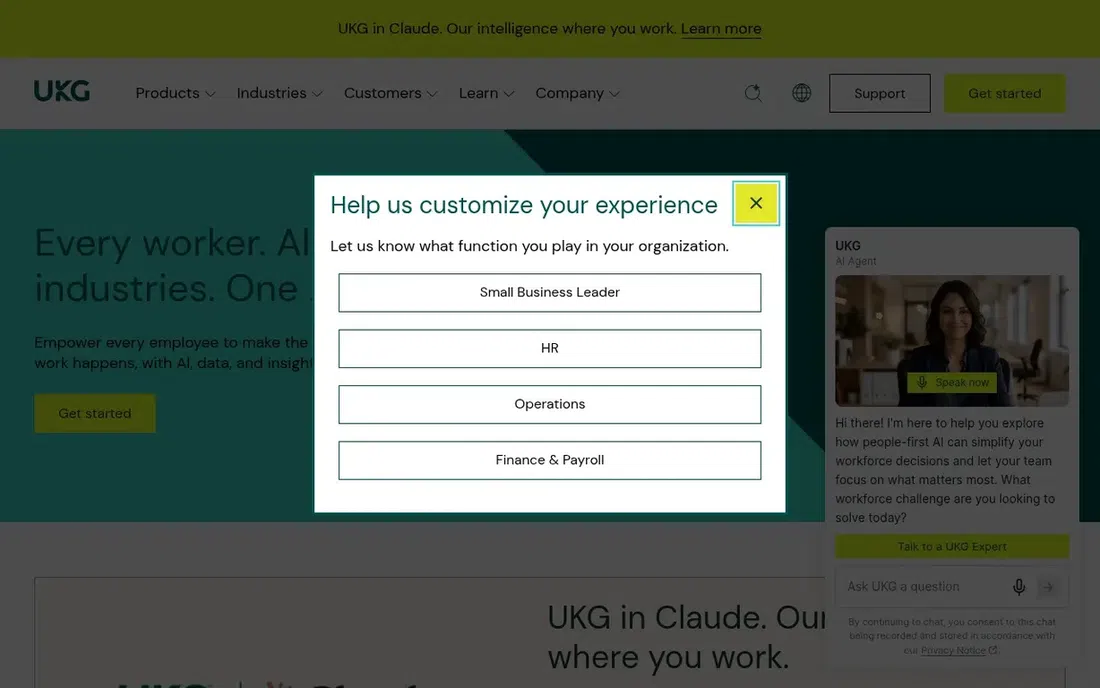
Kronos is designed for workforce intelligence and time management. Kronos, now presented under the UKG brand, centers on HR, pay and workforce management through a workforce intelligence product aimed at modern operations.
Limits to weigh: Full suite may be heavy for small teams.
It fits organizations wanting a workforce-focused suite instead of a pure scheduler. Check the vendor site for Kronos pricing; none is listed in this comparison. On free options: Not stated.
- Workforce intelligence orientation
- HR
- Configuration and rollout need planning
How the list was put together
We compared the tools on published pricing, free plan or trial availability, feature coverage for WFM software for education, and the limits each vendor documents. Where a price is missing, the vendor does not list one publicly or ties it to a quote. Always confirm before budgeting. Tools are placed by general fit for WFM software for education, with price clarity and free access as tie-breakers. A different team can reasonably rank them differently.
Before you commit
- Get a written quote from Shiftboard, Dayforce and Kronos; the list shows no starting price for them.
- Take the trial from When I Work, Deputy and Planday and push a live task through it before you pay.
- Before choosing Shiftboard, weigh its main limit: new-buyer information is restricted on this page.
- Add up seats, add-ons and usage charges for Deputy before comparing it with cheaper entries.
- Test how quickly When I Work answers a pre-sales question; it hints at how support will feel later.
FAQ
Do these tools publish their prices?
Not all of them. Shiftboard, Dayforce and Kronos publish no starting price, so expect a quote request for those. The rest, When I Work included, show a starting price, though seats and billing terms still change the final cost.
Is Shiftboard the right pick for everyone comparing WFM software for education?
No single tool suits every team. Shiftboard comes first because it fits customers following the UKG acquisition, while When I Work suits fast shift scheduling and team messaging and Deputy suits simple scheduling with labor forecasting. Match the tool to your own size, budget and workflow before deciding.
What should schools look for in workforce management software?
Prioritize scheduling that deals with substitutes and variable hours, accurate time tracking and a clear path to payroll. Also check mobile access for staff, communication features for managers and integration with existing HR or finance systems.
How are the tools for WFM software for education ordered?
The order follows typical fit for WFM software for education, with Shiftboard first and Kronos last, then price clarity and free access. It is editorial judgement, not a score, so another team could rank the tools differently.
Can I try these tools before paying?
Often, yes. When I Work, Deputy and Planday offer a free trial. Use your own data and a real task during the test, and check what the free tier or trial limits before you rely on it.
Sources
- https://www.shiftboard.com
- https://wheniwork.com
- https://www.deputy.com
- https://www.ceridian.com
- https://www.planday.com
- https://www.kronos.com