The 5 Best Website Platforms for Freelancers in 2026, Ranked
Best website platforms for freelancers in 2026: 5 tools with starting prices, free plans and limits. Caveats come with every verdict. Current for November 2026.

- Editor's choice
 Webflow
Designers and freelancers needing advanced control
Starts at$15 a monthVisit webflow.comFull review - Great alternative
 Wix
Adaptable design with built-in business tools
Starts atSee websiteVisit wix.comFull review - Also consider
 Shopify
Freelancers selling products or services online
Starts at$19 a monthVisit shopify.comFull review
Direct answer
This list puts Webflow first for designers and freelancers needing advanced control. Listed starting prices: Webflow from $15 a month, Shopify from $19 a month and Weebly from $13 per month. Look at Wix for flexible design with built-in business tools, and at Shopify for freelancers selling products or services online. The full list of 5 tools follows, with prices and free plan facts.
TL;DR:
- Number one here is Webflow, a fit for designers and freelancers needing advanced control.
- A free plan is available from 2 of the 5 tools: Webflow, Weebly.
- The main caution on Weebly: limited advanced design choices.
- Squarespace fits design-focused portfolios and service sites.
Last checked November 2026. Prices and plan details were read from the vendors' own pages in November 2026; vendors change plans often, so confirm the current price on the vendor site before you buy.
Quick comparison
| Tool | Best for | Starts at | Free plan? | |
|---|---|---|---|---|
| Webflow | Designers and freelancers needing advanced control | $15 a month | Yes | Visit |
| Wix | Adaptable design with built-in business tools | See website | Not stated | Visit |
| Shopify | Freelancers selling products or services online | $19 a month | Free trial | Visit |
 Weebly | Straightforward blogs, portfolios, and small keeps | $13 per month | Yes | Visit |
 Squarespace | Design-focused portfolios and service sites | $12 a month | Free trial | Visit |
Our 5 website platforms for freelancers
This LinkVetted guide covers 5 website platforms for freelancers. Each profile lists a starting price, free plan details, strengths and drawbacks, so you can drop poor fits quickly.
Webflow is aimed squarely at designers and freelancers needing advanced control. The system supports modern business requirements and is used by plenty of teams. Its advanced capabilities come with a steeper ramp-up time, which can slow freelancers who want a fast, straightforward site.
It may be more system than needed for an entry-level portfolio. For everyday use, Webflow is a web product for designing, building, optimizing, and ranking sites, with CMS, hosting, and security features built in. Entry price for Webflow: $15 per month. Webflow offers a free plan.
Watch-outs: Steeper ramp-up time.
- Enterprise-grade security and hosting
- Advanced design and CMS features
- More complicated than straightforward site builders
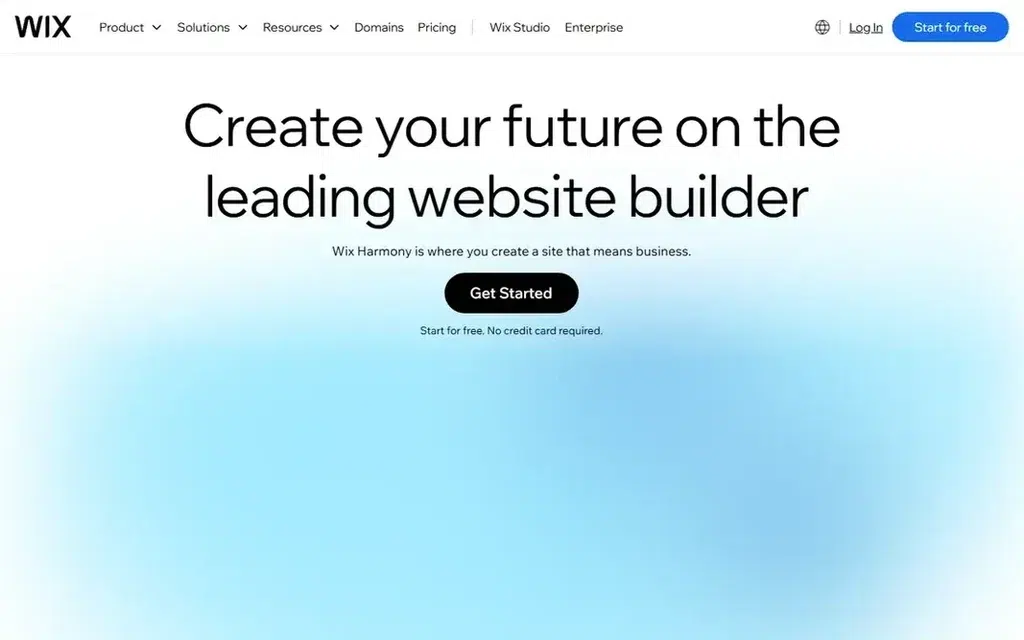
Think of Wix for adaptable design with built-in business tools. The breadth of options can slow down freelancers who just need a straightforward site rapidly, and heavy customization may need more maintenance over time.
On top of that, the editor supports a broad set of layouts, making it a fit for creatives and service providers who require room to experiment. Wix shows no starting price here, so confirm the cost on the vendor site. Free plan details: Not stated.
The main drawbacks: Design freedom may result in inconsistent results.
- Marketing tools included
- Hosting and domains built in
- Plenty of choices can overwhelm beginners
Think of Shopify for freelancers selling products or services online. It fits freelancers who sell physical goods, digital products, or services through an online store.
Beyond that, for freelancers who only need a portfolio or blog, Shopify's commerce orientation may add unnecessary complexity. What you pay to start with Shopify: $19 per month. On free options: Free trial.
Where it falls short: Commerce-first focus may be overkill for portfolios.
- AI-assisted business features
- Built-in management tools
- Less suited to purely informational sites
Weebly targets straightforward blogs, portfolios, and small keeps. Weebly is a website builder for creating a site, blog, or online store with configurable templates and easy-to-use tools.
Weebly supplies fewer advanced design and integration choices than more complicated products, so freelancers with expanding or specialized needs may hit limits. It is best for straightforward sites instead of highly customized builds. Price to start with Weebly: $13 per month. Weebly offers a free plan.
Honest limits: Restricted advanced design choices.
- Supports blogs and online keeps
- Easy-to-use builder
- Fewer integrations than bigger products
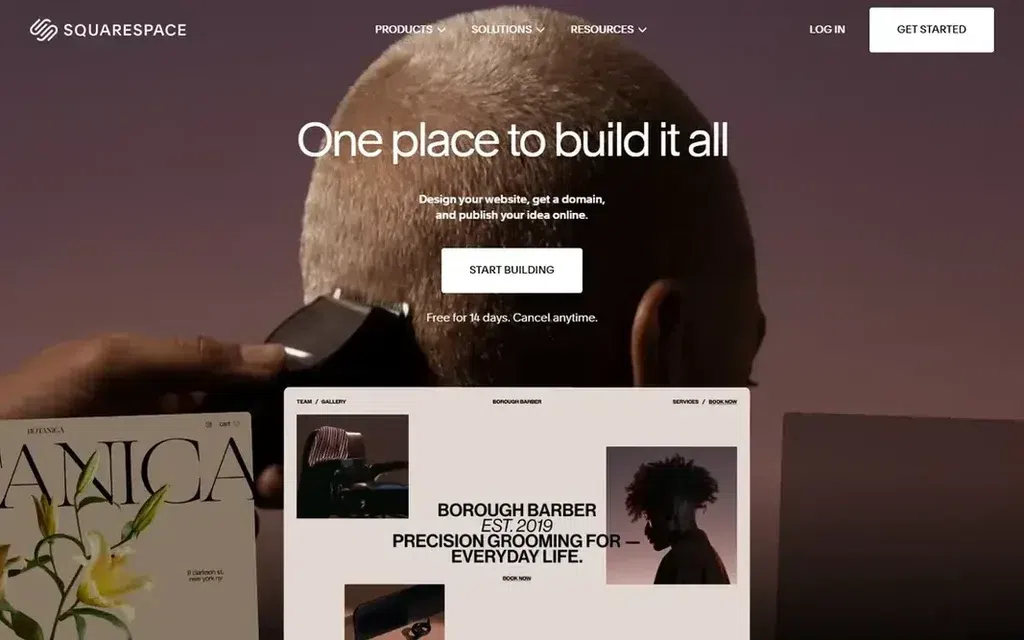
For design-focused portfolios and service sites, Squarespace is a natural candidate. The product deals with hosting and presentation, so the focus stays on content and client-facing pages instead of technical setup. Its template-driven approach can feel restrictive if you need highly unusual layouts or deep external integrations.
Limits to weigh: Less layout adaptability than some builders.
Freelancers with complicated custom requirements may prefer a more open system. From a buyer's view, choose Squarespace when a clean, professional look and straightforward editing matter more than maximum design control. Price to start with Squarespace: $12 per month. Free plan details: Free trial.
- AI website builder tools
- Domain and hosting included
- Ramp-up time for advanced customization
Selection criteria
LinkVetted looked at what each vendor publishes: pricing, plan limits, feature coverage for website platforms for freelancers and stated drawbacks. No hands-on testing is claimed. Plan names, prices and limits change often. Treat the figures here as a starting point and verify them with the vendor. The ranking is editorial: typical fit first, then clear pricing, then free access. If your needs are unusual, read the profiles rather than relying on position.
What to confirm before you sign up
- Get a written quote from Wix; the list shows no starting price for them.
- Look at free plan limits closely: Webflow and Weebly have one, and the caps decide whether it is usable for real work.
- Take the trial from Shopify and Squarespace and push a live task through it before you pay.
- Read the limits listed for Webflow first: steeper ramp-up time.
- A short pilot of Shopify with your real workflow tells you more than a feature table.
- Test how quickly Wix answers a pre-sales question; it hints at how support will feel later.
FAQ
Which website platform is a good match for a freelance portfolio?
Webflow comes first here and is built for designers and freelancers needing advanced control. Buyers with other needs may prefer Wix (for adaptable design with built-in business tools) or Shopify (for freelancers selling products or services online). Compare costs and limits first.
Can I try these tools before paying?
Often, yes. Webflow and Weebly have a free plan and Shopify and Squarespace offer a free trial. Use your own data and a real task during the test, and check what the free tier or trial limits before you rely on it. Prices, free plan details and limits for all 5 tools in this website platforms for freelancers roundup sit on the individual cards above.
Do these tools publish their prices?
Not all of them. Wix publishes no starting price, so expect a quote request for it. The rest, Webflow included, show a starting price, though seats and billing terms still change the final cost. Each of the 5 options in this website platforms for freelancers guide has its own card above with the price, free plan and limits.
How are the tools for website platforms for freelancers ordered?
Webflow sits first and Squarespace last because the order follows typical fit for website platforms for freelancers, then price clarity and free access. It is a judgement call, so read each profile for fit and limits.
Is Webflow the right pick for everyone comparing website platforms for freelancers?
No single tool suits every team. Webflow comes first because it fits designers and freelancers needing advanced control, while Wix suits flexible design with built-in business tools and Shopify suits freelancers selling products or services online. Match the tool to your own size, budget and workflow before deciding.
Sources
- https://webflow.com
- https://www.wix.com
- https://www.shopify.com
- https://www.weebly.com
- https://www.squarespace.com