Top 5 Website Builder for Small Teams for 2026 (Prices and Free Plans)
Best website builder for small teams, compared. 5 tools with published prices, free plans and limits. The weak spots sit next to the strengths. No hype.
- Editor's choice
 Shopify
Small teams selling products online
Starts at$19 a monthVisit shopify.comFull review - Great alternative
 Duda
Teams building client sites at scale
Starts at$19 per monthVisit duda.coFull review - Also consider
 Wix
All-in-one site building for small teams
Starts atSee websiteVisit wix.comFull review
Direct answer
For small teams selling products online, Shopify is where this list starts. Listed starting prices: Shopify from $19 a month, Duda from $19 per month and Webflow from $15 a month. Duda is better for teams building client sites at scale, and Wix is better for all-in-one site building for small teams. The remaining 2 options are covered below with prices and limits.
TL;DR:
- This list starts with Shopify, which is built for small teams selling products online.
- What to know about Webflow first: steeper learning curve for non-designers.
- For design-led teams wanting refined templates, Squarespace is worth a look.
- Starting prices begin at $12 per month with Squarespace.
- Webflow is the only tool of the 5 with a free plan.
Last checked November 2026. Prices and plan details were read from the vendors' own pages in November 2026; vendors change plans often, so confirm the current price on the vendor site before you buy.
Quick comparison
| Tool | Best for | Starts at | Free plan? | |
|---|---|---|---|---|
| Shopify | Small teams selling products online | $19 a month | Free trial | Visit |
| Duda | Teams building client sites at scale | $19 per month | Free trial | Visit |
| Wix | All-in-one site building for small teams | See website | Not stated | Visit |
 Webflow | Teams needing design and CMS control | $15 a month | Yes | Visit |
 Squarespace | Design-led teams wanting refined templates | $12 a month | Free trial | Visit |
Website Builder for Small Teams compared in detail
This LinkVetted guide covers 5 website builder for small teams. Each profile lists a starting price, free plan details, strengths and drawbacks, so you can drop poor fits quickly.
Pick Shopify if this describes you: small teams selling products online. Shopify positions itself as an all-in-one commerce product, with tools to build or grow a business and run more than just ecommerce software. Small teams that sell products will find the commerce orientation handy from the start, with AI tools supporting setup and growth tasks.
Where it is weaker: Commerce orientation shapes the entire setup.
In practice, for teams that only need a brochure or content site, the commerce focus may be more than necessary. In daily use, choose Shopify when selling is central to what the team does. Shopify pricing: $19 per month. On free options: Free trial.
- Commerce-focused all-in-one product
- Tools to handle numerous parts of a business
- Less suited to purely informational sites
Duda serves teams building client sites at scale. Small teams that build sites for clients, such as small agencies or freelance collectives, will find the professional orientation relevant. Worth adding: the system emphasizes building, getting found and converting, which maps to client work instead of internal projects.
Honest limits: Less pitched at internal team sites.
Those wanting a straightforward personal or brochure site might prefer a template-first builder. Choose Duda when client site production and conversion goals drive the work. Price to start with Duda: $19 per month. Free access: Free trial.
- Focus on ranking and conversion
- AI-powered web presence system
- Oriented toward professional builders
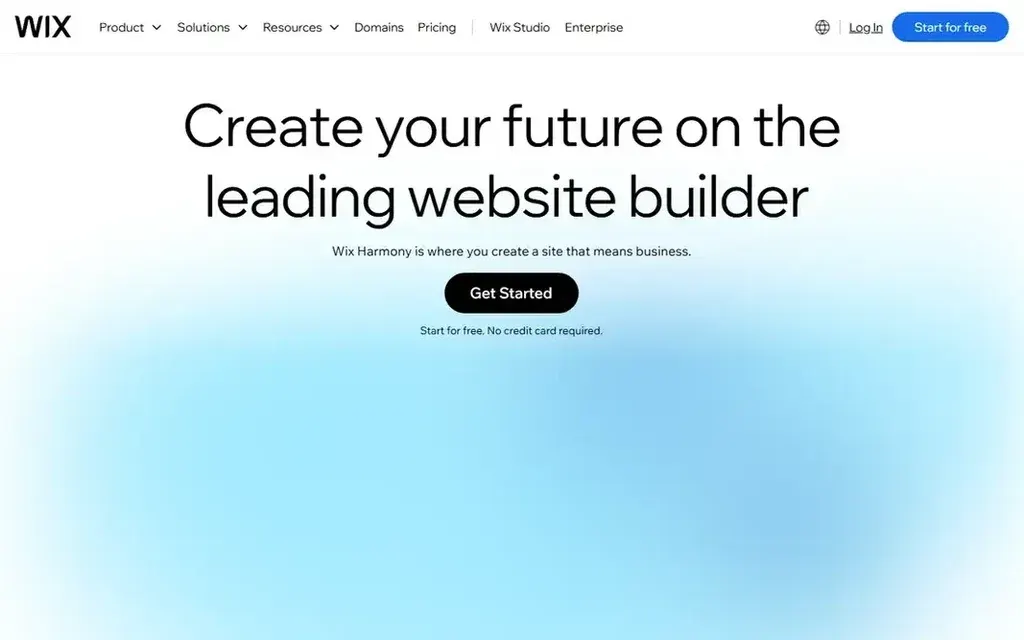
Wix was built for all-in-one site building for small teams. The editor and template range let a team assemble pages without separate hosting arrangements, and the bundled marketing features help with continuing promotion. Teams needing fine-grained control over markup and layout may find the visual editor limiting.
Where it is weaker: Less granular design control than code-first tools.
Those planning a content-heavy or commerce-first site might prefer a product built around those needs. As for the details, Wix presents itself as a system where hosting, business tools, domains and marketing are built in, which fits small teams that want one place to launch and run a site. Wix shows no starting price here, so confirm the cost on the vendor site. As for free access: Not stated.
Highlights: Wide template and editor options.
- Hosting
- Business tools included on one product
- Feature depth can feel overwhelming
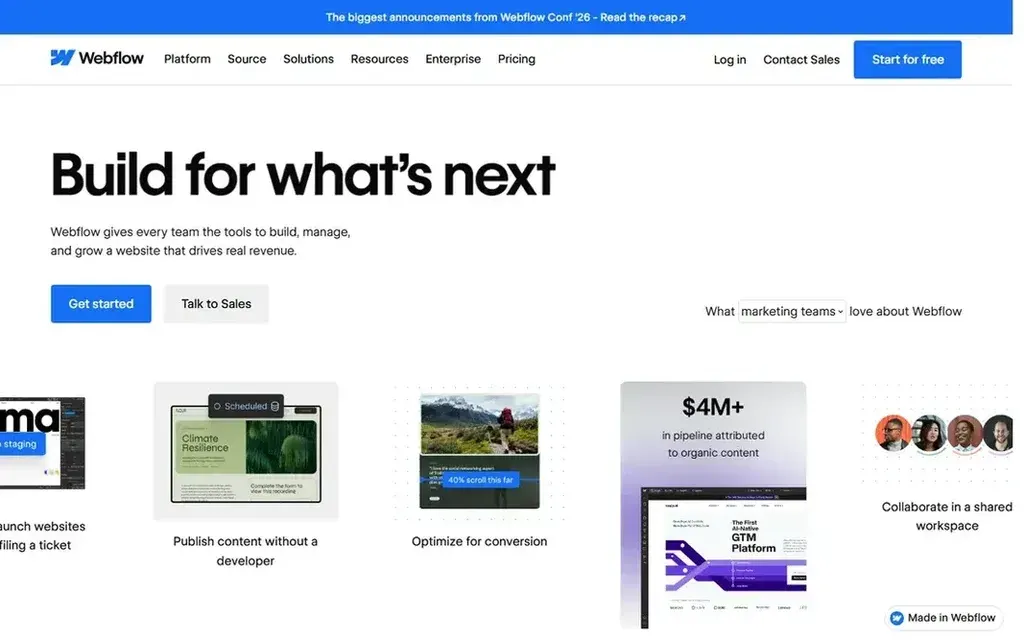
Webflow targets teams needing design and CMS control. Choose Webflow when design control and structured content management outweigh setup time.
From a buyer's view, Webflow describes itself as an agentic web system for modern firms, combining design, build, optimization and AI search visibility with CMS, hosting and enterprise-grade security. On top of that, teams wanting a quick, template-driven launch may be better served elsewhere. Webflow starts at: $15 per month. You can start on Webflow without paying.
The main drawbacks: Steeper ramp-up time for non-designers.
- Optimization and AI search features
- Enterprise-grade security stated
- More setup effort than template-first builders
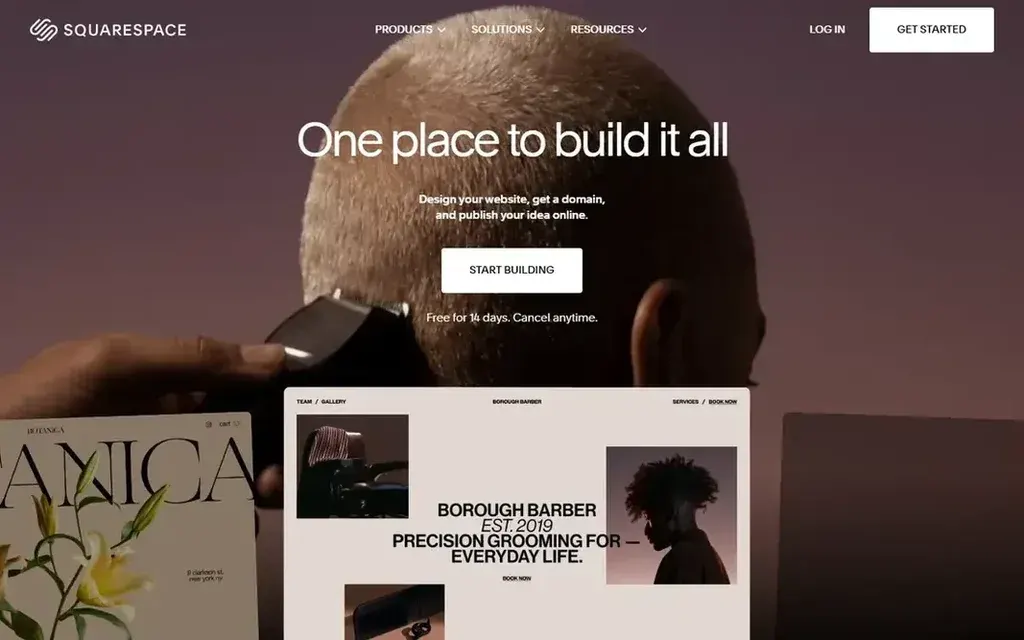
Squarespace serves design-led teams wanting refined templates. Squarespace concentrates on creating a website and expanding a business, starting from configurable templates, AI website builder tools or a domain name. From a buyer's view, since templates drive the structure, teams with unusual layout requirements may hit limits.
Those needing broad custom development or complicated app logic should look at a more code-friendly system. Pick Squarespace when design consistency and a guided setup are the priority. Squarespace cost at the entry level: $12 per month. Free plan details: Free trial.
Trade-offs to know: Template structure can constrain layout changes.
- Configurable website templates
- Domain name setup available
- Fewer deep integrations than developer systems
Selection criteria
Pre-purchase checklist
- Confirm the entry price on the vendor page. For Wix that means a quote rather than a fixed price.
- Test the free plan from Webflow against your real workload before relying on it.
- Take the trial from Shopify, Duda and Squarespace and push a live task through it before you pay.
- Before choosing Shopify, weigh its main limit: less suited to purely informational sites.
- Compare total cost, not headline price: for Shopify, add extra seats, add-ons and any usage-based charges.
- Find out what support Wix includes on your plan, and whether onboarding help costs extra.
FAQ
Which website builder for small teams have a free plan?
Webflow is the only tool in this list with a free plan. Free plans usually cap users, projects or features, so check the limits on the vendor page. Several others offer a trial instead. Each of the 5 options in this website builder for small teams guide has its own card above with the price, free plan and limits.
Is Shopify the right pick for everyone comparing website builder for small teams?
No single tool suits every team. Shopify comes first because it fits small teams selling products online, while Duda suits teams building client sites at scale and Wix suits all-in-one site building for small teams. Match the tool to your own size, budget and workflow before deciding.
Do these tools publish their prices?
Not all of them. Wix publishes no starting price, so expect a quote request for it. The rest, Shopify included, show a starting price, though seats and billing terms still change the final cost. All 5 picks in this website builder for small teams comparison list a starting price, free plan details and the main limits on their cards above.
Can I try these tools before paying?
Often, yes. Webflow has a free plan and Shopify, Duda and Squarespace offer a free trial. Use your own data and a real task during the test, and check what the free tier or trial limits before you rely on it.
Is Shopify only for keeps?
Teams that only need an informational site may find a content-focused builder more suitable. A store-first team will get more from the commerce orientation.
Sources
- https://www.shopify.com
- https://www.duda.co
- https://www.wix.com
- https://webflow.com
- https://www.squarespace.com