Best Website Builder for Events in 2026: Prices, Free Plans and 5 Picks
5 best website builder for events, with entry costs, free tiers and the buyer each one serves. Verdicts stay brief and factual. Updated November 2026.
- Editor's choice
 Webflow
Custom-designed event experiences
Starts at$15 per monthVisit webflow.comFull review - Great alternative
 Whova
Attendee engagement at events
Starts atSee websiteVisit whova.comFull review - Also consider
 Squarespace
Design-led event pages
Starts at$12 per monthVisit squarespace.comFull review
Direct answer
Webflow is the first pick on this list for custom-designed event experiences. Listed starting prices: Webflow from $15 per month, Squarespace from $12 per month and Eventbrite from $15 per month. For a different need, Whova covers Attendee engagement at events and Squarespace covers design-led event pages. The remaining 2 options are covered below with prices and limits.
TL;DR:
- Top of the list is Webflow, which targets custom-designed event experiences.
- For all-in-one event site with hosting, Wix is worth a look.
- Free plans exist at 2 of 5 tools (Webflow, Eventbrite).
- Squarespace has the lowest monthly starting price in this list: $12 per month.
- Whova comes with a trade-off: not a website builder for event pages.
Last checked November 2026. Prices and plan details were read from the vendors' own pages in November 2026; vendors change plans often, so confirm the current price on the vendor site before you buy.
Quick comparison
| Tool | Best for | Starts at | Free plan? | |
|---|---|---|---|---|
| Webflow | Custom-designed event experiences | $15 per month | Yes | Visit |
| Whova | Attendee engagement at events | See website | Not stated | Visit |
| Squarespace | Design-led event pages | $12 per month | Free trial | Visit |
 Eventbrite | Event discovery and listing | $15 per month | Yes | Visit |
 Wix | All-in-one event site with hosting | See website | Not stated | Visit |
The 5 tools in detail
This LinkVetted guide covers 5 website builder for events. Each profile lists a starting price, free plan details, strengths and drawbacks, so you can drop poor fits quickly.
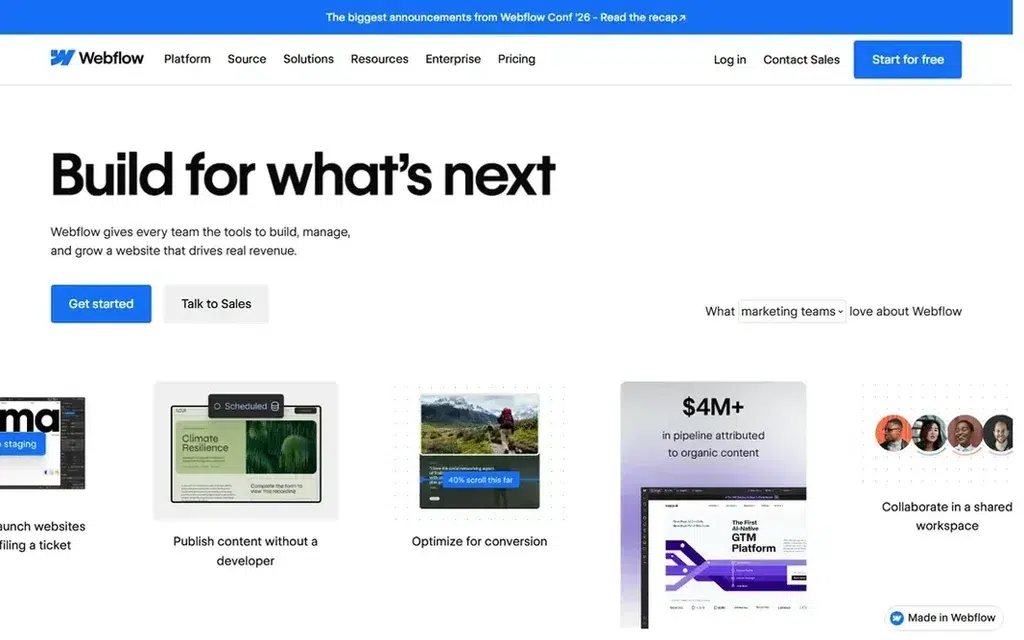
Webflow is built with custom-designed event experiences in mind. Webflow is a visual web system for designing, building, optimizing and hosting sites, with a CMS and security features targeted at modern companies.
Trade-offs to know: Steeper ramp-up time for beginners.
Smaller organizers without design support may find a template-first builder quicker to launch. On cost, Webflow starts like this: $15 per month. Webflow has a free plan.
- Visual design with CMS and hosting
- Enterprise-grade security stated
- Design freedom needs more setup time
Whova is a good fit for Attendee engagement at events. Whova is widely known as an event app product that supports attendee engagement, agendas and networking around conferences and large gatherings.
Points against: Not a website builder for event pages.
It does not replace a website builder for publishing event information and promotion. This comparison lists no price for Whova; ask the vendor. Free options: Not stated.
- Event app style attendee experience
- Supports engagement around sessions
- Value relies on attendee app adoption
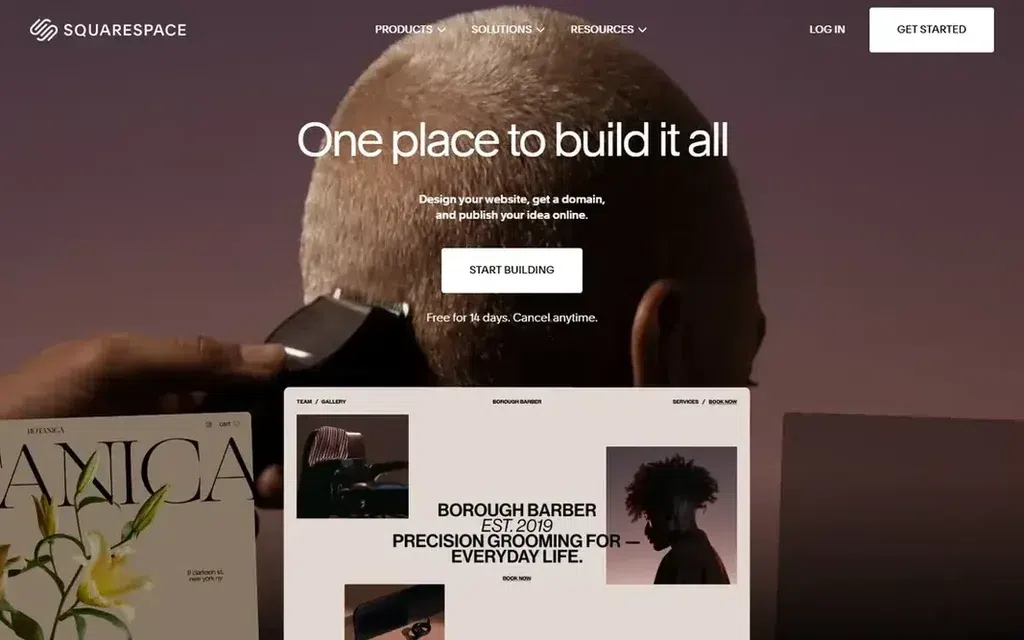
Squarespace is built with design-led event pages in mind. Squarespace is a website builder built around configurable templates, AI-assisted building tools and domain registration.
The template-driven approach keeps layouts consistent without deep technical work. Its strength in design means event-specific functions like registration tracking are lighter than on dedicated systems. The starting price for Squarespace: $12 per month. On free options: Free trial.
Points against: Template structure can limit layout changes.
- Configurable website templates
- Domain name choices available
- Fewer native event management features
Eventbrite makes the most sense for event discovery and listing. Eventbrite is best known as a place to discover local events and things to do, and organizers use it to put events in front of an audience already browsing.
Honest limits: Restricted as a full website builder.
It is not a general website builder, so branding and content control are narrower than on a dedicated system. For everyday use, if your event needs a full site with custom pages and content, pair it with a builder or choose a management system. What you pay to start with Eventbrite: $15 per month. Eventbrite offers a free plan.
- Straightforward listing presence for organizers
- Handy for public-facing discovery
- Not built for complicated multi-session programs
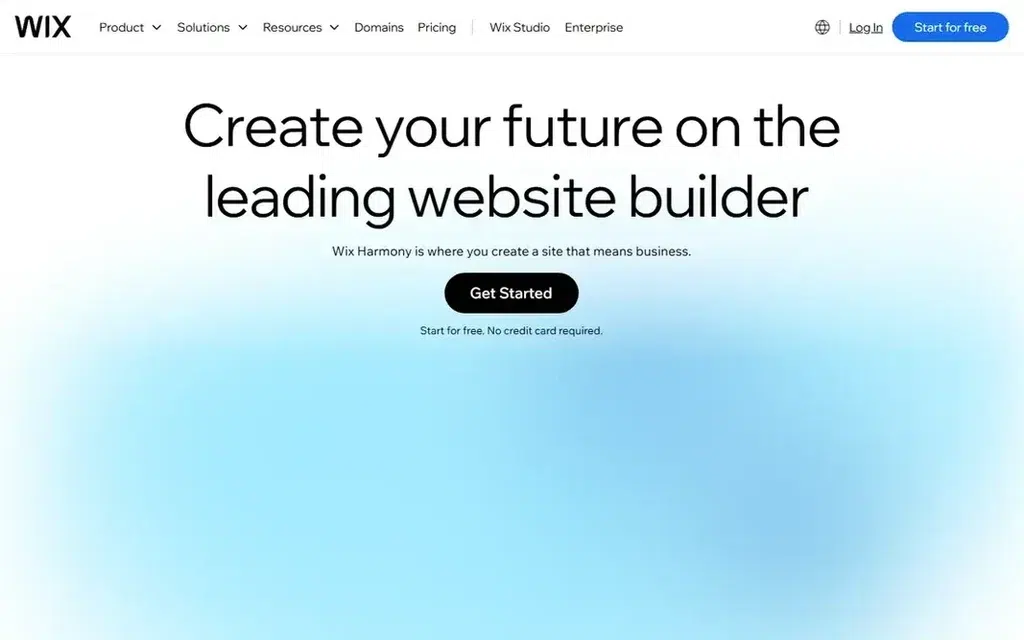
Wix serves all-in-one event site with hosting. Pick a specialized event product instead if ticketing, badge printing or agenda management are central to your plans.
On top of that, since it is a wide system instead of a dedicated event system, advanced registration workflows and attendee management may need extras or integrations. Pricing for Wix is not stated here, so ask the vendor for current figures. Free plan details: Not stated.
Limits to weigh: Less specialized for complicated event logistics.
- Wide template and design choices
- Business tools included on one system
- Large feature set can overwhelm beginners
Our selection method
For each of the 5 tools we noted price, free plan or trial, fit for website builder for events and the main limit, using vendor pages and documentation. Where a vendor does not publish a price, the entry says quote. Where a price depends on seats or billing term, the entry says so. The sequence is a judgement call: typical use case first, then pricing transparency, then free access. Use the profiles to check fit.
What to check before you buy
- Get a written quote from Whova and Wix; the list shows no starting price for them.
- Look at free plan limits closely: Webflow and Eventbrite have one, and the caps decide whether it is usable for real work.
- Run a trial of Squarespace with real work before paying for a year; your own workflow is the best test.
- Before choosing Webflow, weigh its main limit: steeper ramp-up time for beginners.
- Confirm you can export your data from Eventbrite, so leaving later does not mean losing records.
- Run a one or two week pilot of Whova with the people who will use it every day.
FAQ
What is the cheapest option for website builder for events in this list?
On published monthly entry prices, Squarespace is the lowest here at $12 per month. Entry price is only part of the cost, because seats, add-ons and billing terms can change the total. For the full picture, the cards above cover all 5 entries of this website builder for events list, including price, free plan and limits.
Do these tools publish their prices?
Not all of them. Whova and Wix publish no starting price, so expect a quote request for those. The rest, Webflow included, show a starting price, though seats and billing terms still change the final cost.
Which options for website builder for events have a free plan?
On this list, Webflow and Eventbrite include a free plan. Caps on seats, usage or features are common, so test the free plan against your real workload. One other tool offers a trial instead.
How much design control do these tools offer?
Webflow provides the most layout freedom through visual design and a CMS, whereas Squarespace gives you configurable templates and AI-assisted building. Dedicated event products focus less on open design.
Is Webflow the right pick for everyone comparing website builder for events?
No single tool suits every team. Webflow comes first because it fits custom-designed event experiences, while Whova suits Attendee engagement at events and Squarespace suits design-led event pages. Match the tool to your own size, budget and workflow before deciding.
Sources
- https://webflow.com
- https://whova.com
- https://www.squarespace.com
- https://www.eventbrite.com
- https://www.wix.com