The 5 Best Webinar Platforms for Remote Teams in 2026, Ranked
5 best webinar platforms for remote teams, compared on pricing, free plans and best-fit use. Fit, price and catches for every tool. Current for November 2026.
- Editor's choice
 GoTo Webinar
Dedicated large virtual conferences
Starts atSee websiteVisit goto.comFull review - Great alternative
 WebinarJam
Live and automatic conversion events
Starts atSee websiteVisit webinarjam.comFull review - Also consider
 Zoom Webinars
Teams already using Zoom meetings
Starts atSee websiteVisit zoom.usFull review
Direct answer
GoTo Webinar comes first here, mainly for dedicated large virtual conferences. Listed starting prices: Livestorm from €2.50 per attendee and Microsoft Teams Webinars from $4.00 per user a month. Alternatives: WebinarJam for live and automatic conversion events, and Zoom Webinars for Teams already using Zoom meetings. The full list of 5 tools follows, with prices and free plan facts.
TL;DR:
- GoTo Webinar takes the first slot, best suited to dedicated large virtual conferences.
- Starting prices begin at $4.00 per user per month with Microsoft Teams Webinars.
- Before buying WebinarJam, weigh this: conversion focus may not suit internal training.
- Microsoft Teams Webinars suits Microsoft 365-centric organizations.
Last checked November 2026. Prices and plan details were read from the vendors' own pages in November 2026; vendors change plans often, so confirm the current price on the vendor site before you buy.
Quick comparison
| Tool | Best for | Starts at | Free plan? | |
|---|---|---|---|---|
| GoTo Webinar | Dedicated large virtual conferences | See website | Free trial | Visit |
| WebinarJam | Live and automatic conversion events | See website | Not stated | Visit |
| Zoom Webinars | Teams already using Zoom meetings | See website | Not stated | Visit |
 Livestorm | Marketing teams needing CRM insight | €2.50 per attendee | Not stated | Visit |
| Microsoft Teams Webinars | Microsoft 365-centric organizations | $4.00 per user a month | Free trial | Visit |
The best webinar platforms for remote teams
LinkVetted compared 5 webinar platforms for remote teams. The goal is a practical shortlist: published prices, free plan facts, best-fit use cases and honest limits for every entry.
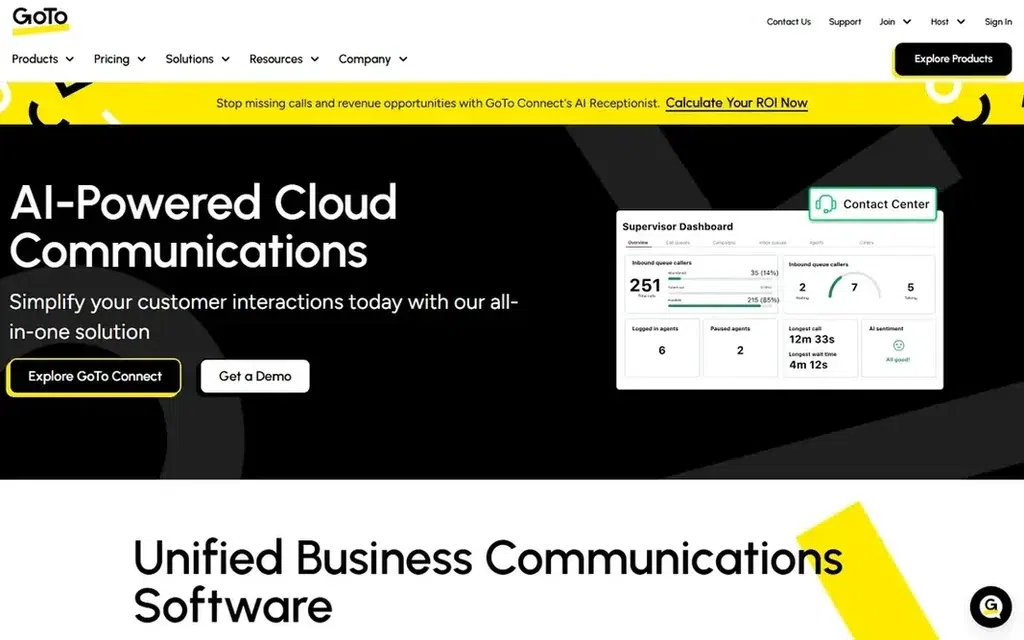
GoTo Webinar works best for dedicated large virtual conferences. Teams that primarily need occasional internal presentations may find a meeting tool with webinar extras simpler.
Confirm attendee limits and integration needs on the vendor site before committing to a dedicated product. GoTo Webinar does not show a starting price in this comparison, so check the vendor site for current pricing. Trial and free access: Free trial.
Drawbacks to consider: Separate from everyday meeting tools.
- Designed for webinars
- Engagement tools for audiences
- Setup takes planning
Choose WebinarJam for live and automatic conversion events. WebinarJam concentrates on turning presentations into revenue, offering live or evergreen events with HD streaming, one-click sales provides and built-in marketing.
Where it is weaker: Automatic events need content planning.
In daily use, the strong conversion orientation makes it less natural for internal training or neutral customer education. Also, Teams that require deep collaboration features should compare it with meeting-first systems before choosing. WebinarJam shows no starting price here, so confirm the cost on the vendor site. Free plan details: Not stated.
- Live and evergreen webinar modes
- One-click sales supplies during events
- Conversion focus may not suit internal training
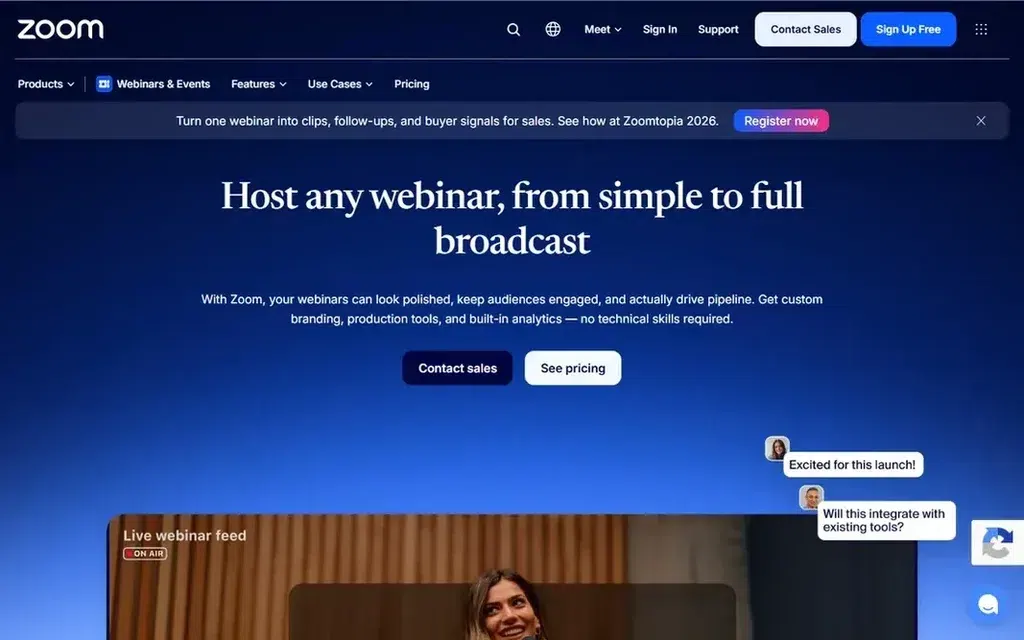
Zoom Webinars was built for Teams already using Zoom meetings. It suits remote teams that already run meetings in Zoom and want webinars without learning a new interface.
In practice, since webinar capability sits alongside instead of inside standard meetings, teams should confirm which controls and attendee capacities apply to their situation. Check the vendor site for Zoom Webinars pricing; none is listed in this comparison. Free plan details: Not stated.
Where it falls short: Large events need careful setup.
- Familiar Zoom interface
- Works alongside regular meetings
- Webinar features are separate from meetings
Pick Livestorm if this describes you: marketing teams needing CRM insight. Since it is built around marketing events, teams seeking a straightforward internal presentation tool may find it more than needed.
Where it is weaker: Feature depth varies by event type.
Confirm which CRM integrations and data exports matter to you on the vendor site before deciding. Livestorm is positioned as an all-in-one webinar system for marketing teams, handling branded events, engagement insights and CRM syncing to display return on investment. Starting cost for Livestorm: €2.50 per attendee. Free plan details: Not stated.
- Engagement insights and CRM sync
- All-in-one webinar workflow
- Marketing-oriented instead of general meetings
Microsoft Teams Webinars
Best for: Microsoft 365-centric organizations
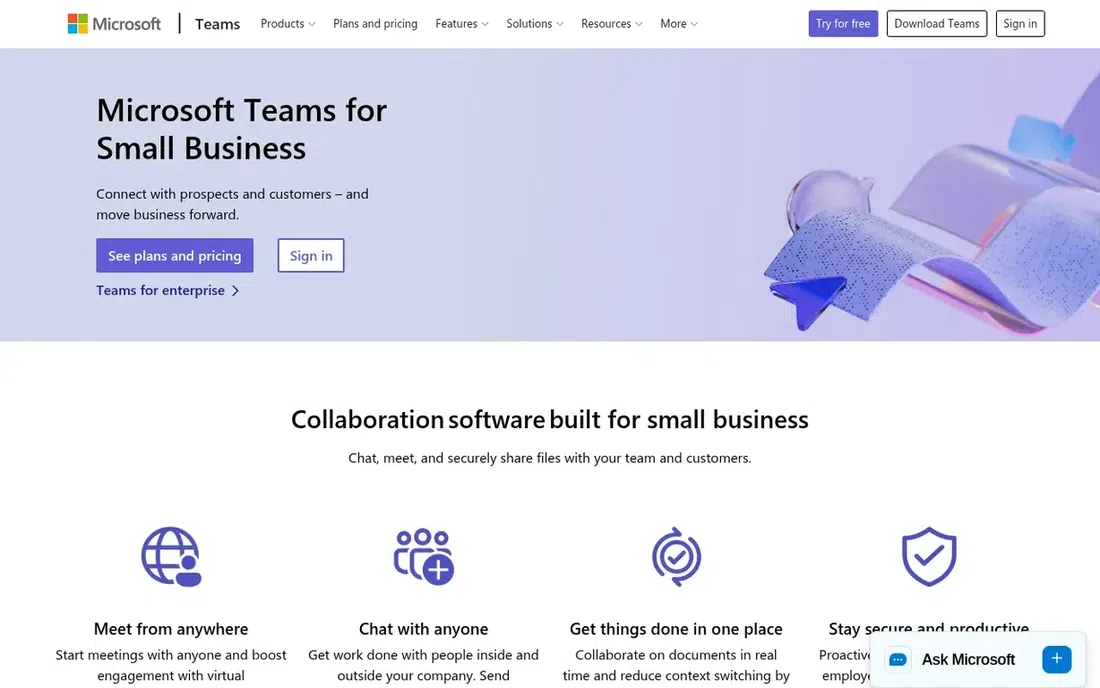
Microsoft Teams Webinars works best for Microsoft 365-centric organizations. It suits organizations already standardized on Microsoft Teams and Microsoft 365, where keeping events inside the same workspace cuts tool sprawl.
The webinar experience is tied to the broader Teams, so teams outside the Microsoft ecosystem may not gain the same benefits. The starting price for Microsoft Teams Webinars: $4.00 per user per month. Free access: Free trial.
Where it falls short: Best value only within Microsoft ecosystem.
- Single system for chat and events
- Cloud-first communication approach
- Webinar depth relies on setup
Selection criteria
A buyer's checklist
- Confirm the entry price on the vendor page. For GoTo Webinar, WebinarJam and Zoom Webinars that means a quote rather than a fixed price.
- Run a trial of GoTo Webinar and Microsoft Teams Webinars with real work before paying for a year; your own workflow is the best test.
- Read the limits listed for GoTo Webinar first: separate from everyday meeting tools.
- Check whether WebinarJam bills monthly or annually, and what cancelling early costs.
- Check how data leaves Livestorm: formats, limits and whether exports are available on every plan.
FAQ
Does any tool for webinar platforms for remote teams here have a free plan?
No tool in this list, GoTo Webinar and Microsoft Teams Webinars included, has a permanent free plan. GoTo Webinar, Microsoft Teams Webinars offer a trial. Trials and quotes are the usual route, so plan a short evaluation period.
Which webinar system is a good match for a small remote team?
GoTo Webinar is the pick this page puts first, mainly for dedicated large virtual conferences. If your situation differs, WebinarJam suits live and automatic conversion events, and Zoom Webinars suits Teams already using Zoom meetings. Compare price and limits before you decide.
What is the cheapest option for webinar platforms for remote teams in this list?
On published monthly entry prices, Microsoft Teams Webinars is the lowest here at $4.00 per user per month. Entry price is only part of the cost, because seats, add-ons and billing terms can change the total. All 5 picks in this webinar platforms for remote teams comparison list a starting price, free plan details and the main limits on their cards above.
How are the tools for webinar platforms for remote teams ordered?
GoTo Webinar sits first and Microsoft Teams Webinars last because the order follows typical fit for webinar platforms for remote teams, then price clarity and free access. It is a judgement call, so read each profile for fit and limits.
How do marketing-focused webinar products differ?
Products like Livestorm and WebinarJam emphasize branded events, engagement insights, CRM syncing and conversion features. They suit teams whose webinars support marketing and sales instead of only internal communication.
Do these tools publish their prices?
Not all of them. GoTo Webinar, WebinarJam and Zoom Webinars publish no starting price, so expect a quote request for those. The rest, Livestorm included, show a starting price, though seats and billing terms still change the final cost.
Sources
- https://www.goto.com/webinar
- https://webinarjam.com
- https://zoom.us/webinar
- https://livestorm.co
- https://www.microsoft.com/en-us/microsoft-teams/webinars