Top 5 Web Developers Software for Enterprise for 2026 (Prices and Free Plans)
5 products for the best web developers software for enterprise, ranked by fit, with starting costs and free tiers. The weak spots sit next to the strengths.

- Editor's choiceMicrosoft Visual Studio
Full IDE across products and languages
Starts at$45 per user per monthVisit visualstudio.microsoft.comFull review - Great alternative
 Sentry
Error tracking and performance monitoring
Starts at$26 per monthVisit sentry.ioFull review - Also considerGitHub Enterprise
Governed source control with AI assistance
Starts atSee websiteVisit github.comFull review
Direct answer
Microsoft Visual Studio leads the list, best for full IDE across products and languages. Listed starting prices: Microsoft Visual Studio from $45 per user per month, Sentry from $26 per month and GitLab from $29 per user a month. Alternatives: Sentry for error tracking and performance monitoring, and GitHub Enterprise for governed source control with AI assistance. The other 2 tools in the list cover narrower or pricier cases.
TL;DR:
- Microsoft Visual Studio is the opening pick, best for full IDE across products and languages.
- The lowest published monthly entry price here is $9 per user per month, from Docker.
- Docker fits secure container sandboxes and supply chain.
- A fair warning about Sentry: monitoring focus, not a development environment.
- Sentry, GitLab, Docker: these are the 3 tools out of 5 that offer a free plan.
Last checked November 2026. Prices and plan details were read from the vendors' own pages in November 2026; vendors change plans often, so confirm the current price on the vendor site before you buy.
Quick comparison
| Tool | Best for | Starts at | Free plan? | |
|---|---|---|---|---|
| Microsoft Visual Studio | Full IDE across products and languages | $45 per user per month | Not stated | Visit |
| Sentry | Error tracking and performance monitoring | $26 per month | Yes | Visit |
| GitHub Enterprise | Governed source control with AI assistance | See website | Not stated | Visit |
 GitLab | Single governed software lifecycle product | $29 per user a month | Yes | Visit |
 Docker | Secure container sandboxes and supply chain | $9 per user per month | Yes | Visit |
The 5 tools in detail
Choosing web developers software for enterprise usually comes down to price, fit and limits. This LinkVetted guide sets 5 tools side by side on those three points, with the facts kept short and checkable.
Microsoft Visual Studio
Best for: Full IDE across products and languages

Microsoft Visual Studio works best for full IDE across systems and languages. Microsoft Visual Studio offers development tools and services intended to make app development simpler for any developer, on any system and in any language. The full IDE is resource-intensive, and developers making fast edits frequently prefer the lighter editor.
Trade-offs to know: Heaviest experience on Windows.
Worth adding: the experience is most complete on Windows, so cross-platform teams should confirm their workflow suits. Pick something else if your stack centers on a different ecosystem or you need only a minimal editor. Starting cost for Microsoft Visual Studio: $45 per user per month. Free options: Not stated.
- IDE and light code editor options
- Supports several systems and languages
- Full IDE can feel weighty for small edits
Sentry is built with error tracking and performance monitoring in mind. Teams pair it with their development systems to close the loop between shipping code and understanding how it behaves for real users.
Drawbacks to consider: Value relies on instrumenting applications.
Its usefulness relies on proper instrumentation across services. Organizations seeking only development tooling may not need a monitoring layer yet. The starting price for Sentry: $26 per month. Sentry offers a free plan.
- Error tracking for production applications
- Helps teams diagnose issues quicker
- Not a development environment
GitHub Enterprise
Best for: Governed source control with AI assistance
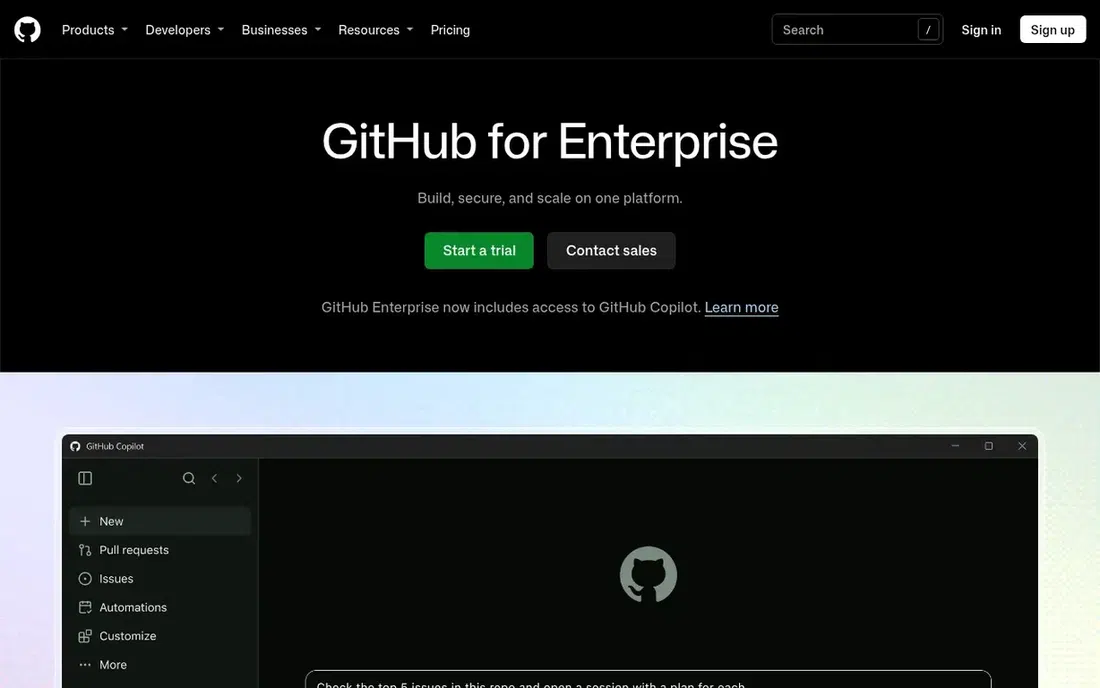
Think of GitHub Enterprise for governed source control with AI assistance. The offering now comes with GitHub Copilot, so AI-assisted development sits alongside the repository and collaboration tooling teams already use.
What to check first: Wide system can take time to configure.
In daily use, organizations already standardized on a competing lifecycle system may prefer to stay consolidated instead of run parallel systems. For everyday use, the system's breadth means setup and policy configuration need real administrative effort, and smaller teams may find the governance layer heavier than they need. This comparison lists no price for GitHub Enterprise; ask the vendor. Free plan details: Not stated.
- Governance and security controls built in
- Deployment choice across environments
- Enterprise governance layers on administrative overhead

GitLab works best for single governed software lifecycle system. Instead of assembling separate tools for planning, code, and delivery, organizations can consolidate onto one governed surface. On top of that, adopting a full lifecycle product is a substantial change management exercise.
Honest limits: Configuration effort grows with governance needs.
Teams with deeply entrenched toolchains may face migration friction. More specifically, choose GitLab when lifecycle consolidation and centralized governance outweigh the adoption effort. On cost, GitLab starts like this: $29 per user per month. GitLab has a free plan.
- Governance and context built into orchestration
- Supports teams working alongside agents
- Full lifecycle scope can be complicated to adopt
Docker is a good fit for secure container sandboxes and supply chain. Effective use assumes solid container fundamentals, and teams new to containerization face a ramp-up time.
Where it is weaker: Needs container knowledge to operate well.
Governance and supply chain controls need deliberate configuration to deliver their value. In daily use, teams adopting agent-based tooling also benefit from the sandbox model, which keeps execution contained whereas still supporting modern delivery workflows. Docker pricing: $9 per user per month. You can start on Docker without paying.
- Secure supply chain emphasis
- Governance for modern software delivery
- Governance setup needs planning
How we built this list
We compared the tools on published pricing, free plan or trial availability, feature coverage for web developers software for enterprise, and the limits each vendor documents. Seat minimums, billing terms and add-ons can move the real cost, so the starting prices here are a guide and not a quote. The order reflects how well each tool fits the most common buying scenario for web developers software for enterprise, then price clarity, then free plan access. It is a starting point, not a verdict.
A buyer's checklist
- Get a written quote from GitHub Enterprise; the list shows no starting price for them.
- Look at free plan limits closely: Sentry, GitLab and Docker have one, and the caps decide whether it is usable for real work.
- Before choosing Microsoft Visual Studio, weigh its main limit: heaviest experience on Windows.
- Look at which plan of GitLab unlocks the features you need; entry tiers are often cut down.
- Check how data leaves Sentry: formats, limits and whether exports are available on every plan.
FAQ
Which tool is a good match for governed source control in a large enterprise?
Microsoft Visual Studio comes first here and is built for full IDE across systems and languages. Buyers with other needs may prefer Sentry (for error tracking and performance monitoring) or GitHub Enterprise (for governed source control with AI assistance). Compare costs and limits first.
How does Docker fit into an enterprise web development stack?
Docker supplies trusted sandboxes, governance and a secure supply chain for containers and AI agents. It standardizes how applications are packaged and run across environments. It complements source control and IDEs instead of replacing them.
What is the cheapest option for web developers software for enterprise in this list?
On published monthly entry prices, Docker is the lowest here at $9 per user per month. Entry price is only part of the cost, because seats, add-ons and billing terms can change the total. For the full picture, the cards above cover all 5 entries of this web developers software for enterprise list, including price, free plan and limits.
Do these tools publish their prices?
Not all of them. GitHub Enterprise publishes no starting price, so expect a quote request for it. The rest, Microsoft Visual Studio included, show a starting price, though seats and billing terms still change the final cost. Prices, free plan details and limits for all 5 tools in this web developers software for enterprise roundup sit on the individual cards above.
Do I need both an IDE and a monitoring tool?
An IDE for example Visual Studio or IntelliJ IDEA is where code is written and debugged, whereas Sentry watches applications in production for errors and performance issues. Plenty of enterprises use both so problems found in production feed back into development.
How are the tools for web developers software for enterprise ordered?
Microsoft Visual Studio sits first and Docker last because the order follows typical fit for web developers software for enterprise, then price clarity and free access. It is a judgement call, so read each profile for fit and limits.
Sources
- https://visualstudio.microsoft.com
- https://sentry.io
- https://github.com/enterprise
- https://about.gitlab.com
- https://www.docker.com