Choosing Ways to Manage a Shared Inbox in 2026: 5 Options Compared
Comparing the best ways to manage a shared inbox? 5 contenders, each with entry cost, free tier and best-fit buyer. Plus the drawbacks of each tool. Facts only.
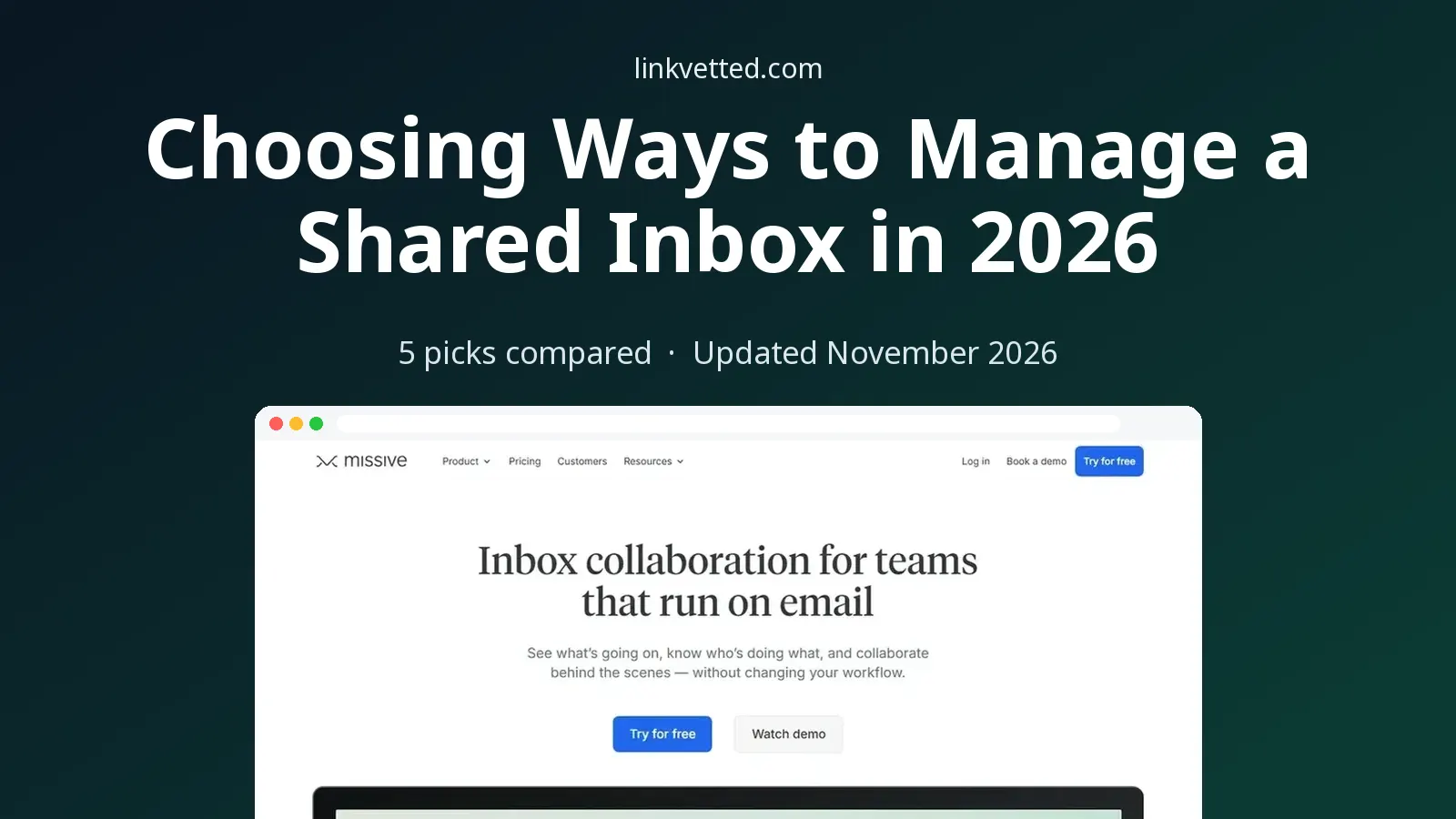
- Editor's choice
 Missive
Email-first teams collaborating behind the scenes
Starts at$14 per user per monthVisit missiveapp.comFull review - Great alternativeGmelius
Turning Gmail into a team inbox
Starts at$19 per user a monthVisit gmelius.comFull review - Also consider
 Front
Cross-team shared inbox with AI agents
Starts at$25 per seat per monthVisit front.comFull review
Direct answer
Missive comes first here, mainly for email-first teams collaborating behind the scenes. Listed starting prices: Missive from $14 per user per month, Gmelius from $19 per user a month and Front from $25 per seat per month. Gmelius is better for turning Gmail into a team inbox, and Front is better for cross-team shared inbox with AI agents. The other 2 tools in the list cover narrower or pricier cases.
TL;DR:
- Missive is the opening pick, best for email-first teams collaborating behind the scenes.
- Hiver comes with a trade-off: tied closely to the Gmail environment.
- Zendesk suits scaling service with AI agents.
- None of the 5 tools, from Missive to Zendesk, has a free plan, so budget for a subscription or use a trial.
- The lowest published monthly entry price here is $14 per user per month, from Missive.
Last checked November 2026. Prices and plan details were read from the vendors' own pages in November 2026; vendors change plans often, so confirm the current price on the vendor site before you buy.
Quick comparison
| Tool | Best for | Starts at | Free plan? | |
|---|---|---|---|---|
| Missive | Email-first teams collaborating behind the scenes | $14 per user per month | Free trial | Visit |
| Gmelius | Turning Gmail into a team inbox | $19 per user a month | Free trial | Visit |
| Front | Cross-team shared inbox with AI agents | $25 per seat per month | Free trial | Visit |
| Hiver | Gmail-based teams needing ticketing and workflows | $25 per user a month | Free trial | Visit |
 Zendesk | Scaling service with AI agents | $19 agent/month premium yearly | Free trial | Visit |
Ways to Manage a Shared Inbox profiles
Choosing ways to manage a shared inbox usually comes down to price, fit and limits. This LinkVetted guide sets 5 tools side by side on those three points, with the facts kept short and checkable.
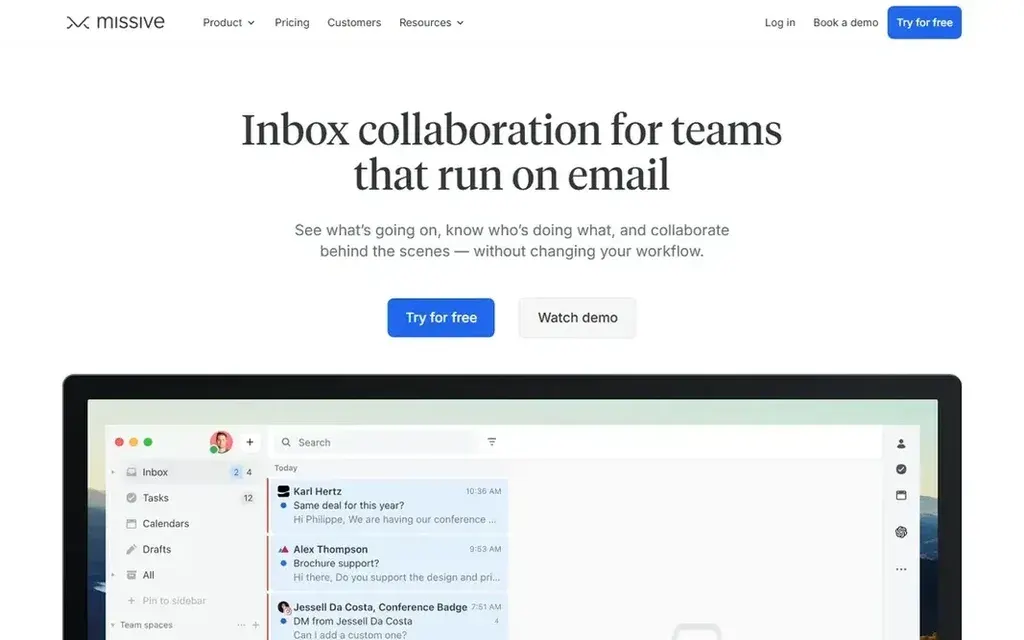
Missive makes the most sense for email-first teams collaborating behind the scenes. Missive describes itself as inbox collaboration for teams that run on email, letting people see what is going on and who is doing what whereas collaborating behind the scenes.
Limits to weigh: Advanced routing relies on configuration.
On top of that, pick Missive when email is your primary channel and the priority is clear visibility into who owns each conversation. Missive pricing: $14 per user per month. On free options: Free trial.
- Shared inbox collaboration without changing workflow
- Behind-the-scenes discussion on conversations
- Email-centric focus may not suit every support channel
Gmelius
Best for: Turning Gmail into a team inbox
Pick Gmelius if this describes you: turning Gmail into a team inbox. Gmelius describes itself as your team's AI-powered inbox for Gmail, with AI assistants that sort emails and draft replies whereas shared inboxes help the team take over conversations. It works inside Gmail, so teams keep the interface they already use.
Watch-outs: Advanced needs may exceed inbox features.
Beyond that, pick Gmelius when Gmail is your workspace and you want shared inboxes and AI drafting with minimal change to daily habits. More specifically, Gmelius is built around Gmail, so teams on other mail platforms are outside its scope. Gmelius starts at: $19 per user per month. Free access: Free trial.
- Shared inboxes inside Gmail
- Team can take over conversations easily
- Designed around Gmail
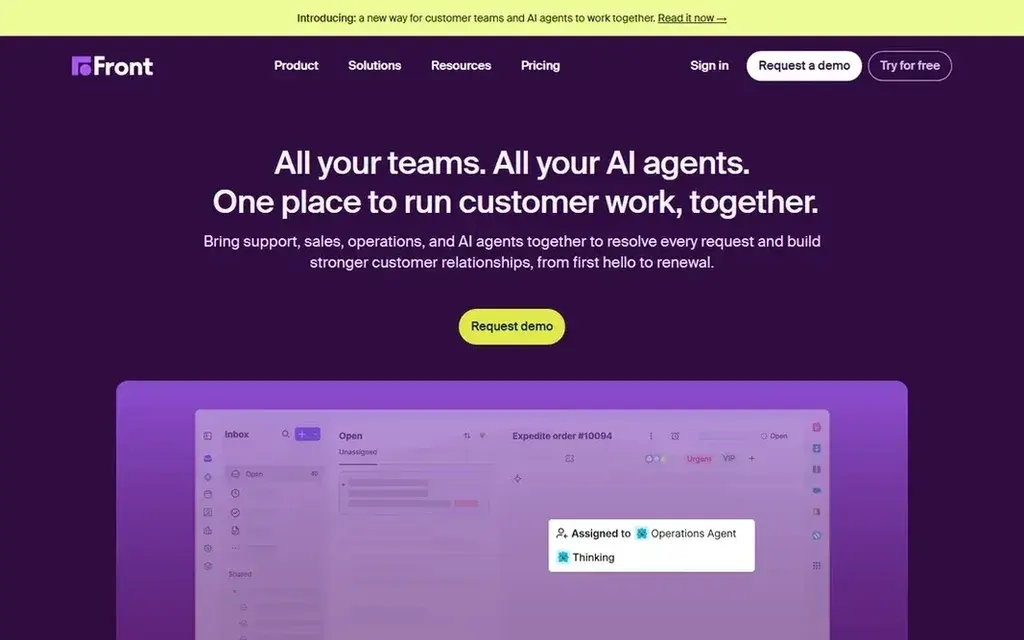
Think of Front for cross-team shared inbox with AI agents. Front positions itself as a customer service system where support, sales, operations and AI agents come together to resolve complicated customer work.
Worth adding: teams that only want light shared labels inside email may prefer a more straightforward choice. Worth adding: consider Front when cross-team visibility and AI-assisted resolution matter more than keeping your current mail client. Starting cost for Front: $25 per seat per month. Free access: Free trial.
What works well: AI agents help resolve complicated customer work. What to check first: Setup spans several teams and channels.
- Shared inboxes for collaborative replies
- Sales and operations in one product
- Wide product may feel heavy for small teams
Hiver
Best for: Gmail-based teams needing ticketing and workflows
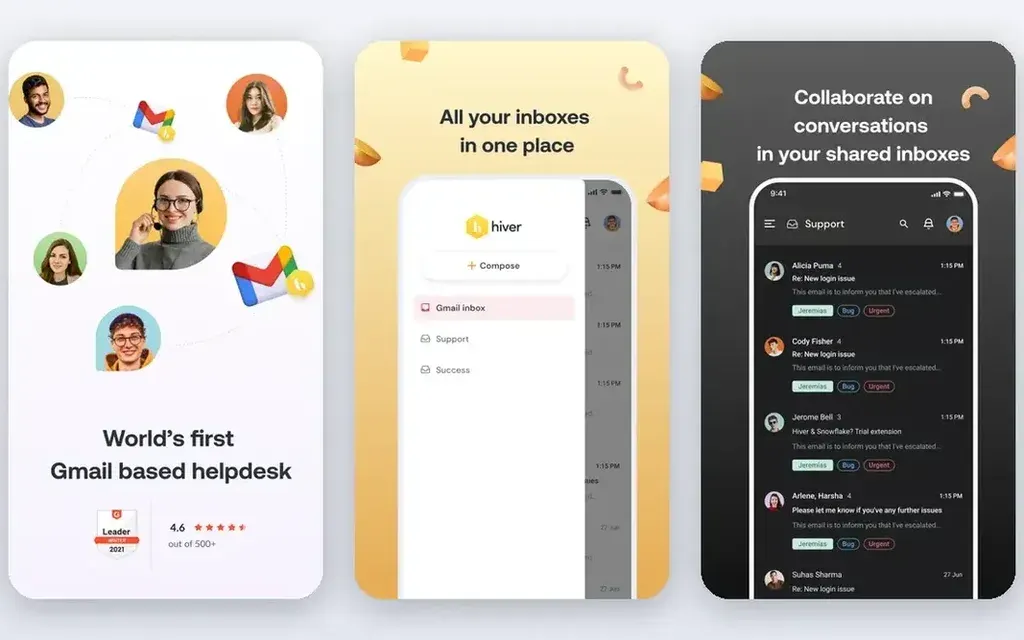
Hiver is built with Gmail-based teams needing ticketing and workflows in mind. Hiver presents itself as an agentic customer service product that tackles complicated customer issues across channels with AI, ticketing, cross-team collaboration and workflows. It is widely known for adding shared inboxes and service features on top of Gmail.
So teams can keep their existing mail setup whereas gaining assignment and tracking. The range of ticketing and workflow features can also be more than a small team needs at first. On cost, Hiver starts like this: $25 per user per month. As for free access: Free trial.
Points against: Feature depth may overwhelm very small teams.
- Ticketing and cross-team collaboration
- AI and workflows for complicated issues
- Tied closely to the Gmail environment
For scaling service with AI agents, Zendesk is a natural candidate. It is a wide service system known for handling expanding support operations.
The breadth that makes Zendesk capable also makes it complicated to set up, and small teams may find it heavier than necessary. Getting value from AI features relies on how well your processes are defined. Zendesk cost at the entry level: $19 agent/month premium yearly. Trial and free access: Free trial.
Watch-outs: Large product can be complicated to configure.
- Broad customer service system
- AI agents that resolve issues end-to-end
- May be more than small teams need
How we chose
What to confirm before you sign up
- Prices are a starting point; Missive shows $14 per user per month to start, so verify what your seat count would cost.
- Take the trial from Missive, Gmelius, Front and others and push a live task through it before you pay.
- Read the limits listed for Missive first: email-centric focus may not suit every support channel.
- Confirm that Hiver connects to the apps your team already uses, on the plan you would actually buy.
- Add up seats, add-ons and usage charges for Front before comparing it with cheaper entries.
FAQ
What is the cheapest option for ways to manage a shared inbox in this list?
On published monthly entry prices, Missive is the lowest here at $14 per user per month. Entry price is only part of the cost, because seats, add-ons and billing terms can change the total. All 5 picks in this ways to manage a shared inbox comparison list a starting price, free plan details and the main limits on their cards above.
Can I try these tools before paying?
Often, yes. Missive, Gmelius, Front and others offer a free trial. Use your own data and a real task during the test, and check what the free tier or trial limits before you rely on it.
How are the tools for ways to manage a shared inbox ordered?
Missive sits first and Zendesk last because the order follows typical fit for ways to manage a shared inbox, then price clarity and free access. It is a judgement call, so read each profile for fit and limits.
Do these tools publish their prices?
Yes. Every tool from Missive to Zendesk shows a starting price, though seats, add-ons and billing terms still change the final cost.
How does AI fit into shared inbox management?
AI assistance fits best when your team has clear ownership rules and review steps. Confirm what the AI deals with automatically and where a person still approves the response.
Sources
- https://missiveapp.com
- https://gmelius.com
- https://front.com
- https://hiverhq.com
- https://www.zendesk.com