Best Shared Inbox Software for Remote Teams for 2026: Our 6 Vetted Picks
Best shared inbox software for remote teams: 6 contenders ranked by fit, with entry costs and free tiers. The catches are listed up front. Refreshed for 2026.

- Editor's choiceHiver
Shared mailboxes with service workflows
Starts at$25 per user a monthVisit hiverhq.comFull review - Great alternative
 Missive
Email-centric teams that collaborate
Starts at$14 per user a monthVisit missiveapp.comFull review - Also consider
 Help Scout
Customer-first support teams
Starts at$25 per user a monthVisit helpscout.comFull review
Direct answer
Hiver comes first here, mainly for shared mailboxes with service workflows. Listed starting prices: Hiver from $25 per user a month, Missive from $14 per user a month and Help Scout from $25 per user a month. Look at Missive for email-centric teams that collaborate, and at Help Scout for customer-first support teams. Details, prices and limits for the rest of the 6 tools are below.
TL;DR:
- Hiver sits first on this list: shared mailboxes with service workflows.
- Front fits unified customer work across teams.
- Help Scout stands alone as the one tool in this list with a free plan.
- Missive has the lowest monthly starting price in this list: $14 per user per month.
- A fair warning about Missive: email-first focus may not handle every channel.
Last checked November 2026. Prices and plan details were read from the vendors' own pages in November 2026; vendors change plans often, so confirm the current price on the vendor site before you buy.
Quick comparison
| Tool | Best for | Starts at | Free plan? | |
|---|---|---|---|---|
| Hiver | Shared mailboxes with service workflows | $25 per user a month | Free trial | Visit |
| Missive | Email-centric teams that collaborate | $14 per user a month | Free trial | Visit |
| Help Scout | Customer-first support teams | $25 per user a month | Yes | Visit |
 Zendesk | Scaling service operations with AI | $19 agent/month premium yearly | Free trial | Visit |
| Gmelius | Gmail teams wanting shared inboxes | $19 per user a month | Free trial | Visit |
 Front | Unified customer work across teams | $25 per seat a month | Free trial | Visit |
Shared Inbox Software for Remote Teams, one by one
LinkVetted compared 6 shared inbox software for remote teams. The goal is a practical shortlist: published prices, free plan facts, best-fit use cases and honest limits for every entry.
Hiver
Best for: Shared mailboxes with service workflows

Hiver is built with shared mailboxes with service workflows in mind. Hiver is an agentic customer service product that tackles complicated customer issues across channels with AI, ticketing, cross-team collaboration and workflows. In daily use, teams must plan how mailboxes, workflows and tickets map to their process, which takes time upfront.
Remote teams that already run on shared mailboxes and want structure around them, like assignment, tracking and collaboration across departments, fit it well. It is a decent middle ground for teams that want more than a shared inbox but not a full enterprise suite. More specifically, organizations already committed to a separate help desk may find the overlap hard to justify, so compare against your current stack before switching. Hiver cost at the entry level: $25 per user per month. Free options: Free trial.
Where it is weaker: Workflow setup needs planning.
- Cross-team collaboration features
- AI support for complicated issues
- May overlap with existing help desk tools
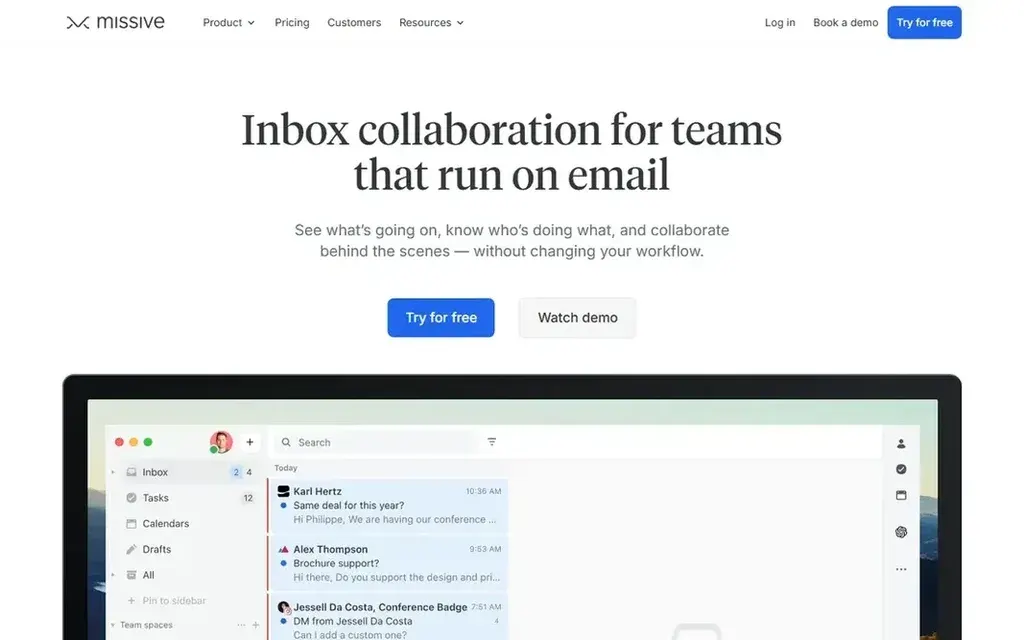
Missive targets email-centric teams that collaborate. Missive is inbox collaboration for teams that run on email. It presents what is going on and who is doing what, and lets teammates collaborate behind the scenes without changing their workflow.
Trade-offs to know: Advanced needs may need other tools.
As for the details, remote teams that live in email and want shared ownership of conversations, internal notes and assignments will find it a natural fit, particularly when they do not want to move to a separate help desk. As for the details, very large support operations with complicated routing requirements should check whether Missive handles their workflows before standardizing on it. Missive pricing: $14 per user per month. On free options: Free trial.
- Keeps existing email workflow
- Visibility into who is doing what
- Email-first focus may not include every channel
Help Scout is aimed squarely at customer-first support teams. Remote support teams that value a clear, focused inbox experience and want to keep the customer conversation central fit it well. It works nicely for teams that want support tooling without the weight of a full enterprise service suite.
Honest limits: May need extras for broader workflows.
From a buyer's view, teams with complicated multi-department routing should confirm the workflows they need are covered before adopting it. Help Scout is an AI-driven support product for customer-first brands, delivering the features needed to support customers well. What you pay to start with Help Scout: $25 per user per month. You can start on Help Scout without paying.
- AI-driven support features
- Easy-to-learn support-focused interface
- Centred on support instead of all departments
Zendesk is built with scaling service operations with AI in mind. Zendesk is an AI-powered customer service product that aims to move beyond deflection with AI agents resolving issues end-to-end, plus tools to boost service quality, speed and scale.
Points against: May be more than small teams need.
Worth adding: teams wanting a straightforward shared inbox without a full service system should weigh lighter choices first, and everyone should confirm which capabilities their workflows need. Starting cost for Zendesk: $19 agent/month premium yearly. As for free access: Free trial.
- Wide service system
- AI agents resolve issues end-to-end
- Can be complicated to configure
Gmelius
Best for: Gmail teams wanting shared inboxes
Gmelius works best for Gmail teams wanting shared inboxes. Gmelius is described as your team's AI-powered inbox for Gmail. More specifically, remote teams already standardized on Gmail that want shared visibility and collaboration without leaving their mail client fit it well, particularly smaller teams that prefer to keep their existing setup.
On top of that, since it is designed for Gmail, organizations on other email systems are out of scope. In daily use, teams needing deep multi-channel service tooling beyond email should compare broader systems, and Gmail-based teams should confirm which collaboration features they actually need. The starting price for Gmelius: $19 per user per month. Free options: Free trial.
Drawbacks to consider: Feature depth relies on Gmail usage.
- Shared inboxes for team takeover
- Works inside Gmail
- Tied to Gmail environments
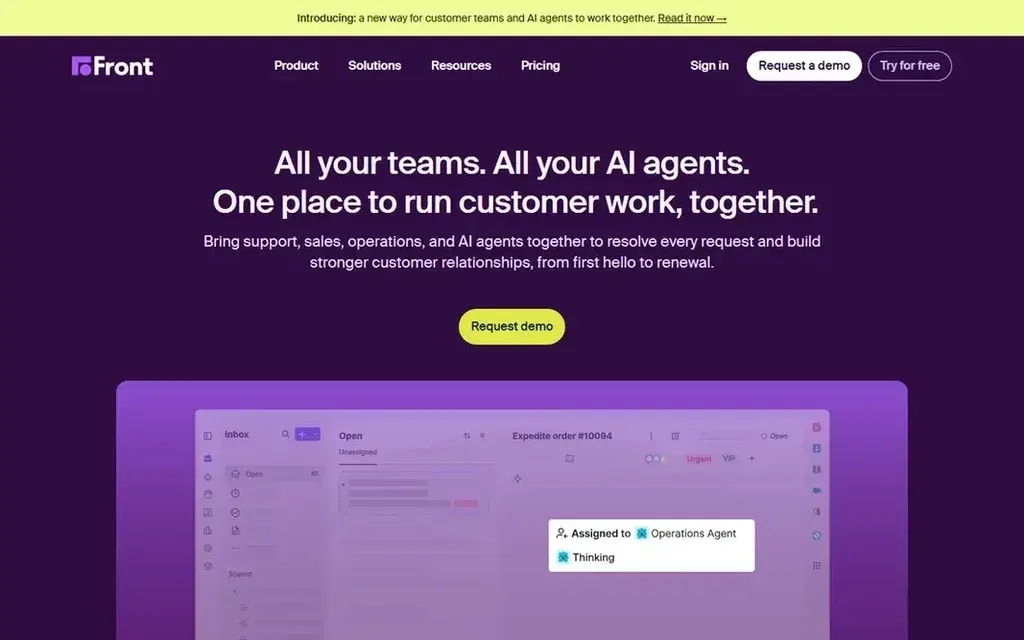
Front is built with unified customer work across teams in mind. Front is a customer service product where support, sales, operations and AI agents come together to resolve complicated customer work. Teams that only want shared visibility inside Gmail may prefer a lighter add-on.
Where it is weaker: Setup takes planning across teams.
Teams focused purely on support ticketing may find a dedicated help desk more straightforward. More specifically, the breadth that makes Front handy can also make it more than a small team needs, and getting channels and workflows organized takes some planning. The starting price for Front: $25 per seat per month. Free access: Free trial.
- Shared inboxes with team collaboration
- Sales and operations together
- Wide product may feel heavy for small teams
How the list was put together
What to check before you buy
- Check the vendor page for the current price: Missive starts at $14 per user per month here, and seats or billing terms can move it.
- Look at the free plan from Help Scout closely: its caps decide whether it is usable for real work.
- Take the trial from Hiver, Missive, Zendesk and others and push a live task through it before you pay.
- Before choosing Hiver, weigh its main limit: workflow setup needs planning.
- Map your must-have features to a specific Help Scout plan before you compare prices.
- Total up the real monthly cost of Hiver, including add-ons, extra users and usage-based fees.
FAQ
Is Hiver the right pick for everyone comparing shared inbox software for remote teams?
No single tool suits every team. Hiver comes first because it fits shared mailboxes with service workflows, while Missive suits email-centric teams that collaborate and Help Scout suits customer-first support teams. Match the tool to your own size, budget and workflow before deciding.
How are the tools for shared inbox software for remote teams ordered?
Hiver sits first and Front last because the order follows typical fit for shared inbox software for remote teams, then price clarity and free access. It is a judgement call, so read each profile for fit and limits.
What is a shared inbox and why does a remote team need one?
A shared inbox lets multiple people see and answer the same team email address, with assignment and internal notes. Remote teams use one to avoid forwarding chains, missed messages and unclear ownership of customer conversations.
Do these tools publish their prices?
Yes. Every tool from Hiver to Front shows a starting price, though seats, add-ons and billing terms still change the final cost.
How do AI features fit into shared inbox work?
Treat AI output as assistance that still needs human review, and confirm how each vendor handles oversight and routing before relying on it.
Which options for shared inbox software for remote teams have a free plan?
Help Scout is the only tool in this list with a free plan. Free plans usually cap users, projects or features, so check the limits on the vendor page. Several others offer a trial instead. Each of the 6 options in this shared inbox software for remote teams guide has its own card above with the price, free plan and limits.
Sources
- https://hiverhq.com
- https://missiveapp.com
- https://www.helpscout.com
- https://www.zendesk.com
- https://gmelius.com
- https://front.com