Choosing Shared Inbox Software for Small Teams in 2026: 5 Options Compared
Searching for the best shared inbox software for small teams? Here are 5 options with prices and free plans. Plain-spoken summaries throughout. Compare quickly.
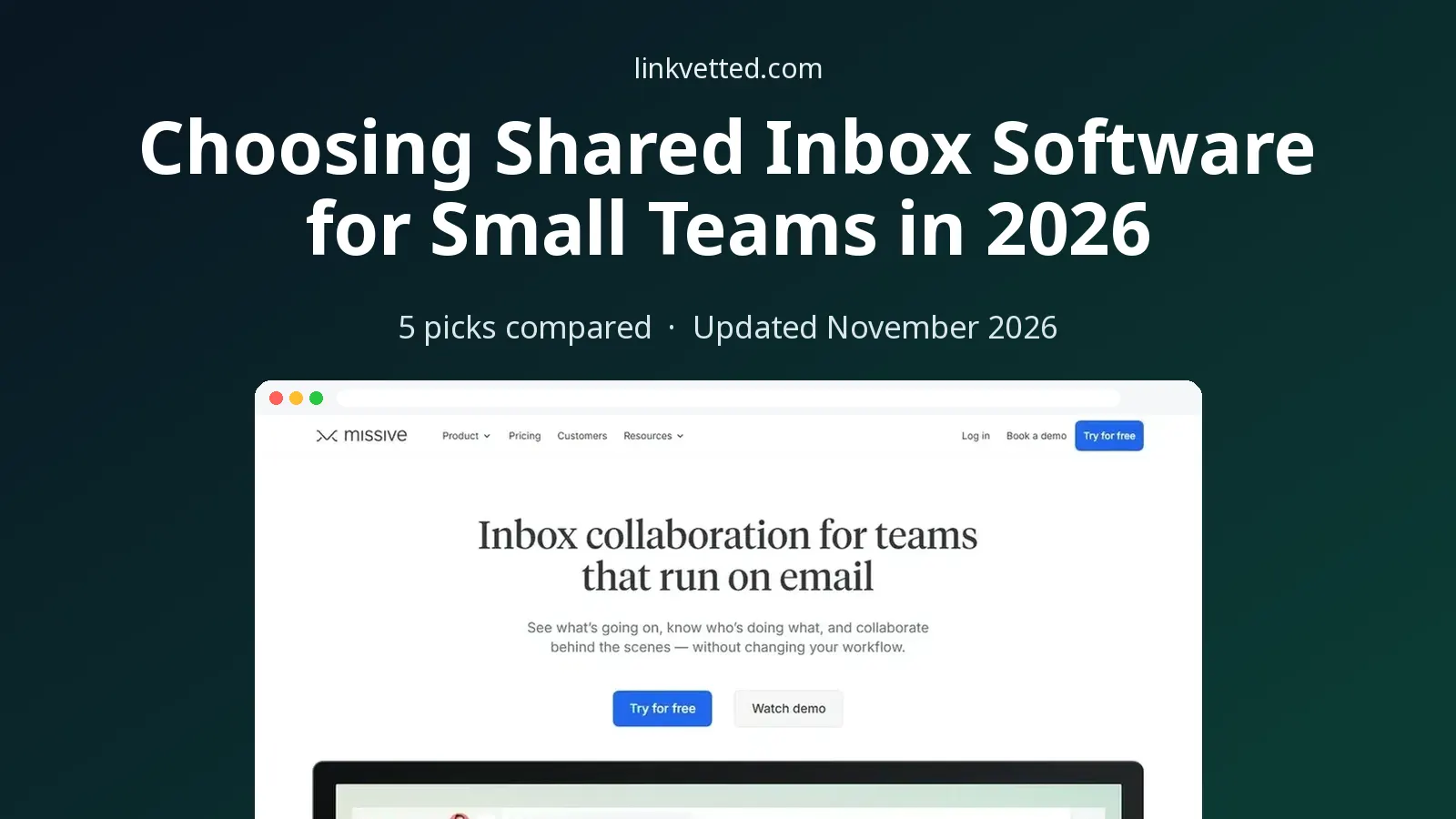
- Editor's choice
 Missive
Email-centric teams that collaborate behind the scenes
Starts at$14 per user per monthVisit missiveapp.comFull review - Great alternative
 Help Scout
Customer-first brands wanting easy-to-learn support
Starts at$25 per user a monthVisit helpscout.comFull review - Also considerHiver
Gmail-based teams adding shared mailboxes
Starts at$25 per user a monthVisit hiverhq.comFull review
Direct answer
Our first pick is Missive, best for email-centric teams that collaborate behind the scenes. Listed starting prices: Missive from $14 per user per month, Help Scout from $25 per user a month and Hiver from $25 per user a month. Help Scout fits customer-first brands wanting easy-to-learn support; Hiver fits Gmail-based teams adding shared mailboxes. The full list of 5 tools follows, with prices and free plan facts.
TL;DR:
- Missive sits first on this list: email-centric teams that collaborate behind the scenes.
- Help Scout is the only tool of the 5 with a free plan.
- The cheapest monthly starting price in the list is $14 per user per month, offered by Missive.
- Before buying Help Scout, weigh this: may lack deep sales pipeline features.
Last checked November 2026. Prices and plan details were read from the vendors' own pages in November 2026; vendors change plans often, so confirm the current price on the vendor site before you buy.
Quick comparison
| Tool | Best for | Starts at | Free plan? | |
|---|---|---|---|---|
| Missive | Email-centric teams that collaborate behind the scenes | $14 per user per month | Free trial | Visit |
| Help Scout | Customer-first brands wanting easy-to-learn support | $25 per user a month | Yes | Visit |
| Hiver | Gmail-based teams adding shared mailboxes | $25 per user a month | Free trial | Visit |
| Gmelius | Gmail teams wanting AI-assisted shared inboxes | $19 per user a month | Free trial | Visit |
 Front | Unified customer service with AI agents | $25 per seat a month | Free trial | Visit |
Every option for shared inbox software for small teams explained
This LinkVetted guide covers 5 shared inbox software for small teams. Each profile lists a starting price, free plan details, strengths and drawbacks, so you can drop poor fits quickly.
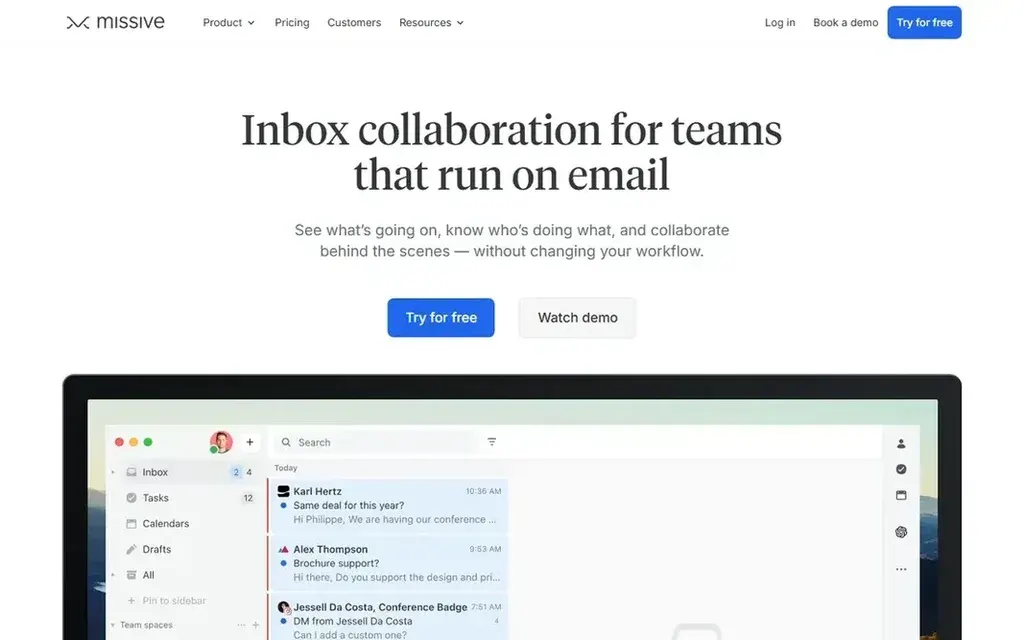
Missive serves email-centric teams that collaborate behind the scenes. Missive is inbox collaboration for teams that run on email.
Downsides: Advanced needs may need extras.
It lets teammates see what is going on, know who is doing what, and collaborate behind the scenes without changing their workflow. Also, small teams that live in email and want shared visibility without a heavy service product will find it a natural fit for daily correspondence. Missive starts at: $14 per user per month. Free access: Free trial.
- See who is doing what
- Collaborate without changing your workflow
- Email focus may not include every support channel
Help Scout was built for customer-first brands wanting easy-to-learn support. Teams that prioritize a friendly, human support experience and want a focused product instead of a wide service suite commonly shortlist Help Scout.
Downsides: May lack deep sales pipeline features.
As for the details, choose it when support quality is the central goal and the feature set matches your workflow. Price to start with Help Scout: $25 per user per month. A free plan is available with Help Scout.
- Concentrated on customer-first brands
- AI-driven support product
- Advanced customization can need setup
Hiver
Best for: Gmail-based teams adding shared mailboxes
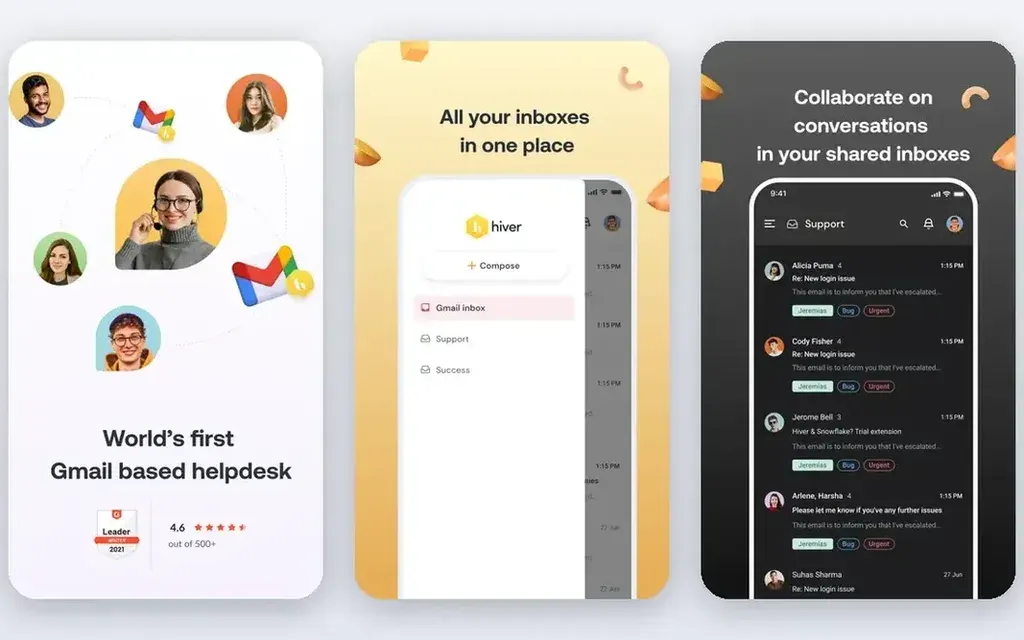
Hiver is built with Gmail-based teams adding shared mailboxes in mind. Very straightforward teams may also find the ticketing and workflow layers more than they need. Hiver assumes a Gmail-centered workflow, so teams on other email systems may not get the same experience.
What to check first: May be less suited to non-Google teams.
As for the details, Hiver is an agentic customer service system that helps teams tackle complicated customer issues across channels with AI, ticketing, cross-team collaboration, and workflows. In practice, support and operations teams can assign, track, and resolve conversations together. In daily use, consider a lighter shared inbox if you only need entry-level email collaboration. Entry price for Hiver: $25 per user per month. As for free access: Free trial.
- AI and workflows for complicated issues
- Shared mailboxes inside Gmail
- Tied closely to Gmail workflows
Gmelius
Best for: Gmail teams wanting AI-assisted shared inboxes
Choose Gmelius for Gmail teams wanting AI-assisted shared inboxes. The shared inbox model keeps conversations visible to the entire team.
It fits small teams that already run on Gmail and want to add collaboration and AI help without moving to a separate system. Starting cost for Gmelius: $19 per user per month. Free options: Free trial.
Downsides: AI drafting still needs human review.
- AI assistants sort emails and draft replies
- Team can take over conversations
- Built around Gmail
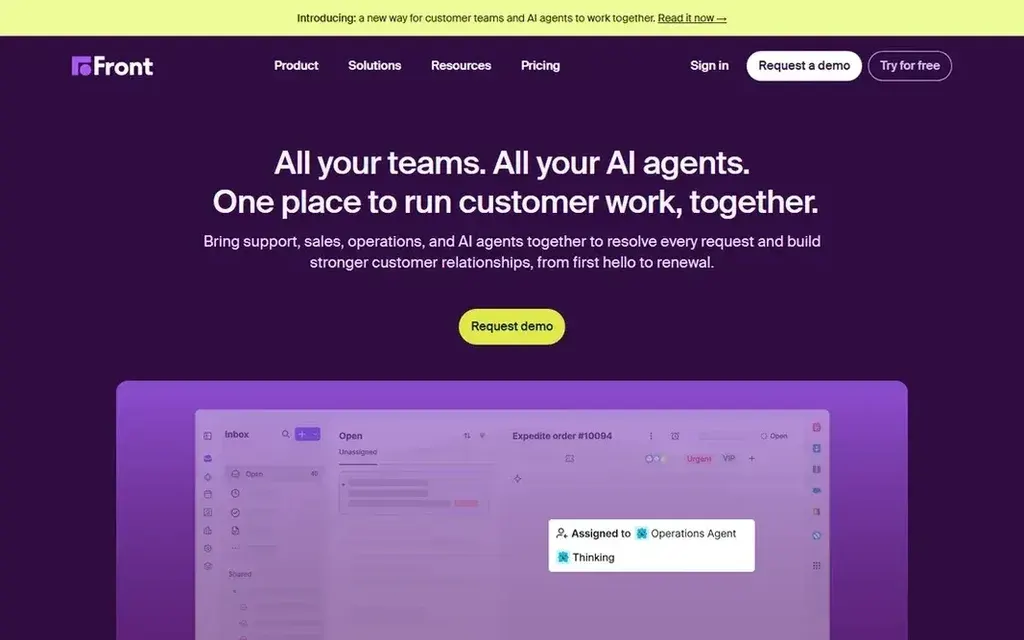
Where it is weaker: Broad product may feel heavy for straightforward inboxes.
Choose Front when you want a unified service system instead of an entry-level shared inbox. Teams that only want light email collaboration might prefer a more straightforward tool. On cost, Front starts like this: $25 per seat per month. On free options: Free trial.
- Shared inbox for team collaboration
- Merges support, sales, operations
- Setup needs planning across teams Front if this describes you: unified customer service with AI agents. Front is a customer service system where support, sales, operations, and AI agents come together to resolve complicated customer work. On top of that, the system is designed for teams that expect volume to grow and need AI assistance alongside human agents.
What went into this list
LinkVetted looked at what each vendor publishes: pricing, plan limits, feature coverage for shared inbox software for small teams and stated drawbacks. No hands-on testing is claimed. Where a vendor does not publish a price, the entry says quote. Where a price depends on seats or billing term, the entry says so. The sequence is a judgement call: typical use case first, then pricing transparency, then free access. Use the profiles to check fit.
Pre-purchase checklist
- Prices are a starting point; Missive shows $14 per user per month to start, so verify what your seat count would cost.
- Test the free plan from Help Scout against your real workload before relying on it.
- Run a trial of Missive, Hiver, Gmelius and Front with real work before paying for a year; your own workflow is the best test.
- Read the limits listed for Missive first: email focus may not handle every support channel.
- Ask Hiver about contract length, onboarding fees and user minimums before you sign.
- Map your must-have features to a specific Help Scout plan before you compare prices.
FAQ
Do these tools publish their prices?
Yes. Every tool from Missive to Front shows a starting price, though seats, add-ons and billing terms still change the final cost.
What is a shared inbox and why do small teams need one?
A shared inbox lets several teammates see and respond to the same email address without forwarding messages around. It replaces personal mailboxes with a team workspace.
How are the tools for shared inbox software for small teams ordered?
Missive sits first and Front last because the order follows typical fit for shared inbox software for small teams, then price clarity and free access. It is a judgement call, so read each profile for fit and limits.
Can I try these tools before paying?
Often, yes. Help Scout has a free plan and Missive, Hiver, Gmelius and Front offer a free trial. Use your own data and a real task during the test, and check what the free tier or trial limits before you rely on it.
What is the cheapest option for shared inbox software for small teams in this list?
On published monthly entry prices, Missive is the lowest here at $14 per user per month. Entry price is only part of the cost, because seats, add-ons and billing terms can change the total. All 5 picks in this shared inbox software for small teams comparison list a starting price, free plan details and the main limits on their cards above.
Sources
- https://missiveapp.com
- https://www.helpscout.com
- https://hiverhq.com
- https://gmelius.com
- https://front.com