6 Best Shared Inbox Software for Enterprise for 2026, Vetted and Compared
6 tools for the best shared inbox software for enterprise, compared on pricing, free plans and best-fit use. Real limits included. Current for November 2026.
- Editor's choice
 Missive
Email-first teams needing light collaboration
Starts at$14 per user a monthVisit missiveapp.comFull review - Great alternative
 Help Scout
Customer-first brands wanting easy-to-learn support
Starts at$25 per user per monthVisit helpscout.comFull review - Also consider
 Front
Cross-team customer work in one place
Starts at$25 per seat per monthVisit front.comFull review
Direct answer
Missive comes first here, mainly for email-first teams needing light collaboration. Listed starting prices: Missive from $14 per user a month, Help Scout from $25 per user per month and Front from $25 per seat per month. Help Scout fits customer-first brands wanting easy-to-learn support; Front fits cross-team customer work in one place. Prices, free plans and limits for all 6 tools follow.
TL;DR:
- Top of the list is Missive, which targets email-first teams needing light collaboration.
- The lowest published monthly entry price here is $14 per user per month, from Missive.
- Hiver fits Gmail-based teams adding service workflows.
- Check the limits for Help Scout before you commit: may lack depth for very complicated operations.
- Just one of the 6 tools, Help Scout, has a free plan.
Last checked November 2026. Prices and plan details were read from the vendors' own pages in November 2026; vendors change plans often, so confirm the current price on the vendor site before you buy.
Quick comparison
| Tool | Best for | Starts at | Free plan? | |
|---|---|---|---|---|
| Missive | Email-first teams needing light collaboration | $14 per user a month | Free trial | Visit |
| Help Scout | Customer-first brands wanting easy-to-learn support | $25 per user per month | Yes | Visit |
| Front | Cross-team customer work in one place | $25 per seat per month | Free trial | Visit |
 Freshdesk | Omnichannel ticketing with automation | See website | Not stated | Visit |
| Gmelius | Gmail teams wanting AI-assisted shared inboxes | $19 per user per month | Free trial | Visit |
| Hiver | Gmail-based teams adding service workflows | $25 per user a month | Free trial | Visit |
Every option for shared inbox software for enterprise explained
Short on time? The summary and table above give the quick view of 6 tools for shared inbox software for enterprise, and the profiles that follow give the detail behind each entry.
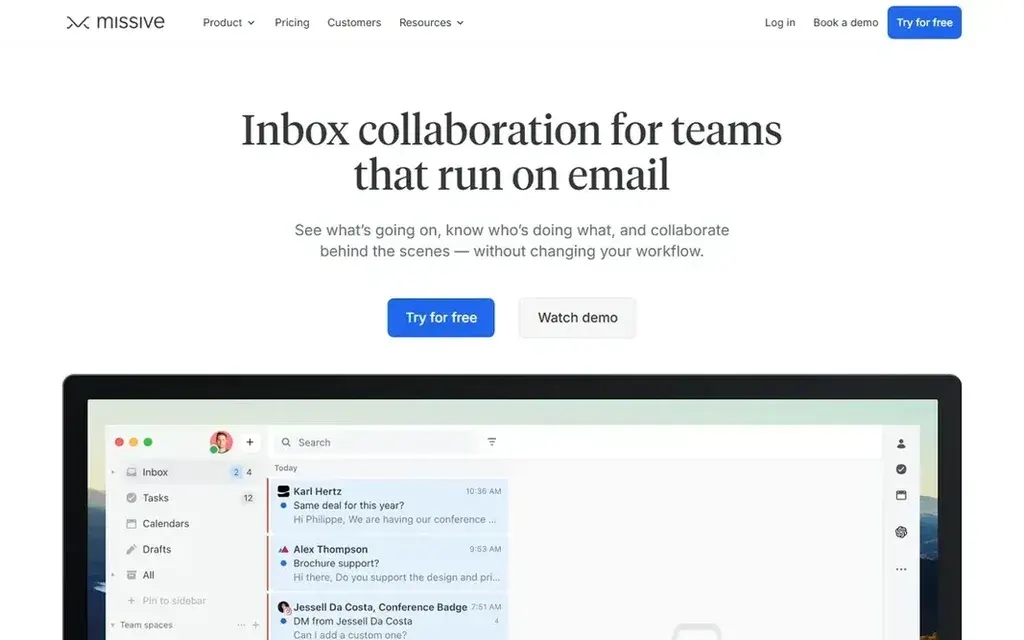
Missive is a good fit for email-first teams needing light collaboration. Missive is inbox collaboration software for teams that run on email. It lets teammates see what is happening, know who is doing what, and collaborate behind the scenes without changing their workflow.
From a buyer's view, if you need a broader service platform with automation and reporting, evaluate a dedicated helpdesk instead. More specifically, Missive is built around email instead of omnichannel service, so teams needing advanced ticketing, AI resolution, or cross-channel routing may outgrow it. Entry price for Missive: $14 per user per month. Trial and free access: Free trial.
Trade-offs to know: Less depth for complicated service operations.
- Behind-the-scenes team collaboration
- Suits existing email workflows
- May not replace a full helpdesk
Help Scout is aimed squarely at customer-first brands wanting easy-to-learn support. Help Scout emphasizes simplicity, so organizations with highly complicated routing, reporting, or multi-department service needs may find it less adaptable than bigger suites.
Trade-offs to know: Fewer customization choices than bigger suites.
Consider a broader system if you need deep enterprise service configuration. On cost, Help Scout starts like this: $25 per user per month. Free access exists with Help Scout.
- Built for customer-first brands
- AI-driven features
- May lack depth for very complicated operations
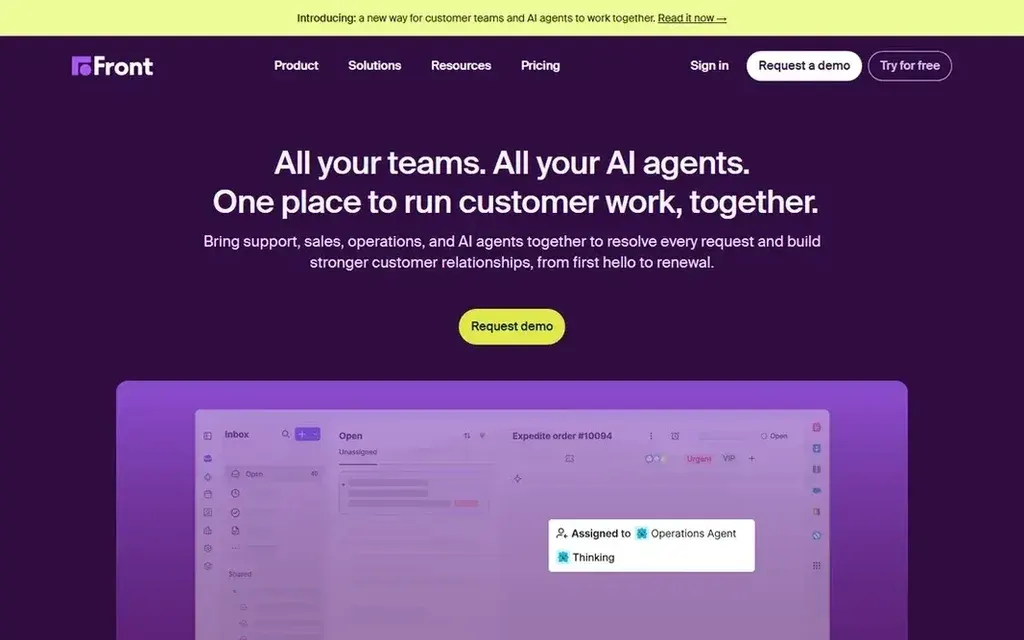
Where Front fits: cross-team customer work in one place. Front is a customer service system that brings support, sales, operations, and AI agents together to resolve complicated customer work. It centers on shared inboxes where teams can see and act on conversations across channels.
Reasons to shortlist it: Merges email, chat.
What to check first: Wide feature set may overwhelm small teams.
Configuration and training take time. More specifically, consider a more straightforward email-first tool if your team does not need cross-department routing or AI-assisted resolution. More specifically, the system handles a broad surface area, so teams that only need entry-level shared email may find it more than necessary. On cost, Front starts like this: $25 per seat per month. Free access: Free trial.
- Shared inboxes with team collaboration
- AI agents
- Needs setup to match enterprise workflows
Freshdesk works best for omnichannel ticketing with automation. Freshdesk is an AI-powered customer service option with omnichannel ticketing and automatic workflows, built to boost agent productivity and deliver smooth customer experiences.
Drawbacks to consider: Setup can take time.
On top of that, Freshdesk needs configuration to match enterprise processes, and some advanced capabilities may rely on extra modules. Pricing for Freshdesk is not stated here, so ask the vendor for current figures. Free plan details: Not stated.
- AI-powered productivity features
- Automatic workflows
- Advanced needs may need add-ons
Gmelius
Best for: Gmail teams wanting AI-assisted shared inboxes
Gmelius works best for Gmail teams wanting AI-assisted shared inboxes. Gmelius is an AI-powered inbox for Gmail teams. Its AI assistants sort emails and draft replies, whereas shared inboxes help teams take over conversations so individuals do not have to run everything alone.
Gmelius is tied to Gmail, so organizations on other email systems cannot use it. Its focus is inbox collaboration instead of full omnichannel service, which may limit teams with complicated routing or reporting needs. As for the details, if you need a broader service system, look at a dedicated helpdesk. Starting cost for Gmelius: $19 per user per month. Free options: Free trial.
Limits to weigh: Restricted to Gmail environments.
- Shared inboxes for team takeover
- Runs inside Gmail
- May lack advanced enterprise service features
Hiver
Best for: Gmail-based teams adding service workflows
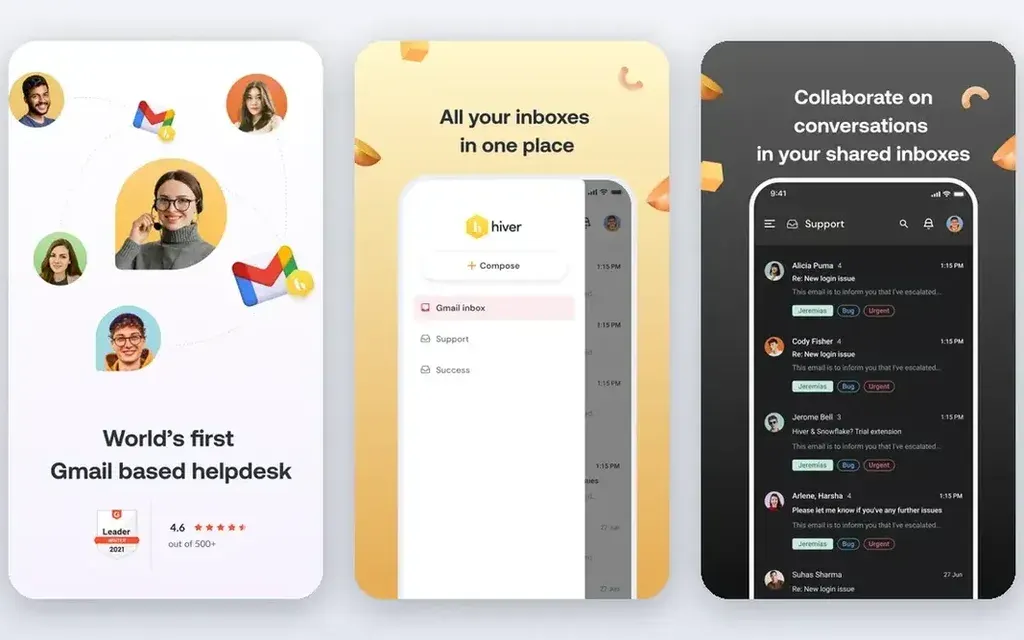
Hiver is aimed squarely at Gmail-based teams adding service workflows. Since Hiver builds on Gmail, organizations using other email systems may not be a fit. Its service capabilities are solid for shared inbox work but may not match full-suite platforms for very large support operations.
Drawbacks to consider: Advanced service features may be restricted.
In practice, Hiver is an agentic customer service product that helps teams tackle complicated customer issues across channels with AI, ticketing, cross-team collaboration, and workflows. It is aimed at organizations that already work in Gmail and want to add shared inbox structure, assignment, and automation without leaving their email environment. Consider a standalone helpdesk if you need deep customization or non-email channels as the primary intake. Hiver pricing: $25 per user per month. Free plan details: Free trial.
- Works inside Gmail
- Cross-team collaboration and workflows
- Tied closely to Gmail environments
What went into this list
Selection started from tools commonly considered for shared inbox software for enterprise, then narrowed to 6 that have clear pricing information or a clear quote process. Treat prices as a snapshot: vendors change plans often, so check the vendor site for the figure that applies today. Tools are placed by general fit for shared inbox software for enterprise, with price clarity and free access as tie-breakers. A different team can reasonably rank them differently.
What to confirm before you sign up
- Get a written quote from Freshdesk; the list shows no starting price for them.
- Look at the free plan from Help Scout closely: its caps decide whether it is usable for real work.
- Run a trial of Missive, Front, Gmelius and Hiver with real work before paying for a year; your own workflow is the best test.
- Before choosing Missive, weigh its main limit: less depth for complicated service operations.
- List the apps you already depend on and check that Missive supports each one on the plan you would buy.
- Check whether Gmelius bills monthly or annually, and what cancelling early costs.
FAQ
How do shared inbox tools differ from full helpdesk systems?
Full helpdesk systems add ticketing, automation, reporting, and multi-channel support. From a buyer's view, some tools, like Front and Hiver, blend both approaches.
What is a shared inbox and why does an enterprise need one?
A shared inbox lets several team members view and respond to messages sent to a typical address, like support@ or sales@. They are notably handy for teams that manage high volumes of email.
Which options for shared inbox software for enterprise have a free plan?
Help Scout is the only tool in this list with a free plan. Free plans usually cap users, projects or features, so check the limits on the vendor page. Several others offer a trial instead. All 6 picks in this shared inbox software for enterprise comparison list a starting price, free plan details and the main limits on their cards above.
Can shared inbox software work with Gmail or Microsoft 365?
Some, like Gmelius and Hiver, are designed for Gmail, whereas others support several email systems. Check vendor documentation for compatibility with your organization's email product before evaluating further.
Can I try these tools before paying?
Often, yes. Help Scout has a free plan and Missive, Front, Gmelius and Hiver offer a free trial. Use your own data and a real task during the test, and check what the free tier or trial limits before you rely on it.
Is Missive the right pick for everyone comparing shared inbox software for enterprise?
No single tool suits every team. Missive comes first because it fits email-first teams needing light collaboration, while Help Scout suits customer-first brands wanting intuitive support and Front suits cross-team customer work in one place. Match the tool to your own size, budget and workflow before deciding.
Sources
- https://missiveapp.com
- https://www.helpscout.com
- https://front.com
- https://www.freshworks.com/freshdesk
- https://gmelius.com
- https://hiverhq.com