6 Best Platform for Customer Support Email for 2026, Vetted and Compared
Need the best platform for customer support email? We compare 6 tools on cost, free access and who each suits. Verdicts stay brief and factual. Plain facts.
- Editor's choice
 Front
Shared inbox collaboration across teams
Starts at$25 per seat a monthVisit front.comFull review - Great alternative
 Kustomer
AI customer service CRM
Starts atSee websiteVisit kustomer.comFull review - Also consider
 Freshdesk
Omnichannel ticketing with automatic workflows
Starts atSee websiteVisit freshworks.comFull review
Direct answer
Our first pick is Front, best for shared inbox collaboration across teams. Listed starting prices: Front from $25 per seat a month, Zendesk from $19 agent/month premium yearly and HappyFox from $1 per user per month. If your case is different, Kustomer suits AI customer service CRM and Freshdesk suits omnichannel ticketing with automatic workflows. Details, prices and limits for the rest of the 6 tools are below.
TL;DR:
- Front takes the first slot, best suited to shared inbox collaboration across teams.
- The main caution on Front: may be less ticketing-focused.
- Just one of the 6 tools, HappyFox, has a free plan.
- HappyFox has the lowest monthly starting price in this list: $1 per user per month.
- HappyFox suits Help desk with AI assistance.
Last checked November 2026. Prices and plan details were read from the vendors' own pages in November 2026; vendors change plans often, so confirm the current price on the vendor site before you buy.
Quick comparison
| Tool | Best for | Starts at | Free plan? | |
|---|---|---|---|---|
| Front | Shared inbox collaboration across teams | $25 per seat a month | Free trial | Visit |
| Kustomer | AI customer service CRM | See website | Not stated | Visit |
| Freshdesk | Omnichannel ticketing with automatic workflows | See website | Not stated | Visit |
 Gorgias | Ecommerce support automation | See website | Not stated | Visit |
 Zendesk | Full-scale AI-powered customer service | $19 agent/month premium yearly | Free trial | Visit |
 HappyFox | Help desk with AI assistance | $1 per user per month | Yes | Visit |
Platform for Customer Support Email compared in detail
Short on time? The summary and table above give the quick view of 6 tools for platform for customer support email, and the profiles that follow give the detail behind each entry.
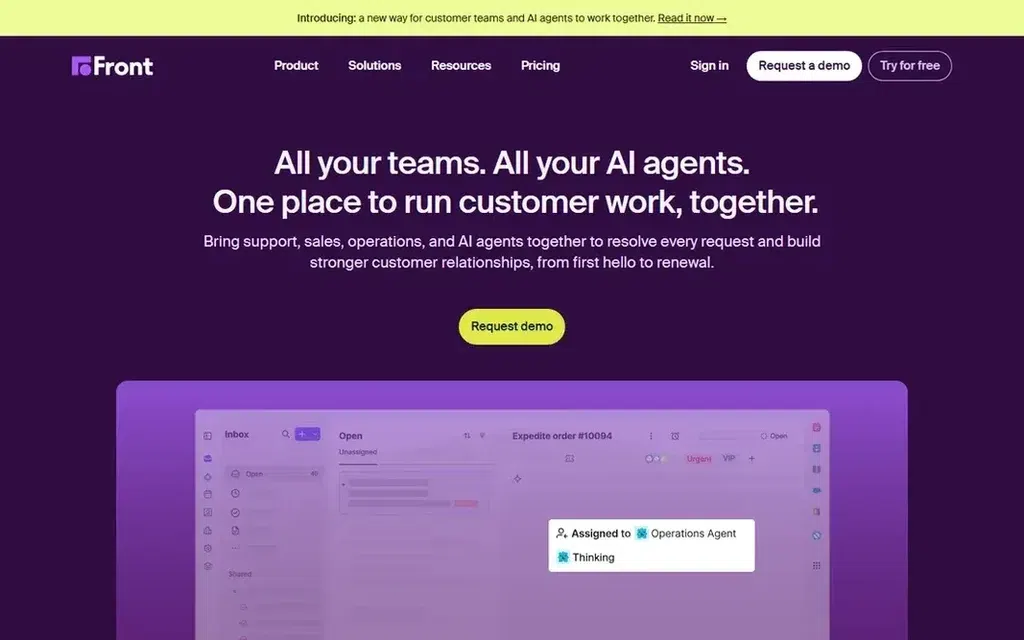
Pick Front if this describes you: shared inbox collaboration across teams. If your priority is strict ticket management with deep automation rules, a more ticketing-centric product might be better.
Front is a customer service product powered by AI where support, sales, operations, and AI agents come together to resolve complicated customer work. Worth adding: organizations prioritizing internal collaboration alongside customer support will appreciate Front's approach. Entry price for Front: $25 per seat per month. Free access: Free trial.
Points against: Best value for collaborative teams.
- AI agents assist with complicated work
- Brings together support, sales, operations
- May be less ticketing-focused
For AI customer service CRM, Kustomer is a natural candidate. Organizations seeking a unified record of customer interactions across channels will find Kustomer a solid choice. For everyday use, choose Kustomer when you need a connected view of customer data alongside support email.
Where it falls short: CRM focus may overwhelm straightforward needs.
In practice, if you do not need unified customer profiles or workflow automation, a more straightforward tool could suffice. Kustomer's CRM-centric approach may be more than teams needing only an entry-level email inbox. Kustomer shows no starting price here, so confirm the cost on the vendor site. Trial and free access: Not stated.
- Powers omnichannel CX
- Automates workflows
- Setup may need planning
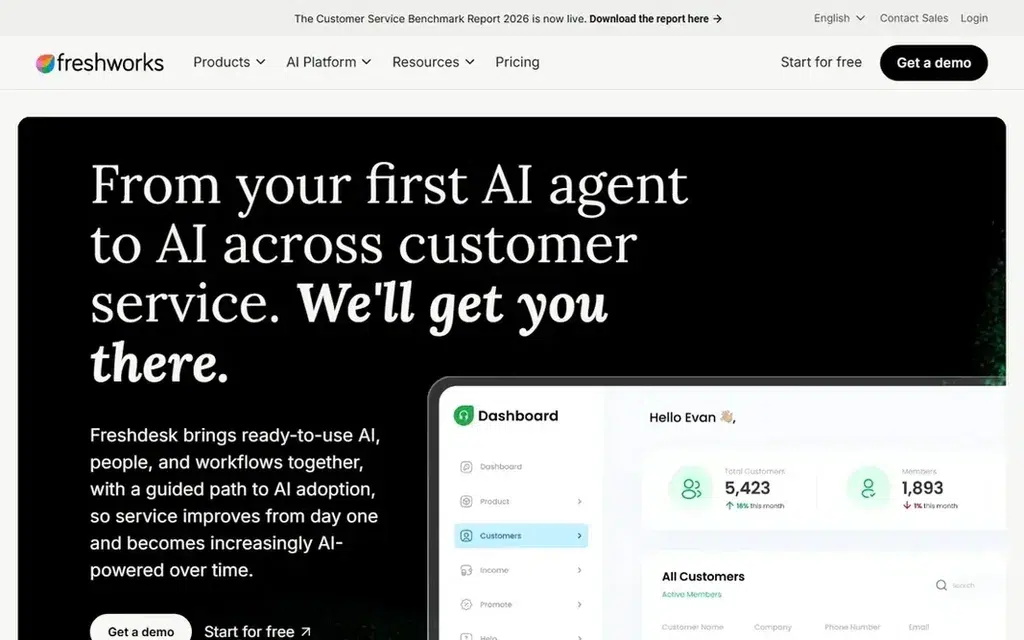
Where Freshdesk fits: omnichannel ticketing with automatic workflows. Freshdesk is an AI-powered customer service option that emphasizes omnichannel ticketing and automatic workflows to boost agent productivity and deliver smooth customer experiences. It is built for support teams that manage email alongside other channels and want automation to cut manual effort.
Limits to weigh: Advanced features may need configuration.
In practice, teams seeking a balance between ticketing structure and workflow automation will find Freshdesk a solid candidate. Worth adding: Freshdesk's automation and omnichannel setup may need time to configure completely, and the interface can feel feature-dense for new users. From a buyer's view, consider Freshdesk when you need structured ticketing and workflow automation across channels. If you prefer a minimal shared inbox without deep ticketing rules, a more straightforward tool could be more appropriate. Freshdesk does not show a starting price in this comparison, so check the vendor site for current pricing. Free plan details: Not stated.
- Omnichannel ticketing
- AI-powered productivity boosts
- Interface can feel busy for new users
Gorgias works best for ecommerce support automation. Retailers looking to link support with their store systems will find Gorgias well aligned. Beyond that, if you run a general support operation without an online store, a more universal system could be a better match.
In practice, Gorgias is a conversational AI product for ecommerce, offering an AI Agent, a helpdesk integrated with your stack, chat, FAQ, and more. It is meant to help online keeps drive sales and automate support, making it a good fit for ecommerce companies that manage customer emails alongside chat and other channels. Gorgias does not show a starting price in this comparison, so check the vendor site for current pricing. Free options: Not stated.
Watch-outs: Ecommerce-focused may limit general use.
- AI Agent automates support
- Designed for ecommerce stacks
- Advanced automation may need setup
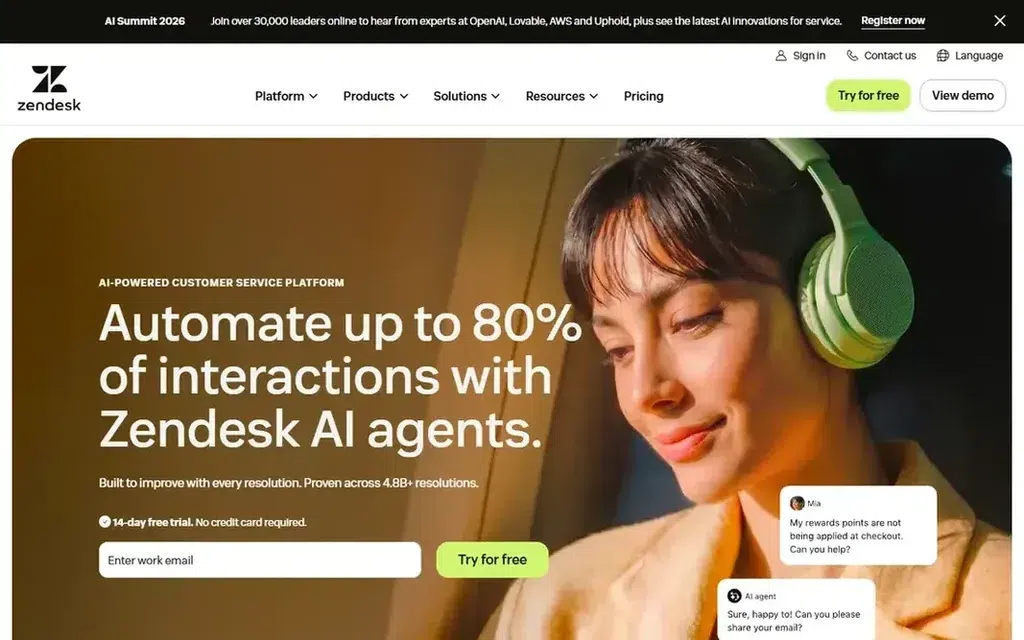
Zendesk was built for full-scale AI-powered customer service. Zendesk is an AI-powered customer service system built to move beyond deflection with AI agents that resolve issues end-to-end. It aims to boost service quality, speed, and scale, making it a good fit for teams that require a thorough option for email and other channels.
Where it is weaker: Can be complicated to configure.
As for the details, Zendesk's breadth can mean a steeper setup and more configuration than more straightforward shared inbox tools. Also, smaller teams or those without dedicated admin resources may find it heavier than necessary. Price to start with Zendesk: $19 agent/month premium yearly. Trial and free access: Free trial.
- Boosts service quality and speed
- Scales with expanding support teams
- May be more than small teams need
HappyFox serves Help desk with AI assistance. It is made for teams that require structured help desk capabilities for email and other requests.
Worth adding: pick HappyFox when you want a focused help desk with SLA automation and AI support. For everyday use, support organizations looking for SLA management and reporting alongside AI help will find HappyFox a capable choice. On cost, HappyFox starts like this: $1 per user per month. HappyFox offers a free plan.
Where it is weaker: Feature set may need training.
- AI assistance and reporting
- Automates ticketing and SLAs
- May be less known than bigger vendors
How we chose
Pre-purchase checklist
- Ask Kustomer, Freshdesk and Gorgias for a written quote, since no starting price is shown.
- Test the free plan from HappyFox against your real workload before relying on it.
- Use real work to test the free trial from Front and Zendesk, rather than a demo project.
- Before choosing Front, weigh its main limit: may be less ticketing-focused.
- Ask whether Zendesk integrates with your current software, and whether that comes standard or as an add-on.
- Check the support hours and onboarding help Gorgias offers; smaller vendors vary a lot here.
FAQ
Which options for platform for customer support email have a free plan?
HappyFox is the only tool in this list with a free plan. Free plans usually cap users, projects or features, so check the limits on the vendor page. Several others offer a trial instead.
What should I look for in a customer support email product?
Also consider reporting features and how well the product scales with your team. The right choice relies on whether you prioritize simplicity, collaboration, or advanced AI.
What is the cheapest option for platform for customer support email in this list?
On published monthly entry prices, HappyFox is the lowest here at $1 per user per month. Entry price is only part of the cost, because seats, add-ons and billing terms can change the total. For the full picture, the cards above cover all 6 entries of this platform for customer support email list, including price, free plan and limits.
Is Front the right pick for everyone comparing platform for customer support email?
No single tool suits every team. Front comes first because it fits shared inbox collaboration across teams, while Kustomer suits AI customer service CRM and Freshdesk suits omnichannel ticketing with automated workflows. Match the tool to your own size, budget and workflow before deciding.
Do these tools publish their prices?
Not all of them. Kustomer, Freshdesk and Gorgias publish no starting price, so expect a quote request for those. The rest, Front included, show a starting price, though seats and billing terms still change the final cost.
Sources
- https://front.com
- https://www.kustomer.com
- https://www.freshworks.com/freshdesk
- https://www.gorgias.com
- https://www.zendesk.com
- https://www.happyfox.com