6 Best Email Blasting Software Options for 2026
Compare 6 picks for the best email blasting software, with prices, free plans and who each fits. Each listing flags where it falls short. Numbers first.
- Editor's choice
 Mailjet
Teams where marketers and developers build email together
Starts atSee websiteVisit mailjet.comFull review - Great alternative
 Elastic Email
Budget senders wanting low cost with API and SMTP
Starts atSee websiteVisit elasticemail.comFull review - Also consider
 SendPulse
SMBs wanting email, SMS and chatbots in one free system
Starts atSee websiteVisit sendpulse.comFull review
Direct answer
If you need teams where marketers and developers build email together, Mailjet is the first tool to look at here. Elastic Email is better for budget senders wanting low cost with API and SMTP, and SendPulse is better for SMBs wanting email, SMS and chatbots in one free system.
TL;DR:
- Number one here is Mailjet, a fit for teams where marketers and developers build email together.
- 4 of 6 tools offer a free plan: Elastic Email, SendPulse, SMTP2GO, Mailchimp.
- What to know about Mailjet first: smaller US brand presence means fewer external tutorials.
- Every tool from Mailjet to Mailchimp works by quote, with no list price shown.
- For small companies wanting easy campaigns with AI and automations, Mailchimp is worth a look.
Quick comparison
| Tool | Best for | Starts at | Free plan? | |
|---|---|---|---|---|
| Mailjet | Teams where marketers and developers build email together | See website | Not stated | Visit |
| Elastic Email | Budget senders wanting low cost with API and SMTP | See website | Yes | Visit |
| SendPulse | SMBs wanting email, SMS and chatbots in one free system | See website | Yes | Visit |
 SMTP2GO | Companies wanting steady SMTP relay with human support | See website | Yes | Visit |
 Twilio SendGrid | Developers and product teams sending at high volume | See website | Free trial | Visit |
 Mailchimp | Small firms wanting simple campaigns with AI and automations | See website | Yes | Visit |
Tool-by-tool breakdown
LinkVetted put together this guide to email blasting software for readers who want a clear shortlist without reading every vendor page. It compares 6 tools on starting price, free plans, who each one suits and where each one falls short.

Mailjet is aimed squarely at teams where marketers and developers build email together. Deliverability monitoring, address validation and dedicated IPs handle the bulk-sending basics. But for teams where email passes between departments, or agencies sending on behalf of clients, the shared workspace removes an entire category of broken-handoff problems.
Also, Subaccounts let agencies handle several client brands without mixing data. Mailjet's differentiator is the workflow: marketers design in a drag-and-drop editor whereas developers use the same templates through the API, with comments, approvals and version history in between. Mailjet shows no starting price here, so confirm the cost on the vendor site. As for free access: Not stated.
Main advantages: Subaccounts for agencies and several brands.
Where it is weaker: Collaboration features matter less to solo senders.
- API plus SMTP relay for transactional and marketing mail
- EU data centers with GDPR posture
- Smaller US brand presence means fewer external tutorials
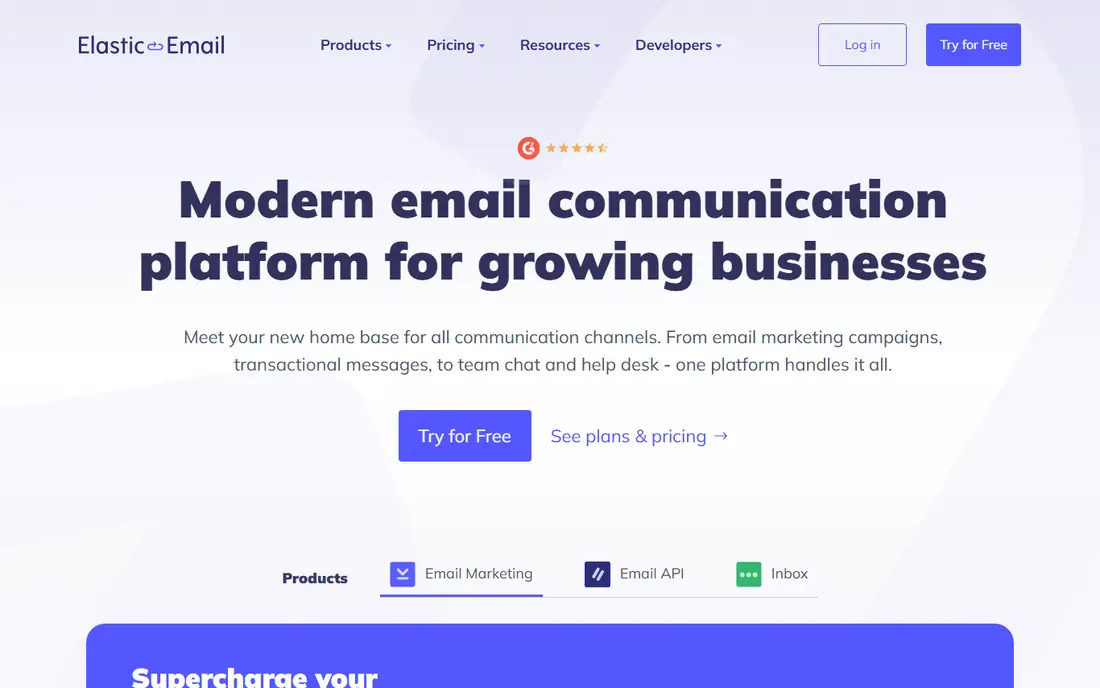
Elastic Email is a good fit for budget senders wanting low cost with API and SMTP. The caution is scale and support.
Elastic Email is a smaller vendor than SendGrid or Mailchimp, so very large senders should test deliverability to their specific audience before committing, and confirm premium levels on the pricing page. Elastic Email does not show a starting price in this comparison, so check the vendor site for current pricing. Free access exists with Elastic Email.
Limits to weigh: premium plan details need the pricing page.
- AI template designer
- HTTP API plus SMTP with ready integrations (HubSpot, WooCommerce, Shopify, WordPress)
- Support depth at the free level is restricted

In short, SendPulse is for SMBs wanting email, SMS and chatbots in one free product. Teams that only have to send large email campaigns may find the chatbot builders and course tools distracting. The product's deliverability toolkit (validation, dedicated IPs) is thinner than what API-first vendors offer.
Trade-offs to know: Scaling past the free level needs a premium plan.
On top of that, the vendor's homepage confirms a free plan with no time limit and tells users to upgrade only when ready to scale, which makes it a low-risk place to start blasting. The trade-off of breadth is focus. Check the vendor site for SendPulse pricing; none is listed in this comparison. Free access exists with SendPulse.
- Email plus SMS, WhatsApp
- Automation and an AI assistant
- Advanced deliverability controls trail developer-first tools
SMTP2GO is aimed squarely at companies wanting reliable SMTP relay with human support. SMTP2GO does one job: get your email delivered.
In practice, the homepage's pitch is reliability (redundant infrastructure, blacklist avoidance, automatic SPF/DKIM) and support that the vendor says wins awards. No starting price is listed for SMTP2GO here; confirm pricing on the vendor site. You can start on SMTP2GO without paying.
Highlights: Free level up to 1,000 emails/month with no time limit stated.
What to check first: Reporting is infrastructure-grade, not marketer-grade; not a marketing suite: no native campaign builder depth.
- Redundant multi-datacenter infrastructure
- SPF and DKIM handled automatically
- Premium plans required past 1,000 emails/month
Twilio SendGrid was built for developers and product teams sending at high volume. The homepage now lives under Twilio branding, with the same email products plus the rest of the Twilio product for verification, alerts and messaging. The campaign builder exists, but SendGrid's center of gravity is infrastructure: IPs, authentication, event webhooks, scale.
Worth adding: a free trial with no credit card lets developers test deliverability before talking to sales. This is not the pick for a team without technical help. No starting price is listed for Twilio SendGrid here; confirm pricing on the vendor site. Free plan details: Free trial.
Where it is weaker: High-volume pricing needs a quote conversation.
- SMTP relay plus marketing campaigns in one account
- Email API proven at massive scale (200B+ emails a month claimed by the vendor)
- API-first design means a ramp-up time for non-developers
Mailchimp
Best for: Small firms wanting simple campaigns with AI and automations
Mailchimp works best for small firms wanting simple campaigns with AI and automations. Mailchimp remains the default first email tool for small firms, and for modest bulk sending it is genuinely simple: templates, popup forms, automations and AI-assisted content without touching code. Beyond that, the homepage advertises a free plan you can downgrade to at any time and a 14-day trial of Standard, so testing costs nothing.
A 50,000-contact list costs far more than the same list on a volume-priced platform, which is why Mailchimp suits firms whose lists are small to mid-sized and whose team values simplicity over per-email economics. Beyond that, heavy blasters should price-shop before importing six figures of contacts. Mailchimp does not show a starting price in this comparison, so check the vendor site for current pricing. Mailchimp has a free plan.
Where it falls short: Advanced testing and phone support sit on higher levels.
- Easiest ramp-up time on this list, with a genuine free plan
- Generative AI features and enhanced automations
- Pricing scales with contacts, so large lists get pricey
Selection criteria
We compared the tools on published pricing, free plan or trial availability, feature coverage for email blasting software, and the limits each vendor documents. Plan names, prices and limits change often. Treat the figures here as a starting point and verify them with the vendor. Order on the page follows fit for the typical buyer first, then price transparency and free access. Your own requirements should decide the final pick.
Pre-purchase checklist
- Request quotes from Mailjet, Mailchimp and the others; the list shows no fixed prices.
- Look at free plan limits closely: Elastic Email, SendPulse, SMTP2GO and Mailchimp have one, and the caps decide whether it is usable for real work.
- Run a trial of Twilio SendGrid with real work before paying for a year; your own workflow is the best test.
- Read the limits listed for Mailjet first: smaller US brand presence means fewer external tutorials.
- Look at the help docs and support options for Elastic Email before you commit.
- Compare total cost, not headline price: for SMTP2GO, add extra seats, add-ons and any usage-based charges.
FAQ
Why do my bulk emails land in spam?
The usual suspects, in order: a purchased or stale list (high bounces), missing or broken SPF/DKIM authentication, spam-trigger content and misleading subjects, no engagement history on a new domain, and sending from an IP with a bad reputation. In daily use, fix authentication and list hygiene first; they solve most placement problems before you touch content.
Which options for email blasting software have a free plan?
On this list, Elastic Email, SendPulse, SMTP2GO and Mailchimp include a free plan. Caps on seats, usage or features are common, so test the free plan against your real workload. One other tool offers a trial instead.
Can I try these options before paying?
Often, yes. Elastic Email, SendPulse, SMTP2GO and Mailchimp have a free plan and Twilio SendGrid offers a free trial. Use your own data and a real task during the test, and check what the free tier or trial limits before you rely on it.
Should I use a dedicated IP address?
Probably not at first. Shared IPs from reputable senders have established reputations that benefit small and mid-sized senders. Dedicated IPs make sense when you send high, consistent volume (generally 100,000+ emails a month) and want full control of your reputation.
How are the tools for email blasting software ordered?
Mailjet sits first and Mailchimp last because the order follows typical fit for email blasting software, then price clarity and free access. It is a judgement call, so read each profile for fit and limits.
Do these tools publish their prices?
No. None of the tools, from Mailjet to Mailchimp, shows a fixed starting price here, so budget time for quotes.