6 Best Virtual Recording Studio Software for 2026, Vetted and Compared
Shortlisting the best virtual recording studio software? 6 products compared on cost, free access and ideal buyer. Every pick gets a straight assessment.
- Editor's choiceAvid Pro Tools
Professional recording, editing, and mixing
Starts atSee websiteVisit avid.comFull review - Great alternative
 Riverside
Video-first remote recording and editing
Starts at$24 per monthVisit riverside.fmFull review - Also considerCleanfeed
Low-latency audio-only interviews
Starts atSee websiteVisit cleanfeed.netFull review
Direct answer
Our first pick is Avid Pro Tools, best for professional recording, editing, and mixing. Listed starting prices: Riverside from $24 per month and SquadCast from $16 per person a month. For a different need, Riverside covers video-first remote recording and editing and Cleanfeed covers low-latency audio-only interviews. Prices, free plans and limits for all 6 tools follow.
TL;DR:
- Avid Pro Tools sits first on this list: professional recording, editing, and mixing.
- SquadCast is the lowest-priced starter here at $16 per person per month.
- Before buying Riverside, weigh this: advanced production may need a separate editor.
- SquadCast is the one to check for cloud-saved premium remote recordings.
Last checked November 2026. Prices and plan details were read from the vendors' own pages in November 2026; vendors change plans often, so confirm the current price on the vendor site before you buy.
Quick comparison
| Tool | Best for | Starts at | Free plan? | |
|---|---|---|---|---|
| Avid Pro Tools | Professional recording, editing, and mixing | See website | Not stated | Visit |
| Riverside | Video-first remote recording and editing | $24 per month | Yes | Visit |
| Cleanfeed | Low-latency audio-only interviews | See website | Not stated | Visit |
 Zencastr | Podcasters wanting straightforward remote recording | See website | Not stated | Visit |
 Adobe Audition | Audio cleanup and multitrack editing | See website | Not stated | Visit |
| SquadCast | Cloud-saved premium remote recordings | $16 per person a month | Yes | Visit |
The best virtual recording studio software
If you are comparing virtual recording studio software, this page covers 6 tools in one place: what each is best for, what it costs to start, whether it has a free plan, and the main limit to know about.
Avid Pro Tools
Best for: Professional recording, editing, and mixing
Where Avid Pro Tools fits: professional recording, editing, and mixing. Avid Pro Tools is a professional digital audio workstation for recording, editing, composing, and mixing music, audio, and sound for film and television.
Honest limits: Not a remote guest capture tool.
Worth adding: Pro Tools is not meant to capture remote guests on its own. Its depth brings a ramp-up time and heavier system demands. Check the vendor site for Avid Pro Tools pricing; none is listed in this comparison. On free options: Not stated. Upsides: Deep editing and mixing tools.
- TV audio
- Industry-standard DAW
- Steep ramp-up time
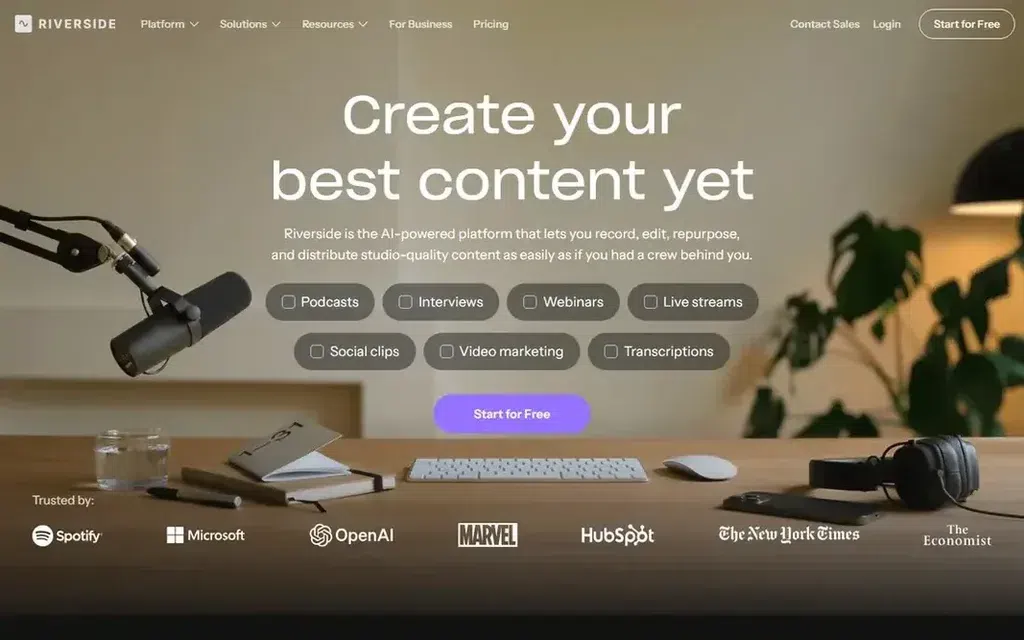
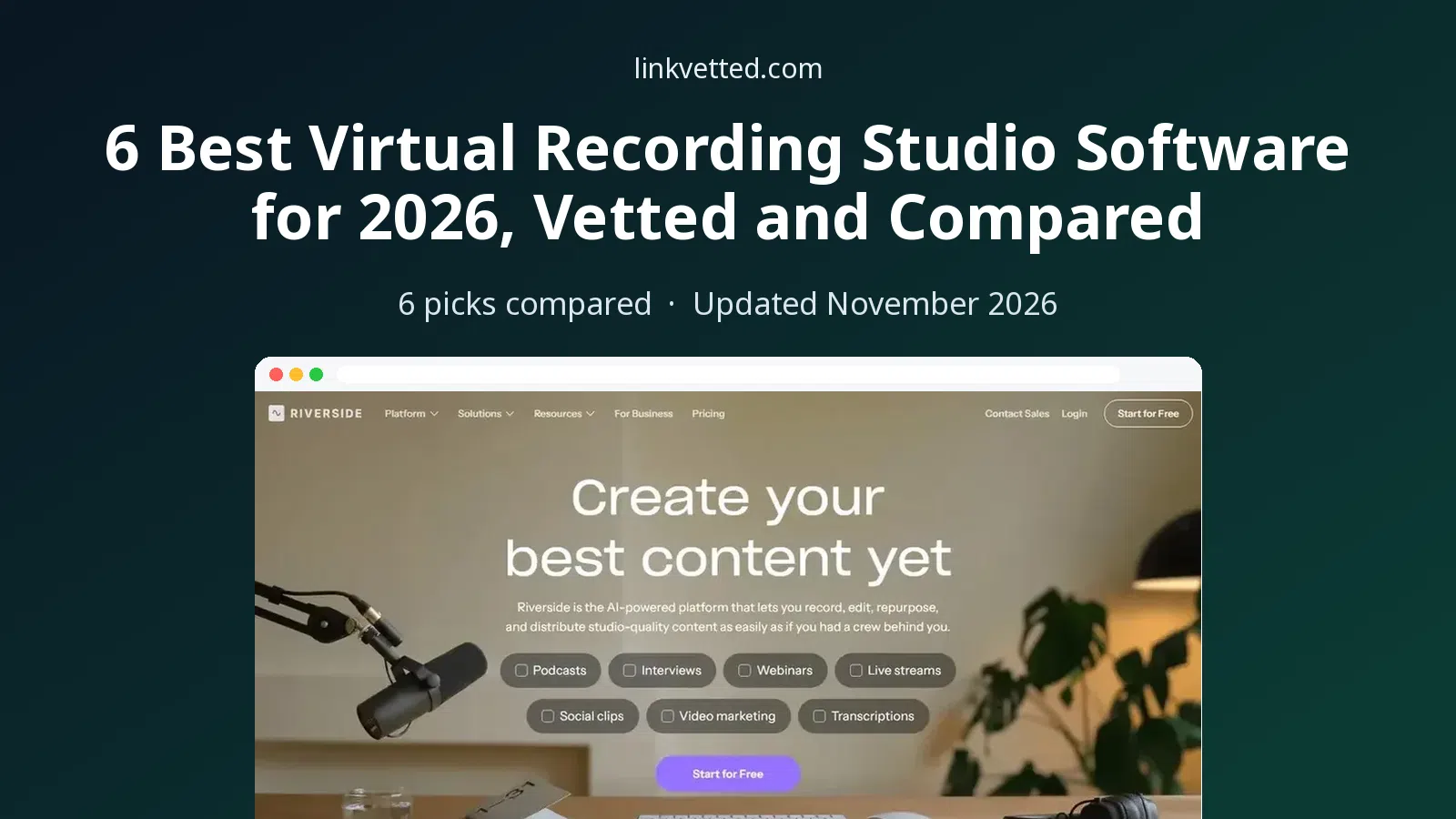
Choose Riverside for video-first remote recording and editing. Choose a professional DAW or video suite when your workflow demands frame-accurate editing, complicated audio processing, or layered visual effects beyond the studio environment. On top of that, Riverside is an online studio for high-quality podcast and video recording and editing.
Where it is weaker: Advanced production may need a separate editor.
Its system pairs remote capture with AI-powered tools designed for conversations, making it a natural fit for video podcasts, interview displays, and creators who want refined clips alongside full episodes. Also, the built-in editing is oriented toward conversation-driven content, so elaborate productions may still call for a dedicated editor. Price to start with Riverside: $24 per month. Riverside has a free plan.
- HD podcast and video recording
- Online studio in the browser
- Video-heavy projects can be demanding
Cleanfeed
Best for: Low-latency audio-only interviews
Cleanfeed is built with low-latency audio-only interviews in mind. Cleanfeed is a browser-based tool for long-distance professional audio. It concentrates on delivering clean, steady sound for remote interviews, voice sessions, and radio-style conversations, making it a strong fit for audio producers who care most about the quality of the spoken word.
From a buyer's view, pick Riverside for video-led recording or a DAW for in-depth mixing when the session moves beyond audio capture and light cleanup. More specifically, setup is minimal for both host and guest. Cleanfeed does not show a starting price in this comparison, so check the vendor site for current pricing. Free access: Not stated.
Watch-outs: Audio only, no video production.
- Professional-quality sound focus
- Straightforward browser-based sessions
- Fewer built-in editing features
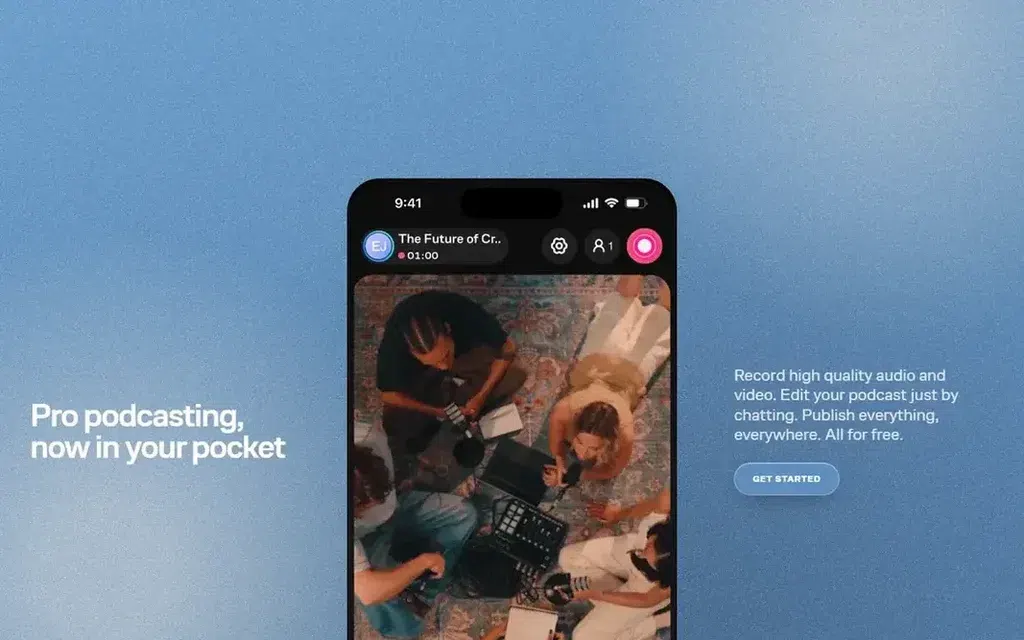
For Podcasters wanting straightforward remote recording, Zencastr is a natural candidate. It suits hosts who want a straightforward path from recording to release without leaving the browser, and who value a guided editing experience over deep manual control.
Points against: Video editing is restricted.
Pick a full digital audio workstation instead when you need advanced processing, precise multitrack arrangement, or heavy post-production on complex displays. Zencastr shows no starting price here, so confirm the cost on the vendor site. On free options: Not stated.
- Chat-based editing and publishing
- Records remote audio and video
- Less suited to complicated multitrack mixing
Adobe Audition targets audio cleanup and multitrack editing. Adobe Audition is audio recording and editing software with a thorough toolset that bundles multitrack, waveform, and spectral display. Also, choose it when post-production polish and spectral repair are priorities, and pair it with a capture tool for the actual session.
More specifically, Audition does not offer the remote guest recording experience itself, so it complements instead of replaces a browser studio. Also, in a virtual studio setup it serves as the editing and restoration stage, handling cleanup, mixing, and in-depth waveform work on recordings captured elsewhere. Pricing for Adobe Audition is not stated here, so ask the vendor for current figures. As for free access: Not stated.
Watch-outs: Not a remote recording studio.
- Spectral display for repair work
- Full audio toolset
- Best value within Adobe workflows
SquadCast
Best for: Cloud-saved premium remote recordings
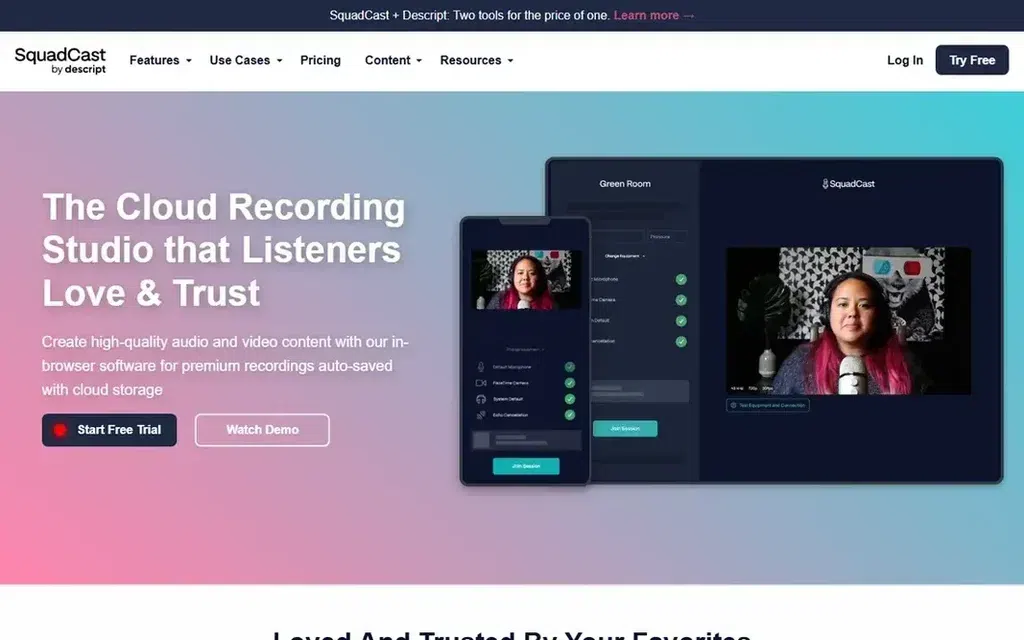
SquadCast is designed for cloud-saved premium remote recordings. Its in-browser software records premium recordings that are auto-saved to cloud storage, which suits producers who want safety against dropped sessions and a clean handoff to editors. It does well for interview displays and collaborative recordings with remote guests.
If you need an all-in-one editor with spectral repair or in-depth multitrack tools, pair SquadCast with a DAW like Pro Tools or Audition rather than relying on it alone. Beyond that, the product centers on recording reliability rather than being a complete mixing environment, so post-production happens elsewhere. SquadCast starts at: $16 per person per month. Free access exists with SquadCast.
The main drawbacks: Centred on capture more than deep editing.
- In-browser recording software
- Audio and video capture
- Needs stable connections
How we compared the tools
The comparison looks at four things: starting price, free access, how well the feature set matches virtual recording studio software, and the main limit of each tool. Plan names, prices and limits change often. Treat the figures here as a starting point and verify them with the vendor. Tools are placed by general fit for virtual recording studio software, with price clarity and free access as tie-breakers. A different team can reasonably rank them differently.
A buyer's checklist
- Confirm the entry price on the vendor page. For Avid Pro Tools, Cleanfeed, Zencastr and Adobe Audition that means a quote rather than a fixed price.
- Check what the free option really includes: Riverside and SquadCast offer a free plan, and usage caps differ.
- Read the limits listed for Avid Pro Tools first: steep learning curve.
- Find out what support Avid Pro Tools includes on your plan, and whether onboarding help costs extra.
- Involve the people who will use Riverside daily; a short pilot beats a long feature checklist.
FAQ
What is virtual recording studio software used for?
It lets hosts and remote guests record audio or video together through a browser or app, commonly with cloud backups and entry-level editing. In daily use, Podcasters, video creators, and broadcasters use it to capture interviews without gathering in one room.
Which choice is a good match for audio-only interviews?
Avid Pro Tools is the pick this page puts first, mainly for professional recording, editing, and mixing. If your situation differs, Riverside suits video-first remote recording and editing, and Cleanfeed suits low-latency audio-only interviews. Compare price and limits before you decide.
Is Avid Pro Tools the right pick for everyone comparing virtual recording studio software?
No single tool suits every team. Avid Pro Tools comes first because it fits professional recording, editing, and mixing, while Riverside suits video-first remote recording and editing and Cleanfeed suits low-latency audio-only interviews. Match the tool to your own size, budget and workflow before deciding.
Can I record video plus audio?
Riverside and Zencastr both support video capture alongside audio, and SquadCast records audio and video in the browser. Audio-only tools like Cleanfeed are the better fit when video is not needed.
Which options for virtual recording studio software have a free plan?
Riverside and SquadCast offer a free plan in this list. Free plans usually cap users, projects or features, so check the limits on the vendor page. Each of the 6 options in this virtual recording studio software guide has its own card above with the price, free plan and limits.
How are the tools for virtual recording studio software ordered?
Avid Pro Tools sits first and SquadCast last because the order follows typical fit for virtual recording studio software, then price clarity and free access. It is a judgement call, so read each profile for fit and limits.
Sources
- https://www.avid.com/pro-tools
- https://riverside.fm
- https://cleanfeed.net
- https://zencastr.com
- https://www.adobe.com/products/audition.html
- https://squadcast.fm