6 Best Survey Software for University Research for 2026, Vetted and Compared
Best survey software for university research in 2026: 6 tools with starting prices, free plans and limits. Cost notes and weak points included. See which fits.
- Editor's choice
 Typeform
Engaging and interactive forms
Starts atSee websiteVisit typeform.comFull review - Great alternativeSoGoSurvey
Compliance-focused experience management
Starts atSee websiteVisit sogosurvey.comFull review - Also consider
 REDCap
Health research and data compliance
Starts atSee websiteVisit projectredcap.orgFull review
Direct answer
Typeform leads the list, best for engaging and interactive forms. Listed starting prices: Jotform from $34 per month and SurveyMonkey from $25 per user a month. SoGoSurvey is better for compliance-focused experience management, and REDCap is better for health research and data compliance. The other 3 tools in the list cover narrower or pricier cases.
TL;DR:
- Typeform sits first on this list: engaging and interactive forms.
- Jotform, SurveyMonkey: these are the 2 tools out of 6 that offer a free plan.
- SurveyMonkey has the lowest monthly starting price in this list: $25 per user per month.
- The main caution on Typeform: restricted advanced research features.
- Qualtrics XM suits advanced research with AI insights.
Last checked November 2026. Prices and plan details were read from the vendors' own pages in November 2026; vendors change plans often, so confirm the current price on the vendor site before you buy.
Quick comparison
| Tool | Best for | Starts at | Free plan? | |
|---|---|---|---|---|
| Typeform | Engaging and interactive forms | See website | Not stated | Visit |
| SoGoSurvey | Compliance-focused experience management | See website | Not stated | Visit |
| REDCap | Health research and data compliance | See website | Not stated | Visit |
 Jotform | Versatile form building with templates | $34 per month | Yes | Visit |
 SurveyMonkey | Fast and simple survey creation | $25 per user a month | Yes | Visit |
 Qualtrics XM | Advanced research with AI insights | See website | Not stated | Visit |
The full survey software for university research list
LinkVetted compared 6 tools for survey software for university research. The goal is a practical shortlist: published prices, free plan facts, best-fit use cases and honest limits for every entry.
Typeform makes the most sense for engaging and interactive forms. Typeform is a form builder that uses AI to produce interactive and engaging forms, with automation to simplify workflows.
Pricing for Typeform is not stated here, so ask the vendor for current figures. As for free access: Not stated.
Watch-outs: Restricted advanced research features.
- Visually appealing design
- AI-powered form building
- May be less suited for complex surveys
SoGoSurvey
Best for: Compliance-focused experience management
Choose SoGoSurvey for compliance-focused experience management. It gives you AI-powered survey creation and is a good match for university research that involves sensitive data or needs compliance with regulations.
Drawbacks to consider: May be complicated for small studies.
For everyday use, the system is geared toward customer and employee experience management, which may not align with all academic research needs. SoGoSurvey does not show a starting price in this comparison, so check the vendor site for current pricing. Free access: Not stated.
- HIPAA and GDPR compliant
- AI survey creation
- Focus on CX and EX
REDCap works best for health research and data compliance. It is specifically made for research studies, especially in healthcare, and is widely used by universities for its compliance and data security features.
Check the vendor site for REDCap pricing; none is listed in this comparison. Free options: Not stated.
The main drawbacks: Restricted to research contexts.
- Secure data collection
- Compliance with health data regulations
- Needs institutional access
Jotform is aimed squarely at versatile form building with templates. It supplies many different templates and integrations, making it a good match for university administrative tasks and straightforward research data collection.
For more demanding research, consider Qualtrics XM or REDCap. Price to start with Jotform: $34 per month. A free plan is available with Jotform.
Watch-outs: Restricted research-specific features.
- Simple form creation
- Integration choices
- May require premium plan for advanced features
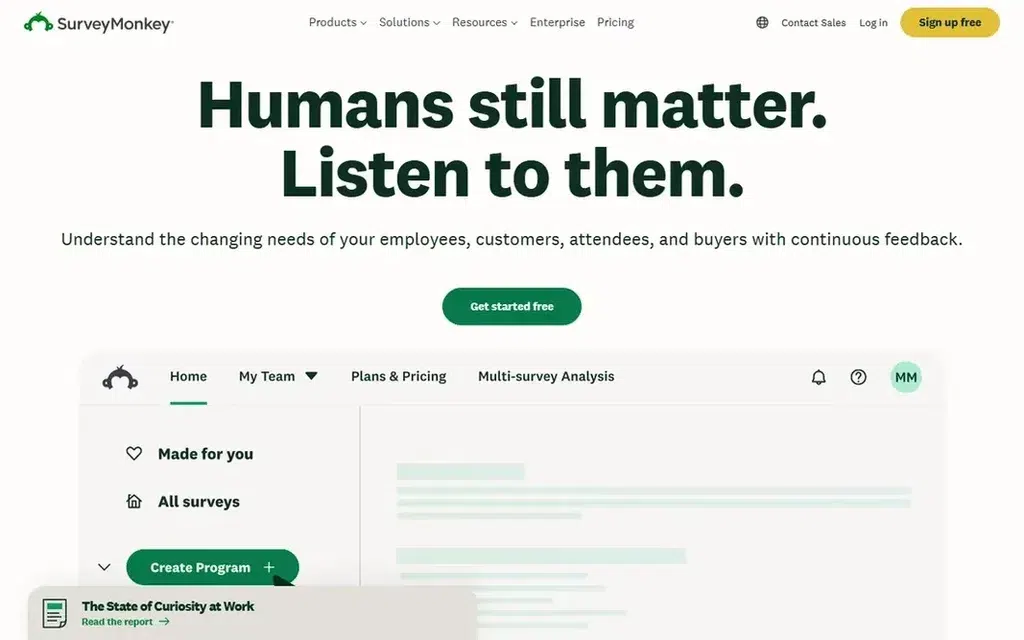
SurveyMonkey is built with fast and simple survey creation in mind. SurveyMonkey is a widely used survey product known for its simplicity, offering AI and templates to rapidly build surveys and forms.
Downsides: Restricted advanced analytics.
It is a good match for university researchers who require to gather feedback or conduct straightforward studies without a steep ramp-up time. What you pay to start with SurveyMonkey: $25 per user per month. SurveyMonkey offers a free plan.
- Approachable interface
- Broad range of templates
- May lack specialized research features
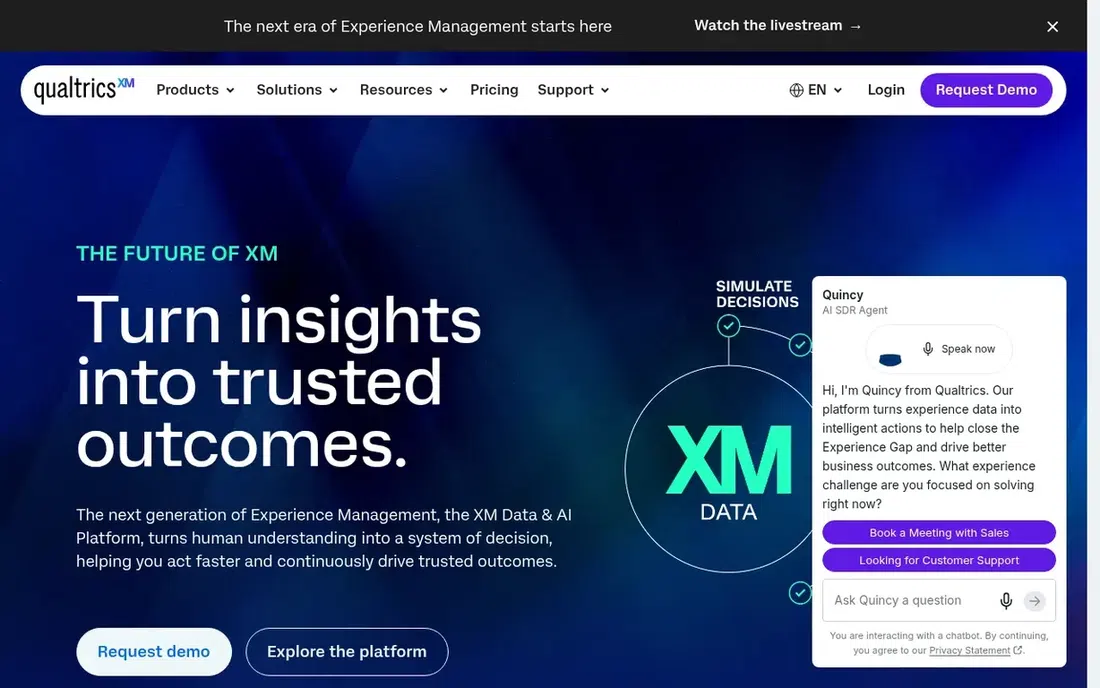
Qualtrics XM works best for advanced research with AI insights. Qualtrics XM is an experience management product that uses AI to simulate and predict outcomes. It is built for organizations seeking deep insights from customer and employee experiences.
The main drawbacks: May be overkill for straightforward surveys.
The product's deep features can be overwhelming for users needing entry-level surveys, and it may need training to completely utilize. In daily use, for more straightforward research needs, a more straightforward tool like SurveyMonkey might be preferable. Pricing for Qualtrics XM is not stated here, so ask the vendor for current figures. Trial and free access: Not stated.
- AI-powered experience simulation
- Predictive analytics
- Steeper ramp-up time
How we built this list
A buyer's checklist
- Ask Typeform, SoGoSurvey, REDCap and Qualtrics XM for a written quote, since no starting price is shown.
- Look at free plan limits closely: Jotform and SurveyMonkey have one, and the caps decide whether it is usable for real work.
- Read the limits listed for Typeform first: limited advanced research features.
- Read the plan comparison for Jotform carefully; key features often start on a higher tier.
- Before rolling out SurveyMonkey, verify the integrations your workflow depends on.
FAQ
Is Typeform the right pick for everyone comparing survey software for university research?
No single tool suits every team. Typeform comes first because it fits engaging and interactive forms, while SoGoSurvey suits compliance-focused experience management and REDCap suits health research and data compliance. Match the tool to your own size, budget and workflow before deciding.
Can I try these tools before paying?
Often, yes. Jotform and SurveyMonkey have a free plan. Use your own data and a real task during the test, and check what the free tier or trial limits before you rely on it. Each of the 6 options in this Survey software for University research guide has its own card above with the price, free plan and limits.
What is the best survey software for university research?
Typeform comes first here and is built for engaging and interactive forms. Buyers with other needs may prefer SoGoSurvey (for compliance-focused experience management) or REDCap (for health research and data compliance). Compare costs and limits first.
What is the cheapest option for survey software for university research in this list?
On published monthly entry prices, SurveyMonkey is the lowest here at $25 per user per month. Entry price is only part of the cost, because seats, add-ons and billing terms can change the total. All 6 picks in this Survey software for University research comparison list a starting price, free plan details and the main limits on their cards above.
How does REDCap differ from other survey tools?
REDCap is specifically aimed at research studies, with a focus on data security and compliance, especially in healthcare. It is not a general-purpose survey tool and commonly needs institutional access.
Can I use Typeform for academic research surveys?
Typeform is great for engaging, interactive forms but may lack advanced features needed for complicated research. It is better suited for more straightforward data collection like feedback or registrations.
Sources
- https://www.typeform.com
- https://www.sogosurvey.com
- https://projectredcap.org
- https://www.jotform.com
- https://www.surveymonkey.com
- https://www.qualtrics.com