Best Online Survey Software for Research for 2026: Our 6 Vetted Picks
Best online Survey software for research: 6 contenders ranked by fit, with entry costs and free tiers. Plus the drawbacks of each tool. Refreshed for 2026.
- Editor's choice
 Typeform
Engaging forms with automatic workflows
Starts atSee websiteVisit typeform.comFull review - Great alternativeSoGoSurvey
Enterprise experience management and compliance
Starts atSee websiteVisit sogosurvey.comFull review - Also consider
 Qualtrics XM
Advanced experience management and research
Starts atSee websiteVisit qualtrics.comFull review
Direct answer
This list puts Typeform first for engaging forms with automatic workflows. Listed starting prices: Jotform from $34 a month, SurveyMonkey from $25 per user a month and QuestionPro from $83 per user a month. If your case is different, SoGoSurvey suits enterprise experience management and compliance and Qualtrics XM suits advanced experience management and research. The other 3 tools in the list cover narrower or pricier cases.
TL;DR:
- This list starts with Typeform, which is built for engaging forms with automatic workflows.
- 2 of 6 tools offer a free plan: Jotform, SurveyMonkey.
- QuestionPro is the one to check for adaptable question types and templates.
- Starting prices begin at $25 per user per month with SurveyMonkey.
Last checked November 2026. Prices and plan details were read from the vendors' own pages in November 2026; vendors change plans often, so confirm the current price on the vendor site before you buy.
Quick comparison
| Tool | Best for | Starts at | Free plan? | |
|---|---|---|---|---|
| Typeform | Engaging forms with automatic workflows | See website | Not stated | Visit |
| SoGoSurvey | Enterprise experience management and compliance | See website | Not stated | Visit |
| Qualtrics XM | Advanced experience management and research | See website | Not stated | Visit |
 Jotform | Fast forms and straightforward surveys | $34 a month | Yes | Visit |
 SurveyMonkey | General surveys and feedback collection | $25 per user a month | Yes | Visit |
 QuestionPro | Adaptable question types and templates | $83 per user a month | Free trial | Visit |
Tool-by-tool breakdown
This LinkVetted guide covers 6 options for online Survey software for research. Each profile lists a starting price, free plan details, strengths and drawbacks, so you can drop poor fits quickly.
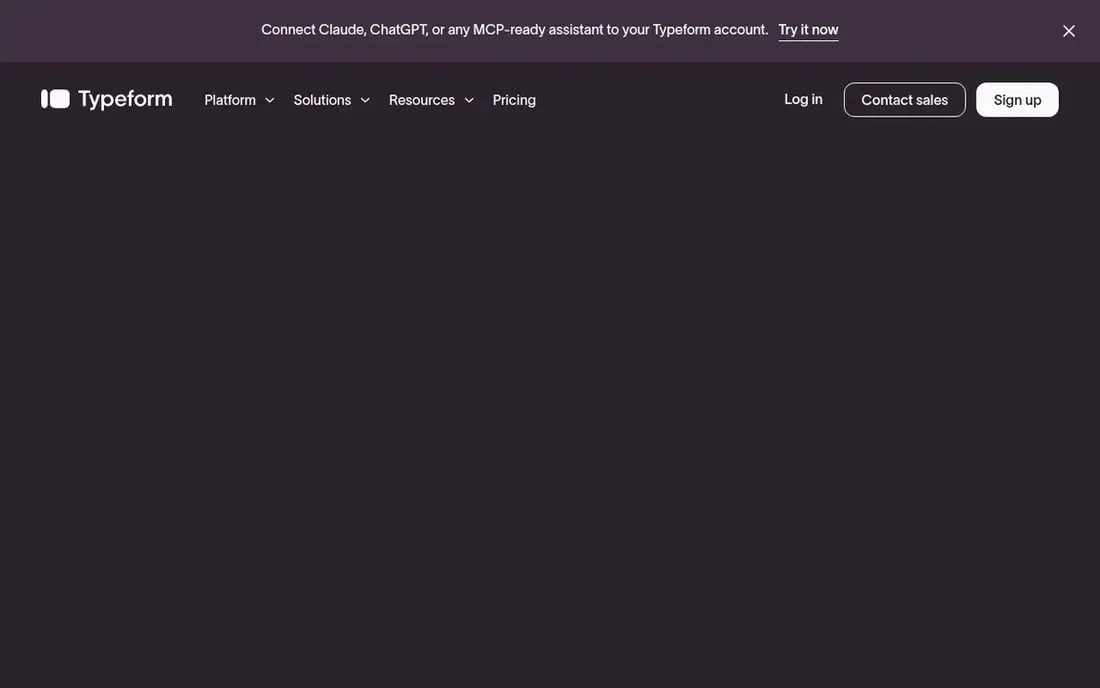
Typeform makes the most sense for engaging forms with automatic workflows. The conversational style may not suit long academic questionnaires or complicated research logic.
Points against: Complicated surveys can be harder to structure.
Typeform shows no starting price here, so confirm the cost on the vendor site. As for free access: Not stated.
- Conversational form experience
- Workflow automation after submission
- Research-specific features may be restricted
SoGoSurvey
Best for: Enterprise experience management and compliance
SoGoSurvey is designed for enterprise experience management and compliance. Teams should confirm that the specific compliance and research features they need are available for their use case.
Drawbacks to consider: Small projects may need less product.
SoGoSurvey is a fit when compliance and scaled experience management are central requirements. This comparison lists no price for SoGoSurvey; ask the vendor. Free options: Not stated.
- CX and EX management focus
- AI survey creation mentioned
- Enterprise orientation may suit bigger teams
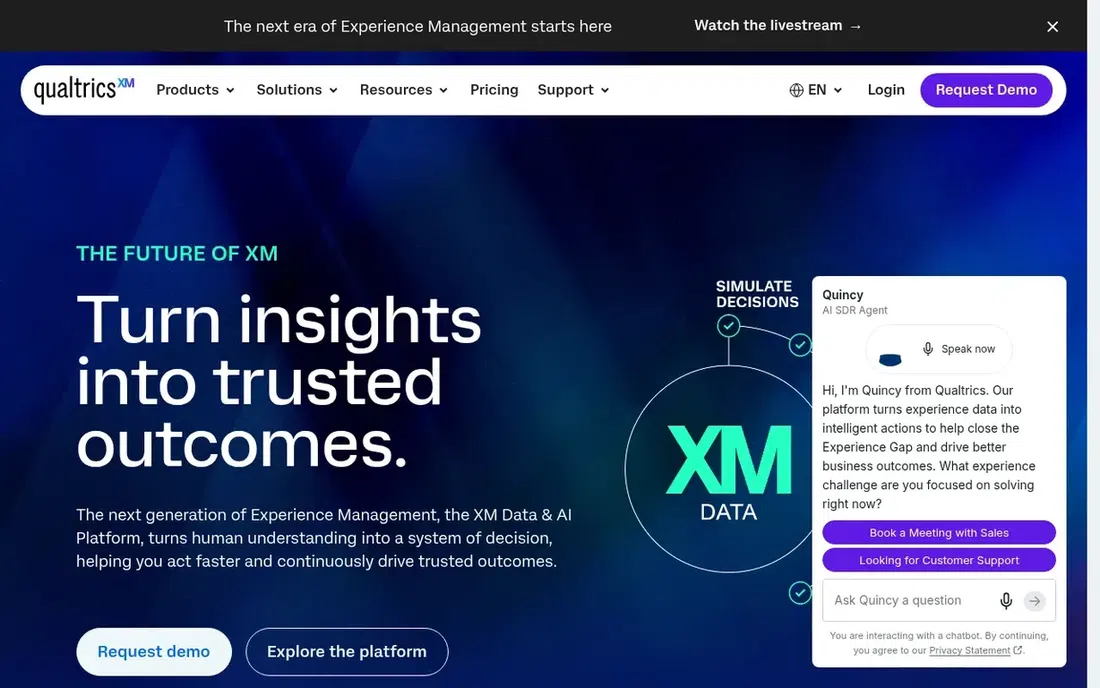
Qualtrics XM is built with advanced experience management and research in mind. Consider Qualtrics XM when research is part of a bigger experience management effort. Qualtrics XM is an experience management product that extends beyond entry-level surveys into customer and employee experience programs.
Drawbacks to consider: May be complicated for simple surveys.
Its homepage flags AI features for simulating experiences, predicting outcomes, and taking action. Also, the product's breadth can be more than small projects need, and new users may spend time learning its structure. Pricing for Qualtrics XM is not stated here, so ask the vendor for current figures. Free plan details: Not stated.
- Wide experience management scope
- Supports customer and employee research
- Can need setup time
Jotform is built with fast forms and straightforward surveys in mind. Choose Jotform for fast, straightforward forms and surveys instead of complicated research studies.
Where it is weaker: Research depth may be restricted.
For in-depth research with advanced question types or in-depth analysis, Jotform may not match dedicated survey systems. Its homepage centres on building forms in seconds. Starting cost for Jotform: $34 per month. Jotform includes a free tier.
- Quick form and survey creation
- Accessible for entry-level data collection
- Complicated survey logic should be verified
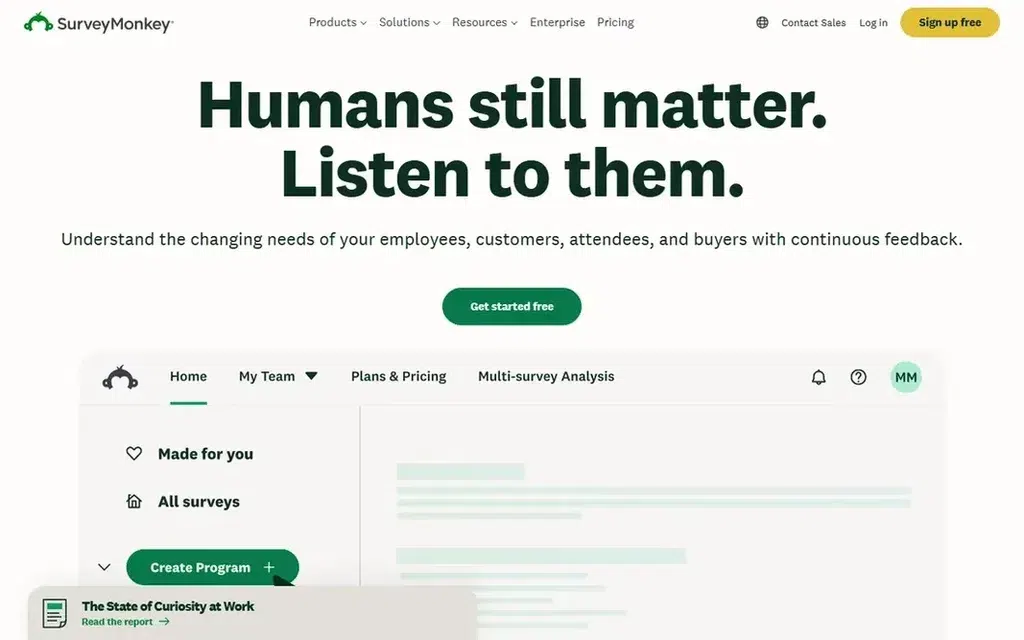
In short, SurveyMonkey is for general surveys and feedback collection. SurveyMonkey is a widely used survey platform for creating forms and questionnaires with AI assistance and templates. Its homepage names employee and customer feedback, market research, and event registrations as typical uses.
In daily use, SurveyMonkey is a sensible choice when speed and simplicity matter more than deep research customization. In daily use, for highly specialized research designs, some advanced capabilities may be less adaptable than dedicated research platforms. Users with complicated branching or weighting needs should verify support before committing. What you pay to start with SurveyMonkey: $25 per user per month. SurveyMonkey includes a free tier.
Points against: Complex logic can need planning.
- Straightforward survey creation
- Use cases for feedback and market research
- Advanced research features may be restricted
QuestionPro is built with adaptable question types and templates in mind. Also, the range of choices can make the interface feel busy for first-time users.
From a buyer's view, QuestionPro is worth considering when question variety and template availability are priorities. Starting cost for QuestionPro: $83 per user per month. On free options: Free trial.
What to check first: Advanced research needs should be verified.
- Large question type library
- Ready-made templates
- Interface may feel dense for beginners
What went into this list
Before you commit
- Ask Typeform, SoGoSurvey and Qualtrics XM for a written quote, since no starting price is shown.
- Check what the free option really includes: Jotform and SurveyMonkey offer a free plan, and usage caps differ.
- Run a trial of QuestionPro with real work before paying for a year; your own workflow is the best test.
- Before choosing Typeform, weigh its main limit: research-specific features may be restricted.
- Work out what Typeform costs with your real seat count, add-ons and usage, not just the entry price.
- Check how data leaves QuestionPro: formats, limits and whether exports are available on every plan.
FAQ
Can I try these tools before paying?
Often, yes. Jotform and SurveyMonkey have a free plan and QuestionPro offers a free trial. Use your own data and a real task during the test, and check what the free tier or trial limits before you rely on it. Each of the 6 options in this online Survey software for research guide has its own card above with the price, free plan and limits.
Do these tools publish their prices?
Not all of them. Typeform, SoGoSurvey and Qualtrics XM publish no starting price, so expect a quote request for those. The rest, Jotform included, show a starting price, though seats and billing terms still change the final cost.
How are the tools for online Survey software for research ordered?
Typeform sits first and QuestionPro last because the order follows typical fit for online Survey software for research, then price clarity and free access. It is a judgement call, so read each profile for fit and limits.
What is the cheapest option for online Survey software for research in this list?
On published monthly entry prices, SurveyMonkey is the lowest here at $25 per user per month. Entry price is only part of the cost, because seats, add-ons and billing terms can change the total. All 6 picks in this online Survey software for research comparison list a starting price, free plan details and the main limits on their cards above.
Sources
- https://www.typeform.com
- https://www.sogosurvey.com
- https://www.qualtrics.com
- https://www.jotform.com
- https://www.surveymonkey.com
- https://www.questionpro.com