Top 5 Virtual Photoshoot Software for 2026 (Prices and Free Plans)
Best virtual photoshoot software: 5 tools compared on price, free plans and fit. Autodesk Maya comes first for character and effects-heavy 3D. Updated for 2026.
- Editor's choice
 Autodesk Maya
Character and effects-heavy 3D
Starts atPricing on requestVisit autodesk.comFull review - Great alternative
 Blender
Open 3D scene building
Starts atPricing on requestVisit blender.orgFull review - Also consider
 Cinema 4D
Motion graphics and product scenes
Starts atPricing on requestVisit maxon.netFull review
Direct answer
Our first pick is Autodesk Maya, best for character and effects-heavy 3D. For a different need, Blender covers open 3D scene building and Cinema 4D covers motion graphics and product scenes. Details and limits for the rest of the 5 tools are below. None of these vendors publish plan prices, so pricing is on request for every option.
TL;DR:
- The list opens with Autodesk Maya, aimed at character and effects-heavy 3D.
- Before buying Capture One, weigh this: ramp-up time for new users.
- For image compositing and retouching, Adobe Photoshop is worth a look.
- Neither Autodesk Maya nor Adobe Photoshop, nor any of the other 3 tools, has a permanent free plan; trials and quotes are the norm.
Last checked November 2026. Pricing on request: vendors did not publish plan prices when this guide was last checked (November 2026), so ask each vendor for a written quote.
Quick comparison
| Tool | Best for | Starts at | Free plan? | |
|---|---|---|---|---|
| Autodesk Maya | Character and effects-heavy 3D | Pricing on request | Not stated | Visit |
| Blender | Open 3D scene building | Pricing on request | Not stated | Visit |
| Cinema 4D | Motion graphics and product scenes | Pricing on request | Not stated | Visit |
 Capture One | Tethered RAW studio capture | Pricing on request | Not stated | Visit |
 Adobe Photoshop | Image compositing and retouching | Pricing on request | Not stated | Visit |
Virtual Photoshoot Software compared in detail
If you are comparing virtual photoshoot software, this page covers 5 tools in one place: what each is best for, what it costs to start, whether it has a free plan, and the main limit to know about.
Pick Autodesk Maya if this describes you: character and effects-heavy 3D. In virtual photoshoot contexts it fits ambitious scenes that require in-depth characters or effects instead of straightforward product setups.
Watch-outs: Heavy for straightforward stills.
- Complex character and world building
- Realistic effects tools
- Steep ramp-up time
Blender is aimed squarely at open 3D scene building. For virtual photoshoots it supports building sets, placing lights, and rendering camera views, which suits artists who want an adaptable 3D environment without a proprietary pipeline.
Limits to weigh: Interface takes time to learn.
Choose a photo editor for retouching captured images, or a live engine when interactive playback matters more than offline rendering. Pricing for Blender is not stated here, so ask the vendor for current figures. On free options: Not stated.
- Modeling, lighting
- Rendering in one suite
- Not a tethered capture tool
Cinema 4D makes the most sense for motion graphics and product scenes. Cinema 4D from Maxon is 3D modeling, animation, and rendering software commonly used in motion graphics and product visualization. Teams without 3D experience may find the setup time significant compared to shooting on a physical set.
From a buyer's view, a virtual photoshoot can use it to build stylized sets and camera setups, particularly when the output needs to move or fit a design-led brand look. It does not manage RAW files or tethered capture, so captured stills still need a photo editor. Cinema 4D does not show a starting price in this comparison, so check the vendor site for current pricing. On free options: Not stated.
Limits to weigh: Not a photo editor.
- Connects with post workflows
- Widely used for motion design
- Needs 3D knowledge
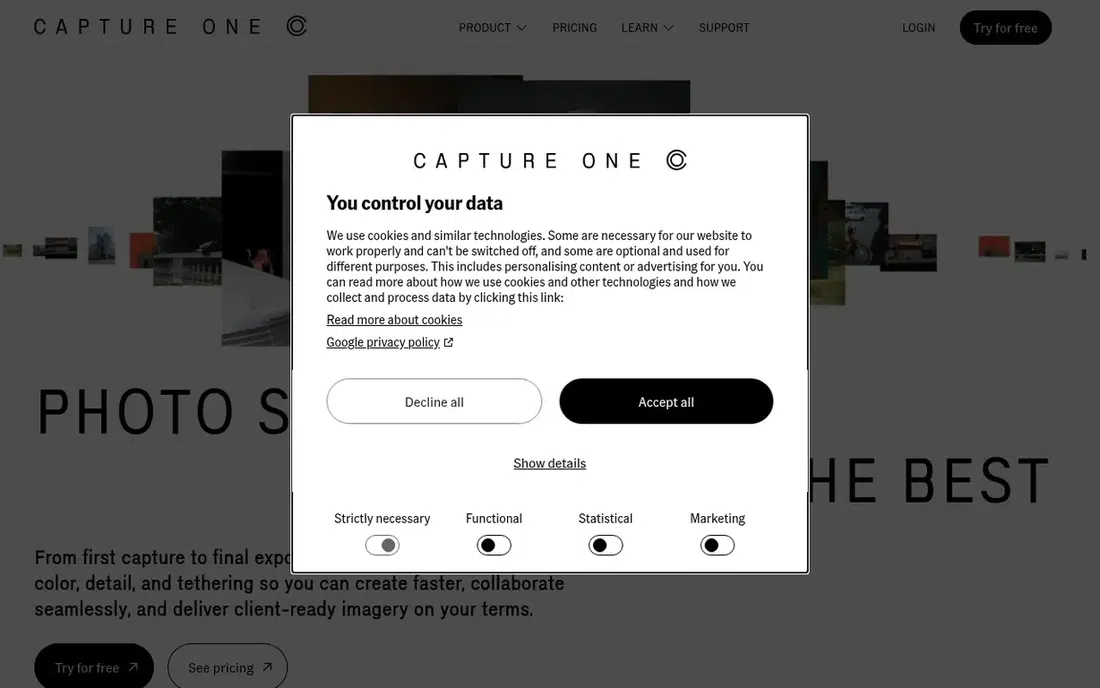
Capture One is aimed squarely at tethered RAW studio capture. Capture One is professional photo editing software built around precision and control for photographers.
Limits to weigh: Not a 3D scene builder.
It emphasizes advanced editing tools, smooth RAW handling, and capable tethering, which makes it a natural fit for studio shoots where the camera stays connected to a computer during capture. Capture One shows no starting price here, so confirm the cost on the vendor site. As for free access: Not stated.
- Precise color and editing controls
- Capable tethering
- Ramp-up time for new users
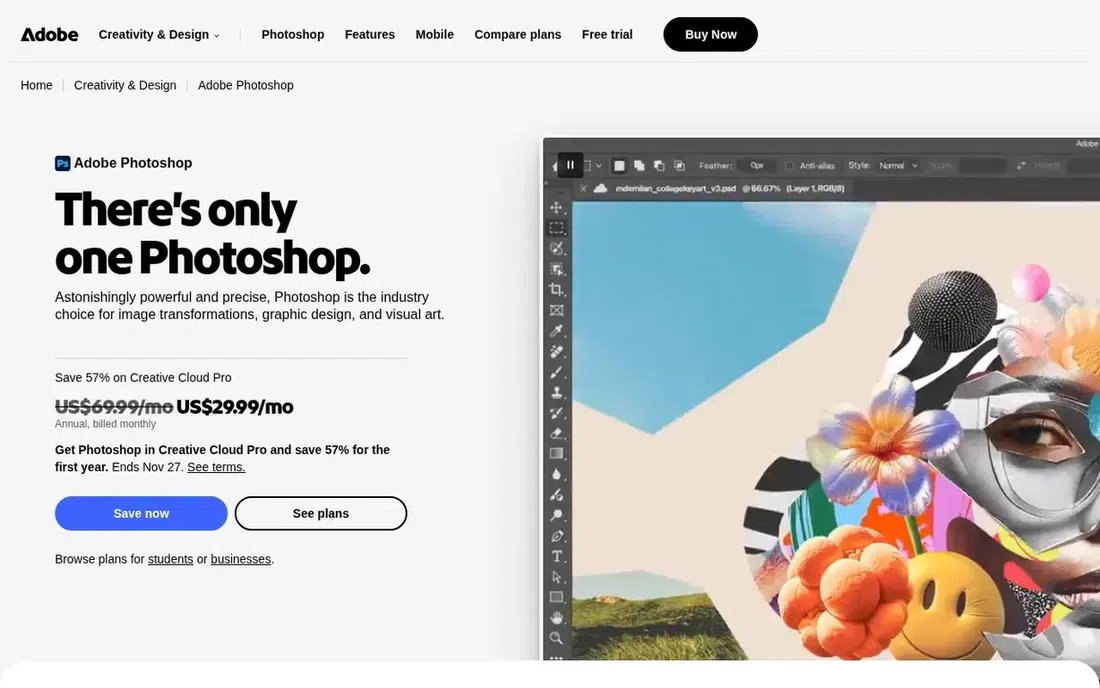
Adobe Photoshop is a good fit for image compositing and retouching. Adobe Photoshop is a photo and design application for editing, combining images, and building custom scenes.
No starting price is listed for Adobe Photoshop here; confirm pricing on the vendor site. Free access: Not stated.
The main drawbacks: Complicated interface for beginners.
- Wide editing toolset
- Desktop and online access
- Not aimed at live 3D
Our selection method
Things to verify first
- Request quotes from Autodesk Maya, Adobe Photoshop and the others; the list shows no fixed prices.
- Before choosing Autodesk Maya, weigh its main limit: steep ramp-up time.
- Look at the help docs and support options for Adobe Photoshop before you commit.
- Check whether the features you need in Capture One sit on the entry plan or only on higher tiers.
- A short pilot of Autodesk Maya with your real workflow tells you more than a feature table.
FAQ
Is Autodesk Maya the right pick for everyone comparing virtual photoshoot software?
No single tool suits every team. Autodesk Maya comes first because it fits character and effects-heavy 3D, while Blender suits open 3D scene building and Cinema 4D suits motion graphics and product scenes. Match the tool to your own size, budget and workflow before deciding.
Does any tool for virtual photoshoot software here have a free plan?
A permanent free plan is not offered by Autodesk Maya, Adobe Photoshop or the other tools here. Plan a short evaluation period instead.
How are the tools for virtual photoshoot software ordered?
Autodesk Maya sits first and Adobe Photoshop last because the order follows typical fit for virtual photoshoot software, then price clarity and free access. It is a judgement call, so read each profile for fit and limits.
Do these tools publish their prices?
No. None of the tools, from Autodesk Maya to Adobe Photoshop, shows a fixed starting price here, so budget time for quotes.
Can photo editors and 3D tools be combined?
Yes, plenty of workflows render 3D scenes and then finish them in a photo editor for color, retouching, and compositing. Matching tools to each stage keeps the pipeline manageable.
Sources
- https://www.autodesk.com/products/maya/overview
- https://www.blender.org
- https://www.maxon.net/en/cinema-4d
- https://www.captureone.com
- https://www.adobe.com/products/photoshop.html