Best Video Editing Software for Agencies (2026): 5 Picks Checked on Vendor Pages
Compare 5 best video editing software for agencies, with prices, free plans and who each fits. Concise write-ups of every option. Built for quick decisions.
- Editor's choice
 VEGAS Pro
Windows-based agencies seeking AI-powered editing
Starts atPricing on requestVisit vegascreativesoftware.comFull review - Great alternative
 Adobe After Effects
Agencies creating motion graphics and visual effects
Starts atPricing on requestVisit adobe.comFull review - Also consider
 Adobe Premiere Pro
Agencies needing industry-standard editing and Adobe integration
Starts atPricing on requestVisit adobe.comFull review
Direct answer
Start with VEGAS Pro if you need Windows-based agencies seeking AI-powered editing. Look at Adobe After Effects for agencies creating motion graphics and visual effects, and at Adobe Premiere Pro for agencies needing industry-standard editing and Adobe integration. Details and limits for the rest of the 5 tools are below. None of these vendors publish plan prices, so pricing is on request for every option.
TL;DR:
- VEGAS Pro sits first on this list: Windows-based agencies seeking AI-powered editing.
- Before buying Final Cut Pro, weigh this: Mac-only, limiting cross-platform flexibility.
- A permanent free plan is missing from all 5 tools, VEGAS Pro and Avid Media Composer included; plan for a trial or a premium start.
- Every tool from VEGAS Pro to Avid Media Composer works by quote, with no list price shown.
Last checked November 2026. Pricing on request: vendors did not publish plan prices when this guide was last checked (November 2026), so ask each vendor for a written quote.
Quick comparison
| Tool | Best for | Starts at | Free plan? | |
|---|---|---|---|---|
| VEGAS Pro | Windows-based agencies seeking AI-powered editing | Pricing on request | Not stated | Visit |
| Adobe After Effects | Agencies creating motion graphics and visual effects | Pricing on request | Not stated | Visit |
| Adobe Premiere Pro | Agencies needing industry-standard editing and Adobe integration | Pricing on request | Not stated | Visit |
 Final Cut Pro | Mac-based agencies wanting optimized performance | Pricing on request | Not stated | Visit |
 Avid Media Composer | Post-production houses working on film and TV | Pricing on request | Not stated | Visit |
Video Editing Software for Agencies compared in detail
Choosing video editing software for agencies usually comes down to price, fit and limits. This LinkVetted guide sets 5 tools side by side on those three points, with the facts kept short and checkable.
VEGAS Pro
Best for: Windows-based agencies seeking AI-powered editing
VEGAS Pro is a good fit for Windows-based agencies seeking AI-powered editing. VEGAS Pro is professional video editing software for Windows with AI tools, color grading, VFX, and audio.
Being Windows-only, it may not fit agencies with Macs. The community and external support are smaller compared with Adobe or Blackmagic. VEGAS Pro does not show a starting price in this comparison, so check the vendor site for current pricing. Free access: Not stated.
Points against: Smaller user community than some rivals.
- Windows-native performance
- Integrated color grading and VFX
- Windows-only
Adobe After Effects targets agencies creating motion graphics and visual effects. Adobe After Effects is motion graphics software that lets you design for film, TV, video, and web.
From a buyer's view, After Effects is not built for full-length video editing, so it is not a standalone replacement for a NLE. Pricing for Adobe After Effects is not stated here, so ask the vendor for current figures. Trial and free access: Not stated.
The main drawbacks: Needs feature-rich hardware for complicated projects.
- Broad effects and animation capabilities
- Industry-standard motion graphics tool
- Not a full video editor for long-form projects
Adobe Premiere Pro
Best for: Agencies needing industry-standard editing and Adobe integration
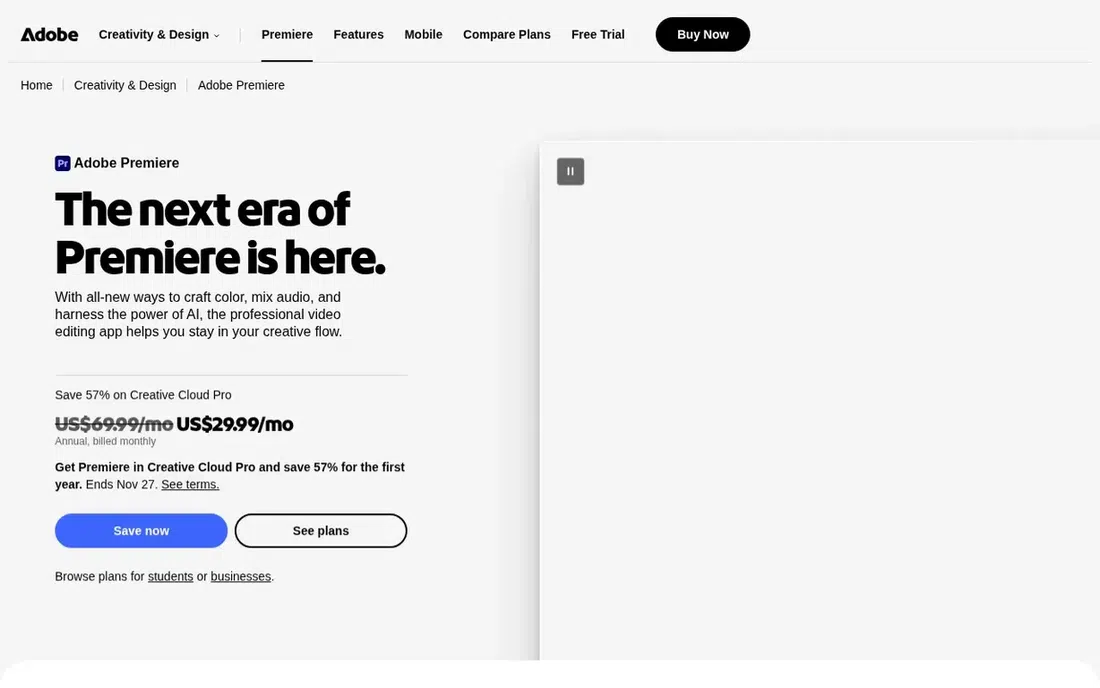
Think of Adobe Premiere Pro for agencies needing industry-standard editing and Adobe integration. Even so, Premiere Pro needs a subscription, which may not suit agencies preferring perpetual licenses.
It can also be demanding on system resources. No starting price is listed for Adobe Premiere Pro here; confirm pricing on the vendor site. As for free access: Not stated.
Downsides: Subscription-based licensing.
- Professional editing and postproduction tools
- Wide format support and extensibility
- Can be resource-intensive on older hardware
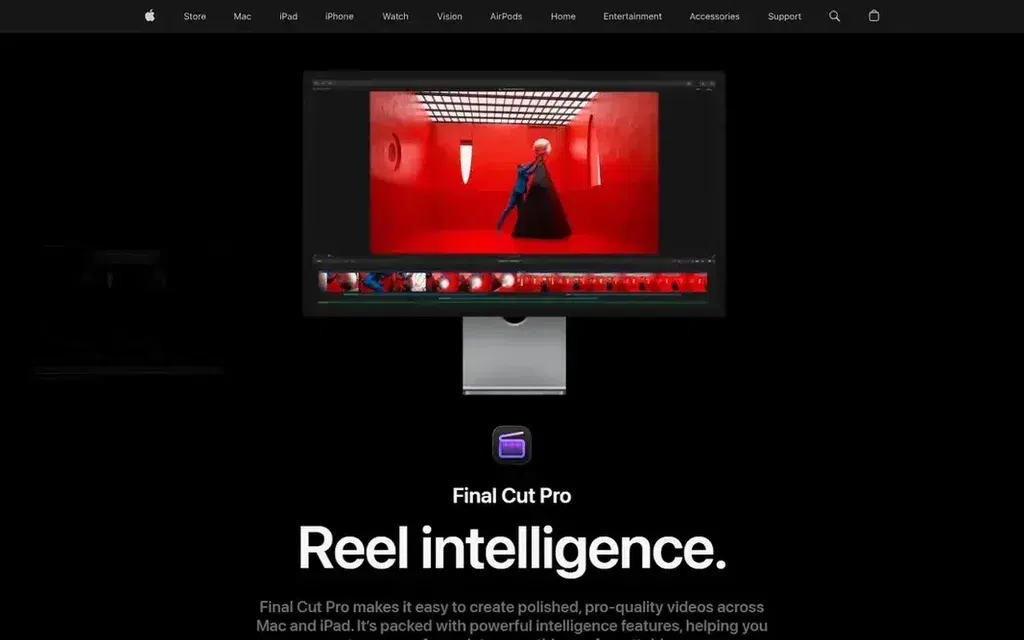
In short, Final Cut Pro is for Mac-based agencies wanting optimized performance. Final Cut Pro is Apple's professional video editing software packed with capable intelligence features, making pro-quality video creation simple on Mac and iPad.
Where it is weaker: Fewer external plugins than some competitors.
Its Mac-only availability can be a drawback for agencies with mixed operating systems. Check the vendor site for Final Cut Pro pricing; none is listed in this comparison. On free options: Not stated.
- Optimized for Mac and iPad
- Fast rendering and playback
- Mac-only, limiting cross-platform adaptability
Pick Avid Media Composer if this describes you: post-production houses working on film and TV. The software has a steep ramp-up time and can be expensive, which may not suit smaller agencies or those doing more straightforward projects.
As for the details, agencies with diverse, short-form work might find Premiere Pro or Final Cut Pro more approachable. Avid Media Composer shows no starting price here, so confirm the cost on the vendor site. Free plan details: Not stated.
Downsides: Expensive for small agencies.
- Designed for creative storytelling and post-production
- Solid collaboration and media management
- High ramp-up time
Selection criteria
For each of the 5 tools we noted price, free plan or trial, fit for video editing software for agencies and the main limit, using vendor pages and documentation. Where a price is missing, the vendor does not list one publicly or ties it to a quote. Always confirm before budgeting. The sequence is a judgement call: typical use case first, then pricing transparency, then free access. Use the profiles to check fit.
Things to verify first
- Request quotes from VEGAS Pro, Avid Media Composer and the others; the list shows no fixed prices.
- Read the limits listed for VEGAS Pro first: Windows-only.
- Confirm the exact Adobe After Effects plan that includes your must-have features.
- Ask Avid Media Composer about contract length, onboarding fees and user minimums before you sign.
- Work out what Final Cut Pro costs with your real seat count, add-ons and usage, not just the entry price.
FAQ
Does any tool for video editing software for agencies here have a free plan?
A permanent free plan is not offered by VEGAS Pro, Avid Media Composer or the other tools here. Plan a short evaluation period instead.
How are the tools for video editing software for agencies ordered?
VEGAS Pro sits first and Avid Media Composer last because the order follows typical fit for video editing software for agencies, then price clarity and free access. It is a judgement call, so read each profile for fit and limits.
Do agencies need After Effects if they already have Premiere Pro?
After Effects is not required for editing but is valuable for motion graphics and visual effects. Agencies that on a regular basis build animated titles or complicated effects commonly use both together. For entry-level editing, Premiere Pro alone may suffice.
Can I try these tools before paying?
Not by default. None of the tools, from VEGAS Pro to Avid Media Composer, lists a free plan or a free trial here, so ask each vendor for a demo before committing. For the full picture, the cards above cover all 5 entries of this video editing software for agencies list, including price, free plan and limits.
Do these tools publish their prices?
No. None of the tools, from VEGAS Pro to Avid Media Composer, shows a fixed starting price here, so budget time for quotes. Prices, free plan details and limits for all 5 tools in this video editing software for agencies roundup sit on the individual cards above.
Sources
- https://www.vegascreativesoftware.com/us/vegas-pro
- https://www.adobe.com/products/aftereffects.html
- https://www.adobe.com/products/premiere.html
- https://www.apple.com/final-cut-pro
- https://www.avid.com/media-composer