Best Vibe Coding Platforms for Web Development (2026): 5 Picks Checked on Vendor Pages
5 options for the best vibe coding platforms for web development, with entry costs, free tiers and the buyer each one serves. Real limits included. Plain facts.
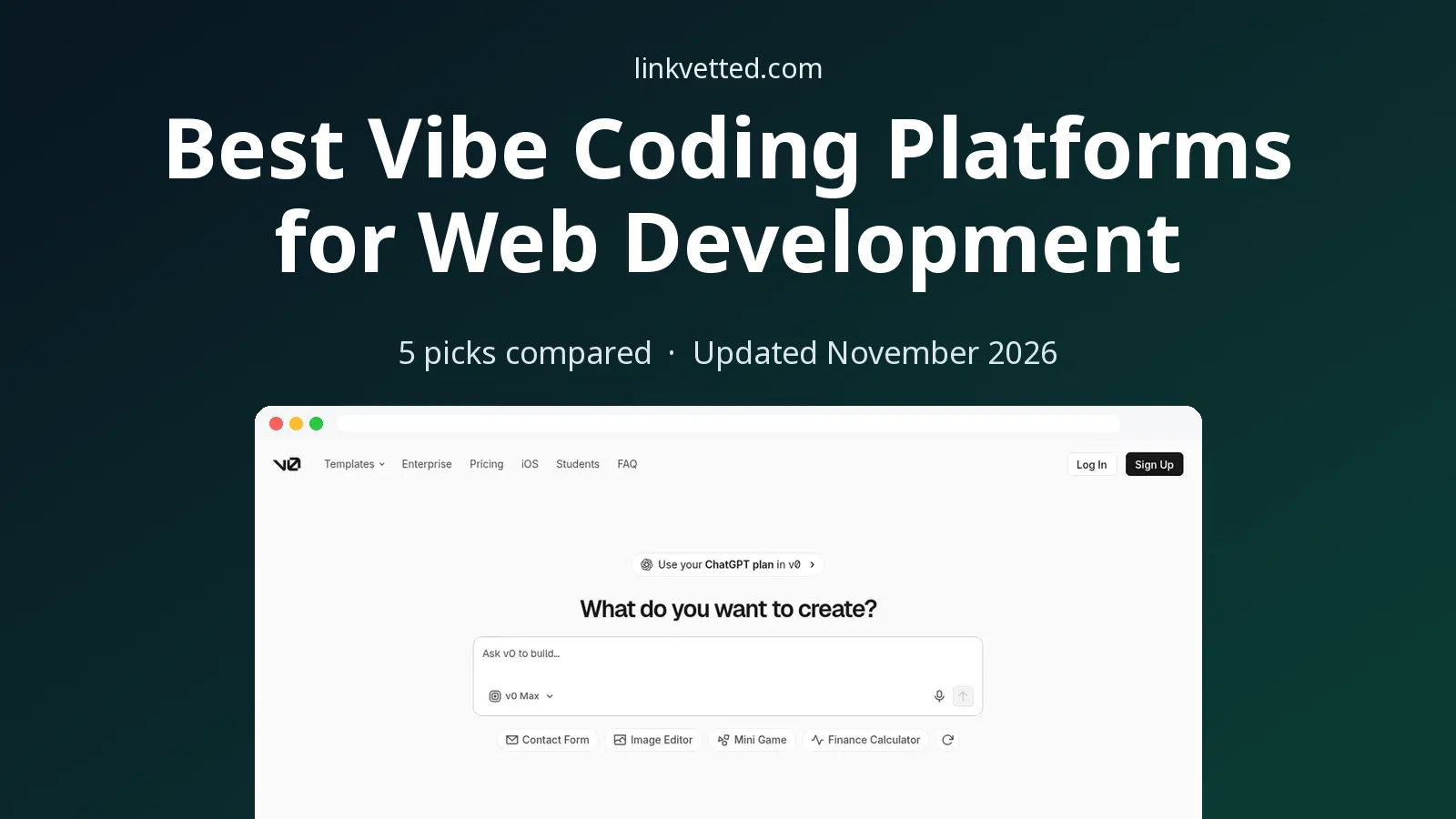
- Editor's choice
 v0
Designing and scaling full-stack web apps
Starts at$30 per user a monthVisit v0.devFull review - Great alternative
 Claude Code
Terminal and IDE agentic coding
Starts at$17 a monthVisit anthropic.comFull review - Also consider
 Replit
Prompt-to-app builds without coding
Starts at$18 a month, billed annuallyVisit replit.comFull review
Direct answer
v0 leads the list, best for designing and scaling full-stack web apps. Listed starting prices: v0 from $30 per user a month, Claude Code from $17 a month and Replit from $18 a month, billed annually. Claude Code is better for terminal and IDE agentic coding, and Replit is better for prompt-to-app builds without coding. The full list of 5 tools follows, with prices and free plan facts.
TL;DR:
- Top of the list is v0, which targets designing and scaling full-stack web apps.
- A free plan is available from 3 of the 5 tools: v0, Claude Code, Cursor.
- For browser-based full-stack workspaces, Firebase Studio is worth a look.
- For the cheapest start, look at Cursor: $8 per month.
Last checked November 2026. Prices and plan details were read from the vendors' own pages in November 2026; vendors change plans often, so confirm the current price on the vendor site before you buy.
Quick comparison
| Tool | Best for | Starts at | Free plan? | |
|---|---|---|---|---|
| v0 | Designing and scaling full-stack web apps | $30 per user a month | Yes | Visit |
| Claude Code | Terminal and IDE agentic coding | $17 a month | Yes | Visit |
| Replit | Prompt-to-app builds without coding | $18 a month, billed annually | Not stated | Visit |
 Cursor | Agent-driven development in the editor | $8 a month | Yes | Visit |
| Firebase Studio | Browser-based full-stack workspaces | See website | Not stated | Visit |
5 options for vibe coding platforms for web development in detail
LinkVetted compared 5 tools for vibe coding platforms for web development. The goal is a practical shortlist: published prices, free plan facts, best-fit use cases and honest limits for every entry.
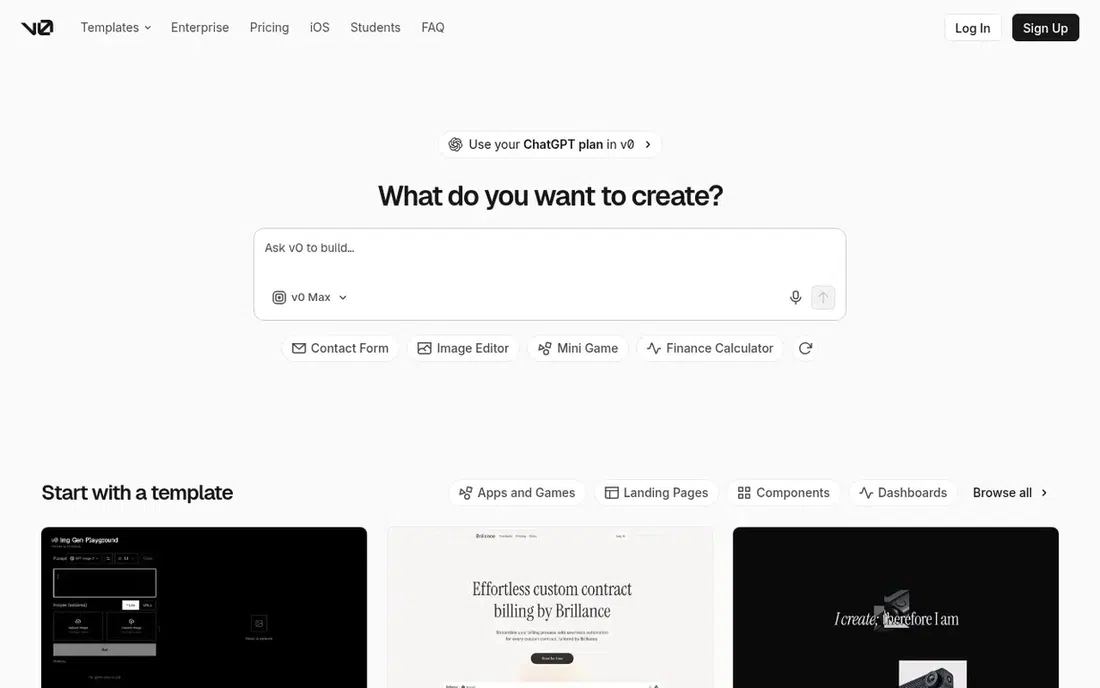
v0 was built for designing and scaling full-stack web apps. v0 by Vercel is described as a collaborative AI assistant to design, iterate, and scale full-stack applications for the web.
Its scope is deliberately centered on web applications, so projects outside that focus may be better served elsewhere. More specifically, if you need an agent that works across a whole existing repository and terminal tasks, a code-first tool is the more practical choice. Entry price for v0: $30 per user per month. A free plan is available with v0.
Points against: Web-focused instead of general purpose.
- Concentrated on full-stack web applications
- Collaborative AI assistant for design and iteration
- Best results need clear design direction
Claude Code targets terminal and IDE agentic coding. Claude Code is Anthropic's agentic coding tool for your terminal and IDE.
Honest limits: Terminal-first approach fits technical users.
It understands your codebase, edits files, runs commands, and is meant to help you ship quicker. It also performs best when you provide precise instructions and review the changes it makes to files and commands. The starting price for Claude Code: $17 per month. You can start on Claude Code without paying.
- Works in the terminal and IDE
- Understands your codebase
- Needs clear task direction
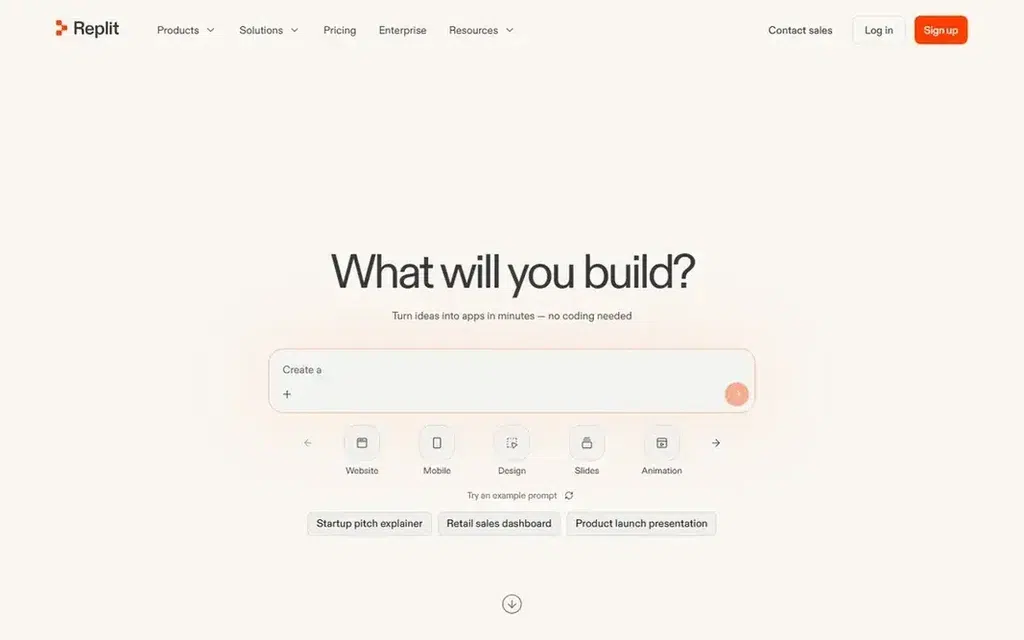
Think of Replit for prompt-to-app builds without coding. Replit presents itself as an AI app and website builder: you describe what you want and it builds a working app or website in minutes, with no coding required. That makes it a natural fit for founders, marketers, and beginners who want to go from idea to a live web project rapidly.
Watch-outs: Prompt results still need review.
Since the emphasis is on describing what you want, teams with strict architecture needs or large existing codebases may want more direct control over the code. Worth adding: pick a code-first agent instead when you have to work inside a mature repository instead of start from a prompt. Price to start with Replit: $18 per month, billed annually. Free plan details: Not stated.
- Describe what you want and get a working app or website
- No coding required to start
- Less control for complicated custom codebases
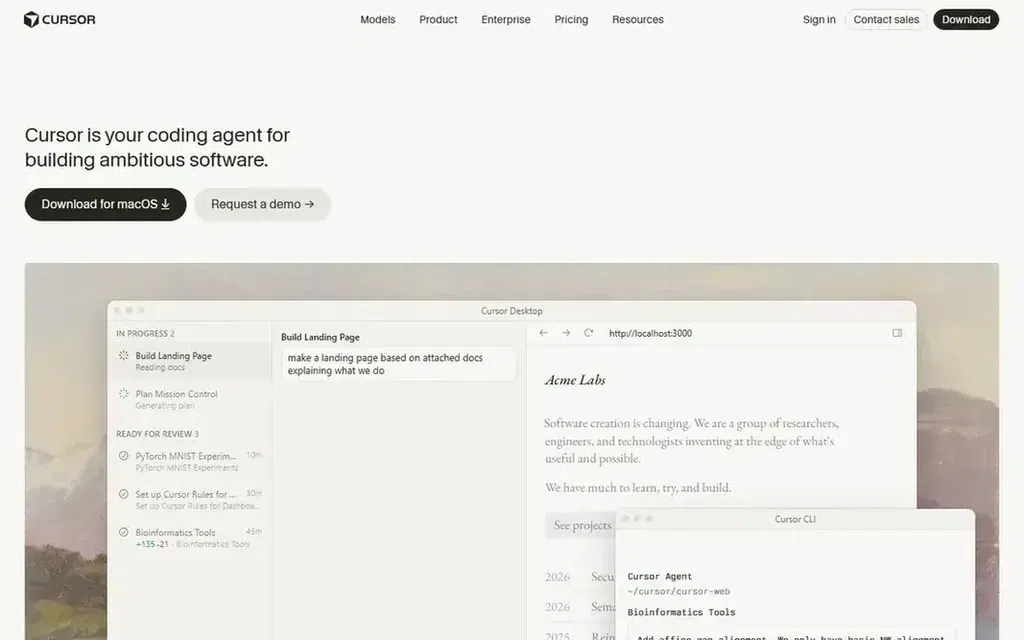
Cursor serves agent-driven development in the editor. It fits professional developers and small teams who already work in an editor and want AI to take on bigger chunks of implementation.
Where it falls short: Needs review of agent output.
Starting cost for Cursor: $8 per month. Free access exists with Cursor.
- Aimed at high developer productivity
- Tasks can be handed off to the agent
- Assumes comfort with code
Firebase Studio
Best for: Browser-based full-stack workspaces
For browser-based full-stack workspaces, Firebase Studio is a natural candidate. Firebase Studio is an entirely web-based workspace for full-stack application development, complete with generative AI from Gemini and full-fidelity app previews powered by cloud emulators.
On top of that, local-first workflows and offline development are also less of a fit for a browser-based workspace. For everyday use, the workspace is built around Firebase and Google's AI tooling, so teams standardized on other stacks may prefer a more neutral editor. Pricing for Firebase Studio is not stated here, so ask the vendor for current figures. Free options: Not stated.
Downsides: Centered on the Firebase ecosystem.
- Full-fidelity app previews with cloud emulators
- Entirely web-based workspace
- Browser workspace may not suit every team
Our selection method
We compared the tools on published pricing, free plan or trial availability, feature coverage for vibe coding platforms for web development, and the limits each vendor documents. Figures are shown as the vendors publish them. Billing terms, seat minimums and add-ons can change the real cost. We ordered the tools by general fit, then by how clearly pricing is shown, then by free access. A buyer with unusual needs may reorder them.
Things to verify first
- Confirm the entry price on the vendor page. For Firebase Studio that means a quote rather than a fixed price.
- Check what the free option really includes: v0, Claude Code and Cursor offer a free plan, and usage caps differ.
- Before choosing v0, weigh its main limit: web-focused instead of general purpose.
- Look at which plan of Firebase Studio unlocks the features you need; entry tiers are often cut down.
- Ask whether Claude Code integrates with your current software, and whether that comes standard or as an add-on.
FAQ
Do these tools publish their prices?
Not all of them. Firebase Studio publishes no starting price, so expect a quote request for it. The rest, v0 included, show a starting price, though seats and billing terms still change the final cost.
Which product is best for non-coders?
This list starts with v0, which fits designing and scaling full-stack web apps. For other needs, Claude Code is aimed at terminal and IDE agentic coding, and Replit at prompt-to-app builds without coding. Check each tool's price and main limit first.
How are the tools for vibe coding platforms for web development ordered?
The order follows typical fit for vibe coding platforms for web development, with v0 first and Firebase Studio last, then price clarity and free access. It is editorial judgement, not a score, so another team could rank the tools differently.
Is v0 the right pick for everyone comparing vibe coding platforms for web development?
No single tool suits every team. v0 comes first because it fits designing and scaling full-stack web apps, while Claude Code suits terminal and IDE agentic coding and Replit suits prompt-to-app builds without coding. Match the tool to your own size, budget and workflow before deciding.
Which options for vibe coding platforms for web development have a free plan?
v0, Claude Code and Cursor offer a free plan in this list. Free plans usually cap users, projects or features, so check the limits on the vendor page.
Sources
- https://v0.dev
- https://www.anthropic.com/claude-code
- https://replit.com
- https://cursor.com
- https://firebase.google.com/studio