Uptime Monitoring Service for Small Sites in 2026: The 6 Best Options Side by Side
Best uptime monitoring service for small sites: 6 contenders ranked by fit, with entry costs and free tiers. Plus the drawbacks of each tool. Clear verdicts.
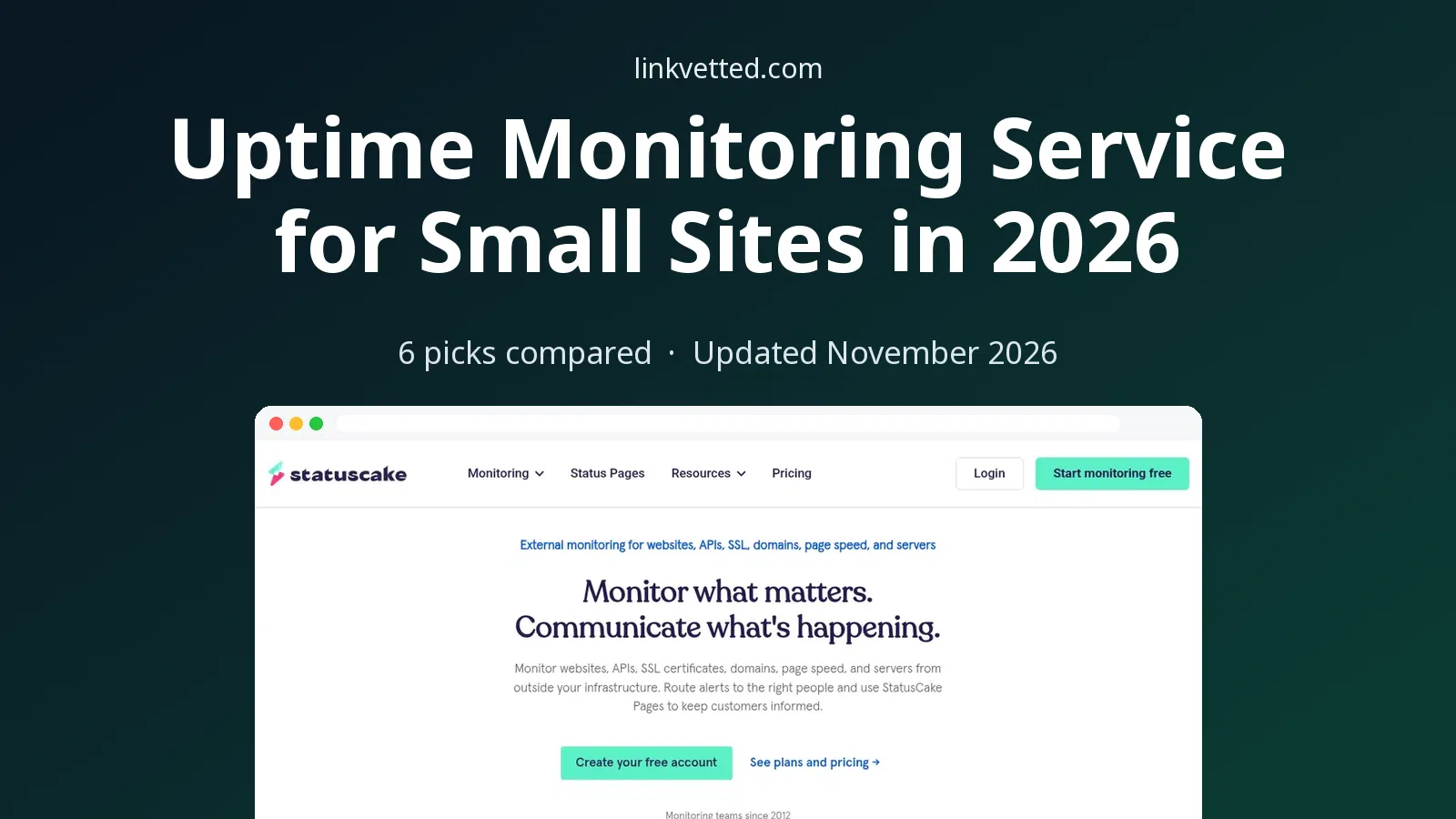
- Editor's choice
 StatusCake
Uptime with speed and certificate checks
Starts at$20.41 a monthVisit statuscake.comFull review - Great alternative
 New Relic
Correlated telemetry and root cause analysis
Starts at$10 per user a monthVisit newrelic.comFull review - Also considerUptime.com
Website, API and cron monitoring
Starts at$9 a monthVisit uptime.comFull review
Direct answer
This list puts StatusCake first for uptime with speed and certificate checks. Listed starting prices: StatusCake from $20.41 a month, New Relic from $10 per user a month and Uptime.com from $9 a month. Alternatives: New Relic for correlated telemetry and root cause analysis, and Uptime.com for website, API and cron monitoring. The other 3 tools in the list cover narrower or pricier cases.
TL;DR:
- Number one here is StatusCake, a fit for uptime with speed and certificate checks.
- Better Stack fits Monitoring plus incident and on-call tooling.
- Only 4 of the 6 tools have a free plan (StatusCake, New Relic, UptimeRobot, Better Stack), so check the caps.
- The main caution on StatusCake: interface can feel dense for beginners.
- The cheapest monthly starting price in the list is $9 per month, offered by Uptime.com.
Last checked November 2026. Prices and plan details were read from the vendors' own pages in November 2026; vendors change plans often, so confirm the current price on the vendor site before you buy.
Quick comparison
| Tool | Best for | Starts at | Free plan? | |
|---|---|---|---|---|
| StatusCake | Uptime with speed and certificate checks | $20.41 a month | Yes | Visit |
| New Relic | Correlated telemetry and root cause analysis | $10 per user a month | Yes | Visit |
| Uptime.com | Website, API and cron monitoring | $9 a month | Not stated | Visit |
 UptimeRobot | Quick, straightforward website uptime checks | $9 a month | Yes | Visit |
| Datadog Synthetic Monitoring | Synthetic checks of user journeys | See website | Not stated | Visit |
 Better Stack | Monitoring plus incident and on-call tooling | $9 per responder license a month | Yes | Visit |
Uptime Monitoring Service for Small Sites compared in detail
LinkVetted put together this guide to uptime monitoring service for small sites for readers who want a clear shortlist without reading every vendor page. It compares 6 tools on starting price, free plans, who each one suits and where each one falls short.
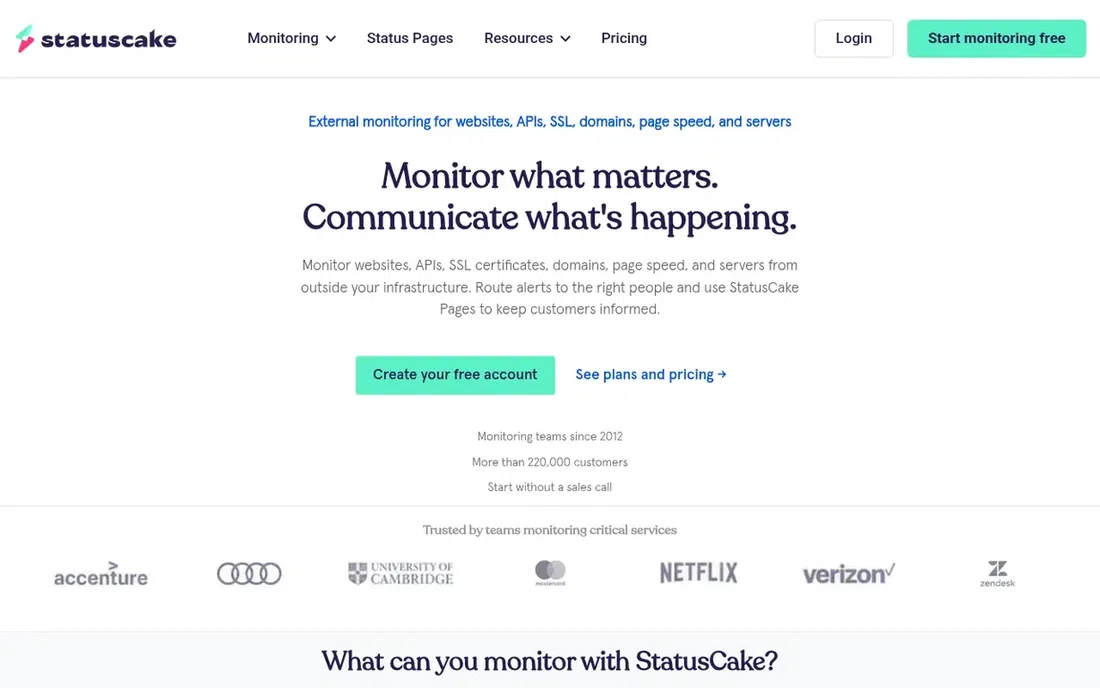
Pick StatusCake if this describes you: uptime with speed and certificate checks. Expect to spend time configuring the checks you actually need.
Limits to weigh: Numerous features need configuration.
StatusCake markets itself as a website monitoring option that tracks uptime, page speed, domain, server and SSL certificates. The vendor frames the product around keeping you online and driving revenue, which points to continuing operational oversight instead of a single check. What you pay to start with StatusCake: $20.41 per month. StatusCake offers a free plan.
- Uptime and page speed monitoring
- Domain and SSL certificate tracking
- Interface can feel dense for beginners
New Relic is built with correlated telemetry and root cause analysis in mind. New Relic describes itself as an AI-powered observability system that correlates telemetry across your whole stack to isolate root cause and cut MTTR.
Pick New Relic when root cause analysis across services is the priority. For a small site that has grown into an application with dependencies, this correlation can shorten the path from alert to fix. What you pay to start with New Relic: $10 per user per month. A free plan is available with New Relic.
Watch-outs: Observability depth beyond straightforward uptime.
- AI-powered observability positioning
- Correlates telemetry across the stack
- Needs instrumentation effort
Uptime.com
Best for: Website, API and cron monitoring
Uptime.com targets website, API and cron monitoring. For a small site that also runs a handful of API endpoints or scheduled jobs, this breadth of monitor types with ample alerting is a sensible fit.
The product centers on availability checks instead of full application performance management. In daily use, uptime.com describes itself as a website monitoring service centred on uptime, including websites, APIs and cron jobs. Uptime.com cost at the entry level: $9 per month. On free options: Not stated.
Downsides: Less emphasis on deep APM.
What works well: Clear uptime-focused positioning.
- Unlimited email
- APIs and cron jobs
- Feature depth may exceed straightforward needs
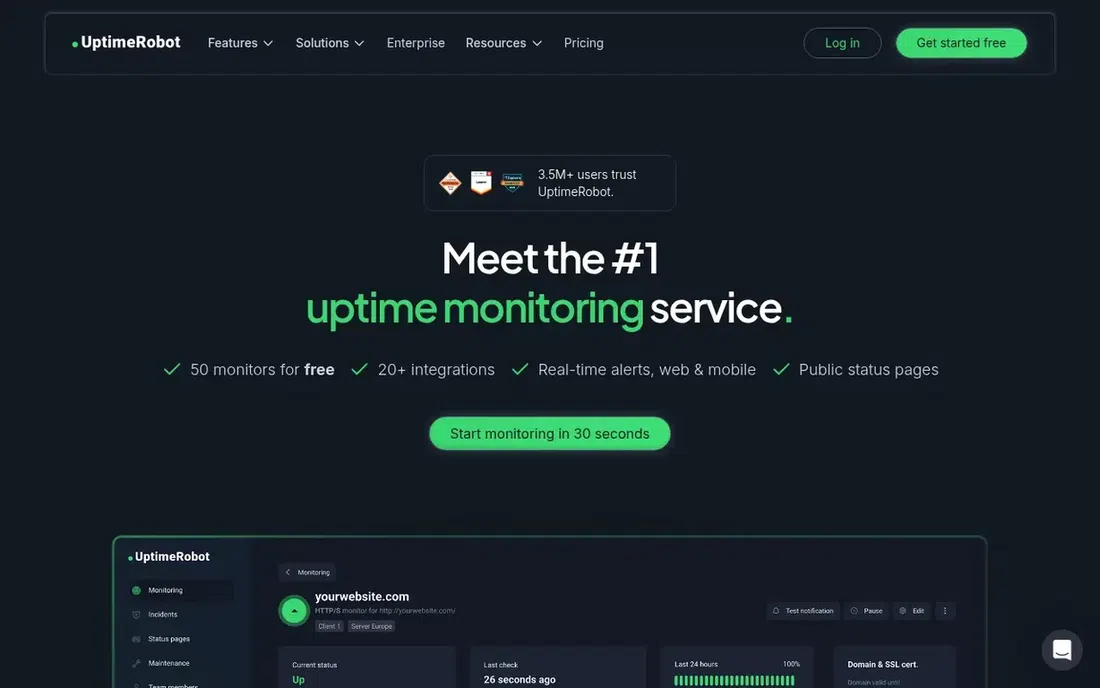
Choose UptimeRobot for quick, straightforward website uptime checks. Choose UptimeRobot when quick alerts and straightforward monitor types matter more than deep observability.
The main drawbacks: Less suited to full observability.
It spans advanced checks like SSL, keyword and cron monitoring, and sends alerts through email, SMS, Slack and other channels. On cost, UptimeRobot starts like this: $9 per month. You can start on UptimeRobot without paying.
What works well: SMS and Slack notifications.
- SSL
- Deeper analytics are restricted
Datadog Synthetic Monitoring
Best for: Synthetic checks of user journeys
Datadog Synthetic Monitoring is built with Synthetic checks of user journeys in mind. Instead of only checking whether a page responds, it tests flows the way users experience them. A small site with a signup or checkout path can benefit from knowing that a critical journey works, not just that the homepage loads.
Where it falls short: Best value within the wider product.
For everyday use, consider it when user journey verification is the goal. In practice, for an entry-level availability check on a brochure site, it is more than needed. This comparison lists no price for Datadog Synthetic Monitoring; ask the vendor. Free plan details: Not stated.
- Automatically discovers user journeys
- Suits teams already using Datadog
- Synthetic focus
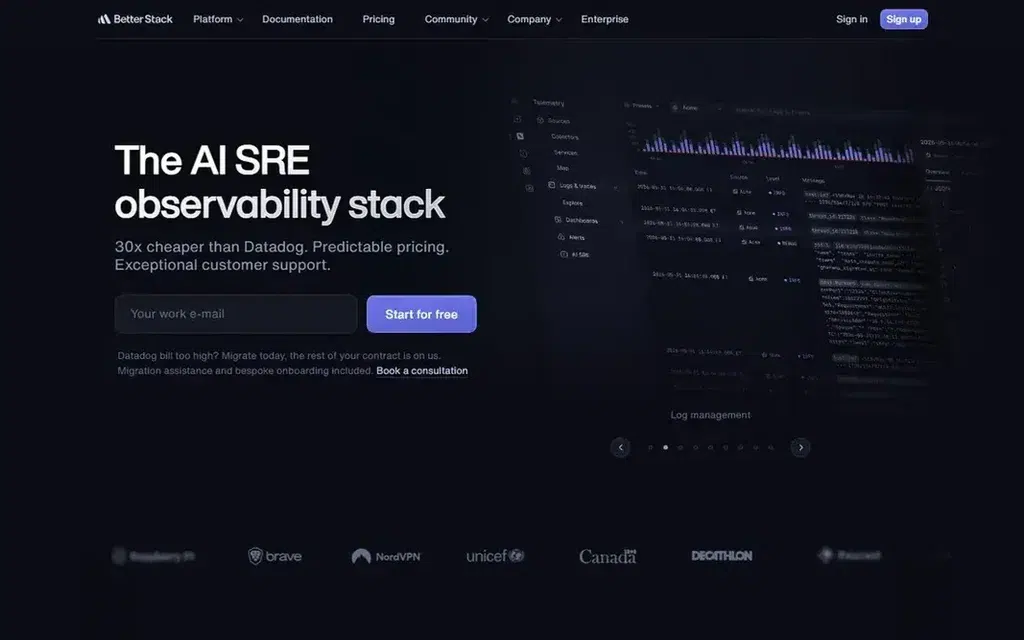
Better Stack makes the most sense for Monitoring plus incident and on-call tooling. Better Stack describes itself as an AI SRE and MCP server with incident management, on-call, logs, metrics, traces and error tracking. As for the details, the feature set goes well beyond what a straightforward website needs, which can mean more configuration than an entry-level uptime checker.
Honest limits: More setup than a basic checker.
Reasons to shortlist it: traces and error tracking. For everyday use, for a small team that expects to grow and wants alerting tied to incident response, this combination can cut the number of separate tools to handle. More specifically, consider it when incident workflows and telemetry are on your roadmap. What you pay to start with Better Stack: $9 per responder license per month. You can start on Better Stack without paying.
- Logs, metrics
- Incident management and on-call features
- Broader scope than a small site needs
Selection criteria
What to check before you buy
- Confirm the entry price on the vendor page. For Datadog Synthetic Monitoring that means a quote rather than a fixed price.
- Check what the free option really includes: StatusCake, New Relic, UptimeRobot and Better Stack offer a free plan, and usage caps differ.
- Before choosing StatusCake, weigh its main limit: interface can feel dense for beginners.
- See whether Uptime.com offers onboarding or training, and whether it is included in the price.
- Find out whether the entry plan of UptimeRobot covers your must-haves or only a trimmed-down version.
FAQ
What should a small site look for in an uptime monitoring service?
Start with steady HTTP checks and alerts that reach you where you work, for example email or Slack. Add keyword, SSL or cron monitoring only if your site relies on those.
How are the uptime monitoring service for small sites ordered?
The order follows typical fit for uptime monitoring service for small sites, with StatusCake first and Better Stack last, then price clarity and free access. It is editorial judgement, not a score, so another team could rank the tools differently.
Do these tools publish their prices?
Not all of them. Datadog Synthetic Monitoring publishes no starting price, so expect a quote request for it. The rest, StatusCake included, show a starting price, though seats and billing terms still change the final cost.
Can I try these tools before paying?
Often, yes. StatusCake, New Relic, UptimeRobot and Better Stack have a free plan. Use your own data and a real task during the test, and check what the free tier or trial limits before you rely on it.
Which uptime monitoring service for small sites have a free plan?
On this list, StatusCake, New Relic, UptimeRobot and Better Stack include a free plan. Caps on seats, usage or features are common, so test the free plan against your real workload.
Sources
- https://www.statuscake.com
- https://newrelic.com
- https://uptime.com
- https://uptimerobot.com
- https://www.datadoghq.com/product/synthetic-monitoring
- https://betterstack.com