Top UNIGINE Superposition Alternatives in 2026: 5 Picks Ranked
UNIGINE Superposition alternatives in 2026: 5 contenders with entry costs and free tiers. Strengths and gaps are listed per tool. Pricing and limits included.
- Editor's choiceGPU-Z
GPU information and verification
Starts atPricing on requestVisit techpowerup.comFull review - Great alternativeFurMark
GPU stress and thermal testing
Starts atPricing on requestVisit geeks3d.comFull review - Also consider
 Cinebench
CPU rendering performance checks
Starts atPricing on requestVisit maxon.netFull review
Direct answer
GPU-Z comes first here, mainly for GPU information and verification. FurMark fits GPU stress and thermal testing; Cinebench fits CPU rendering performance checks. The full list of 5 tools follows, with free plan facts. None of these vendors publish plan prices, so pricing is on request for every option.
TL;DR:
- GPU-Z is the opening pick, best for GPU information and verification.
- Before buying Cinebench, weigh this: not a GPU stress tool.
- For game-based performance checks, Final Fantasy XIV Benchmark is worth a look.
- GPU-Z, Final Fantasy XIV Benchmark and the 3 others all need a premium plan or a trial, since no free plan is listed.
Last checked November 2026. Pricing on request: vendors did not publish plan prices when this guide was last checked (November 2026), so ask each vendor for a written quote.
Quick comparison
| Tool | Best for | Starts at | Free plan? | |
|---|---|---|---|---|
| GPU-Z | GPU information and verification | Pricing on request | Not stated | Visit |
| FurMark | GPU stress and thermal testing | Pricing on request | Not stated | Visit |
| Cinebench | CPU rendering performance checks | Pricing on request | Not stated | Visit |
 PassMark PerformanceTest | Wide system benchmarking | Pricing on request | Free trial | Visit |
| Final Fantasy XIV Benchmark | Game-based performance checks | Pricing on request | Not stated | Visit |
The full UNIGINE Superposition list
LinkVetted put together this guide to UNIGINE Superposition for readers who want a clear shortlist without reading every vendor page. It compares 5 tools on starting price, free plans, who each one suits and where each one falls short.
GPU-Z
Best for: GPU information and verification
GPU-Z works best for GPU information and verification. It suits users who require to confirm specifications or monitor GPU details before and after testing.
Where it is weaker: Information-focused only.
GPU-Z does not run performance tests or stress workloads, so it cannot replace a benchmark. GPU-Z shows no starting price here, so confirm the cost on the vendor site. Trial and free access: Not stated.
- In-depth GPU information
- Light system utility
- No benchmark scoring
FurMark
Best for: GPU stress and thermal testing
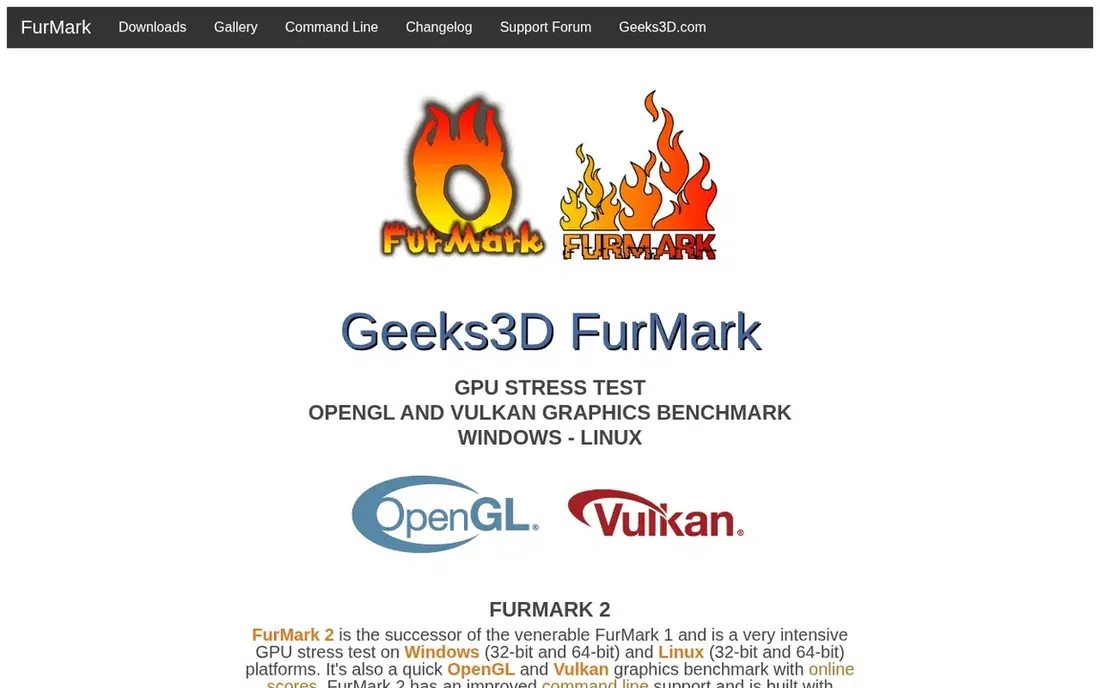
FurMark makes the most sense for GPU stress and thermal testing. If you need combined CPU, disk and 3D results, a full suite is the better choice.
This comparison lists no price for FurMark; ask the vendor. On free options: Not stated.
Where it is weaker: Narrow focus on GPU load.
- Straightforward graphics card benchmark
- Dedicated GPU stress test
- Not a full system suite

For CPU rendering performance checks, Cinebench is a natural candidate. If your primary interest is CPU throughput, it is a practical starting point alongside GPU-focused tools.
In practice, since it targets rendering, Cinebench does not stress the GPU the way graphics benchmarks do. So it is a poor fit for thermal or stability testing of a graphics card. Pricing for Cinebench is not stated here, so ask the vendor for current figures. On free options: Not stated.
Downsides: Not a GPU stress tool.
- Handy for comparing processor performance
- Well known for CPU rendering tests
- Restricted system-wide coverage
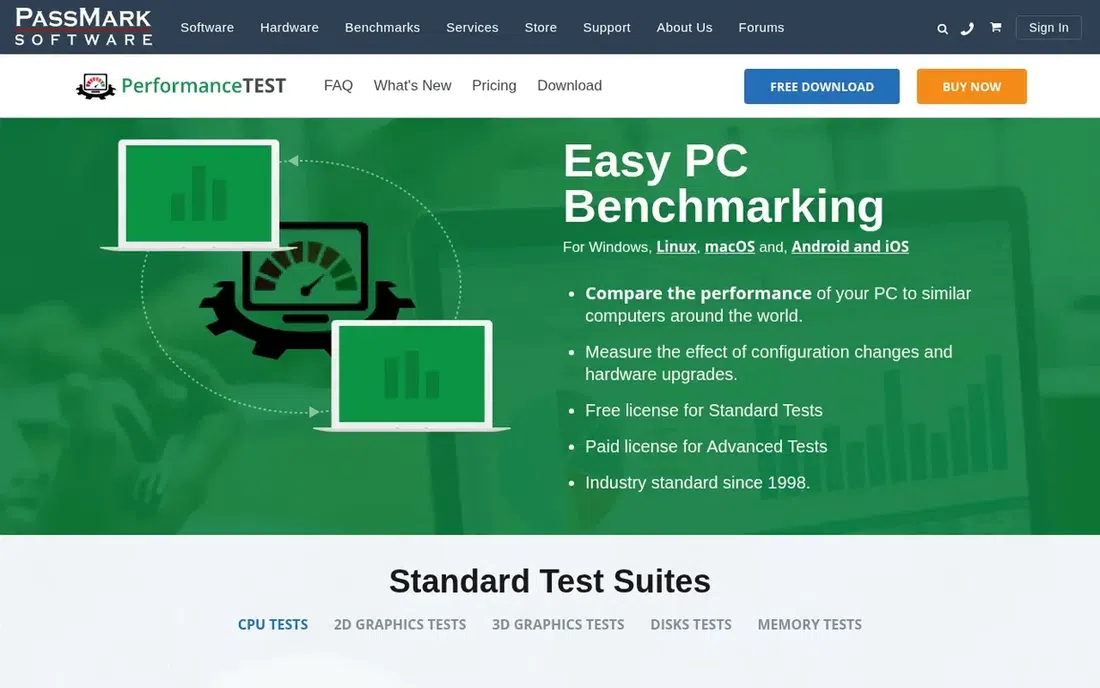
Think of PassMark PerformanceTest for wide system benchmarking. It is a reasonable pick when you are evaluating a whole build.
Where it is weaker: Results need careful interpretation.
Choose a focused benchmark when one component is the priority. No starting price is listed for PassMark PerformanceTest here; confirm pricing on the vendor site. Trial and free access: Free trial.
- Compares results across machines
- Comes with disk
- Wide instead of deep in one area
Final Fantasy XIV Benchmark
Best for: Game-based performance checks
Final Fantasy XIV Benchmark targets game-based performance checks. The Final Fantasy XIV: Dawntrail benchmark is the official benchmark for that game, giving a game-specific performance view.
It suits players who want to see how a system deals with a real game workload instead of a synthetic test. Final Fantasy XIV Benchmark does not show a starting price in this comparison, so check the vendor site for current pricing. Trial and free access: Not stated.
Drawbacks to consider: Tied to one game.
- Realistic game workload
- Official game benchmark
- Not a general stress tool
How we compared the tools
LinkVetted looked at what each vendor publishes: pricing, plan limits, feature coverage for UNIGINE Superposition and stated drawbacks. No hands-on testing is claimed. Where a price is missing, the vendor does not list one publicly or ties it to a quote. Always confirm before budgeting. We ordered the tools by general fit, then by how clearly pricing is shown, then by free access. A buyer with unusual needs may reorder them.
Questions to settle before buying
- Confirm the entry price with every vendor: no tool from GPU-Z to Final Fantasy XIV Benchmark shows a fixed starting price.
- Use real work to test the free trial from PassMark PerformanceTest, rather than a demo project.
- Read the limits listed for GPU-Z first: no benchmark scoring.
- Pick one real project and run it in GPU-Z first; a small pilot shows fit faster than a checklist.
- Check the integration list for PassMark PerformanceTest against the tools you run today, and note which ones need a higher plan.
FAQ
What is the best alternative to UNIGINE Superposition for GPU stress testing?
Start with GPU-Z if you need GPU information and verification. FurMark is the better match for GPU stress and thermal testing, and Cinebench for CPU rendering performance checks. The best choice depends on budget, team size and workflow.
Is GPU-Z the right pick for everyone comparing UNIGINE Superposition?
No single tool suits every team. GPU-Z comes first because it fits GPU information and verification, while FurMark suits GPU stress and thermal testing and Cinebench suits CPU rendering performance checks. Match the tool to your own size, budget and workflow before deciding.
Can I try these tools before paying?
Often, yes. PassMark PerformanceTest offers a free trial. Use your own data and a real task during the test, and check what the free tier or trial limits before you rely on it. Each of the 5 options in this UNIGINE Superposition alternatives guide has its own card above with the price, free plan and limits.
Can I benchmark my entire system rather than just the GPU?
PassMark PerformanceTest comes with disk, 3D and CPU tests and compares results to other machines. That makes it better suited to a full system evaluation than a GPU-only tool.
Do these tools publish their prices?
No. None of the tools, from GPU-Z to Final Fantasy XIV Benchmark, shows a fixed starting price here, so budget time for quotes.
Does any tool for UNIGINE Superposition here have a free plan?
A permanent free plan is not offered by GPU-Z, Final Fantasy XIV Benchmark or the other tools here. PassMark PerformanceTest offer a trial. Plan a short evaluation period instead.
Sources
- https://www.techpowerup.com/gpuz
- https://geeks3d.com/furmark
- https://www.maxon.net/en/cinebench
- https://www.passmark.com/products/performancetest
- https://na.finalfantasyxiv.com/benchmark