Best Uptime Monitoring for Restaurant WiFi (2026): 6 Picks Checked on Vendor Pages
Compare 6 picks for the best uptime monitoring for restaurant WiFi, with prices, free plans and who each fits. Details on cost, catches and fit. Easy to scan.
- Editor's choice
 StatusCake
Website, speed, and SSL monitoring
Starts at$20.41 per monthVisit statuscake.comFull review - Great alternative
 New Relic
Correlating telemetry to find root causes
Starts at$10 per user a monthVisit newrelic.comFull review - Also consider
 Site24x7
Monitoring whole IT environment
Starts atSee websiteVisit site24x7.comFull review
Direct answer
StatusCake comes first here, mainly for website, speed, and SSL monitoring. Listed starting prices: StatusCake from $20.41 per month, New Relic from $10 per user a month and UptimeRobot from $9 per month. If your case is different, New Relic suits correlating telemetry to find root causes and Site24x7 suits Monitoring whole IT environment. The full list of 6 tools follows, with prices and free plan facts.
TL;DR:
- Top of the list is StatusCake, which targets website, speed, and SSL monitoring.
- Only 4 of the 6 tools have a free plan (StatusCake, New Relic, UptimeRobot, Better Stack Uptime), so check the caps.
- Better Stack Uptime is the one to check for Uptime monitoring with status pages.
- One limit worth knowing about Datadog Synthetic Monitoring: can be complicated to set up.
Last checked November 2026. Prices and plan details were read from the vendors' own pages in November 2026; vendors change plans often, so confirm the current price on the vendor site before you buy.
Quick comparison
| Tool | Best for | Starts at | Free plan? | |
|---|---|---|---|---|
| StatusCake | Website, speed, and SSL monitoring | $20.41 per month | Yes | Visit |
| New Relic | Correlating telemetry to find root causes | $10 per user a month | Yes | Visit |
| Site24x7 | Monitoring whole IT environment | See website | Not stated | Visit |
| Datadog Synthetic Monitoring | Verifying user journeys across systems | See website | Not stated | Visit |
 UptimeRobot | Straightforward website and SSL monitoring | $9 per month | Yes | Visit |
| Better Stack Uptime | Uptime monitoring with status pages | $9 per responder license per month | Yes | Visit |
Tool-by-tool breakdown
Choosing uptime monitoring for restaurant WiFi usually comes down to price, fit and limits. This LinkVetted guide sets 6 tools side by side on those three points, with the facts kept short and checkable.
StatusCake targets website, speed, and SSL monitoring. StatusCake is a website monitoring option that tracks uptime, page speed, domain, server, and SSL certificates.
Trade-offs to know: Interface can feel dated.
As for the details, the interface may feel less modern than some alternatives, and advanced network monitoring is restricted. For deeper infrastructure visibility, a product like Site24x7 or Datadog may be a better choice. On cost, StatusCake starts like this: $20.41 per month. StatusCake has a free plan.
- Domain and SSL checks
- Page speed monitoring
- Advanced features may need setup
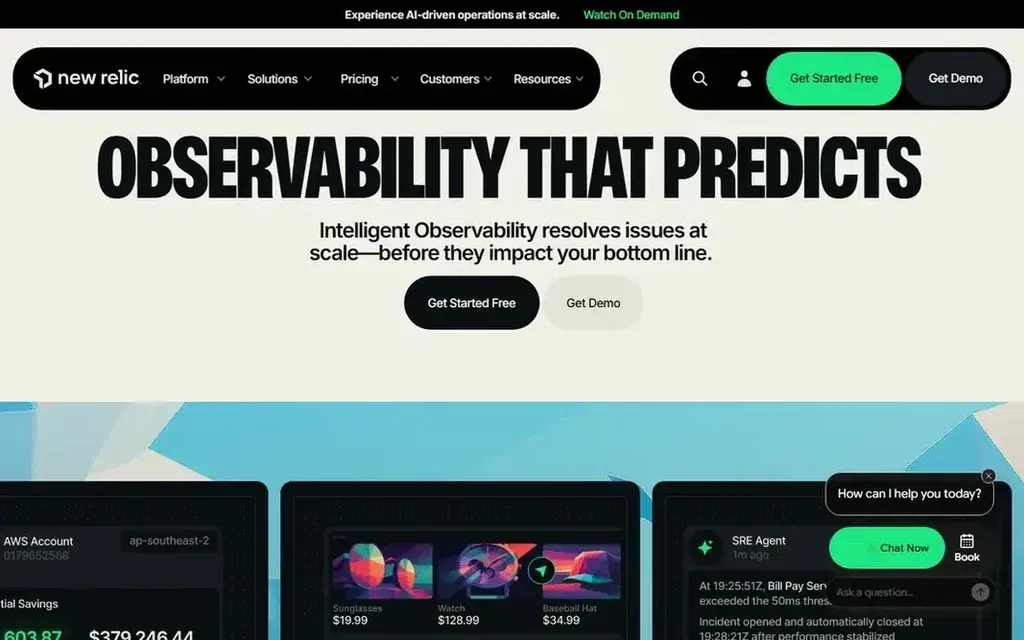
Where New Relic fits: correlating telemetry to find root causes. For simple website uptime checks, a lighter tool like UptimeRobot may be more appropriate.
On top of that, New Relic is an AI-powered observability system that correlates telemetry across your whole stack to help isolate root causes and cut MTTR. From a buyer's view, the product is feature-rich and can be overwhelming for small restaurant owners without technical resources. Price to start with New Relic: $10 per user per month. A free plan is available with New Relic.
Honest limits: Overkill for entry-level needs.
- AI-powered observability
- Helps cut MTTR
- Steep ramp-up time
In short, Site24x7 is for Monitoring whole IT environment. The system is full and can be complicated for small restaurants without dedicated IT staff.
If you only need entry-level website uptime checks, a more straightforward tool like UptimeRobot may be sufficient. Also, Site24x7 supplies monitoring for websites, servers, networks, applications, and cloud products with instant alerts through several channels. Site24x7 shows no starting price here, so confirm the cost on the vendor site. Free access: Not stated.
Watch-outs: May be more than needed for small sites.
- Contains network and server checks
- Instant alerts via several channels
- Can be complicated to configure
Datadog Synthetic Monitoring
Best for: Verifying user journeys across systems
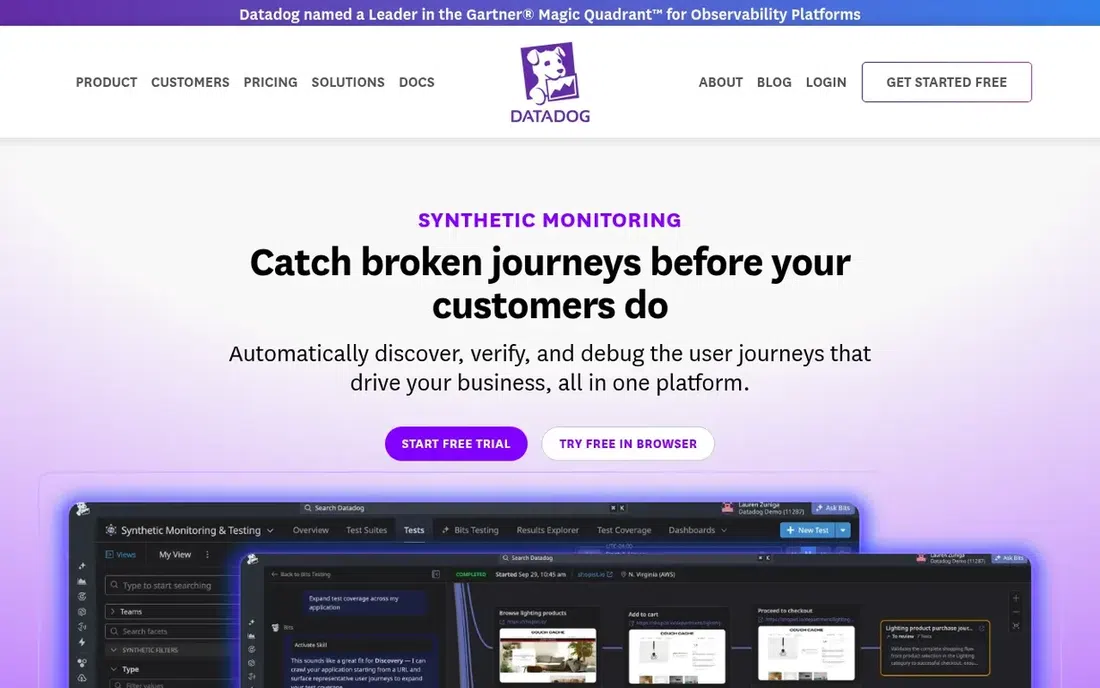
Datadog Synthetic Monitoring is designed for verifying user journeys across systems. The system can be complicated for small teams without dedicated IT staff.
Drawbacks to consider: Better for technical teams.
It is aimed at application-level monitoring instead of local WiFi hardware. Also, a more straightforward website monitor may be a better fit if you only need entry-level uptime checks. No starting price is listed for Datadog Synthetic Monitoring here; confirm pricing on the vendor site. Free access: Not stated.
- Integrated debugging
- Automatic journey discovery
- Can be complicated to set up
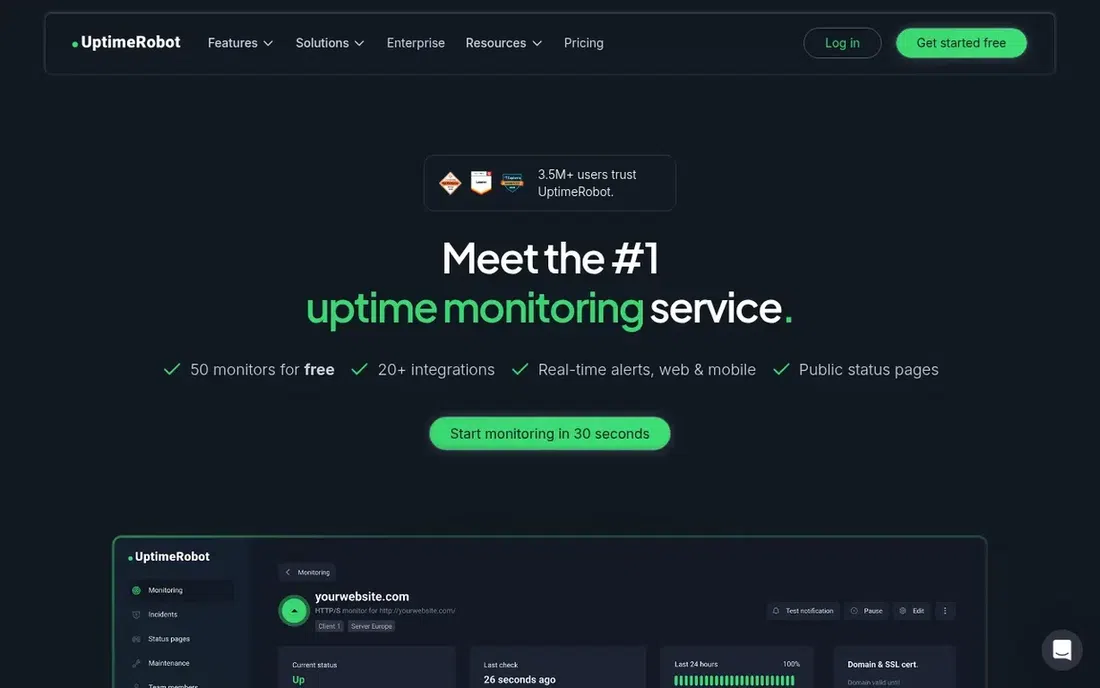
UptimeRobot serves straightforward website and SSL monitoring. UptimeRobot is a website monitoring service that checks uptime, SSL certificates, and keywords, sending alerts through email, SMS, and Slack.
Where it shines: Alerts via email and SMS.
Also, the service concentrates on website-level checks instead of deep network diagnostics, so it may not provide full visibility into local WiFi hardware. From a buyer's view, choose a more network-oriented tool if you have to monitor routers or access points straight. UptimeRobot starts at: $9 per month. A free plan is available with UptimeRobot. Limits to weigh: Restricted network depth.
- SSL and keyword checks
- Fast setup
- Entry-level reporting
Better Stack Uptime
Best for: Uptime monitoring with status pages
Better Stack Uptime makes the most sense for Uptime monitoring with status pages. Better Stack Uptime gives you dependable uptime monitoring with heartbeat checks and a built-in status page.
The tool focuses on uptime and heartbeat monitoring instead of deep network diagnostics, so it may not handle local WiFi hardware issues. From a buyer's view, consider a network-focused tool if you have to monitor routers or access points straight. What you pay to start with Better Stack Uptime: $9 per responder license per month. Free access exists with Better Stack Uptime.
What to check first: May need upgrade for more watches.
- Heartbeat monitoring
- Straightforward setup
- Restricted advanced network checks
Our selection method
A buyer's checklist
- Ask Site24x7 and Datadog Synthetic Monitoring for a written quote, since no starting price is shown.
- Check what the free option really includes: StatusCake, New Relic, UptimeRobot and Better Stack Uptime offer a free plan, and usage caps differ.
- Read the limits listed for StatusCake first: interface can feel dated.
- Check the integration list for Better Stack Uptime against the tools you run today, and note which ones need a higher plan.
- Check how data leaves UptimeRobot: formats, limits and whether exports are available on every plan.
FAQ
Which options for uptime monitoring for restaurant WiFi have a free plan?
On this list, StatusCake, New Relic, UptimeRobot and Better Stack Uptime include a free plan. Caps on seats, usage or features are common, so test the free plan against your real workload.
Do these tools publish their prices?
Not all of them. Site24x7 and Datadog Synthetic Monitoring publish no starting price, so expect a quote request for those. The rest, StatusCake included, show a starting price, though seats and billing terms still change the final cost.
How are the tools for uptime monitoring for restaurant WiFi ordered?
The order follows typical fit for uptime monitoring for restaurant WiFi, with StatusCake first and Better Stack Uptime last, then price clarity and free access. It is editorial judgement, not a score, so another team could rank the tools differently.
Can uptime monitoring tools check my restaurant's WiFi network straight?
Most website uptime tools check external endpoints, not local WiFi hardware. For direct network monitoring, look for tools like Site24x7 that support network device checks.
What is the cheapest option for uptime monitoring for restaurant WiFi in this list?
On published monthly entry prices, UptimeRobot is the lowest here at $9 per month. Entry price is only part of the cost, because seats, add-ons and billing terms can change the total. Prices, free plan details and limits for all 6 tools in this uptime monitoring for restaurant WiFi roundup sit on the individual cards above.
Sources
- https://www.statuscake.com
- https://newrelic.com
- https://www.site24x7.com
- https://www.datadoghq.com/product/synthetic-monitoring
- https://uptimerobot.com
- https://betterstack.com/uptime