6 Best Tools for Mapping Enterprise Buying Centers for 2026, Vetted and Compared
6 best tools for mapping enterprise buying centers, with entry costs, free tiers and the buyer each one serves. With pricing notes and limits. Numbers first.
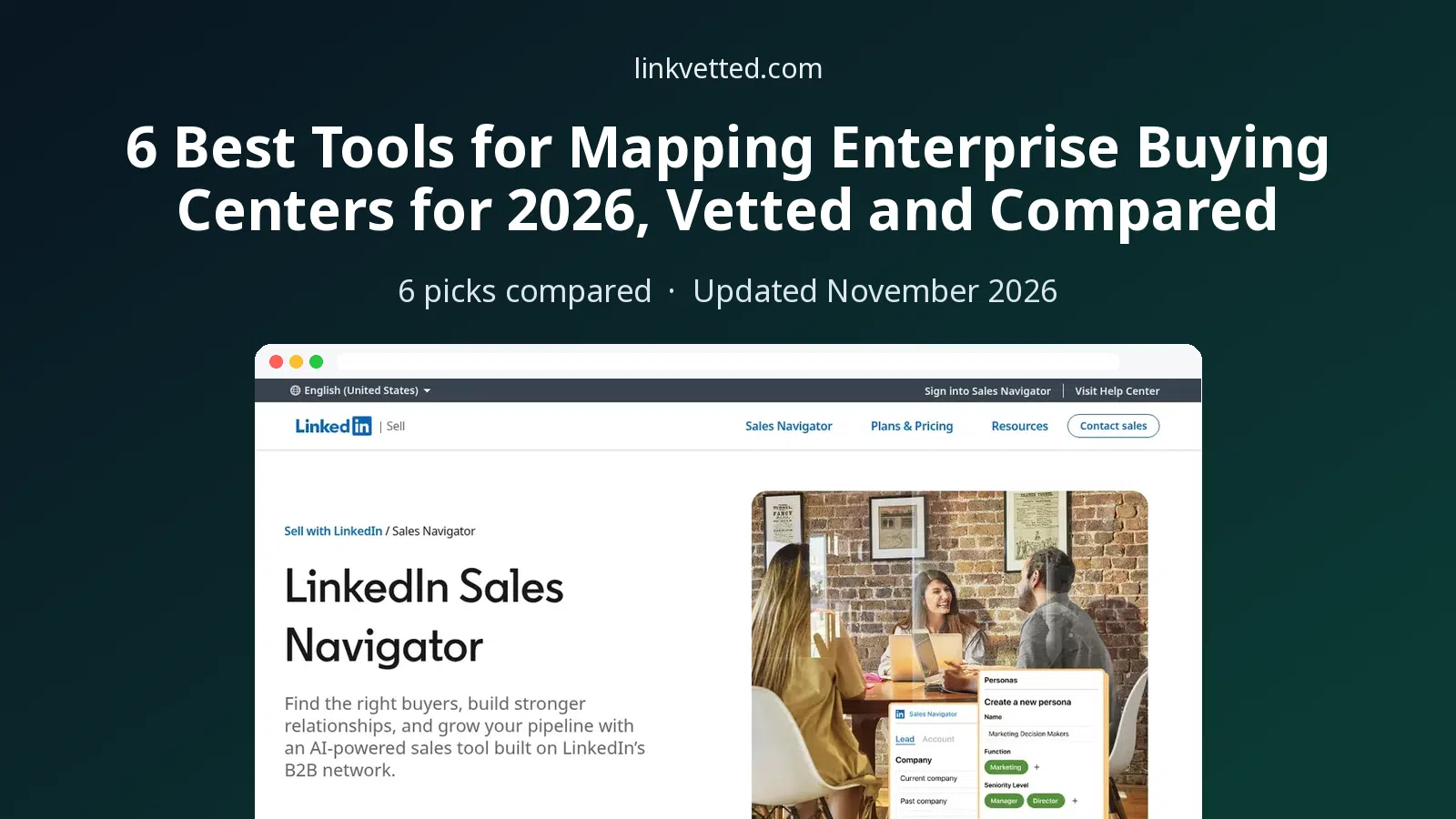
- Editor's choice
 LinkedIn Sales Navigator
Individual sellers and sales teams
Starts at$119.99 a month per licenseVisit business.linkedin.comFull review - Great alternative
 Clearbit
Enrichment and intent inside HubSpot
Starts atSee websiteVisit clearbit.comFull review - Also consider
 Cognism
Premium sales intelligence and data quality
Starts atSee websiteVisit cognism.comFull review
Direct answer
For individual sellers and sales teams, LinkedIn Sales Navigator is where this list starts. Listed starting prices: LinkedIn Sales Navigator from $119.99 a month per license. If your case is different, Clearbit suits enrichment and intent inside HubSpot and Cognism suits premium sales intelligence and data quality. All 6 tools are compared below on price, free plan and limits.
TL;DR:
- This list starts with LinkedIn Sales Navigator, which is built for individual sellers and sales teams.
- HubSpot suits connected marketing and sales software.
- Before buying Salesforce, weigh this: needs setup to model buying centers.
- Salesforce is the only tool of the 6 with a free plan.
- For the cheapest start, look at LinkedIn Sales Navigator: $119.99 per month per license.
Last checked November 2026. Prices and plan details were read from the vendors' own pages in November 2026; vendors change plans often, so confirm the current price on the vendor site before you buy.
Quick comparison
| Tool | Best for | Starts at | Free plan? | |
|---|---|---|---|---|
| LinkedIn Sales Navigator | Individual sellers and sales teams | $119.99 a month per license | Free trial | Visit |
| Clearbit | Enrichment and intent inside HubSpot | See website | Not stated | Visit |
| Cognism | Premium sales intelligence and data quality | See website | Not stated | Visit |
 Salesforce | Central CRM for account context | See website | Yes | Visit |
 ZoomInfo | B2B data and ABM prospecting | See website | Free trial | Visit |
 HubSpot | Connected marketing and sales software | See website | Not stated | Visit |
The best tools for mapping enterprise buying centers
Short on time? The summary and table above give the quick view of 6 tools for mapping enterprise buying centers, and the profiles that follow give the detail behind each entry.
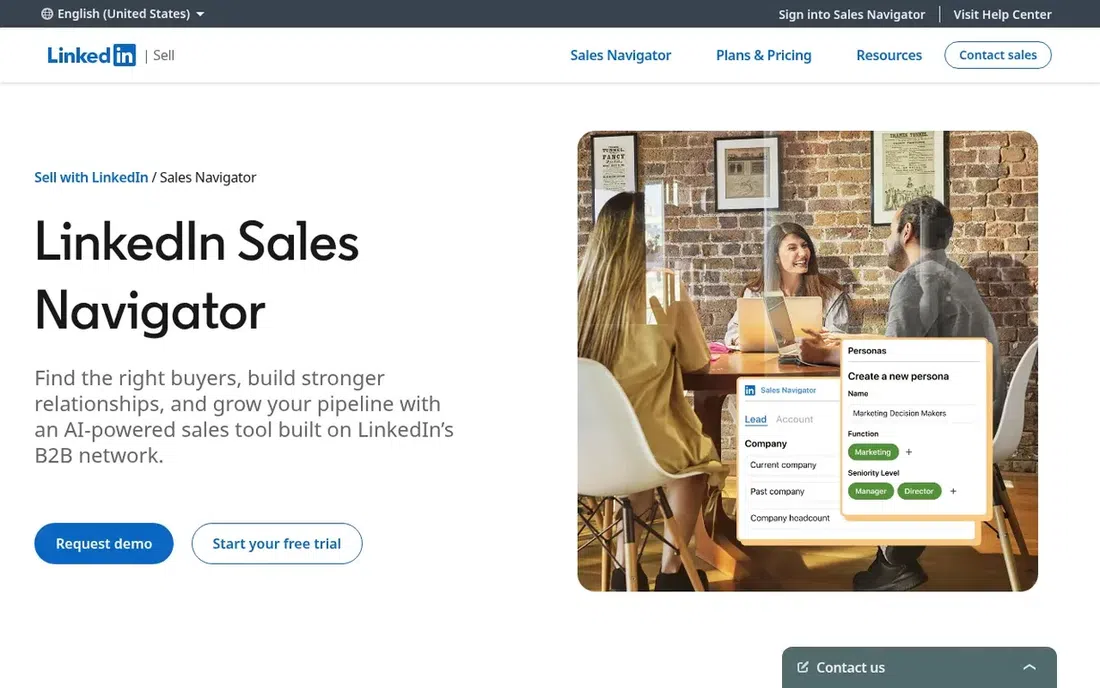
Choose LinkedIn Sales Navigator for individual sellers and sales teams. The tool centers on the seller's workflow instead of enterprise-wide account planning, and its picture relies on what people publish on LinkedIn.
Drawbacks to consider: Depends on LinkedIn profile data.
What you pay to start with LinkedIn Sales Navigator: $119.99 per month per license. Trial and free access: Free trial.
- Aimed at expanding pipeline and closing deals
- Helps find the right buyers
- Concentrated on sellers instead of whole organizations
Think of Clearbit for enrichment and intent inside HubSpot. Clearbit has joined HubSpot and is presented as the first HubSpot native data provider, now rebuilt with artificial intelligence. In daily use, for buying center mapping, enrichment and intent signals help teams spot which accounts and roles are engaging before they build out stakeholder maps.
Honest limits: Tied closely to the HubSpot ecosystem.
Its strengths are tied to the HubSpot ecosystem, so teams on other CRMs may find the fit restricted. It supports enrichment and intent instead of full account planning on its own. As for the details, choose Clearbit when HubSpot is your core system and cleaner records plus visitor intent are the priority. Check the vendor site for Clearbit pricing; none is listed in this comparison. On free options: Not stated.
- Supports scoring and routing
- Enriches records and reveals buying intent
- Enrichment focus instead of full account planning
Cognism is aimed squarely at premium sales intelligence and data quality. Choose Cognism when compliance-minded contact data is the primary gap in your current stack. As for the details, for buying center work, it helps teams find and verify contacts so stakeholder lists rest on cleaner records.
Where it falls short: Data coverage varies by region and role.
It is a data and intelligence tool instead of a system of record, so buying center maps still need a CRM or planning workspace. On top of that, coverage can vary by region and seniority, so verify key contacts. This comparison lists no price for Cognism; ask the vendor. As for free access: Not stated.
- Focus on data quality and compliance
- Supports contact discovery for outreach
- Narrower than a full CRM system
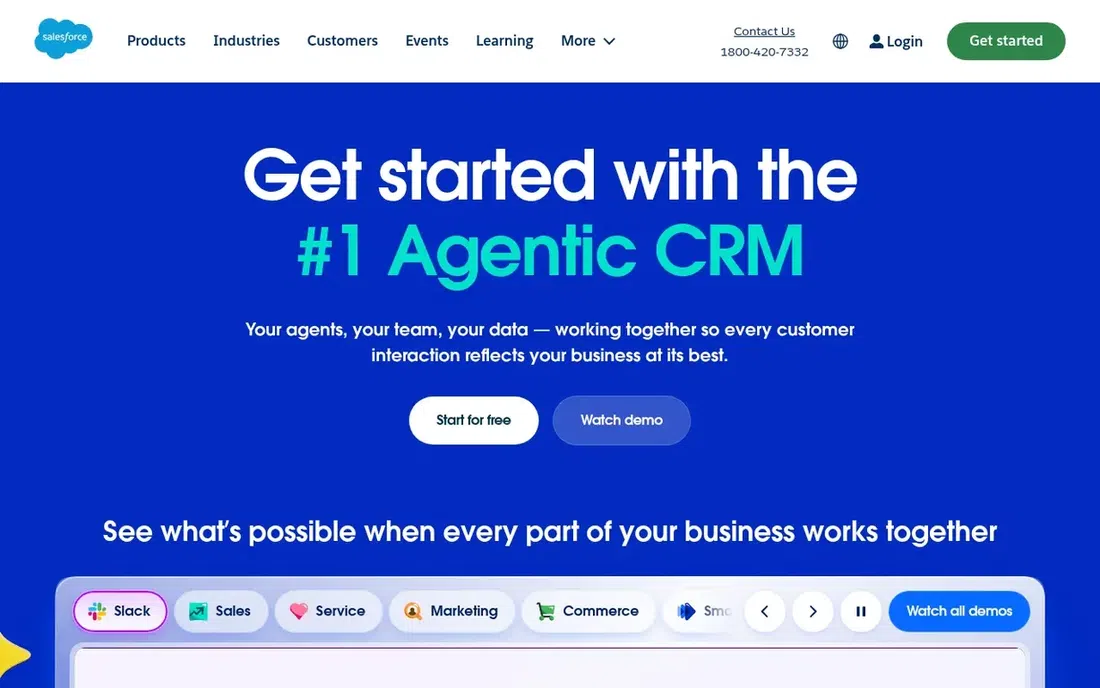
Salesforce is aimed squarely at central CRM for account context. For buying center mapping, it serves as the system where account records, contacts and deal context live together. So teams can document stakeholders and keep that picture shared across the organization.
The main drawbacks: Needs setup to model buying centers.
Strengths: Supports AI-driven customer work. Buying center structures are not automatic; they rely on how you configure objects, fields and processes. Pick Salesforce when a single connected system of record for customer data matters more than specialized prospecting data. Salesforce shows no starting price here, so confirm the cost on the vendor site. You can start on Salesforce without paying.
- Apps and agents
- Links customer information in one CRM
- Wide product can feel complicated
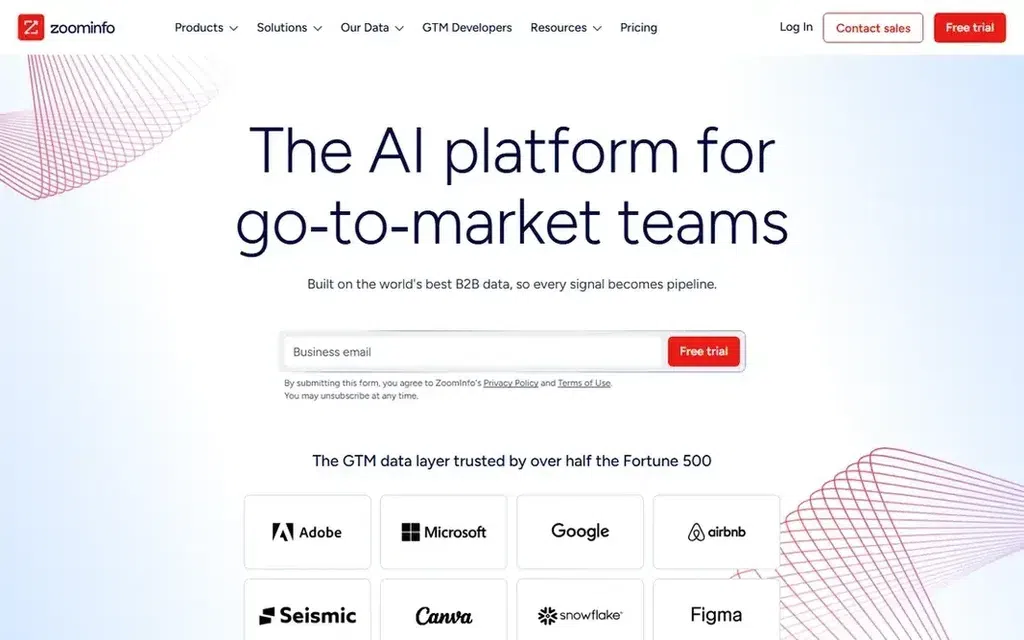
In short, ZoomInfo is for B2B data and ABM prospecting. ZoomInfo presents itself as a go-to-market system that pairs marketing and sales AI with B2B data. As for the details, consider other choices if you chiefly need relationship context inside an existing CRM instead of a standalone data product.
The product is wide, so teams already running a CRM and a separate data provider may find overlap. Its value rests on data quality, which should be checked against your own records. From a buyer's view, lead generation, prospecting, market intelligence and ABM software sit in one place, which helps teams sketch the roles and accounts inside a buying center before outreach begins. This comparison lists no price for ZoomInfo; ask the vendor. As for free access: Free trial.
What to check first: Wide product may overlap with existing tools.
- Merges B2B data with sales and marketing AI
- Bundles ABM software for account work
- Data accuracy relies on continuing verification
Choose HubSpot for connected marketing and sales software. Contact and company records provide teams a place to note stakeholders and their roles. The connected suite helps keep that context visible to both marketing and sales.
What to check first: Suite breadth may exceed small team needs.
Mapping a full enterprise buying center normally needs custom properties and disciplined data entry instead of an out-of-the-box model. Teams with very specialized intelligence needs may add a dedicated data provider. Check the vendor site for HubSpot pricing; none is listed in this comparison. Free plan details: Not stated.
- Links marketing and sales activity
- Software and tools for business in one suite
- Buying center modeling needs customization
How we compared the tools
What to confirm before you sign up
- Confirm the entry price on the vendor page. For Clearbit, Cognism, Salesforce and others that means a quote rather than a fixed price.
- Look at the free plan from Salesforce closely: its caps decide whether it is usable for real work.
- Run a trial of LinkedIn Sales Navigator and ZoomInfo with real work before paying for a year; your own workflow is the best test.
- Read the limits listed for LinkedIn Sales Navigator first: centred on sellers instead of entire organizations.
- Before rolling out HubSpot, verify the integrations your workflow depends on.
- Total up the real monthly cost of Clearbit, including add-ons, extra users and usage-based fees.
FAQ
Is LinkedIn Sales Navigator the right pick for everyone comparing tools for mapping enterprise buying centers?
No single tool suits every team. LinkedIn Sales Navigator comes first because it fits individual sellers and sales teams, while Clearbit suits enrichment and intent inside HubSpot and Cognism suits premium sales intelligence and data quality. Match the tool to your own size, budget and workflow before deciding.
How are the tools for tools for mapping enterprise buying centers ordered?
LinkedIn Sales Navigator sits first and HubSpot last because the order follows typical fit for tools for mapping enterprise buying centers, then price clarity and free access. It is a judgement call, so read each profile for fit and limits.
What does mapping an enterprise buying center involve?
It means identifying the stakeholders who influence a complex purchase, understanding their roles and relationships, and keeping that picture current as a deal progresses. Tools support this by supplying account and contact data, intent signals and a shared record where the map lives.
How do intent signals help with stakeholder mapping?
Intent signals present which accounts and roles are engaging, which can point to stakeholders worth mapping first. Treat signals as a starting point and verify against direct conversations.
Which options for tools for mapping enterprise buying centers have a free plan?
Salesforce is the only tool in this list with a free plan. Free plans usually cap users, projects or features, so check the limits on the vendor page. Several others offer a trial instead. Prices, free plan details and limits for all 6 tools in this tools for mapping enterprise buying centers roundup sit on the individual cards above.
Do these tools publish their prices?
Not all of them. Clearbit, Cognism, Salesforce and others publish no starting price, so expect a quote request for those. The rest, LinkedIn Sales Navigator included, show a starting price, though seats and billing terms still change the final cost.
Sources
- https://business.linkedin.com/sales-solutions/sales-navigator
- https://clearbit.com
- https://www.cognism.com
- https://www.salesforce.com
- https://www.zoominfo.com
- https://www.hubspot.com