Choosing Tools for Business Analyst Requirements Management in 2026: 6 Options Compared
Weighing the best tools for business analyst requirements management? We lined up 6 products by cost, free access and fit. Each pick lists its main limit.
- Editor's choiceModern Requirements
Structured requirements authoring and integration
Starts atSee websiteVisit modernrequirements.comFull review - Great alternativeReqView
Regulated industries with Git-based workflows
Starts at€440 a year per userVisit reqview.comFull review - Also considerPolarion
Unified application lifecycle management
Starts atSee websiteVisit polarion.plm.automation.siemens.comFull review
Direct answer
This list puts Modern Requirements first for structured requirements authoring and integration. Listed starting prices: ReqView from €440 a year per user. Alternatives: ReqView for regulated industries with Git-based workflows, and Polarion for unified application lifecycle management. The full list of 6 tools follows, with prices and free plan facts.
TL;DR:
- Modern Requirements sits first on this list: structured requirements authoring and integration.
- ReqView is the only tool of the 6 with a free plan.
- One limit worth knowing about ReqView: narrower ecosystem than large ALM suites.
- Azure DevOps suits agile planning with CI/CD integration.
Last checked November 2026. Prices and plan details were read from the vendors' own pages in November 2026; vendors change plans often, so confirm the current price on the vendor site before you buy.
Quick comparison
| Tool | Best for | Starts at | Free plan? | |
|---|---|---|---|---|
| Modern Requirements | Structured requirements authoring and integration | See website | Free trial | Visit |
| ReqView | Regulated industries with Git-based workflows | €440 a year per user | Yes | Visit |
| Polarion | Unified application lifecycle management | See website | Not stated | Visit |
 Confluence | Collaborative knowledge sharing and drafting | See website | Not stated | Visit |
| IBM Engineering Requirements Management DOORS Next | Traceability and compliance in regulated programs | See website | Not stated | Visit |
 Azure DevOps | Agile planning with CI/CD integration | See website | Not stated | Visit |
Tools for Business Analyst Requirements Management compared in detail
If you are comparing tools for business analyst requirements management, this page covers 6 tools in one place: what each is best for, what it costs to start, whether it has a free plan, and the main limit to know about.
Modern Requirements
Best for: Structured requirements authoring and integration
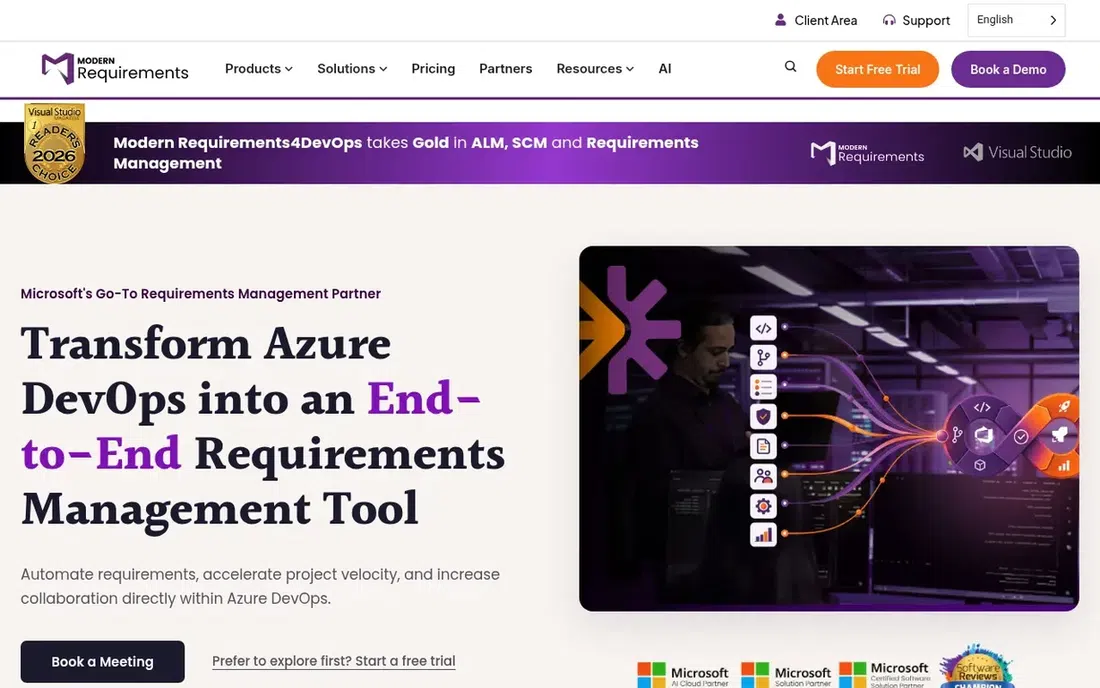
Modern Requirements works best for structured requirements authoring and integration. It suits teams that want a dedicated requirements layer alongside their existing development tools.
What to check first: May need add-on setup.
Modern Requirements does not show a starting price in this comparison, so check the vendor site for current pricing. Free plan details: Free trial.
- Links up with typical products
- Focused requirements management
- Restricted public documentation on homepage
ReqView
Best for: Regulated industries with Git-based workflows
Choose ReqView for regulated industries with Git-based workflows. Business analysts in hardware or software teams that store requirements on Git will appreciate its fit for compliance-oriented projects. On top of that, if your organization already standardizes on a large suite, check integration depth before switching.
Upsides: ISO and FMEA templates.
Downsides: Narrower ecosystem than large ALM suites.
ReqView is more focused than wide ALM systems, so teams needing deep lifecycle coverage may outgrow it. ReqView is requirements management software made for regulated industries, offering ISO and FMEA templates along with impact analysis. Entry price for ReqView: €440 per year per user. Free access exists with ReqView.
- Impact analysis
- ReqIF and Jira integrations
- May need Git familiarity
Polarion
Best for: Unified application lifecycle management

Polarion makes the most sense for unified application lifecycle management. Organizations with structured processes will get the most from its unified approach.
Drawbacks to consider: Wide scope may overwhelm narrow needs.
On top of that, if you want a focused requirements tool without full ALM overhead, consider ReqView or Modern Requirements instead. Check the vendor site for Polarion pricing; none is listed in this comparison. Free access: Not stated.
- Unified environment
- Spans define, build, test, run
- Needs process alignment
Confluence is aimed squarely at collaborative knowledge sharing and drafting. Confluence is Atlassian's team workspace for creating and sharing knowledge, with AI to draft, summarize, and find answers.
Also, if you need formal impact analysis and baselines, pair it with a specialized option or choose ReqView. This comparison lists no price for Confluence; ask the vendor. Free access: Not stated.
What to check first: Not a dedicated requirements tool.
- Adaptable team workspace
- Simple knowledge sharing
- Traceability relies on extras
IBM Engineering Requirements Management DOORS Next
Best for: Traceability and compliance in regulated programs
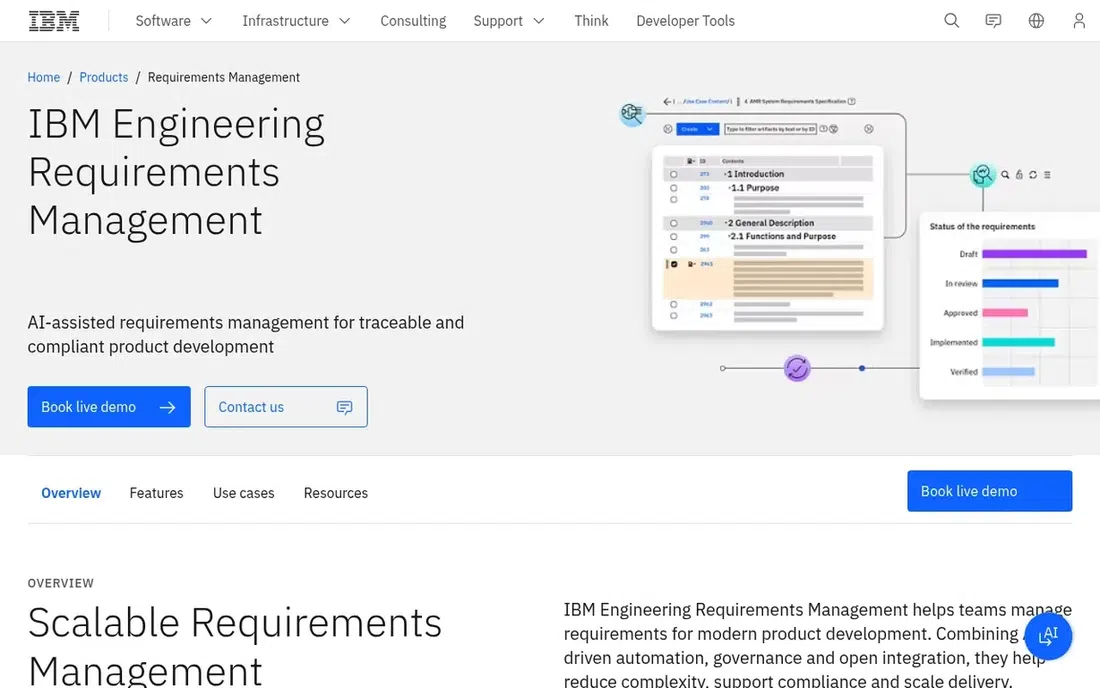
IBM Engineering Requirements Management DOORS Next works best for Traceability and compliance in regulated programs. IBM Engineering Requirements Management DOORS Next is a requirements management option aimed at teams that require rigorous traceability and compliance support. It uses AI-assisted automation to help handle requirements across complicated programs.
From a buyer's view, the platform can be demanding to set up and may need dedicated administration, which can slow small teams. Business analysts in regulated industries or large engineering organizations will find it suits when auditability and structured workflows matter more than light collaboration. Pricing for IBM Engineering Requirements Management DOORS Next is not stated here, so ask the vendor for current figures. Free plan details: Not stated.
Points against: May need dedicated administration.
- AI-assisted automation
- Solid traceability
- Can be complicated to configure
Azure DevOps is a good fit for agile planning with CI/CD integration. If you need formal traceability matrices and compliance templates, consider IBM DOORS Next or ReqView instead.
Worth adding: Azure DevOps from Microsoft provides agile planning tools, CI/CD, and AI capabilities to help teams plan, collaborate, and ship quicker. Azure DevOps shows no starting price here, so confirm the cost on the vendor site. As for free access: Not stated.
Honest limits: Setup can be involved.
- Integrated agile tools
- Single product for planning and delivery
- Requirements features are part of a broader suite
How we built this list
LinkVetted looked at what each vendor publishes: pricing, plan limits, feature coverage for tools for business analyst requirements management and stated drawbacks. No hands-on testing is claimed. Where a vendor does not publish a price, the entry says quote. Where a price depends on seats or billing term, the entry says so. Position on the page reflects fit for a typical buyer first, with price clarity and free access breaking ties. Treat it as a guide, not a ruling.
Things to verify first
- Get a written quote from Modern Requirements, Polarion, Confluence and others; the list shows no starting price for them.
- Look at the free plan from ReqView closely: its caps decide whether it is usable for real work.
- Use real work to test the free trial from Modern Requirements, rather than a demo project.
- Read the limits listed for Modern Requirements first: restricted public documentation on homepage.
- Check the support hours and onboarding help Confluence offers; smaller vendors vary a lot here.
- Ask the daily users to test IBM Engineering Requirements Management DOORS Next on a live task before you roll it out to everyone.
FAQ
Which tool is a good match for regulated industries?
This list starts with Modern Requirements, which fits structured requirements authoring and integration. For other needs, ReqView is aimed at regulated industries with Git-based workflows, and Polarion at unified application lifecycle management. Check each tool's price and main limit first.
Is Modern Requirements the right pick for everyone comparing tools for business analyst requirements management?
No single tool suits every team. Modern Requirements comes first because it fits structured requirements authoring and integration, while ReqView suits regulated industries with Git-based workflows and Polarion suits unified application lifecycle management. Match the tool to your own size, budget and workflow before deciding.
Can I try these tools before paying?
Often, yes. ReqView has a free plan and Modern Requirements offers a free trial. Use your own data and a real task during the test, and check what the free tier or trial limits before you rely on it.
How are the tools for tools for business analyst requirements management ordered?
The order follows typical fit for tools for business analyst requirements management, with Modern Requirements first and Azure DevOps last, then price clarity and free access. It is editorial judgement, not a score, so another team could rank the tools differently.
Do these tools publish their prices?
Not all of them. Modern Requirements, Polarion, Confluence and others publish no starting price, so expect a quote request for those. The rest, ReqView included, show a starting price, though seats and billing terms still change the final cost.
Sources
- https://www.modernrequirements.com
- https://www.reqview.com
- https://polarion.plm.automation.siemens.com
- https://www.atlassian.com/software/confluence
- https://www.ibm.com/products/requirements-management
- https://azure.microsoft.com/en-us/products/devops