Choosing Stakeholder Management Software in 2026: 5 Options Compared
Comparing the best stakeholder management software? 5 contenders, each with entry cost, free tier and best-fit buyer. Short verdicts, no fluff. Prices checked.
- Editor's choice
 ClickUp
All-in-one productivity system
Starts at$9 per user a monthVisit clickup.comFull review - Great alternative
 monday.com
Adaptable AI-powered workspace for teams
Starts at$9 per seat a monthVisit monday.comFull review - Also consider
 Wrike
Enterprise work delivery with control
Starts atSee websiteVisit wrike.comFull review
Direct answer
For all-in-one productivity system, ClickUp is where this list starts. monday.com is better for adaptable AI-powered workspace for teams, and Wrike is better for enterprise work delivery with control. Listed starting prices: ClickUp from $9 per user a month, monday.com from $9 per seat a month and Airtable from $20 per user per month. Details, prices and limits for the rest of the 5 tools are below.
TL;DR:
- Number one here is ClickUp, a fit for all-in-one productivity system.
- Asana suits work and project management with automation.
- Starting prices begin at $9 per user per month with ClickUp.
- One limit worth knowing about Wrike: complex setup for smaller teams.
- A free plan is available from 4 of the 5 tools: ClickUp, monday.com, Airtable, Asana.
Last checked November 2026. Prices and plan details were read from the vendors' own pages in November 2026; vendors change plans often, so confirm the current price on the vendor site before you buy.
Quick comparison
| Tool | Best for | Starts at | Free plan? | |
|---|---|---|---|---|
| ClickUp | All-in-one productivity system | $9 per user a month | Yes | Visit |
| monday.com | Adaptable AI-powered workspace for teams | $9 per seat a month | Yes | Visit |
| Wrike | Enterprise work delivery with control | See website | Not stated | Visit |
 Airtable | Custom workflows and apps | $20 per user per month | Yes | Visit |
 Asana | Work and project management with automation | $10.99 per user a month | Yes | Visit |
The 5 tools in detail
LinkVetted put together this guide to stakeholder management software for readers who want a clear shortlist without reading every vendor page. It compares 5 tools on starting price, free plans, who each one suits and where each one falls short.
ClickUp works best for all-in-one productivity product. The system is highly configurable and contains AI features to help automate and simplify processes.
It may need significant setup to tailor to specific workflows. ClickUp cost at the entry level: $9 per user per month. ClickUp offers a free plan.
Trade-offs to know: Performance issues with large workspaces.
- AI features for productivity
- Highly customizable
- Feature overload can overwhelm
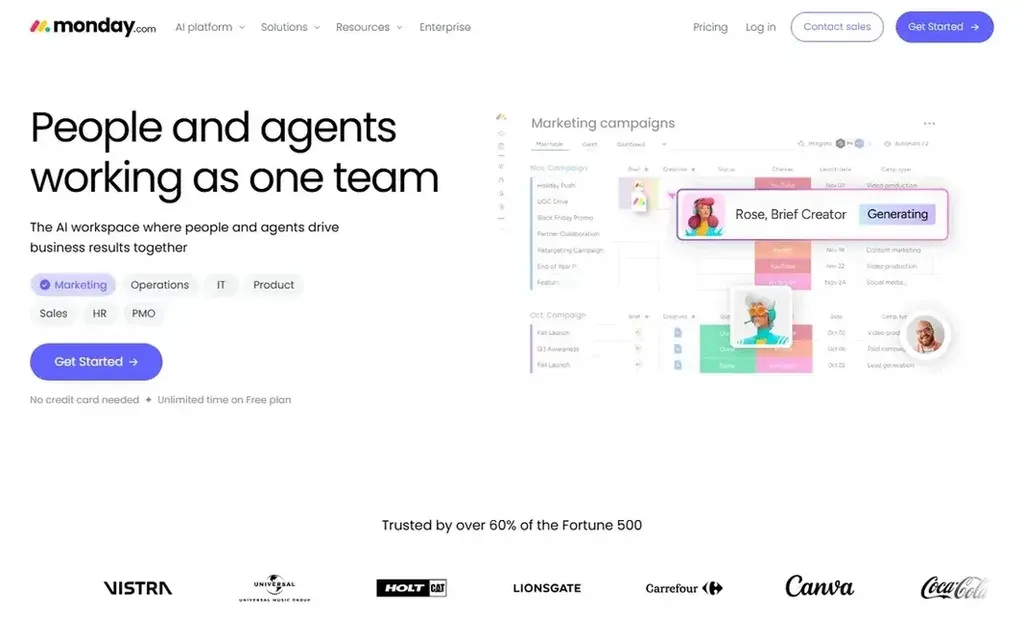
monday.com was built for adaptable AI-powered workspace for teams. monday.com is an AI workspace where people and AI agents work side by side to execute, handle, and operate tasks.
Where it falls short: Ramp-up time for advanced features.
The visual interface and automation capabilities make it simple to adapt to several processes, from straightforward task tracking to complicated workflows. Worth adding: without proper setup, monday.com boards can become disorganized, notably as teams scale. On cost, monday.com starts like this: $9 per seat per month. monday.com offers a free plan.
- Configurable workflows
- AI agents for task execution
- Can become cluttered without governance
In short, Wrike is for enterprise work delivery with control. The system supports collaboration between people and AI, making it a good match for large-scale initiatives. In daily use, Wrike is an AI-powered enterprise work management product meant to help organizations deliver outcomes quicker whereas maintaining control over how work gets done.
In practice, Wrike's extensive features can be overkill for small teams or straightforward projects, and setup may demand significant administrative effort. Also, for lighter needs, Asana or ClickUp might be more appropriate. Pricing for Wrike is not stated here, so ask the vendor for current figures. As for free access: Not stated.
Downsides: Complicated setup for smaller teams.
- Enterprise-grade control
- Focus on delivery outcomes
- May need dedicated admin
Airtable is built with custom workflows and apps in mind. Airtable is a product for building enterprise-ready AI workflows, apps, and agents, enabling live collaboration and automation of repetitive tasks.
Downsides: Restricted native project views.
In daily use, for standard project tracking, consider Asana or monday.com. The system is particularly handy for creating tailored options without deep coding. Entry price for Airtable: $20 per user per month. A free plan is available with Airtable.
- Adaptable database-like structure
- Live collaboration
- Needs planning for complicated use
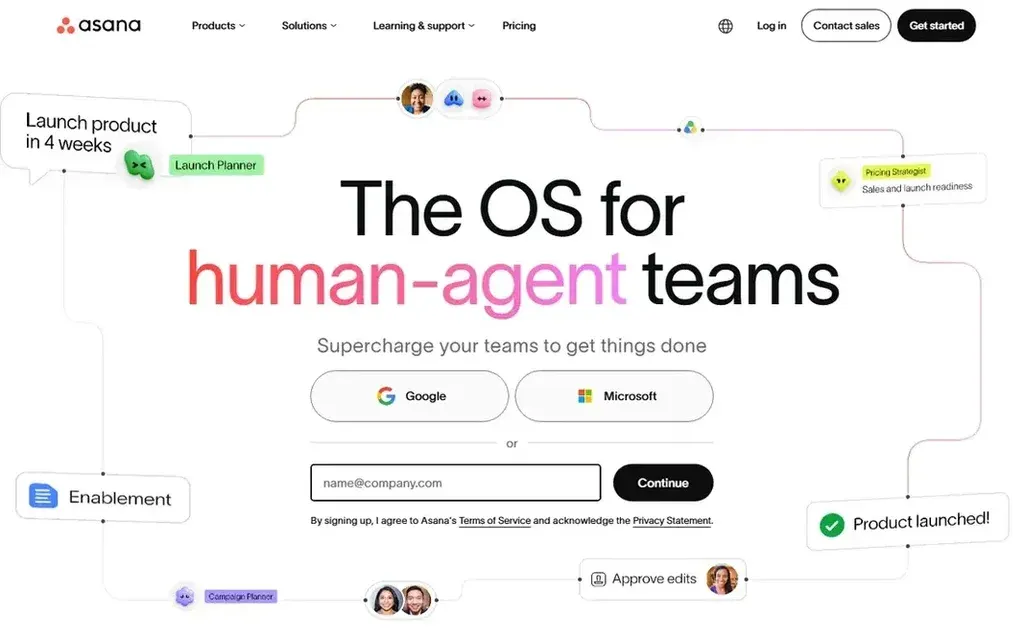
Asana works best for work and project management with automation. Asana is work management software built for teams and AI agents to plan, automate, and execute workflows together.
From a buyer's view, the product emphasizes automation and execution, making it a good match for teams looking to simplify repetitive processes and keep everyone aligned on critical work. Its feature set is wide, and customization can need time to set up. Starting cost for Asana: $10.99 per user per month. Asana includes a free tier.
Points against: Restricted native reporting depth.
- Clear task and project tracking
- Supports team and AI collaboration
- Can be complicated for straightforward needs
Our selection method
For each of the 5 tools we noted price, free plan or trial, fit for stakeholder management software and the main limit, using vendor pages and documentation. Treat prices as a snapshot: vendors change plans often, so check the vendor site for the figure that applies today. Position on the page reflects fit for a typical buyer first, with price clarity and free access breaking ties. Treat it as a guide, not a ruling.
A buyer's checklist
- Confirm the entry price on the vendor page. For Wrike that means a quote rather than a fixed price.
- Check what the free option really includes: ClickUp, monday.com, Airtable and Asana offer a free plan, and usage caps differ.
- Read the limits listed for ClickUp first: feature overload can overwhelm.
- Ask the daily users to test Asana on a live task before you roll it out to everyone.
- Compare total cost, not headline price: for monday.com, add extra seats, add-ons and any usage-based charges.
FAQ
Do these tools publish their prices?
Not all of them. Wrike publishes no starting price, so expect a quote request for it. The rest, ClickUp included, show a starting price, though seats and billing terms still change the final cost. Prices, free plan details and limits for all 5 tools in this stakeholder management software roundup sit on the individual cards above.
How do I choose the right stakeholder management tool?
Consider your team size, project complexity, and need for governance. Look for tools that offer the right balance of adaptability, control, and simplicity.
Are AI features important in stakeholder management software?
AI features can help automate repetitive tasks, offer insights, and boost project tracking. Consider AI capabilities if you want to simplify workflows.
Which options for stakeholder management software have a free plan?
ClickUp, monday.com, Airtable and Asana offer a free plan in this list. Free plans usually cap users, projects or features, so check the limits on the vendor page. Each of the 5 options in this stakeholder management software guide has its own card above with the price, free plan and limits.
What is stakeholder management software?
Stakeholder management software helps teams plan, track, and communicate with stakeholders throughout a project. It generally comes with features for task management, collaboration, reporting, and at times automation to keep everyone informed and aligned.
Is ClickUp the right pick for everyone comparing stakeholder management software?
No single tool suits every team. ClickUp comes first because it fits all-in-one productivity platform, while monday.com suits flexible AI-powered workspace for teams and Wrike suits enterprise work delivery with control. Match the tool to your own size, budget and workflow before deciding.
Sources
- https://clickup.com
- https://monday.com
- https://www.wrike.com
- https://www.airtable.com
- https://asana.com