Top 6 Tool Tracking Software for Contractor Job Sites for 2026 (Prices and Free Plans)
6 best tool tracking software for contractor job sites, with entry costs, free tiers and the buyer each one serves. With pricing notes and limits. Plain facts.
- Editor's choice
 HCSS
Contractors of every size
Starts atPricing on requestVisit hcss.comFull review - Great alternativeTrimble Viewpoint
ERP with job costing and reporting
Starts atPricing on requestVisit viewpoint.comFull review - Also consider
 Procore
Project-wide site and office visibility
Starts atPricing on requestVisit procore.comFull review
Direct answer
Our first pick is HCSS, best for contractors of every size. Trimble Viewpoint is better for ERP with job costing and reporting, and Procore is better for project-wide site and office visibility. The full list of 6 tools follows, with free plan facts. None of these vendors publish plan prices, so pricing is on request for every option.
TL;DR:
- HCSS sits first on this list: contractors of every size.
- Before buying Trimble Viewpoint, weigh this: ERP scope may be substantial.
- HCSS, Autodesk Construction Cloud and the 4 others all need a premium plan or a trial, since no free plan is listed.
- For secure collaboration across project teams, Autodesk Construction Cloud is worth a look.
- No starting price is shown for any of the 6 tools, HCSS and Autodesk Construction Cloud included, so plan time for sales calls.
Last checked November 2026. Pricing on request: vendors did not publish plan prices when this guide was last checked (November 2026), so ask each vendor for a written quote.
Quick comparison
| Tool | Best for | Starts at | Free plan? | |
|---|---|---|---|---|
| HCSS | Contractors of every size | Pricing on request | Not stated | Visit |
| Trimble Viewpoint | ERP with job costing and reporting | Pricing on request | Not stated | Visit |
| Procore | Project-wide site and office visibility | Pricing on request | Not stated | Visit |
 Tenna | Mixed fleet equipment management | Pricing on request | Not stated | Visit |
 ShareMyToolbox | Straightforward small tool tracking | Pricing on request | Not stated | Visit |
 Autodesk Construction Cloud | Secure collaboration across project teams | Pricing on request | Not stated | Visit |
The full tool tracking software for contractor job sites list
Choosing tool tracking software for contractor job sites usually comes down to price, fit and limits. This LinkVetted guide sets 6 tools side by side on those three points, with the facts kept short and checkable.
HCSS is a good fit for contractors of every size. Buyers should confirm which tracking capabilities match their workflow, and smaller teams may prefer a focused small tool app.
As for the details, as a wide suite, it may involve more setup than a contractor needing only a straightforward tool log. Check the vendor site for HCSS pricing; none is listed in this comparison. Free access: Not stated.
Limits to weigh: Not a tracking-only product.
- Long-standing construction focus
- Spans every stage of work
- Wide suite may need onboarding effort
Trimble Viewpoint
Best for: ERP with job costing and reporting
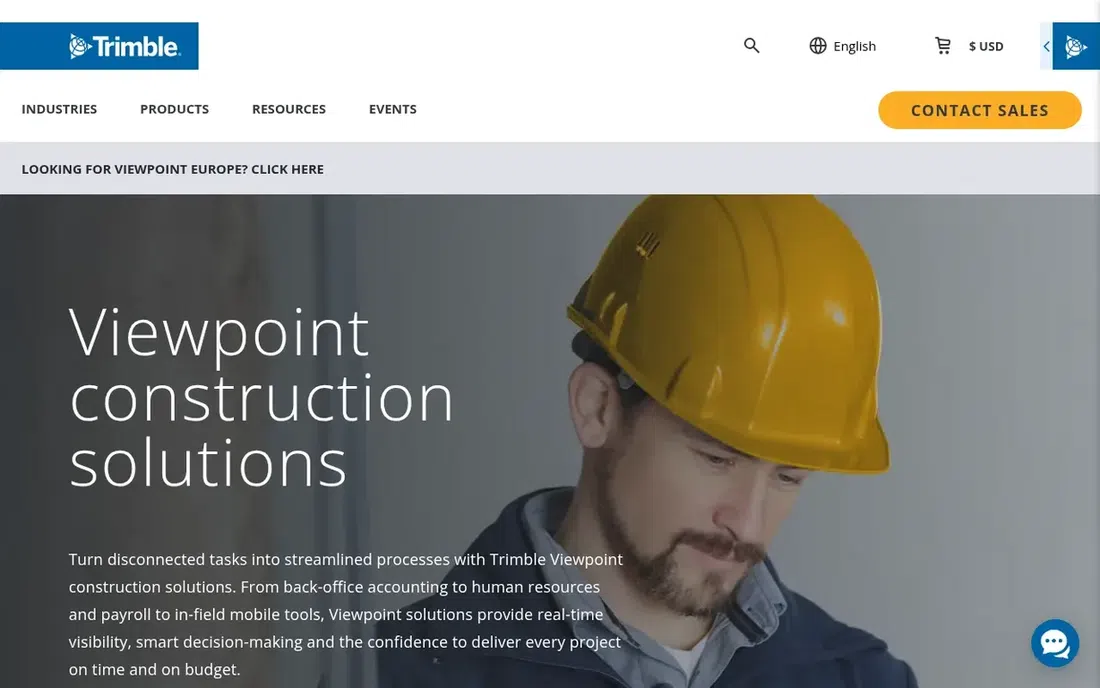
Where Trimble Viewpoint fits: ERP with job costing and reporting. Contractors wanting only a straightforward tool log may prefer a lighter app, whereas those needing costing and reporting depth can look here.
Honest limits: ERP scope may be substantial.
For everyday use, Trimble Viewpoint is construction ERP and project management software designed for contractors to simplify job costing, workflows and reporting. Pricing for Trimble Viewpoint is not stated here, so ask the vendor for current figures. Trial and free access: Not stated.
- Built for contractor job costing
- Reporting for projects and people
- Concentrated on business management

Think of Procore for project-wide site and office visibility. Procore is a construction management system that links the job site and the office, giving teams live visibility to deliver quality projects on time. More specifically, teams seeking a light, tracking-only app may prefer a simpler choice, whereas those wanting tracking connected to scheduling, documents and project workflows can consider Procore.
The main drawbacks: Setup depth varies by company size.
More specifically, for contractors who want tool and asset oversight within a wider project management system, it provides a single place to coordinate field and office work. It tends to fit established contractors running several projects who want tracking tied to overall project delivery. Pricing for Procore is not stated here, so ask the vendor for current figures. Free plan details: Not stated.
- Links site and office teams
- Wide construction management scope
- Wide system may exceed straightforward tracking needs
Choose Tenna for mixed fleet equipment management. Tenna is equipment management software aimed at mixed fleets, connecting whole equipment operations and going beyond tracking for full fleet control.
The main drawbacks: May be more than straightforward tracking requires.
Teams with largely hand tools may prefer a more straightforward app, whereas those managing mixed fleets can evaluate Tenna for broader control. Tenna shows no starting price here, so confirm the cost on the vendor site. Free access: Not stated.
- Built for mixed fleets
- Full fleet control
- Fleet focus over small hand tools
ShareMyToolbox works best for straightforward small tool tracking. Contractors needing equipment maintenance, financial reporting or wide project coordination should pair it with or choose a wider product.
Points against: Not a full project management system.
It is targeted at crews who require to know where small tools are and who has them, without adopting a full construction management product. Its scope is intentionally narrow, so it does not replace project management, job costing or fleet systems. ShareMyToolbox does not show a starting price in this comparison, so check the vendor site for current pricing. Free access: Not stated.
- Straightforward to use
- Centred on small tools
- Narrow scope compared with full systems
Autodesk Construction Cloud
Best for: Secure collaboration across project teams
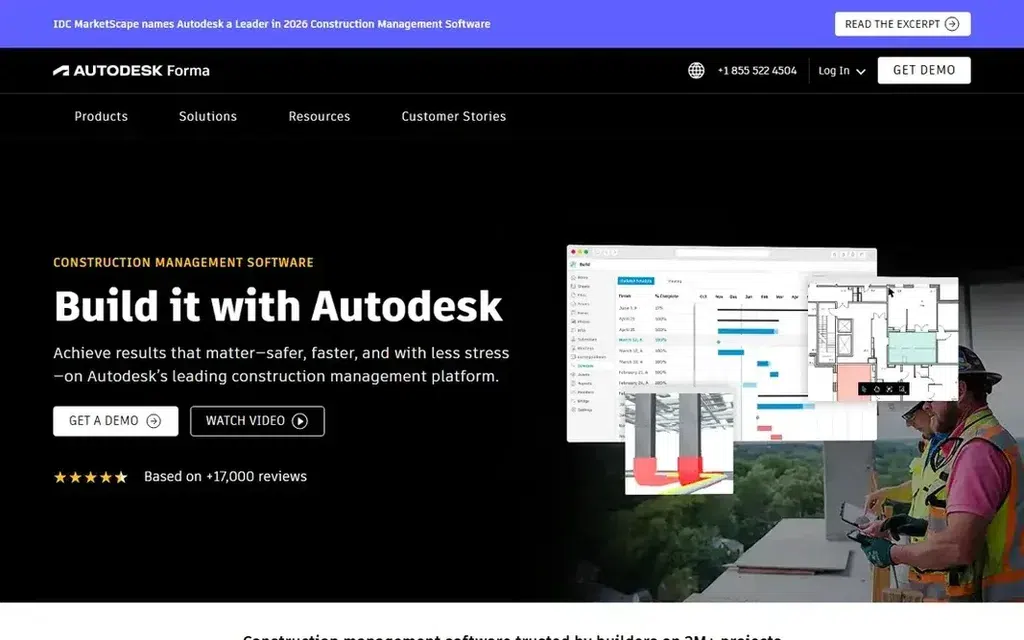
In short, Autodesk Construction Cloud is for secure collaboration across project teams. Consider it when tracking should sit alongside shared project data and team coordination. More specifically, Autodesk Construction Cloud, now under the Autodesk Forma name, is construction management software that lets project teams collaborate securely and rapidly so projects are delivered on time and on budget.
Its strength is wide project collaboration instead of dedicated small tool tracking. So a contractor focused only on tool check-in and check-out may find it heavier than needed. Autodesk Construction Cloud does not show a starting price in this comparison, so check the vendor site for current pricing. Free plan details: Not stated.
Trade-offs to know: Wide collaboration focus over narrow tracking.
Upsides: Links project teams.
- Secure team collaboration
- On-budget delivery
- Adoption relies on team workflows
How we compared the tools
Before you commit
- Confirm the entry price with every vendor: no tool from HCSS to Autodesk Construction Cloud shows a fixed starting price.
- Before choosing HCSS, weigh its main limit: broad suite may need onboarding effort.
- Involve the people who will use Autodesk Construction Cloud daily; a short pilot beats a long feature checklist.
- Check the support hours and onboarding help Trimble Viewpoint offers; smaller vendors vary a lot here.
- Add up seats, add-ons and usage charges for ShareMyToolbox before comparing it with cheaper entries.
FAQ
Does any tool for tool tracking software for contractor job sites here have a free plan?
A permanent free plan is not offered by HCSS, Autodesk Construction Cloud or the other tools here. Plan a short evaluation period instead.
What should be verified before purchasing tool tracking software?
Check mobile usability for field crews, how check-in and check-out are recorded, reporting and export choices, and integration with your existing systems.
Do these tools publish their prices?
No. None of the tools, from HCSS to Autodesk Construction Cloud, shows a fixed starting price here, so budget time for quotes.
Is HCSS the right pick for everyone comparing tool tracking software for contractor job sites?
No single tool suits every team. HCSS comes first because it fits contractors of every size, while Trimble Viewpoint suits ERP with job costing and reporting and Procore suits project-wide site and office visibility. Match the tool to your own size, budget and workflow before deciding.
How are the tools for tool tracking software for contractor job sites ordered?
The order follows typical fit for tool tracking software for contractor job sites, with HCSS first and Autodesk Construction Cloud last, then price clarity and free access. It is editorial judgement, not a score, so another team could rank the tools differently.
Sources
- https://www.hcss.com
- https://www.viewpoint.com
- https://www.procore.com
- https://www.tenna.com
- https://www.sharemytoolbox.com
- https://construction.autodesk.com