Top 5 Time Tracking Software for Remote Contractors for 2026 (Prices and Free Plans)
5 best time tracking software for remote contractors, with entry costs, free tiers and the buyer each one serves. Every tool lists pros and cons. No filler.
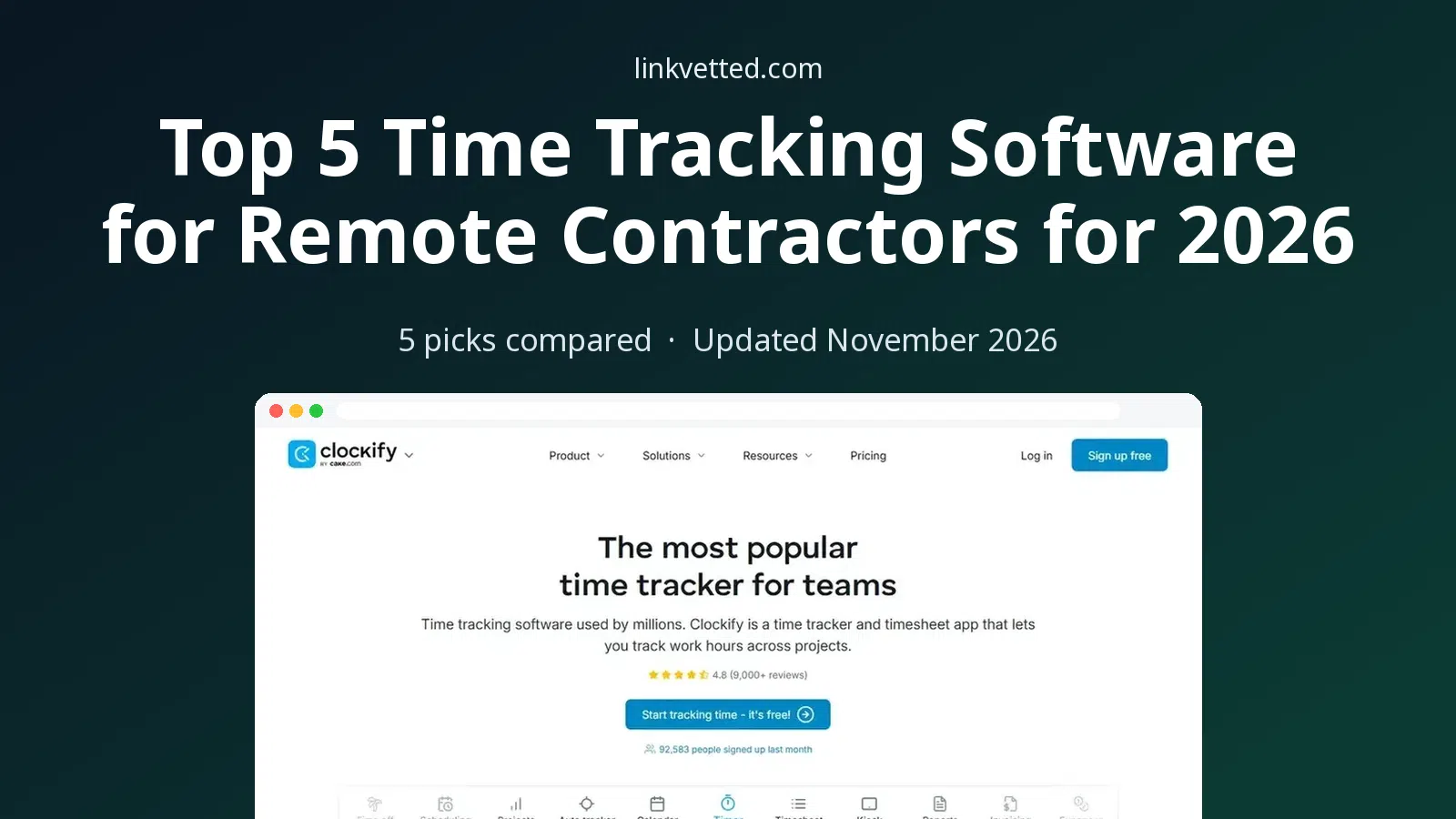
- Editor's choice
 Time Doctor
Visibility into distributed team work
Starts at$6.67 per user per monthVisit timedoctor.comFull review - Great alternative
 Clockify
Straightforward timesheets across projects
Starts atSee websiteVisit clockify.meFull review - Also consider
 Toggl Track
Straightforward tracking with capacity planning
Starts atSee websiteVisit toggl.comFull review
Direct answer
This list puts Time Doctor first for visibility into distributed team work. Listed starting prices: Time Doctor from $6.67 per user per month, Harvest from $9 per seat per month and Hubstaff from $10 per seat a month. Clockify fits straightforward timesheets across projects; Toggl Track fits simple tracking with capacity planning. Prices, free plans and limits for all 5 tools follow.
TL;DR:
- Time Doctor takes the first slot, best suited to visibility into distributed team work.
- The lowest published monthly entry price here is $6.67 per user per month, from Time Doctor.
- Only 2 of the 5 tools have a free plan (Clockify, Harvest), so check the caps.
- Hubstaff suits turning approved hours into payments.
- What to know about Harvest first: less emphasis on productivity monitoring.
Last checked November 2026. Prices and plan details were read from the vendors' own pages in November 2026; vendors change plans often, so confirm the current price on the vendor site before you buy.
Quick comparison
| Tool | Best for | Starts at | Free plan? | |
|---|---|---|---|---|
| Time Doctor | Visibility into distributed team work | $6.67 per user per month | Free trial | Visit |
| Clockify | Straightforward timesheets across projects | See website | Yes | Visit |
| Toggl Track | Straightforward tracking with capacity planning | See website | Not stated | Visit |
 Harvest | Contractors who invoice clients straight | $9 per seat per month | Yes | Visit |
 Hubstaff | Turning approved hours into payments | $10 per seat a month | Free trial | Visit |
The best time tracking software for remote contractors
LinkVetted compared 5 time tracking software for remote contractors. The goal is a practical shortlist: published prices, free plan facts, best-fit use cases and honest limits for every entry.
Where Time Doctor fits: visibility into distributed team work. The product is built around team oversight, so a lone contractor may find it heavier than necessary.
From a buyer's view, Time Doctor is a workforce visibility tool for distributed teams that helps leaders see what teams are working on, validate the process behind every hour, and get AI answers grounded in real data. On cost, Time Doctor starts like this: $6.67 per user per month. Trial and free access: Free trial.
Where it falls short: Oriented toward team oversight.
- Validates the process behind hours
- Displays what distributed teams work on
- May be more than solo contractors need
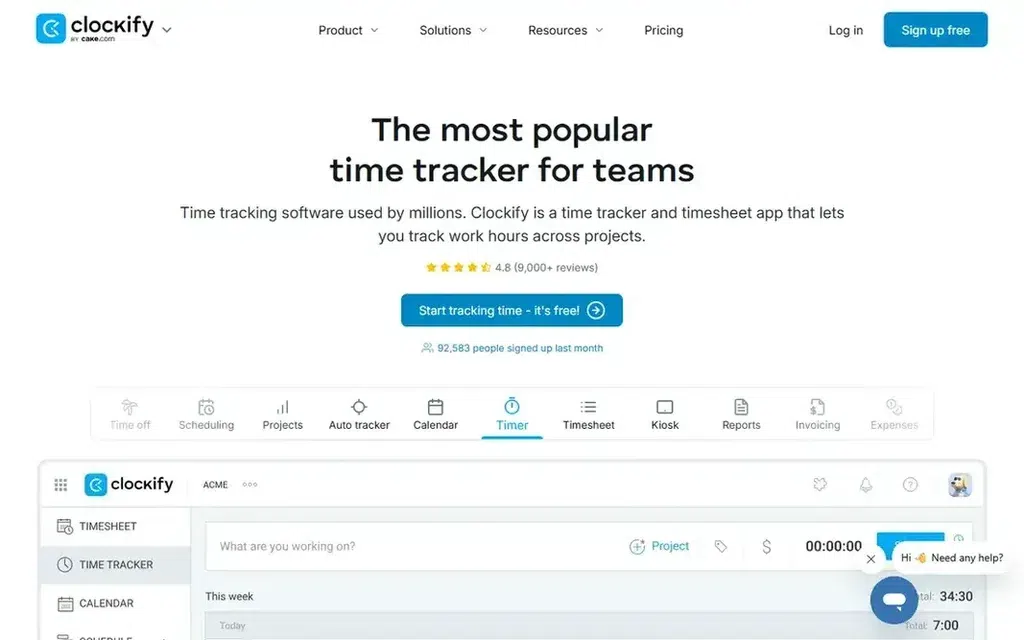
Clockify is aimed squarely at straightforward timesheets across projects. Clockify is a time tracking tool built around a straightforward time tracker and timesheet app that lets you track work hours across projects.
Where it falls short: Reporting depth may be restricted for complicated needs.
More specifically, contractors who want invoicing or deeper profitability analysis built in may find the core feature set narrower. Clockify does not show a starting price in this comparison, so check the vendor site for current pricing. Clockify includes a free tier.
- Tracks work hours across projects
- Straightforward time tracker and timesheet app
- Fewer billing-focused extras
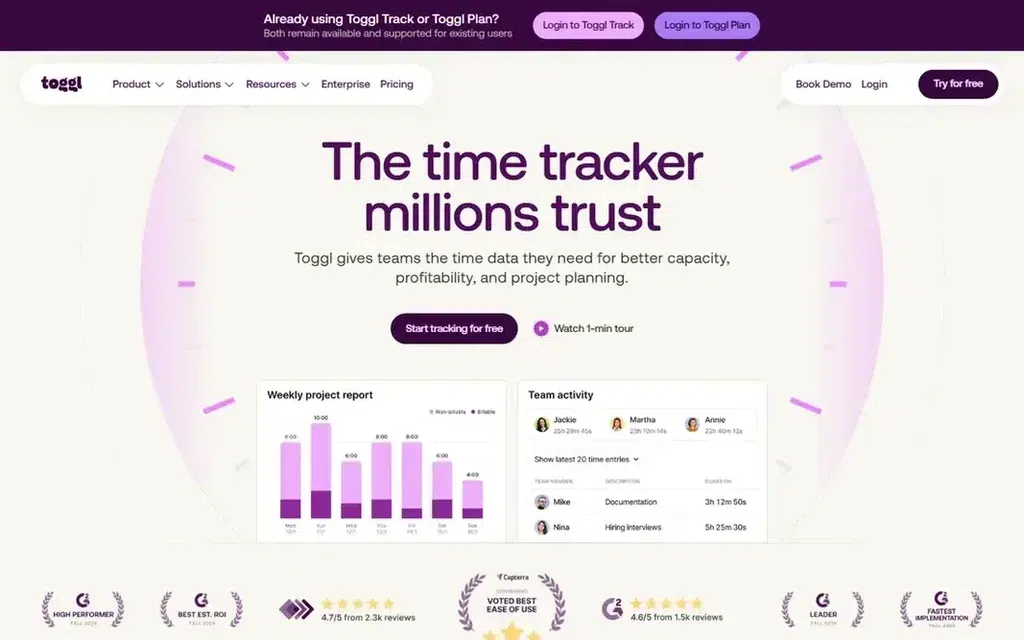
Toggl Track is built with straightforward tracking with capacity planning in mind. Capacity planning features can also feel like more than a solo contractor needs. Toggl Track is a time tracking and capacity planning tool that lets you track employee time, plan capacity, handle tasks and projects, and calculate profitability.
For everyday use, choose something else if client invoicing is the central requirement. On top of that, since invoicing is not its central purpose, contractors who bill clients straight may need a separate billing step. This comparison lists no price for Toggl Track; ask the vendor. Free options: Not stated.
Where it is weaker: Invoicing is not the core focus.
- Works for solo contractors and small teams
- Clean timer and project tracking
- Advanced planning may be more than solo work needs
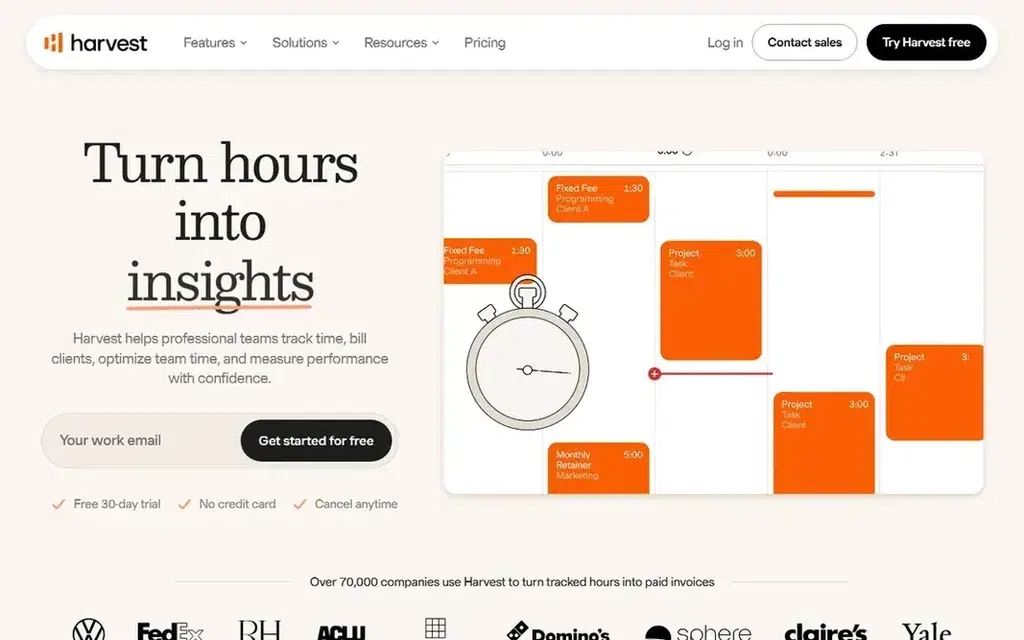
For contractors who invoice clients straight, Harvest is a natural candidate. Harvest is time tracking and management software with reporting and simplified online invoicing.
Honest limits: Feature set is oriented toward billing workflows.
Worth adding: Harvest leans toward billing workflows instead of productivity monitoring, so teams that want activity insights may need another tool. Beyond that, for remote contractors, the combination matters: you track hours and turn them into client invoices without stitching tools together. Entry price for Harvest: $9 per seat per month. A free plan is available with Harvest.
- Simplified online invoicing
- Time tracking with simple reporting
- Less emphasis on productivity monitoring
Think of Hubstaff for turning approved hours into payments. Worth adding: setup takes longer than a plain timer.
Drawbacks to consider: More setup than an entry-level timer.
As for the details, if you only have to log your own hours, a more straightforward tracker is likely the better fit. For a solo contractor, the monitoring and payment features can be more machinery than needed. Entry price for Hubstaff: $10 per seat per month. Free options: Free trial.
Main advantages: Turns approved hours into payments.
- Tracks time and watches productivity
- Brings insights on work
- Monitoring features may feel heavy for solo work
How we built this list
The comparison looks at four things: starting price, free access, how well the feature set matches time tracking software for remote contractors, and the main limit of each tool. Where a price is missing, the vendor does not list one publicly or ties it to a quote. Always confirm before budgeting. The ranking is editorial: typical fit first, then clear pricing, then free access. If your needs are unusual, read the profiles rather than relying on position.
Pre-purchase checklist
- Confirm the entry price on the vendor page. For Clockify and Toggl Track that means a quote rather than a fixed price.
- Check what the free option really includes: Clockify and Harvest offer a free plan, and usage caps differ.
- Run a trial of Time Doctor and Hubstaff with real work before paying for a year; your own workflow is the best test.
- Before choosing Time Doctor, weigh its main limit: oriented toward team oversight.
- Add up seats, add-ons and usage charges for Harvest before comparing it with cheaper entries.
- Before you load data into Time Doctor, check what an export looks like and who can run it.
FAQ
Do these tools publish their prices?
Not all of them. Clockify and Toggl Track publish no starting price, so expect a quote request for those. The rest, Time Doctor included, show a starting price, though seats and billing terms still change the final cost. For the full picture, the cards above cover all 5 entries of this time tracking software for remote contractors list, including price, free plan and limits.
Can time tracking software manage invoicing for client work?
Some tools, for example Harvest, build invoicing into the workflow so tracked hours flow into client bills. Check how hours export before committing.
Can I try these tools before paying?
Often, yes. Clockify and Harvest have a free plan and Time Doctor and Hubstaff offer a free trial. Use your own data and a real task during the test, and check what the free tier or trial limits before you rely on it.
How are the tools for time tracking software for remote contractors ordered?
The order follows typical fit for time tracking software for remote contractors, with Time Doctor first and Hubstaff last, then price clarity and free access. It is editorial judgement, not a score, so another team could rank the tools differently.
What should a remote contractor look for in time tracking software?
Start with how you bill: hourly, project-based or retainer. Also, then check whether the tool supports the reporting and invoicing steps you need, and whether it works on the devices you use.
Is Time Doctor the right pick for everyone comparing time tracking software for remote contractors?
No single tool suits every team. Time Doctor comes first because it fits visibility into distributed team work, while Clockify suits straightforward timesheets across projects and Toggl Track suits simple tracking with capacity planning. Match the tool to your own size, budget and workflow before deciding.
Sources
- https://www.timedoctor.com
- https://clockify.me
- https://toggl.com/track
- https://www.getharvest.com
- https://hubstaff.com