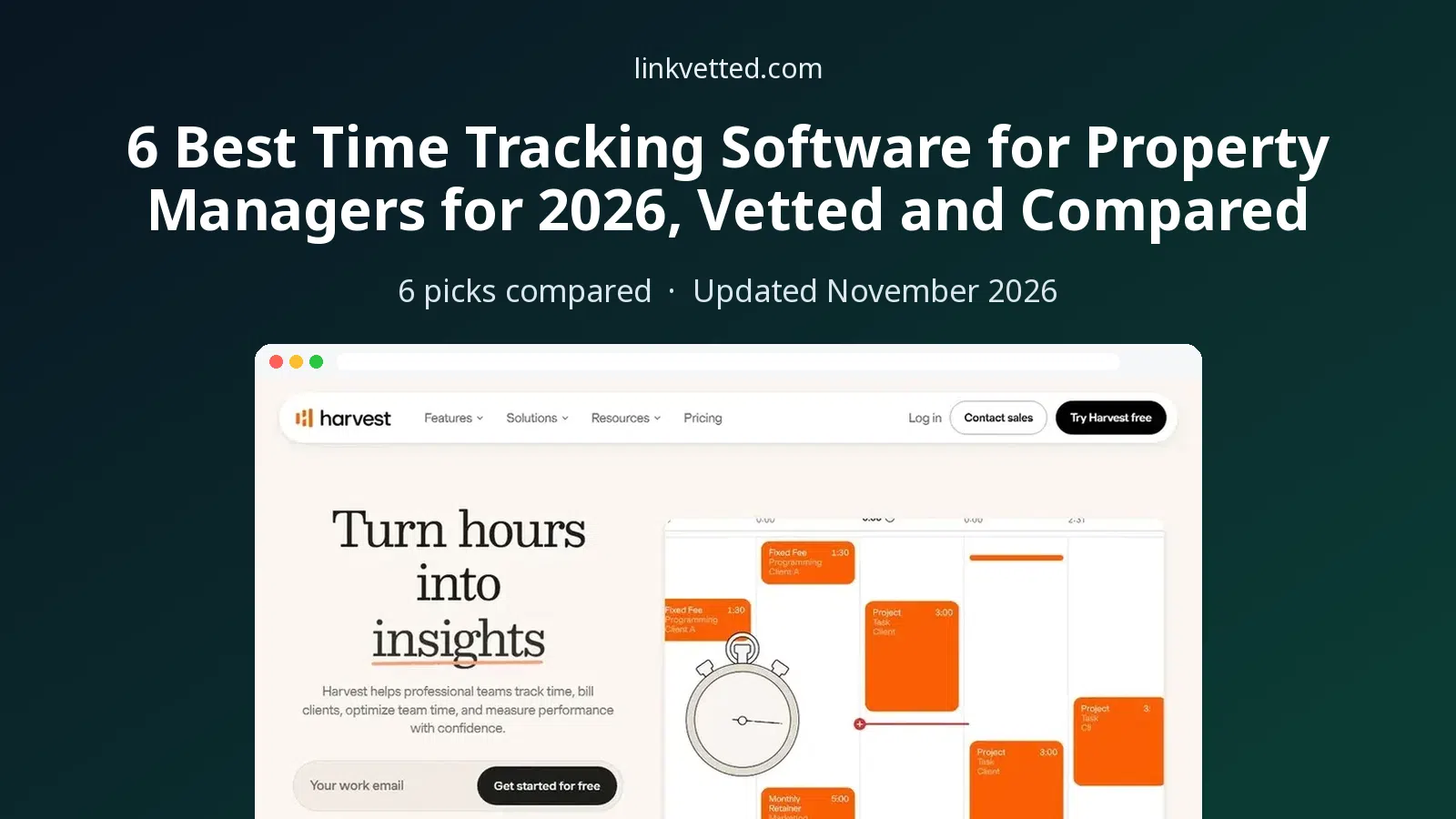
6 Best Time Tracking Software for Property Managers for 2026, Vetted and Compared
Compare 6 best time tracking software for property managers, with prices, free plans and who each fits. Notes on cost and gaps for each tool. Plain facts.
- Editor's choice
 Harvest
Billable hours and online invoicing
Starts at$9 per seat per monthVisit getharvest.comFull review - Great alternative
 QuickBooks Time
Payroll and job tracking integration
Starts atSee websiteVisit quickbooks.intuit.comFull review - Also consider
 Time Doctor
Visibility into distributed team work
Starts at$6.67 per user a monthVisit timedoctor.comFull review
Direct answer
Harvest comes first here, mainly for billable hours and online invoicing. Listed starting prices: Harvest from $9 per seat per month, Time Doctor from $6.67 per user a month and Hubstaff from $10 per seat per month. If your case is different, QuickBooks Time suits payroll and job tracking integration and Time Doctor suits visibility into distributed team work. Details, prices and limits for the rest of the 6 tools are below.
TL;DR:
- Harvest takes the first slot, best suited to billable hours and online invoicing.
- Before buying Time Doctor, weigh this: monitoring focus may not suit all teams.
- 3 of 6 tools offer a free plan: Harvest, Connecteam, Clockify.
- Clockify fits straightforward hours and timesheet tracking.
Last checked November 2026. Prices and plan details were read from the vendors' own pages in November 2026; vendors change plans often, so confirm the current price on the vendor site before you buy.
Quick comparison
| Tool | Best for | Starts at | Free plan? | |
|---|---|---|---|---|
| Harvest | Billable hours and online invoicing | $9 per seat per month | Yes | Visit |
| QuickBooks Time | Payroll and job tracking integration | See website | Not stated | Visit |
| Time Doctor | Visibility into distributed team work | $6.67 per user a month | Free trial | Visit |
 Hubstaff | Time, productivity and payments in one | $10 per seat per month | Free trial | Visit |
 Connecteam | Frontline scheduling and time tracking | $29 per month | Yes | Visit |
 Clockify | Straightforward hours and timesheet tracking | See website | Yes | Visit |
The 6 tools in detail
Choosing time tracking software for property managers usually comes down to price, fit and limits. This LinkVetted guide sets 6 tools side by side on those three points, with the facts kept short and checkable.
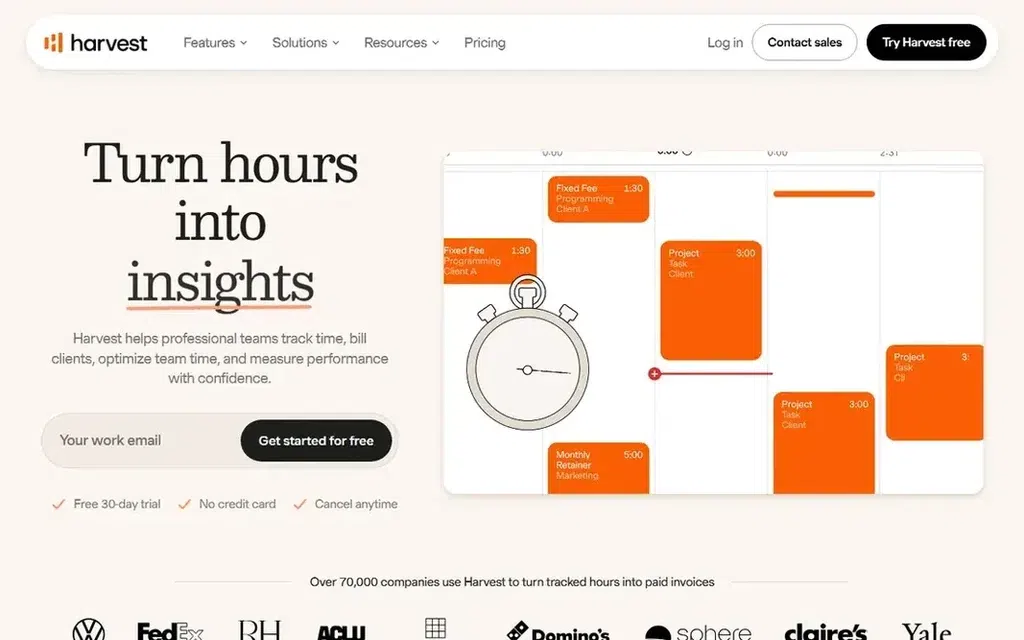
Harvest is designed for billable hours and online invoicing. For property managers who bill owners or clients for maintenance and management work, it links tracked hours to invoices in one flow.
It does not emphasize GPS or frontline scheduling. On cost, Harvest starts like this: $9 per seat per month. Harvest has a free plan.
Points against: Aimed at billable services.
- Simplified online invoicing
- Time tracking and management
- Fewer field-team features
QuickBooks Time works best for payroll and job tracking integration. If you do not use that ecosystem, a standalone tracker may suit you better. In daily use, property managers with maintenance crews moving between buildings can use job tracking and GPS to keep hours organized by location.
Watch-outs: Best value within QuickBooks ecosystem.
In daily use, the tool is designed around payroll and job tracking usually, so property-specific features for example unit-level billing are not native. Its advantages are most solid when paired with other QuickBooks products. QuickBooks Time does not show a starting price in this comparison, so check the vendor site for current pricing. Free access: Not stated.
- All-in-one system
- Job and GPS tracking
- Property workflows not native
Time Doctor is designed for visibility into distributed team work. Time Doctor helps leaders see what distributed teams are working on, validate the process behind every hour, and get AI answers grounded in real data.
In practice, property managers overseeing remote leasing agents, coordinators or maintenance staff across locations can use it to understand how time is spent. The tool leans toward workforce monitoring, which may feel heavier than needed for small property offices. The starting price for Time Doctor: $6.67 per user per month. Trial and free access: Free trial.
What to check first: Property-specific features absent.
- Validates process behind hours
- AI answers from real data
- Monitoring focus may not suit all teams
Hubstaff targets Time, productivity and payments in one. Hubstaff tracks employee time, watches productivity, and turns approved hours into payments and insights, helping teams handle work, costs and performance. Consider alternatives here if payments are handled elsewhere.
Points against: Property workflows not native.
Productivity monitoring can be more than a small property office needs, and the general project structure means property-specific workflows are not built in. Also, teams focused only on timesheets may prefer a more straightforward tool. Hubstaff pricing: $10 per seat per month. Free plan details: Free trial.
- Tracks employee time
- Turns approved hours into payments
- Monitoring features may be excessive
Connecteam is aimed squarely at frontline scheduling and time tracking. If your primary need is deep time analytics, a dedicated tracker may be a better match. Worth adding: since it covers scheduling, communication and time tracking together, the app can feel broad for managers who only need hours.
The main drawbacks: Wide app may feel busy.
Also, Connecteam is one straightforward app designed for frontline teams to move beyond scattered tools, letting managers schedule, track time, communicate and more with clarity and control. More specifically, property-specific depth like detailed unit accounting is restricted. The starting price for Connecteam: $29 per month. Free access exists with Connecteam.
- Scheduling and time tracking together
- Aimed at frontline teams
- Property-specific depth restricted
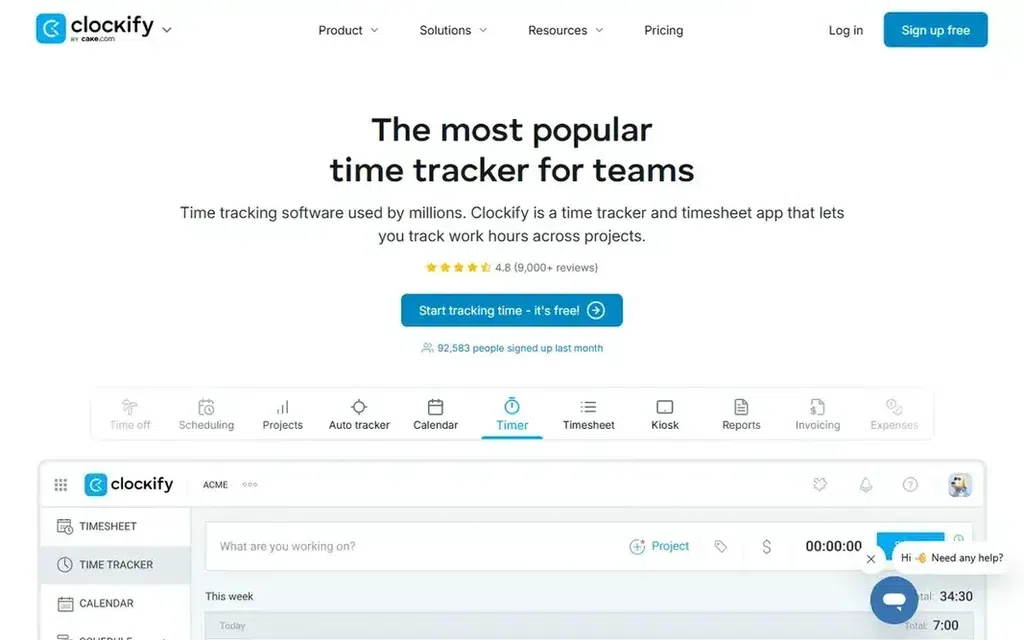
For straightforward hours and timesheet tracking, Clockify is a natural candidate. It fits managers who want a clear, simple record of where staff hours go without a heavy setup, and it does well as a starting point before evaluating more specialized products.
Clockify does not show a starting price in this comparison, so check the vendor site for current pricing. Clockify offers a free plan.
Honest limits: Advanced reporting may need setup.
- Tracks work hours across projects
- Timesheet app for teams
- Restricted property-specific features
Our selection method
Pre-purchase checklist
- Ask QuickBooks Time and Clockify for a written quote, since no starting price is shown.
- Read the fine print on the free plans from Harvest, Connecteam and Clockify; seat, project and feature caps differ.
- Use real work to test the free trial from Time Doctor and Hubstaff, rather than a demo project.
- Before choosing Harvest, weigh its main limit: designed for billable services.
- Compare total cost, not headline price: for Harvest, add extra seats, add-ons and any usage-based charges.
- Make sure QuickBooks Time lets you export your data in a format another tool can read.
FAQ
Can I try these tools before paying?
Often, yes. Harvest, Connecteam and Clockify have a free plan and Time Doctor and Hubstaff offer a free trial. Use your own data and a real task during the test, and check what the free tier or trial limits before you rely on it.
How are the tools for time tracking software for property managers ordered?
The order follows typical fit for time tracking software for property managers, with Harvest first and Clockify last, then price clarity and free access. It is editorial judgement, not a score, so another team could rank the tools differently.
Do these tools publish their prices?
Not all of them. QuickBooks Time and Clockify publish no starting price, so expect a quote request for those. The rest, Harvest included, show a starting price, though seats and billing terms still change the final cost.
Which options for time tracking software for property managers have a free plan?
On this list, Harvest, Connecteam and Clockify include a free plan. Caps on seats, usage or features are common, so test the free plan against your real workload. Several others offer a trial instead.
Sources
- https://www.getharvest.com
- https://quickbooks.intuit.com/time-tracking
- https://www.timedoctor.com
- https://hubstaff.com
- https://connecteam.com
- https://clockify.me