6 Best Time Tracking Software for Manufacturers for 2026, Vetted and Compared
Best time tracking software for manufacturers in 2026: 6 tools with starting prices, free plans and limits. The catches are listed up front. Refreshed for 2026.
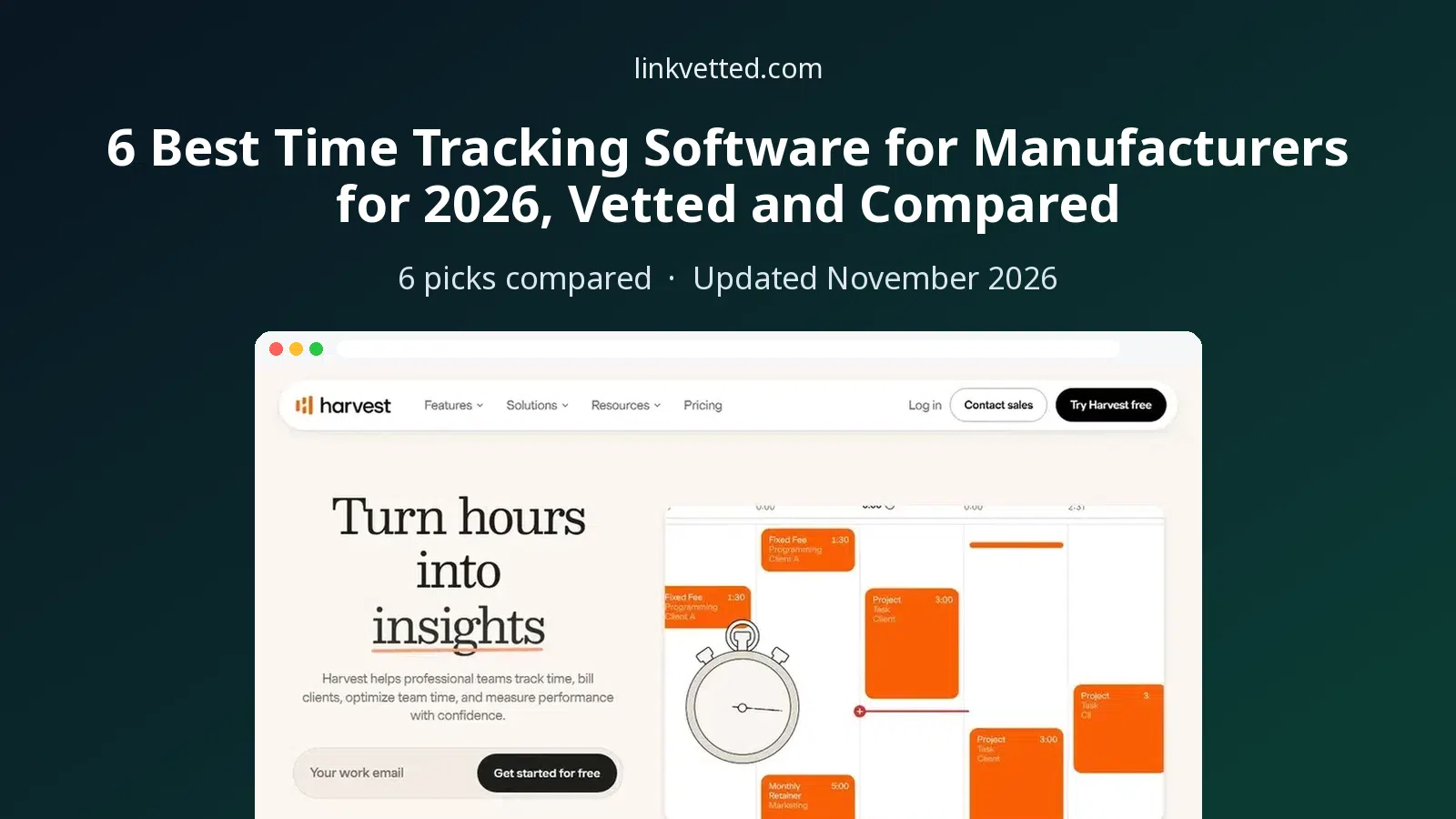
- Editor's choice
 Harvest
Time tracking with invoicing
Starts at$9 per seat per monthVisit getharvest.comFull review - Great alternative
 Time Doctor
Workforce visibility for distributed teams
Starts at$6.67 per user per monthVisit timedoctor.comFull review - Also consider
 QuickBooks Time
Integrated time tracking and payroll
Starts atSee websiteVisit quickbooks.intuit.comFull review
Direct answer
Harvest comes first here, mainly for Time tracking with invoicing. Listed starting prices: Harvest from $9 per seat per month, Time Doctor from $6.67 per user per month and Hubstaff from $10 per seat a month. If your case is different, Time Doctor suits workforce visibility for distributed teams and QuickBooks Time suits integrated time tracking and payroll. The full list of 6 tools follows, with prices and free plan facts.
TL;DR:
- This list starts with Harvest, which is built for Time tracking with invoicing.
- Harvest is the only tool of the 6 with a free plan.
- Wrike comes with a trade-off: overkill for small teams.
- Hubstaff is the one to check for productivity insights for distributed teams.
Last checked November 2026. Prices and plan details were read from the vendors' own pages in November 2026; vendors change plans often, so confirm the current price on the vendor site before you buy.
Quick comparison
| Tool | Best for | Starts at | Free plan? | |
|---|---|---|---|---|
| Harvest | Time tracking with invoicing | $9 per seat per month | Yes | Visit |
| Time Doctor | Workforce visibility for distributed teams | $6.67 per user per month | Free trial | Visit |
| QuickBooks Time | Integrated time tracking and payroll | See website | Not stated | Visit |
 Wrike | Enterprise work management | See website | Not stated | Visit |
 Toggl Track | Straightforward time tracking and capacity planning | See website | Not stated | Visit |
 Hubstaff | Productivity insights for distributed teams | $10 per seat a month | Free trial | Visit |
Time Tracking Software for Manufacturers compared in detail
This LinkVetted guide covers 6 time tracking software for manufacturers. Each profile lists a starting price, free plan details, strengths and drawbacks, so you can drop poor fits quickly.
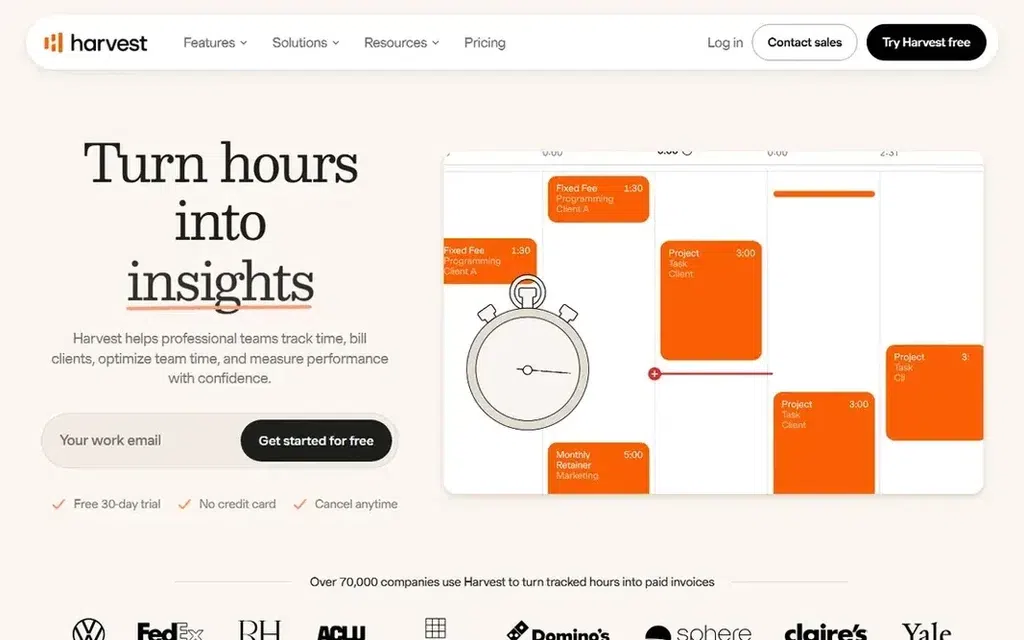
For Time tracking with invoicing, Harvest is a natural candidate. Harvest is time tracking and management software with feature-rich reporting and simplified online invoicing. It is a strong match for manufacturers who bill clients by the hour and have to create invoices straight from tracked time.
Worth adding: the software is recognised for its simplicity and helps teams handle projects and track profitability. From a buyer's view, choose Harvest if invoicing is a key requirement. In daily use, Harvest does not offer capacity planning or productivity monitoring, so it may not suit manufacturers centred on workforce optimization. Harvest starts at: $9 per seat per month. A free plan is available with Harvest.
Trade-offs to know: No productivity monitoring.
- Feature-rich reporting
- Simplified online invoicing
- Restricted capacity planning
Time Doctor was built for workforce visibility for distributed teams. Time Doctor offers workforce visibility for distributed teams, helping leaders see what teams are working on and validate the process behind every hour. It uses AI to offer answers grounded in real data.
Limits to weigh: Complicated setup.
This tool is beneficial for manufacturers with remote or distributed workers who require in-depth oversight. On top of that, Time Doctor's in-depth monitoring may need employee buy-in and can be complicated to set up. Also, pick Time Doctor for solid visibility into distributed work. Time Doctor cost at the entry level: $6.67 per user per month. Free plan details: Free trial.
- Supports distributed teams
- In-depth activity monitoring
- Needs employee buy-in
QuickBooks Time is aimed squarely at integrated time tracking and payroll. QuickBooks Time lets manufacturers track time and save on payroll in one place. It bundles features like job tracking and GPS, making it a good match for teams with mobile workers.
The software connects with QuickBooks payroll, simplifying the process of paying employees based on tracked hours. From a buyer's view, QuickBooks Time has restricted project management capabilities compared with dedicated tools like Wrike. Check the vendor site for QuickBooks Time pricing; none is listed in this comparison. Free access: Not stated.
Downsides: Pricing based on users.
- GPS tracking
- Payroll integration
- Restricted project management
Wrike is built with enterprise work management in mind. Choose Wrike for enterprise-level work management with time tracking as part of the package. Whereas not primarily a time tracking tool, it gives you time tracking features within its system.
What to check first: Steeper ramp-up time.
In daily use, Wrike is an AI-powered enterprise work management software that helps manufacturers deliver work quicker without losing control. It is built for large organizations that require to handle complicated projects and workflows. No starting price is listed for Wrike here; confirm pricing on the vendor site. Free access: Not stated.
- Scalable for enterprises
- Full work management
- Overkill for small teams
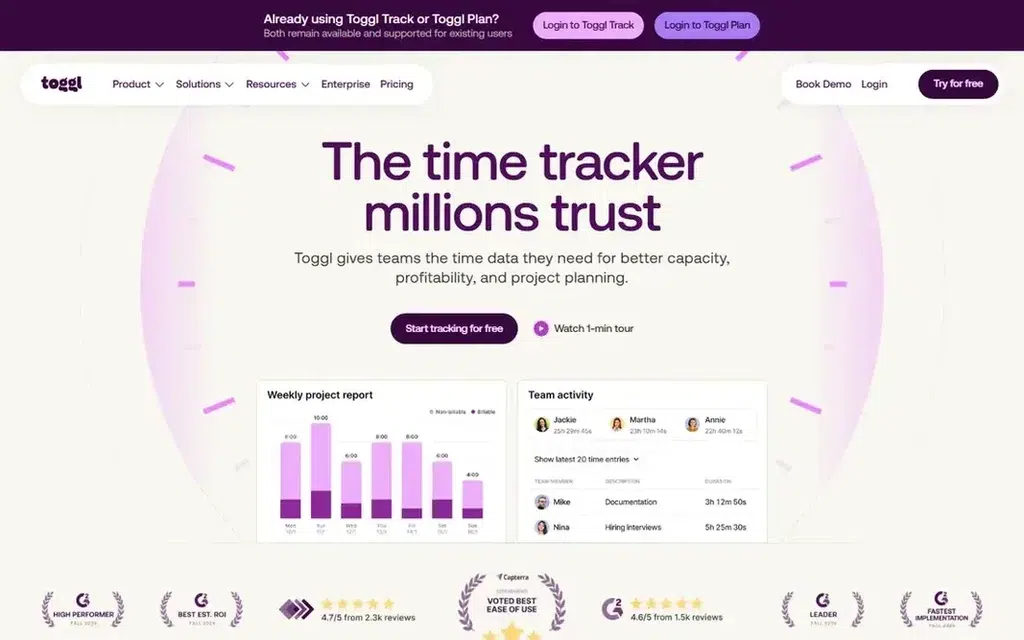
Pick Toggl Track if this describes you: straightforward time tracking and capacity planning. Toggl Track is a time tracking and capacity planning tool that helps manufacturers track employee time, plan capacity, and run tasks and projects. It is well suited for teams that require a straightforward way to monitor labor hours and calculate project profitability.
Upsides: Capacity planning features.
More specifically, choose Toggl Track if you prioritize simplicity and capacity planning over payroll integration. As for the details, if you require integrated payroll, consider QuickBooks Time. On top of that, the software is built to be approachable, making it simple for workers to log time without deep training. Toggl Track shows no starting price here, so confirm the cost on the vendor site. Free plan details: Not stated.
Watch-outs: No built-in invoicing.
- Straightforward to use interface
- Tracks profitability
- Restricted payroll integration
Hubstaff is designed for productivity insights for distributed teams. It is well suited for managing distributed teams and gaining visibility into work patterns.
Watch-outs: Higher ramp-up time.
Also, the software contains features like screenshots and activity levels to help managers understand how time is spent. What you pay to start with Hubstaff: $10 per seat per month. Free plan details: Free trial.
- Productivity monitoring
- Payment processing
- May feel intrusive
Selection criteria
Selection started from tools commonly considered for time tracking software for manufacturers, then narrowed to 6 that have clear pricing information or a clear quote process. Where a price is missing, the vendor does not list one publicly or ties it to a quote. Always confirm before budgeting. Tools are placed by general fit for time tracking software for manufacturers, with price clarity and free access as tie-breakers. A different team can reasonably rank them differently.
Things to verify first
- Confirm the entry price on the vendor page. For QuickBooks Time, Wrike and Toggl Track that means a quote rather than a fixed price.
- Look at the free plan from Harvest closely: its caps decide whether it is usable for real work.
- Take the trial from Time Doctor and Hubstaff and push a live task through it before you pay.
- Read the limits listed for Harvest first: restricted capacity planning.
- Confirm minimum seats and billing terms with Hubstaff before you commit to an annual plan.
- Add up seats, add-ons and usage charges for Time Doctor before comparing it with cheaper entries.
FAQ
Can I try these tools before paying?
Often, yes. Harvest has a free plan and Time Doctor and Hubstaff offer a free trial. Use your own data and a real task during the test, and check what the free tier or trial limits before you rely on it.
What is the cheapest option for time tracking software for manufacturers in this list?
On published monthly entry prices, Time Doctor is the lowest here at $6.67 per user per month. Entry price is only part of the cost, because seats, add-ons and billing terms can change the total. All 6 picks in this time tracking software for manufacturers comparison list a starting price, free plan details and the main limits on their cards above.
Which options for time tracking software for manufacturers have a free plan?
Harvest is the only tool in this list with a free plan. Free plans usually cap users, projects or features, so check the limits on the vendor page. Several others offer a trial instead. For the full picture, the cards above cover all 6 entries of this time tracking software for manufacturers list, including price, free plan and limits.
What features should manufacturers look for in time tracking software?
For teams with remote workers, GPS tracking and productivity monitoring may also be important. On top of that, tools like QuickBooks Time and Hubstaff offer these features.
How does time tracking software integrate with manufacturing workflows?
Time tracking software can connect with project management and payroll systems to simplify workflows. For instance, Wrike provides work management with time tracking, whereas QuickBooks Time plugs into payroll.
Do these tools publish their prices?
Not all of them. QuickBooks Time, Wrike and Toggl Track publish no starting price, so expect a quote request for those. The rest, Harvest included, show a starting price, though seats and billing terms still change the final cost.
Sources
- https://www.getharvest.com
- https://www.timedoctor.com
- https://quickbooks.intuit.com/time-tracking
- https://www.wrike.com
- https://toggl.com/track
- https://hubstaff.com