Best Time Tracking Software for Billable Consulting Work for 2026: Our 5 Vetted Picks
Best time tracking software for billable consulting work in 2026: 5 contenders with entry costs and free tiers. Each pick comes with its main catch. No hype.
- Editor's choice
 Toggl Track
Quick timers with capacity and profitability views
Starts atSee websiteVisit toggl.comFull review - Great alternative
 Hubstaff
Turning approved hours into payments and insights
Starts at$10 per seat a monthVisit hubstaff.comFull review - Also consider
 Harvest
Time tracking with built-in client invoicing
Starts at$9 per seat per monthVisit getharvest.comFull review
Direct answer
Our first pick is Toggl Track, best for quick timers with capacity and profitability views. Listed starting prices: Hubstaff from $10 per seat a month, Harvest from $9 per seat per month and Time Doctor from $6.67 per user per month. Alternatives: Hubstaff for turning approved hours into payments and insights, and Harvest for Time tracking with built-in client invoicing. The other 2 tools in the list cover narrower or pricier cases.
TL;DR:
- Toggl Track takes the first slot, best suited to quick timers with capacity and profitability views.
- FreshBooks is the one to check for consultants who want invoicing and accounting together.
- Time Doctor has the lowest monthly starting price in this list: $6.67 per user per month.
- Harvest is the only tool of the 5 with a free plan.
- Before buying Toggl Track, weigh this: invoicing is not the core focus.
Last checked November 2026. Prices and plan details were read from the vendors' own pages in November 2026; vendors change plans often, so confirm the current price on the vendor site before you buy.
Quick comparison
| Tool | Best for | Starts at | Free plan? | |
|---|---|---|---|---|
| Toggl Track | Quick timers with capacity and profitability views | See website | Not stated | Visit |
| Hubstaff | Turning approved hours into payments and insights | $10 per seat a month | Free trial | Visit |
| Harvest | Time tracking with built-in client invoicing | $9 per seat per month | Yes | Visit |
 Time Doctor | Visibility into distributed team work | $6.67 per user per month | Free trial | Visit |
 FreshBooks | Consultants who want invoicing and accounting together | $23.00 a month | Free trial | Visit |
Tool-by-tool breakdown
This LinkVetted guide covers 5 options for time tracking software for billable consulting work. Each profile lists a starting price, free plan details, strengths and drawbacks, so you can drop poor fits quickly.
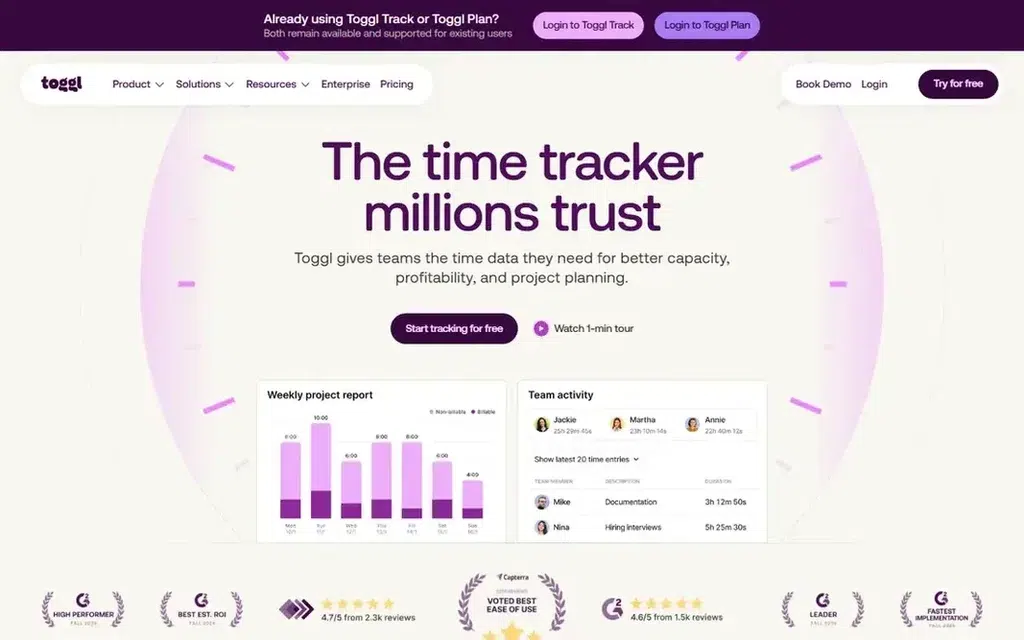
Toggl Track was built for fast timers with capacity and profitability views. Toggl Track is not built primarily as an invoicing or accounting product, so businesses that want billing generated straight from tracked time may prefer Harvest or FreshBooks.
It also supplies less deep employee monitoring than dedicated workforce tools. Check the vendor site for Toggl Track pricing; none is listed in this comparison. As for free access: Not stated.
The main drawbacks: Invoicing is not the core focus.
- Profitability calculation support
- Capacity planning features
- Advanced oversight is restricted
Hubstaff works best for turning approved hours into payments and insights. Hubstaff bundles productivity monitoring that some consultants may find unnecessary for straightforward billable tracking.
The main drawbacks: Invoicing is not the core purpose.
It is also not primarily an invoicing tool. Starting cost for Hubstaff: $10 per seat per month. On free options: Free trial.
- Productivity insights alongside time tracking
- Supports managing work and costs
- Monitoring features may be more than needed
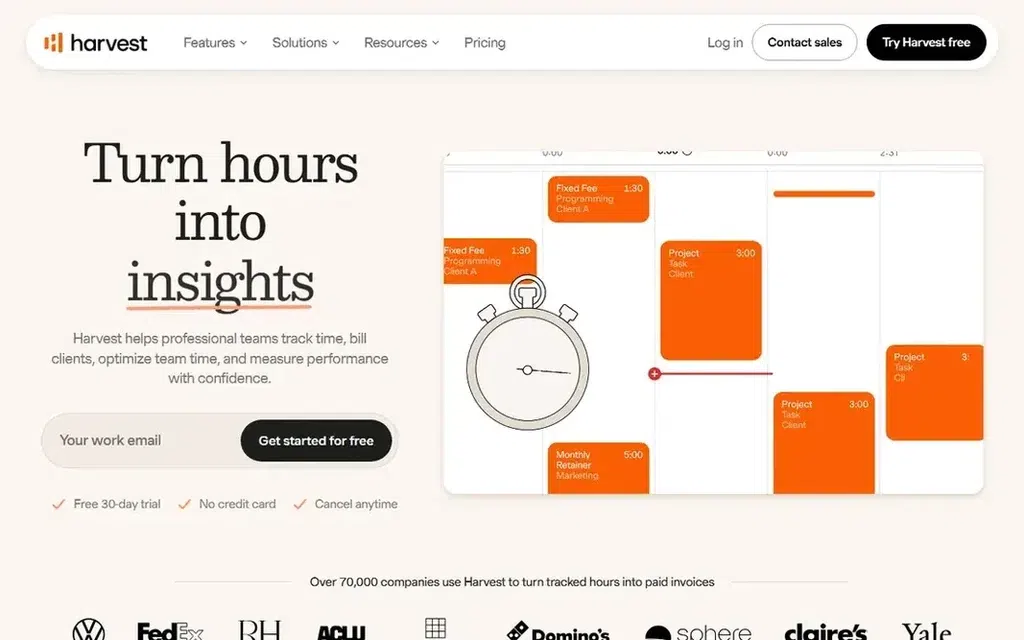
Choose Harvest for Time tracking with built-in client invoicing. It also provides less in the way of employee monitoring.
As for the details, if you need payroll, GPS tracking or detailed productivity oversight, a workforce-focused choice is a better fit. Harvest pricing: $9 per seat per month. Harvest has a free plan.
Watch-outs: Less suited to deep workforce monitoring.
- Simplified online invoicing
- Simple reporting on billable hours
- Accounting features are restricted
Time Doctor is designed for visibility into distributed team work. Consulting businesses with remote staff can use it to understand how billable time is spent across a distributed team instead of just recording totals.
Trade-offs to know: Monitoring focus may feel heavy for solo work.
It is also not centered on client invoicing. Price to start with Time Doctor: $6.67 per user per month. Trial and free access: Free trial.
- Process validation behind hours
- Displays what distributed teams work on
- Not built around client invoicing
Choose FreshBooks for consultants who want invoicing and accounting together. Time tracking supports the invoicing workflow instead of standing alone.
Since FreshBooks is an accounting product first, its time tracking is less specialized than dedicated trackers. It is not pitched at in-depth employee monitoring. FreshBooks cost at the entry level: $23.00 per month. Free plan details: Free trial.
Watch-outs: Less concentrated on team monitoring.
- Credit card acceptance
- Receipt and expense management
- Time tracking is one part of a broader suite
How the list was put together
LinkVetted looked at what each vendor publishes: pricing, plan limits, feature coverage for time tracking software for billable consulting work and stated drawbacks. No hands-on testing is claimed. Figures are shown as the vendors publish them. Billing terms, seat minimums and add-ons can change the real cost. The ranking is editorial: typical fit first, then clear pricing, then free access. If your needs are unusual, read the profiles rather than relying on position.
A buyer's checklist
- Ask Toggl Track for a written quote, since no starting price is shown.
- Look at the free plan from Harvest closely: its caps decide whether it is usable for real work.
- Take the trial from Hubstaff, Time Doctor and FreshBooks and push a live task through it before you pay.
- Before choosing Toggl Track, weigh its main limit: invoicing is not the core focus.
- A short pilot of Hubstaff with your real workflow tells you more than a feature table.
- Check whether Harvest bills monthly or annually, and what cancelling early costs.
FAQ
Which tool is best for a solo consultant who bills by the hour?
The first pick on this list is Toggl Track, because it suits quick timers with capacity and profitability views. Hubstaff is better for turning approved hours into payments and insights, and Harvest for Time tracking with built-in client invoicing. Check price and limits against your own needs before choosing.
What should consulting firms check before choosing a tracker?
Look at how hours are approved, whether reporting breaks down billable time by client and project, and how the tool links to accounting or payroll.
Which options for time tracking software for billable consulting work have a free plan?
Harvest is the only tool in this list with a free plan. Free plans usually cap users, projects or features, so check the limits on the vendor page. Several others offer a trial instead. For the full picture, the cards above cover all 5 entries of this time tracking software for billable Consulting work list, including price, free plan and limits.
Do I need employee monitoring features for consulting work?
Frequently you do not. Tools like Time Doctor and Hubstaff emphasize visibility into distributed teams, which matters for businesses managing staff hours. Solo consultants and small practices normally get more value from billing-focused tools like Harvest or FreshBooks.
Is Toggl Track the right pick for everyone comparing time tracking software for billable consulting work?
No single tool suits every team. Toggl Track comes first because it fits fast timers with capacity and profitability views, while Hubstaff suits turning approved hours into payments and insights and Harvest suits Time tracking with built-in client invoicing. Match the tool to your own size, budget and workflow before deciding.
Can I try these tools before paying?
Often, yes. Harvest has a free plan and Hubstaff, Time Doctor and FreshBooks offer a free trial. Use your own data and a real task during the test, and check what the free tier or trial limits before you rely on it.
Sources
- https://toggl.com/track
- https://hubstaff.com
- https://www.getharvest.com
- https://www.timedoctor.com
- https://www.freshbooks.com